

Look, I’m going to be straight with you. Most customer service software reviews are garbage. They’re written by people who’ve never actually dealt with an angry customer at 9 PM on a Friday. I spent three months testing these platforms. Real testing.
Setting up accounts, importing tickets, training team members, and dealing with bugs at 2 AM. The works. Here’s what nobody tells you: expensive doesn’t mean better. Simple doesn’t mean weak. And that shiny AI feature? Sometimes it creates more problems than it solves.
This guide cuts through the marketing BS. These five customer support tools actually work. I know because I’ve used them when things got messy.
What Does Customer Support Software Do?
Think about your current setup. Emails in Gmail. Chats in some widget. Social messages in three different apps. Someone calls, and you’re scrambling to find their history.
Customer service software fixes that mess. Everything goes into one place. One login. One dashboard. Done. But here’s where it gets interesting. Good platforms don’t just organize stuff. They learn patterns.
The knowledge base part is huge, too. You wrote an article once about resetting passwords. Boom. Customers find it themselves.
No ticket needed. Your team handles actual problems instead of answering the same question forty times. Explore this post why customer support is so important in eCommerce business.
What Makes the Best Customer Support Software?

After testing a bunch of these, some patterns emerged. The good ones share certain things.
- You can figure it out fast: I’m talking day one, not week three. If your newest team member can’t answer a ticket within an hour of logging in, the software is too complicated. Period.
- Automation: Bad automation sends canned responses that make customers angrier. Good automation handles the boring parts while humans do the thinking. Big difference. Learn how to create an AI chatbot for the support team.
- Your team can talk to each other. When Jake needs help with a tricky ticket, he should be able to loop in Maria without forwarding seventeen emails. Internal notes, mentions, shared views. That stuff matters.
- The AI actually helps. Half the “AI-powered” customer support tools out there just slap a chatbot on your site and call it innovation. Real AI reads context, suggests relevant answers, and gets out of the way when humans need to take over.
- Numbers you can use. Average response time is nice. Knowing that Tuesday afternoons have the longest waits, and new product questions take 3x longer to resolve? That’s actionable. Good customer service software shows you both.
- It talks to your other tools. Your support platform living in isolation is pointless. It needs to sync with your CRM, ping Slack when urgent stuff happens, and update your project manager when bugs get reported.
The Best Customer Support Tools at a Glance
The customer support market offers many tools, each built for different types of teams. Some work better for small support desks, while others shine in large call centers. A few tools focus on remote work and collaboration, while others invest more in AI to deliver fast answers.
Below is a quick view of the top options with their main use case, trial details, and starting prices so you can pick the right match for your support team.
| Tool | Best For | Trial Info | Price |
|---|---|---|---|
| ThriveDesk | Teams under 20 people | 14 days, no card needed | Starts at $25/agent/month |
| Zendesk | Companies with over 100 agents | 14 days free | Starts at $19/agent/month |
| Intercom | Product companies love AI | 14 days to test | Starts at $29/user/month |
| Help Scout | Remote teams collaborating | 21 days free | Starts at $22/user/month |
| Freshdesk | Tight budgets, big needs | Free plan exists | Starts at $15/user/month |
5 Best Customer Service Software and Tools
Choosing the right customer service software can change how customers feel about your brand. It can speed up replies, reduce workloads, and make your support team more productive. But not all tools solve the same problems, and each platform has its own strengths.
In this section, we highlight five of the best customer service solutions that offer a solid balance of features, ease of use, and long-term value.
1. ThriveDesk
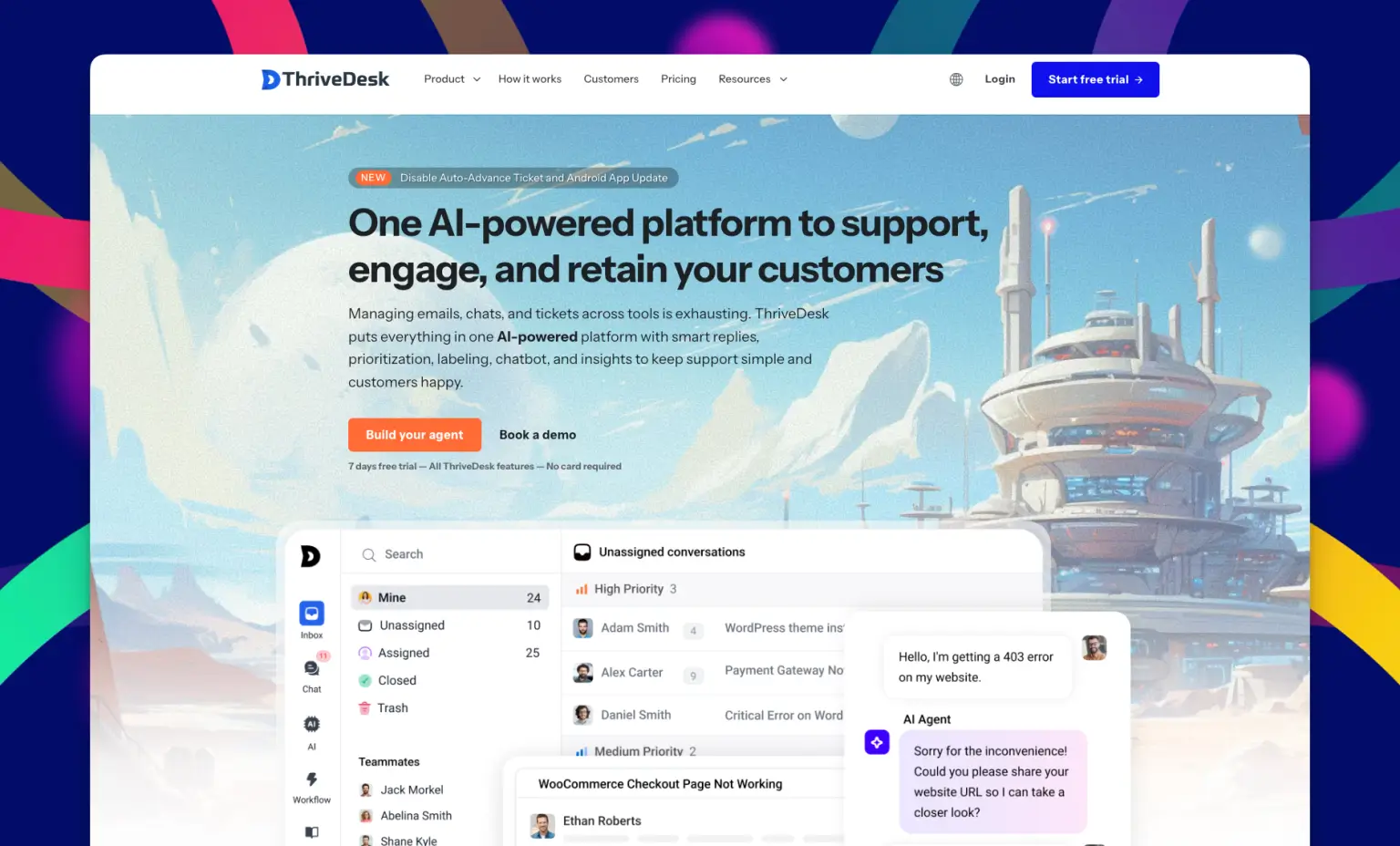
ThriveDesk doesn’t try to be everything. It picked a lane and owns it. Small teams, simple setup, stuff that works. No fluff. I set this up for a friend’s online store.
It took maybe 45 minutes total. He was answering customer questions that same afternoon. Compare that to the week-long nightmare of setting up some enterprise platforms.
Why I Pick ThriveDesk
The interface makes sense. You’re not hunting through menus, wondering where they hid the settings. Everything’s where you’d expect it to be.
Plus, the pricing won’t kill your budget. When you’re a 5-person team, paying $500/month for customer service software feels insane. ThriveDesk gets that.
Key Features
- Unified Inbox: All channels (email, chat, social) in one place
- Live Chat Widget: Clean, brandable chat for your website
- Knowledge Base Builder: Create help docs without coding
- Smart Ticket Routing: Automatic assignment based on your rules
- Mobile Apps: Handle support for iOS or Android devices
- Satisfaction Surveys: Built-in CSAT ratings after ticket resolution
Extensive Integration with WooCommerce & WordPress
If you’re running a WooCommerce store, this part matters. ThriveDesk offers customer support for WooCommerce that actually works because the same person who built ThriveDesk built it. Not outsourced. Not half-done. It just works.
Open a ticket, and the customer’s order history is right there. Shipping status? There. Need to refund something? Do it in the ticket. No tab switching. No logging into WordPress admin. Your team can modify orders and handle subscriptions, all without leaving the conversation.
This customer support for WooCommerce integration means your agents have everything they need in one place. No more asking customers for order numbers or digging through the WordPress backend while someone waits.
For WordPress users, there’s WPPortal. It drops your help center right into your site without touching your database. Zero extra queries. Your site stays fast because ThriveDesk handles the heavy lifting on its servers.
Stick it on your WooCommerce account page or anywhere else. Customers see their tickets, create new ones, and browse help docs. Everything stays on your domain. Clean and simple.
Other Integrations
Works with Slack, Wix, Webflow, WordPress, Shopify, WooCommerce, Joomla, Envato, Zapier, And More. That Zapier connection is clutch because then you can hook it up to basically anything else you use.
Pros and Cons
| Pros | Cons |
| Super quick to learn | Reports are basic compared to bigger platforms |
| Won’t destroy your budget | |
| Chat function is solid | |
| Support team responds fast |
Pricing
$25 per agent monthly if you pay yearly. Free trial for 14 days. No credit card required to start testing.
2. Zendesk
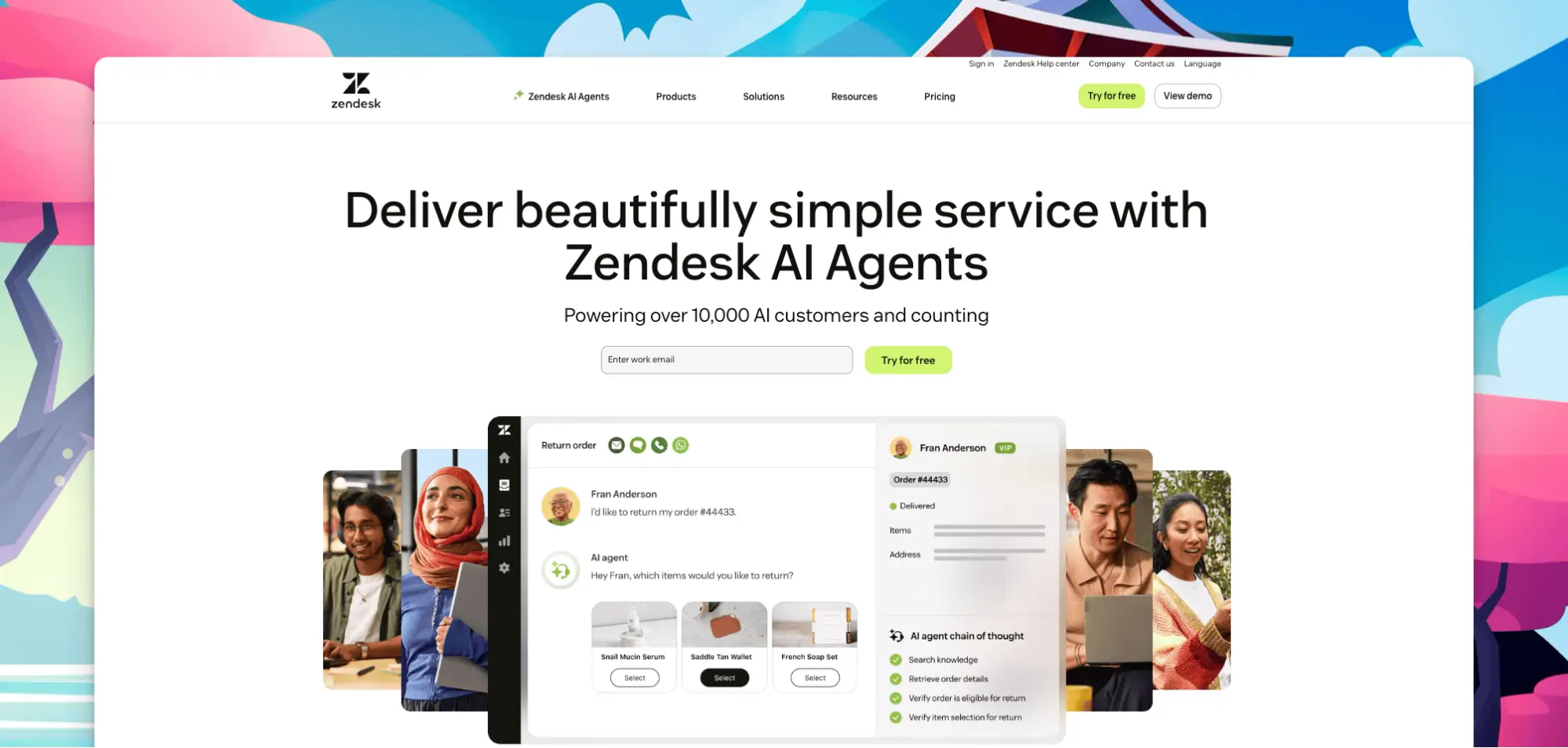
Zendesk is the 800-pound gorilla of customer support tools. Been around forever. Powers support for massive companies. Keeps adding features every quarter.
It’s also complicated as hell. But if you need serious horsepower and have the team to manage it, nothing else comes close. Explore the points you must consider before choosing a documentation tool.
Why I Pick Zendesk
The customization is nuts. You can bend this platform into whatever shape your workflow needs. Want tickets to auto-escalate based on seventeen different criteria? Done. Need reports showing response times by agent, by day, by ticket type, by customer segment? Got it.
When you start with 10 agents and grow to 200, Zendesk handles it. Most customer service software chokes at scale. This doesn’t.
Key Features
- Omnichannel Support: Handle email, phone, chat, social media, and messaging apps from one platform
- AI-Powered Routing: Smart ticket assignment based on content and priority
- Customizable Help Center: Build professional knowledge bases with multi-language support
- Advanced Analytics: Deep reporting on every metric that matters
- App Marketplace: 1,700+ integrations and extensions available
- Workflow Automation: Triggers and macros eliminate repetitive tasks
Integrations
Connects to Salesforce, Slack, Jira, Microsoft Teams, Shopify, HubSpot, and basically every business tool that matters. If it doesn’t integrate natively, the API probably covers it.
Pros and Cons
| Pros | Cons |
| Handles massive scale easily | Gets expensive quickly |
| Reporting is incredibly detailed | Good features often need pricier plans |
| The app marketplace is huge | |
| Enterprise security is solid |
Pricing
Basic Support starts at $19/agent monthly, billed yearly. The Suite package with more features runs $55/agent monthly. Costs climb as you add capabilities.
3. Intercom
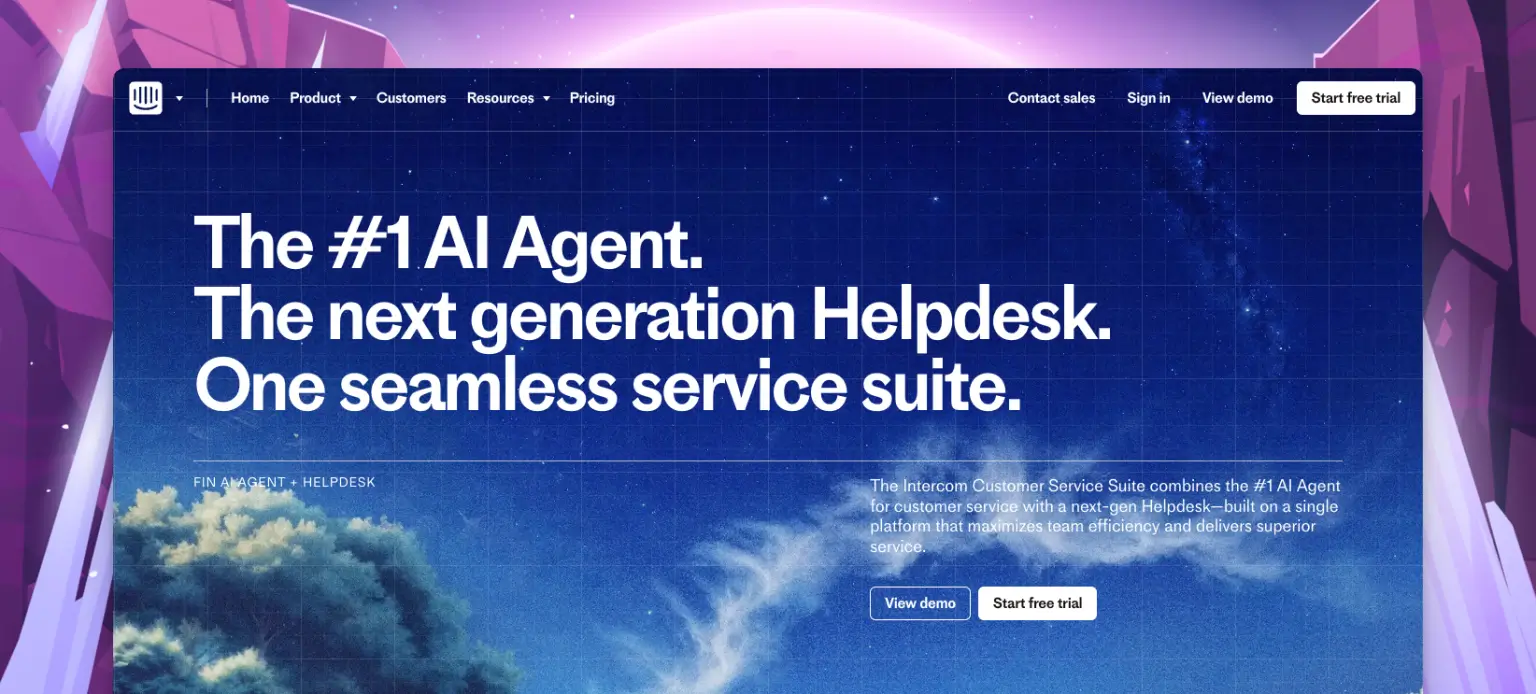
Intercom bet big on AI and messaging early. While other customer service software was still perfecting email tickets, these guys were building chatbots that didn’t suck.
The platform feels modern. Like someone actually thought about user experience instead of just checking feature boxes.
Why I Pick Intercom
The AI chatbot (they call it Fin) is surprisingly good. Not perfect, but way better than most. It handles basic questions without sounding like a robot from 1995.
The inbox is smart too. Urgent stuff floats to the top. You’re not scrolling through hundreds of “thanks for your help” messages to find the one customer who’s actually upset. Here’s a guide on how to create a knowledge base for customer support.
Key Features
- Fin AI Chatbot: Handles common questions with conversational, natural responses
- Smart Inbox: Automatically prioritizes urgent conversations
- Product Tours: Guide users through your app with interactive walkthroughs
- Customer Data Platform: Detailed user profiles with complete interaction history
- Automated Workflows: Trigger actions and follow-ups based on customer behavior
- Real-Time Messaging: Live chat with typing indicators and instant responses
Integrations
Plays nice with Salesforce, HubSpot, Stripe, Slack, Zapier, Segment, and most tools through their API. Integration setup is pretty straightforward.
Pros and Cons
| Pros | Cons |
| AI features actually work well | Expensive software |
| The interface is clean and modern | Initial setup takes some effort |
| Product tour features are great | Basic stuff sometimes needs expensive plans |
| Perfect for SaaS companies |
Pricing
Starts at $29/seat monthly with yearly billing. That’s entry level. Real-world usage with a growing team? Budget more. Pricing scales with features and volume.
4. Help Scout
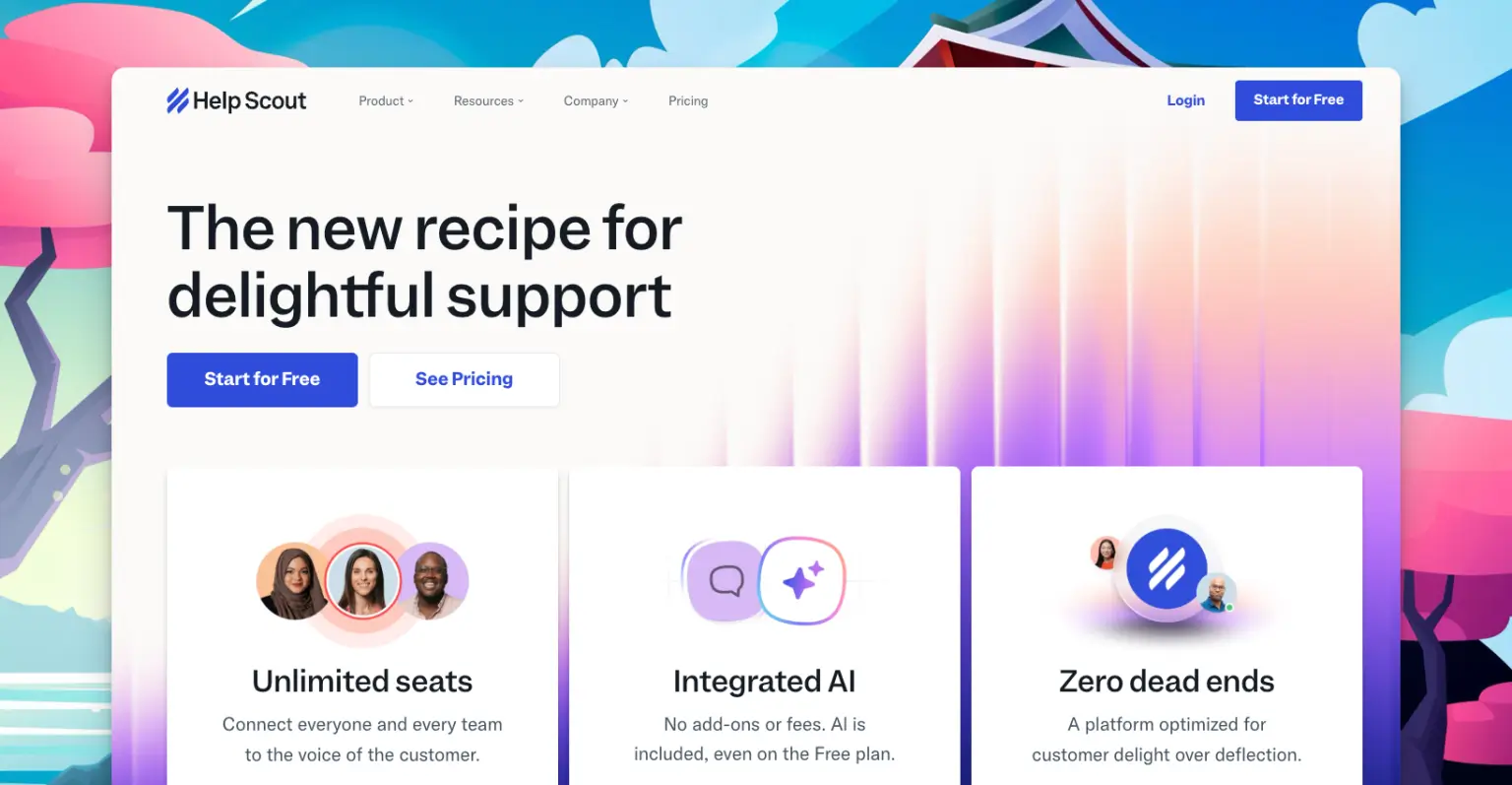
Help Scout designed their customer support tools around one idea: support should feel human, not robotic. Every feature choice reflects that philosophy.
The result is software that your team actually enjoys using. Shocking concept, right?
Why I Pick Help Scout
The shared inbox thing is brilliant. Your whole team sees every conversation. But there’s collision detection, so two people don’t answer the same ticket. Simple idea, perfectly executed.
It feels like using email, not learning some complicated ticketing system. Your team gets productive immediately instead of spending days in training.
Key Features
- Shared Inbox: The entire team views all conversations in one collaborative space
- Collision Detection: Prevents multiple agents from answering the same ticket
- Docs Knowledge Base: Beautiful help articles with an easy-to-use editor
- Saved Replies: Speed up responses with customizable templates
- Customer Profiles: Full conversation history and contact details in one view
- Assignment Workflows: Automatic routing based on keywords, tags, and rules
Integrations
Connects with Slack, Salesforce, HubSpot, Shopify, Jira, Zapier, plus about 100 other tools. The integration library covers most needs. Explore the best Help Scout alternatives.
Pros and Cons
| Pros | Cons |
| Collaboration features are excellent | Less customizable than Zendesk |
| Interface feels natural | Costs more than some competitors |
| Knowledge base builder works great | |
| Their support team is helpful |
Pricing
$22 per user monthly, billed annually on their Standard plan. They give you 21 days to test everything free.
5. Freshdesk
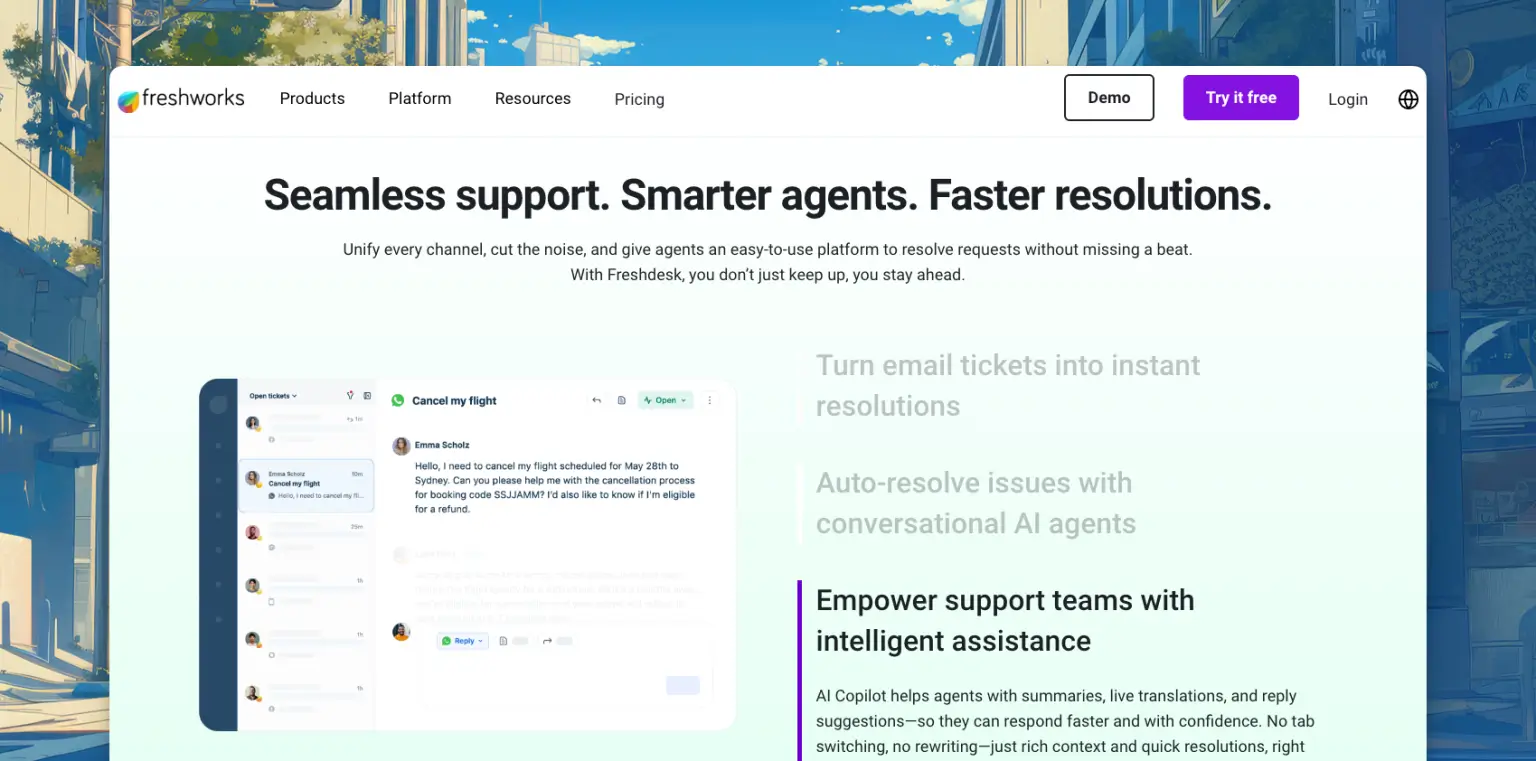
Freshdesk brings legitimate customer service software features at prices small teams can afford. It’s part of the whole Freshworks suite, built for teams wanting power without complexity.
The free plan actually works. Not a trial. Free. Up to 10 agents. That’s rare.
Why I Pick Freshdesk
Budget matters. A lot of teams can’t drop $50+ per agent monthly on customer support tools. Freshdesk gives you solid ticket management, AI assistance, and automation for $15/month per agent. Or free if you’re tiny.
The features compete with platforms costing double. Ticket management is robust. The AI (Freddy) handles routing and suggestions well. You get real value here. Explore how to improve the customer support experience with a WordPress plugin.
Key Features
- Multi-Channel Ticketing: Manage email, chat, phone, and social media tickets together
- Freddy AI Assistant: Smart routing, response suggestions, and automation
- Team Collaboration: Shared ticket ownership and internal notes
- SLA Management: Track and enforce service level agreements with escalations
- Freshchat Integration: Unified messaging across all platforms
- Gamification: Leaderboards and achievements to motivate support teams
Integrations
Works with Slack, Salesforce, Shopify, Google Workspace, Microsoft Teams, Jira, Zapier, and tons more business tools.
Pros and Cons
| Pros | Cons |
| Free plan supports 10 agents | Complex automations have a learning curve |
| Paid plans are affordable | The interface looks a bit dated |
| Ticket management is strong | |
| Freddy AI is capable |
Pricing
Free for teams up to 10 agents. Growth plan starts at $15/agent monthly when billed yearly.
How to Choose the Right Customer Service Software
Forget “best” software. Picking customer service software is not always simple. Different tools solve different support challenges, and the best choice depends on your team size, budget, workflow, and customer needs. Before you decide, it helps to know what features matter, how pricing works, and what type of support experience you want to deliver.

In this section, we break down the key points to consider so you can choose a tool that fits your business without regret.
- Team size drives everything. Three people using Zendesk is overkill. Fifty agents on ThriveDesk will hit limits fast. Match the tool to your scale.
- Where do customers actually reach you? If 90% of support is email, fancy chat features are wasted money. Juggling five channels? You need customer support tools that handle omnichannel smoothly.
- Budget reality check time. Cheap software that frustrates your team costs more long-term than slightly expensive software that works smoothly. But don’t pay for enterprise features you’ll never touch either.
- Mobile matters more than you think. Your agents will absolutely use their phones. Test the mobile app during trials. If it’s clunky, that’s a problem. Learn how to reduce the customer support pressure.
- Look at the actual reports. Generic metrics like “average response time” are nice. But can you drill down? Can you see patterns? Can you spot where things break? Good customer service software shows you actionable data.
- Use those free trials. Every platform here offers trials. Actually use them. Have your whole team test the software for a week minimum. The deal-breakers always show up during real use.
Conclusion
Customer service software can make a big difference in how customers experience your business. It can help teams respond faster, stay organized, and solve problems with less effort. The right tool also reduces stress on support agents and builds trust with customers, which leads to better retention and a stronger brand image over time.
There is no single tool that works for every business. The best choice depends on what you sell, how your customers like to communicate, and how big your support operation is. Take time to compare platforms, test their features, and understand their pricing. With the right software, your customer support can become a real advantage instead of a cost.