



A popup plugin is a tool that lets you create and show popup messages or windows on your WordPress website. This is one of the most effective ways to grab visitors’ attention on a website and collect emails, promote offers, share updates, and guide visitors to take specific actions like signing up or purchasing.
There are many WordPress popup plugins available today, both free and paid. Each of them comes with unique features like templates, targeting rules, and integrations. Some are simple, while others offer advanced options like exit-intent triggers, animation effects, and WooCommerce support.
Choosing the right one depends on your goal and the kind of popups you want to create. In this post, we will explore the best WordPress popup plugins you can use on your site. We’ll look at both free and pro versions so you can find the perfect fit for your needs. Let’s get started!
Benefits of Using a Popup Plugin on Your WordPress Site

Popups are more than just attention-grabbing elements. When used properly, a WordPress popup plugin can help you connect with your audience, grow your email list, and promote your products in smart and effective ways. Let’s look at some of the key benefits and practical use cases.
a. Grow Your Email List Easily
One of the biggest reasons people use a WordPress popup plugin is to collect email subscribers. You can display a signup form that appears after a visitor spends a few seconds on your site or before they leave. Most popup plugins come with ready templates for email capture.
Learn how to grow an email list.
b. Promote Sales and Discounts
Popups are perfect for highlighting special offers or discounts, especially on WooCommerce sites. A WooCommerce popup plugin lets you show targeted offers like ‘Buy One Get One’ or ‘Limited Time Sale’ based on user behavior. This could increase sales and attract more users to your products.
c. Reduce Cart Abandonment
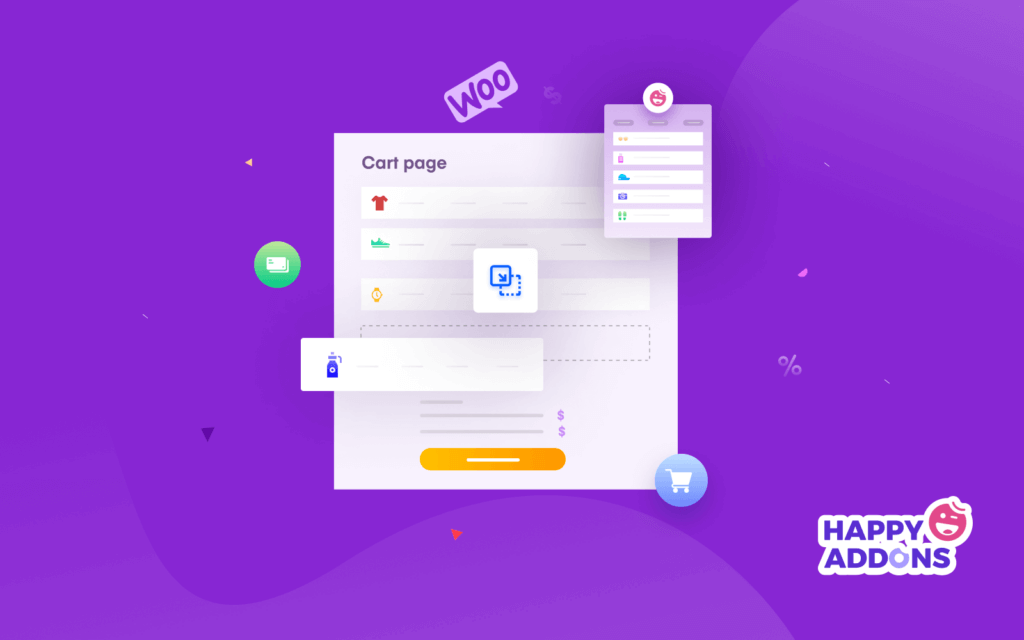
Exit intent popup plugins are great for saving lost sales. They track when a visitor is about to leave the site and show a special discount or free shipping offer to encourage them to complete the purchase. This small action can have a big impact on your conversion rate.
Explore effective ways to reduce shopping cart abandonment.
d. Share Important Announcements
A popup plugin can help you make sure your visitors see important messages, such as new product launches, website updates, or policy changes. It’s a quick and effective way to communicate directly without relying on banners or emails.
e. Encourage Content Engagement
If you run a blog or news site, you can use popups to guide readers to related posts or ask them to share your content. This keeps users engaged and encourages them to explore more of your site. Learn how to engage users in smart ways.
f. Gather Feedback and Conduct Surveys
Another great use of a popup maker for WordPress is collecting visitor feedback. You can ask simple questions, run quick polls, or get suggestions through popup forms. This helps you understand what users like or dislike, so you can improve your website experience.
Best WordPress Popup Plugins Explained
Now, in this section, we’ll list and discuss the best popup plugins for WordPress from the options available online. We will also bullet cover their key features in the discussion so you can compare and choose the right one for your website.
1. Elementor
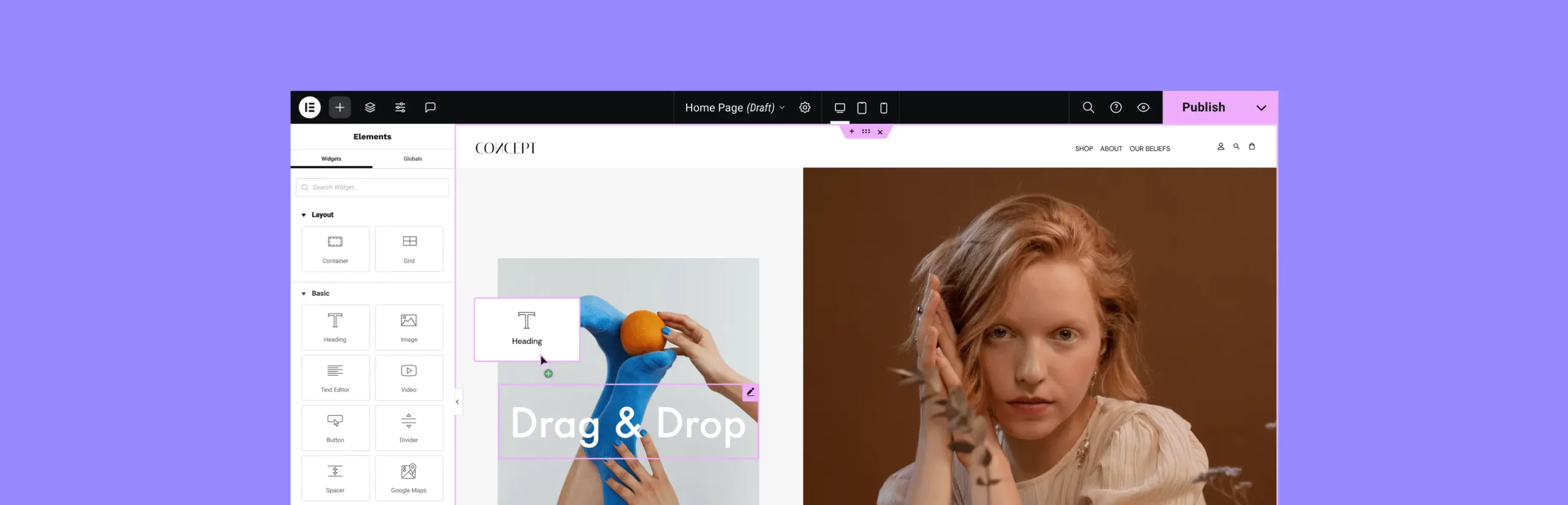
Elementor is the most popular drag-and-drop page building solution. It gives you optimum flexibility to build a website from scratch using its 100+ widgets and 22+ features. After installing the plugin, go to the template section, where you will get the popup builder option.
You can start from scratch or use ready-made templates from Elementor’s popup library, which includes many high-converting designs. The plugin also supports smart display conditions, triggers, and advanced rules, so you can show popups to the right visitors at the perfect time.
No matter if you need a newsletter signup, sale promotion, or exit intent popup, Elementor makes it simple to create professional and effective popups without coding. So, with Elementor, not only can you build popups but also an entire website.
Key features of Elementor popup
- Full design freedom with customizable layouts and styles
- Add any widget to the popup that becomes necessary
- Built-in popup templates for faster design
- Smart display conditions for personalized popups
- Trigger options based on user behavior and activity
- Advanced rules for popup display timing and frequency
- Option to save and reuse templates across sites
- Easy to make mobile-responsive
2. HappyAddons

HappyAddons is a powerful Elementor addon. If you ever feel like Elementor alone isn’t enough to design your desired website, you can also try the HappyAddons plugin. It comes with 140+ additional widgets and 30+ features that can take your site to a new height.
Besides, it has a ‘Modal Popup’ widget that allows you to build popups directly inside Elementor. If you don’t love Elementor’s default popup building option, you can try this widget. Here also, you can add all widgets of the Elementor plugin to the popup and then, set triggers such as button click, image click or on-page load.
This makes it a strong choice for a plugin that handles both your page design and your popup needs, so you might not need a separate popup builder plugin.
Key features of HappyAddons Modal Popup widget
- Modal Pop-up widget for creating popups inside Elementor
- Trigger options including button click, image click or on page load
- Use Elementor templates or global widgets as popup content
- Full design control via Elementor editor (styling, animations, responsiveness)
- Works inside Elementor workflow, so less need for a separate popup plugin
- Free and Pro versions available with extra widgets and advanced features
- Display condition features (in Pro) to control when/where content shows
3. OptinMonster
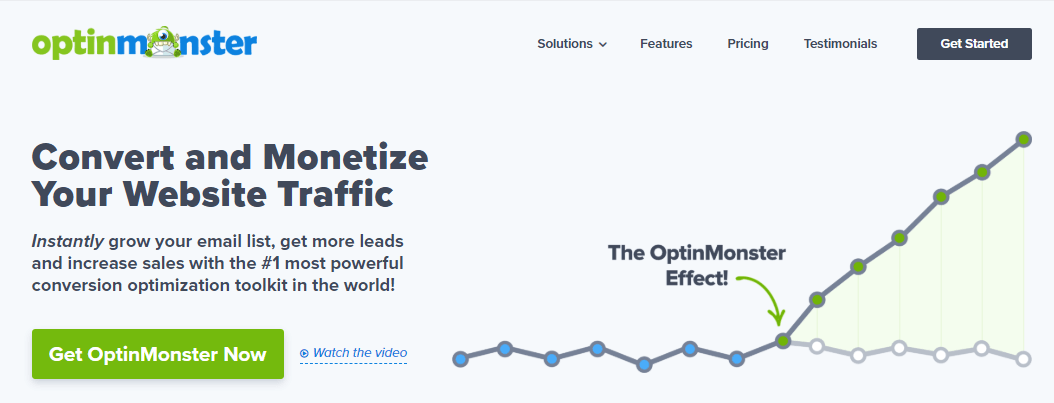
If you don’t love to depend on a page builder plugin but want a separate and dedicated popup builder solution, OptinMonster could be a viable option. It can help you design beautiful popups, floating bars, and interactive campaigns like spin-a-wheel games with its easy drag-and-drop builder.
This plugin stands out for its advanced targeting and automation options. You can use exit-intent popups, onsite retargeting, countdown timers, and mobile popups to reach users at the perfect moment. OptinMonster integrates with major email marketing platforms like MailChimp, HubSpot, and ConvertKit, as well as WooCommerce and Easy Digital Downloads.
It also supports A/B testing, analytics, and AI-powered copy optimization to help improve performance and conversions.
Key features of OptinMonster
- Drag-and-drop popup builder with hundreds of templates
- Exit intent popup plugin for WordPress to capture leaving visitors
- Floating bars, slide-ins, and fullscreen welcome mats
- Gamified popups like spin-a-wheel for engagement
- Smart page targeting and behavior-based personalization
- A/B testing and detailed popup analytics
- Integration with MailChimp, HubSpot, ConvertKit, WooCommerce, and more
- On-site retargeting for returning visitors
- Mobile-friendly popup designs
- AI optimization for better popup copy
- Reliable SaaS infrastructure for faster performance and accuracy
4. Ninja Popups
Ninja Popups is another feature-rich and dedicated popup builder plugin that comes with an easy drag-and-drop visual editor to create custom popups. You can design popups for various purposes, such as email opt-ins, discount offers, content locking, and social sharing.
The plugin also supports smooth animations and beautiful templates that make your popups stand out. It includes built-in integrations with major email marketing tools and CRMs. It also offers smart targeting and trigger options like exit-intent, scroll depth, and time delay.
Key features of Ninja Popups
- Drag-and-drop popup builder with visual interface
- 70+ ready popup templates included
- Exit intent popup and on-scroll trigger support
- Content locker popups for gated content
- Social sharing popups for more engagement
- Integration with MailChimp, AWeber, GetResponse, and more
- A/B testing and built-in popup analytics
- Mobile-friendly responsive popups
- Page-level targeting and user-behavior rules
- One-time payment (no yearly subscription)
5. Thrive Leads
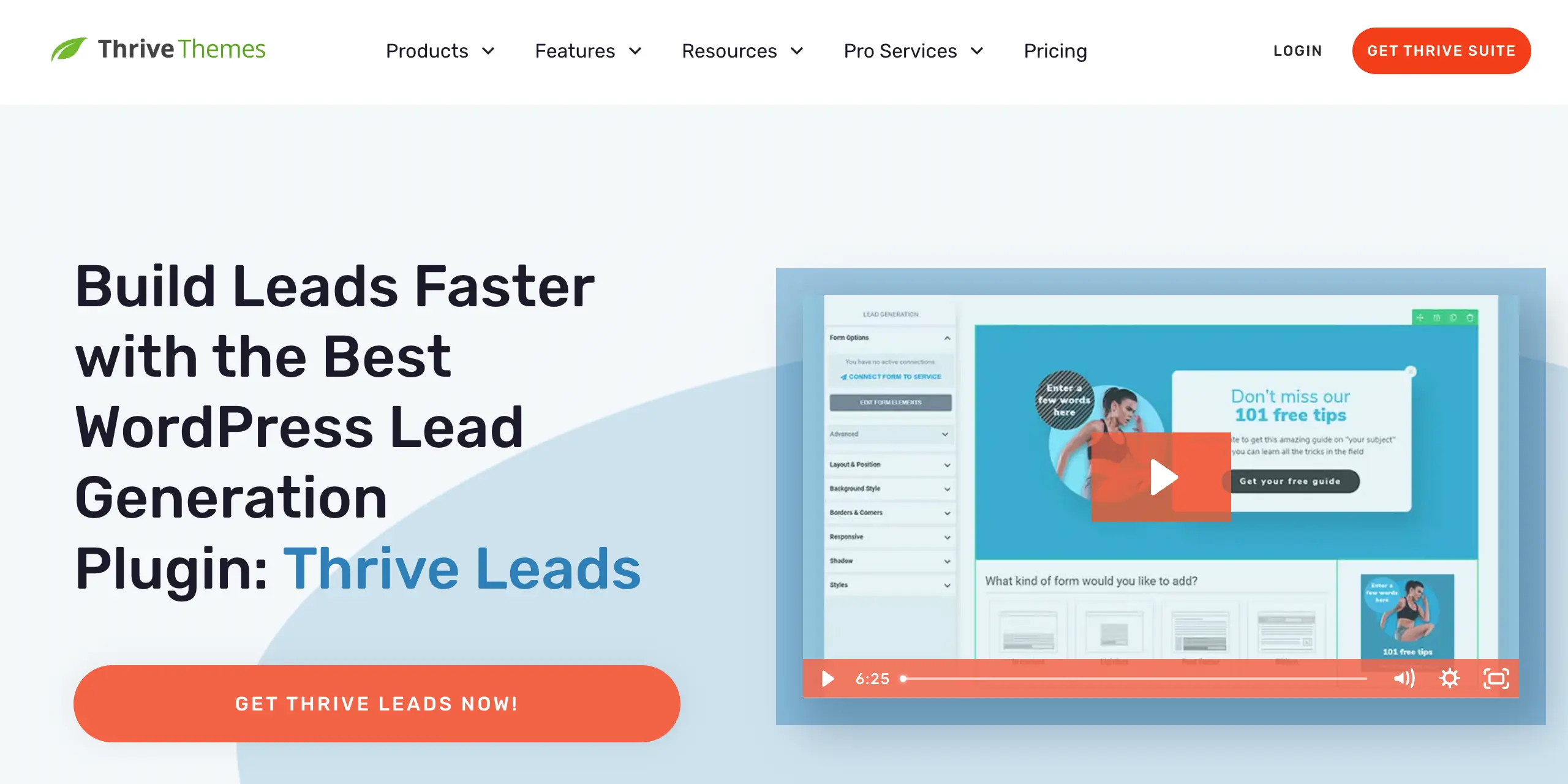
Thrive Leads is a premium-only WordPress popup plugin. It lets you create different types of opt-in forms like popups, slide-ins, sticky ribbons, and in-line forms. The plugin is part of the Thrive Suite, known for its focus on conversion optimization.
You will find an advanced targeting and analytics system in this plugin as well. You can show popups based on specific posts, categories, or user behaviors to reach the right audience. It also includes built-in A/B testing and detailed reports to track your results and improve your campaigns.
Key features of Thrive Leads
- Drag-and-drop visual editor for popup design
- Multiple form types: popup, ribbon, slide-in, and inline forms
- Advanced targeting by category, tag, or post type
- Exit intent popup trigger to reduce bounce rate
- Built-in A/B testing for better optimization
- Detailed analytics and conversion reports
- Integration with major email marketing services
- Fully responsive and mobile-friendly design
- Part of Thrive Suite for all-in-one marketing tools
6. Popup Maker
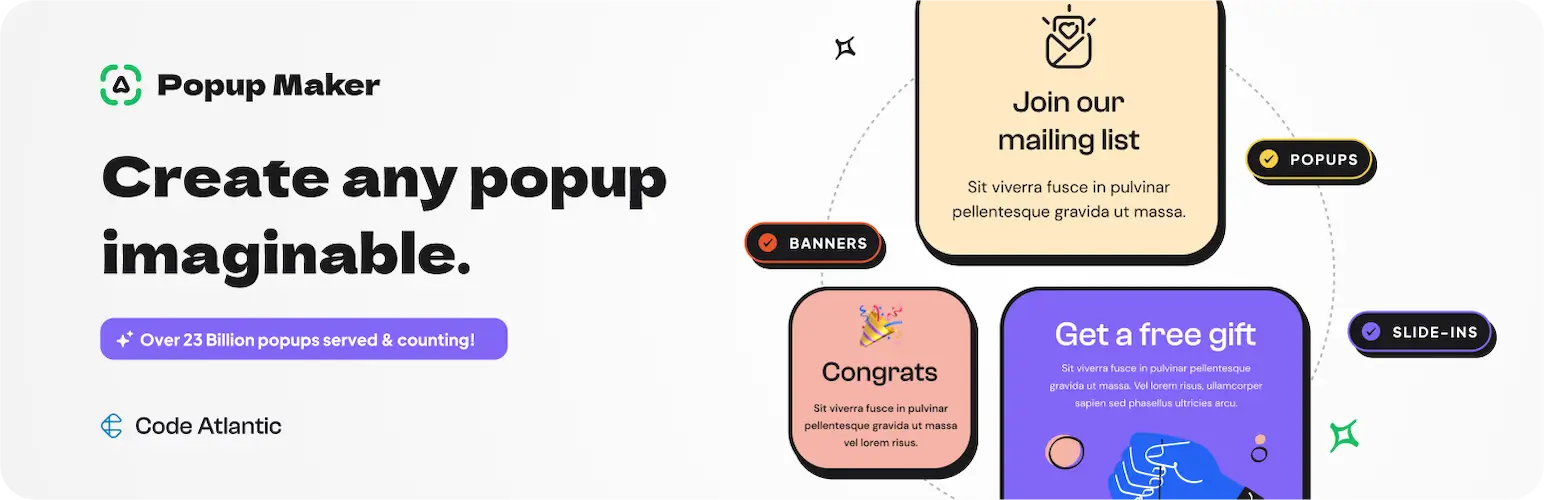
Popup Maker is a popular free WordPress popup builder plugin, used by more than 600,000 websites. It includes a simple visual popup editor where you can design any type of popup, from email opt-ins and contact forms to WooCommerce upsells and cookie notices.
It offers great flexibility with multiple trigger options such as timed display, button click, form submission, and exit-intent. Popup Maker also integrates seamlessly with popular form plugins like WPForms, Contact Form 7, Ninja Forms, and Gravity Forms, as well as email marketing tools like MailChimp, ConvertKit, and HubSpot.
Key features of Popup Maker
- Visual drag-and-drop popup editor for easy design
- Create email opt-ins, contact forms, and WooCommerce popups
- Exit-intent, scroll, and time-delay triggers
- Smart targeting by page, category, or user behavior
- Integration with WPForms, Ninja Forms, CF7, and more
- Connects with MailChimp, HubSpot, AWeber, ConvertKit, etc.
- Cookie-based display control and popup frequency rules
- Fully responsive and mobile-optimized design
- Advanced targeting conditions (geolocation, user role, referrer, etc.)
- Built-in popup analytics and scheduling options
- Over 20 premium addons for extended functionality
7. Bloom
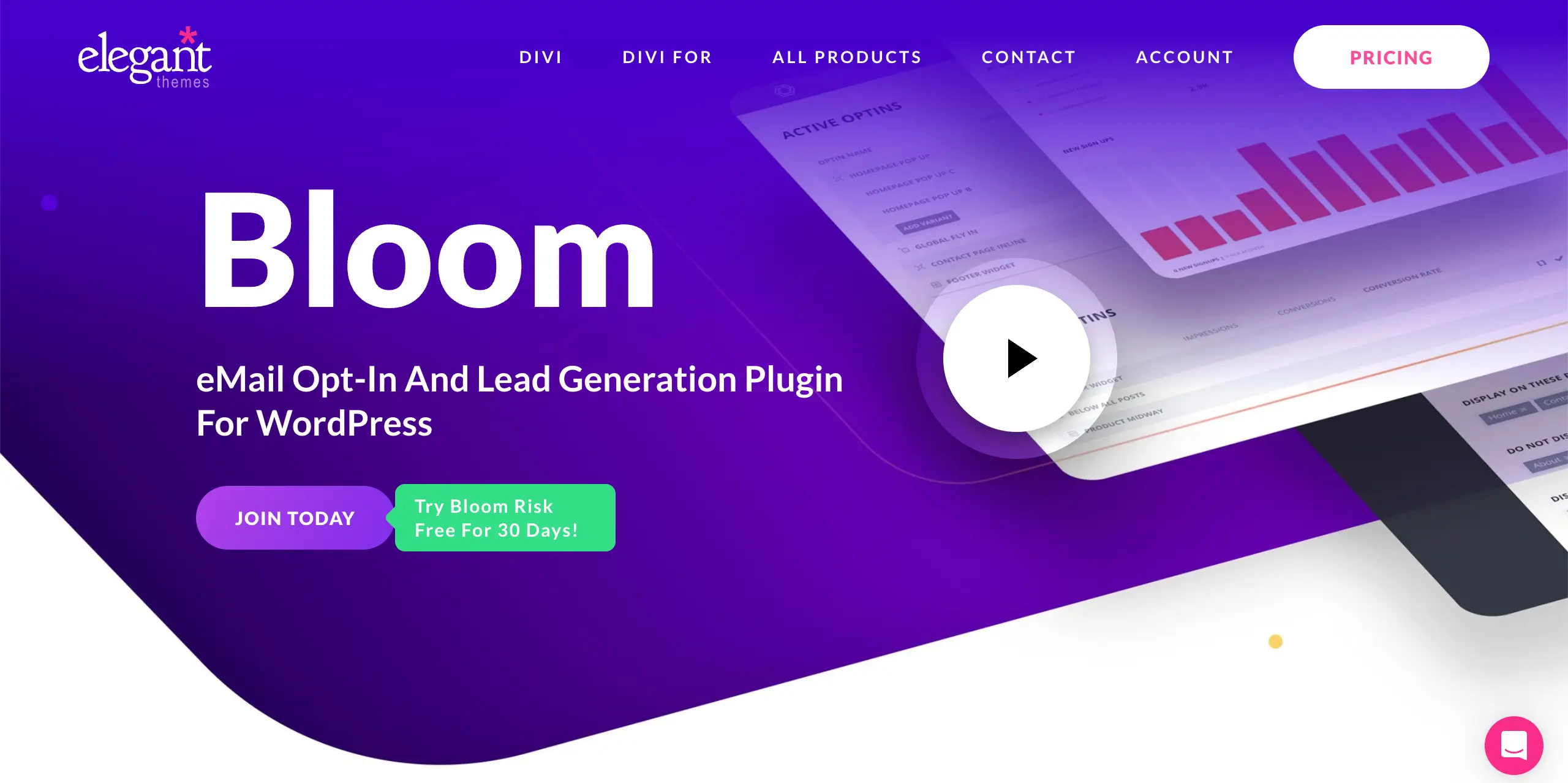
Bloom is a stylish and user-focused email opt-in and popup plugin from Elegant Themes, the team behind Divi. The plugin focuses on design flexibility, giving you a great collection of pre-made templates and full control over layout, colors, and animation effects. Bloom’s interface is clean and simple, so you can set up attractive popups in minutes without technical effort.
Unlike many popup tools, Bloom puts strong emphasis on targeting and trigger settings. You can display popups based on user actions such as scrolling, time delay, commenting, or even after making a purchase. It also supports six different opt-in form types, including popups, fly-ins, inline forms, and widget area forms.
Key features of Bloom
- Over 100 customizable popup and opt-in templates
- Multiple form types, including popup, fly-in, and inline forms
- Smart triggers: time delay, scroll depth, comment, and purchase
- A/B testing for design and message optimization
- Integration with 15+ email marketing tools
- Built-in statistics and conversion tracking
- Beautiful animations and fully responsive layouts
- Part of the Elegant Themes membership (includes Divi & Monarch)
8. HubSpot
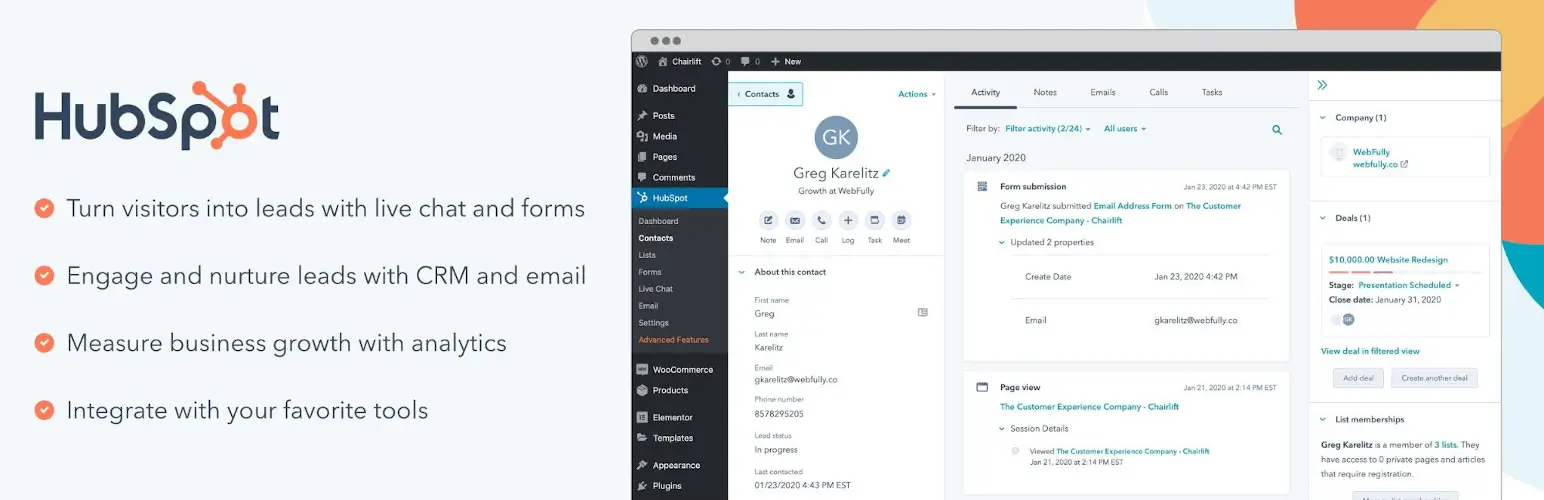
HubSpot is an all-in-one marketing platform that combines email marketing, CRM, live chat, and analytics in one place. Its official WordPress plugin comes with a built-in popup builder. It is simple to use and allows you to design beautiful popups, slide-ins, and banners directly from your HubSpot dashboard, which then sync automatically with your WordPress site.
What makes HubSpot stand out among the best WordPress popup plugins is its deep integration with CRM and automation features. Every lead captured through a popup is stored in your HubSpot CRM so you can track interactions and send personalized follow-up emails. You can target popups based on user behavior, page visits, and device type.
Key features of HubSpot
- Drag-and-drop popup and form builder
- Seamless integration with HubSpot CRM
- Automatic lead tracking and email follow-up
- Behavioral targeting and trigger controls
- Popups, slide-ins, and top banners supported
- Built-in analytics to monitor performance
- Integration with email, live chat, and marketing automation tools
- 100% free version with premium HubSpot tools available
9. OptiMonk

OptiMonk is an advanced and conversion-focused WordPress popup plugin. It comes with a powerful drag-and-drop popup builder and 300+ prebuilt templates. So, you can design stunning popups for every goal, from lead generation and discount offers to surveys and gamification campaigns.
With its easy visual editor, you can fully customize your popups and match them perfectly with your brand style. What sets OptiMonk apart is its advanced targeting and personalization system powered by AI. You can show specific popups to different audiences based on their behavior, traffic source, cart value, or country.
Key features of OptiMonk
- Drag-and-drop popup builder with 300+ prebuilt templates
- Ready-made popups for email, SMS, and sales campaigns
- Advanced targeting and AI-powered personalization
- A/B testing and revenue analytics
- Exit-intent, time-delay, and scroll-based triggers
- WooCommerce integration for cart recovery and upsells
- Gamification popups like lucky wheel and gift pickers
- Lead magnet, survey, and feedback popup templates
- User Experience Protector to prevent popup overload
- Free plan available for up to 15,000 pageviews per month
10. ConvertForce
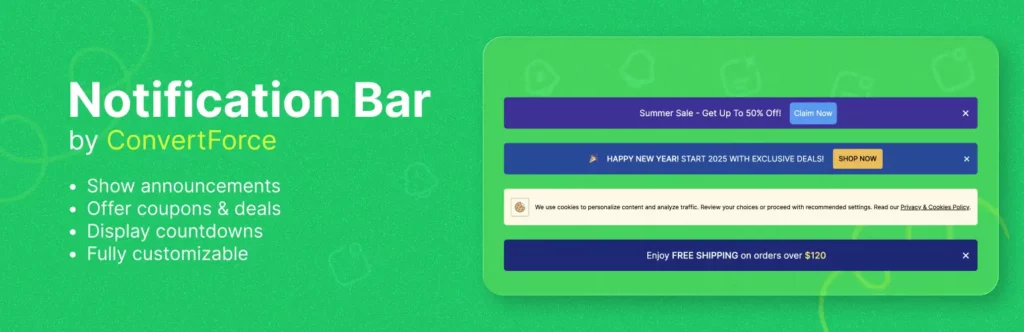
If you are a Gutenberg lover and are looking for a popup builder that is fully compatible with the native Gutenberg environment, you can try the ConvertForce plugin. It’s a relatively new popup plugin in the market compared to others. But through testing, we’ve understood that it has a promising future.
The plugin focuses on speed and user experience, loading only what’s needed, without slowing down your site. You can choose from multiple display types like lightbox popups, top/bottom bars, and slide-ins. Plus, you can easily control appearance, animations, and positioning.
Key features of ConvertForce
- Build popups, banners, and bars using the native WordPress Block Editor
- Three display types: lightbox, notification bar, and slide-in
- Fully customizable appearance and animations
- Works with all WordPress themes and block plugins
- Lightweight and performance-optimized
- Ideal for announcements, alerts, and promotional offers
- Conversion-focused templates (coming soon)
- Sticky top or bottom positioning options
Final Words!
We have tried to cover all types of WordPress popup builder plugins in this blog post. However, to get the best result, it’s important to choose the plugin that fits your goals and provides flexibility, control, and smooth performance according to your WordPress site.
Always focus on timing, design, and relevance. Don’t flood your visitors with too many popups or show them too often. Instead, use smart triggers like exit intent, scroll percentage, or time delay to make your messages feel natural. Keep the design clean and easy to close.
Use clear, short messages and strong calls to action that connect with your visitor’s intent. Lastly, test and optimize your popup campaigns regularly. Hope you enjoyed this post. Thanks for being with us till the end. Don’t forget to mention in the comment box below which plugin you choose.