
The rise of online booking has created promising business opportunities for various industries. For example, the online travel and online food booking industries’ market sizes are currently over $519 and $220 billion, respectively.
This booking trend has also spread to other industries like healthcare, restaurants, and salons. There are tons of booking plugins online by which you can seamlessly create booking sites on WordPress overnight with the power of Elementor.
If you are looking for WordPress booking plugins that have integrations with Elementor, this article will cover you. We’ll introduce you to some of the best booking plugins for Elementor and WordPress in this post so you can choose the best one for your website. Get started!
What is a Booking Plugin?
A booking plugin enables the capabilities of a website to accept and manage appointments, reservations, and bookings online. It provides a user-friendly interface with visitors so they can select times, dates, and services for scheduling appointments.
As an admin, you can set up booking rules, notice periods, and cancellation policies from the backend. Some booking plugins include additional features like customizable booking forms, payment processing, automated notifications, and email marketing integrations.
Things You Must Look Into a Booking Plugin
You’ll find dozens of booking plugins having integrations with Elementor. But not all of them may be equally perfect. There are some mandatory features and elements that must be present in a booking plugin to create an ideal booking site.
We’ve listed them in the bullet points below. Give a skim through.
- A powerful admin panel with an intuitive interface
- Calendar availability to display which dates and times are open for bookings
- Payment integrations to allow customers to make their payments
- Flexible booking rules, including notice time and cancellation policies
- Multi-language support to cover people from different nationalities
- Integration with page builders like Elementor
- Mobile responsiveness and customizable styling
- Automated email notifications and booking reminder
- Supports and updates in case of any need
Best Booking Plugins for Elementor
This section will discuss some of the most popular and best booking plugins for Elementor and WordPress. We’ll highlight their key features, pricing, and some other essential aspects so you can effectively decide on a suitable plugin.
Get into their details in the following discussion.
1. Booknetic
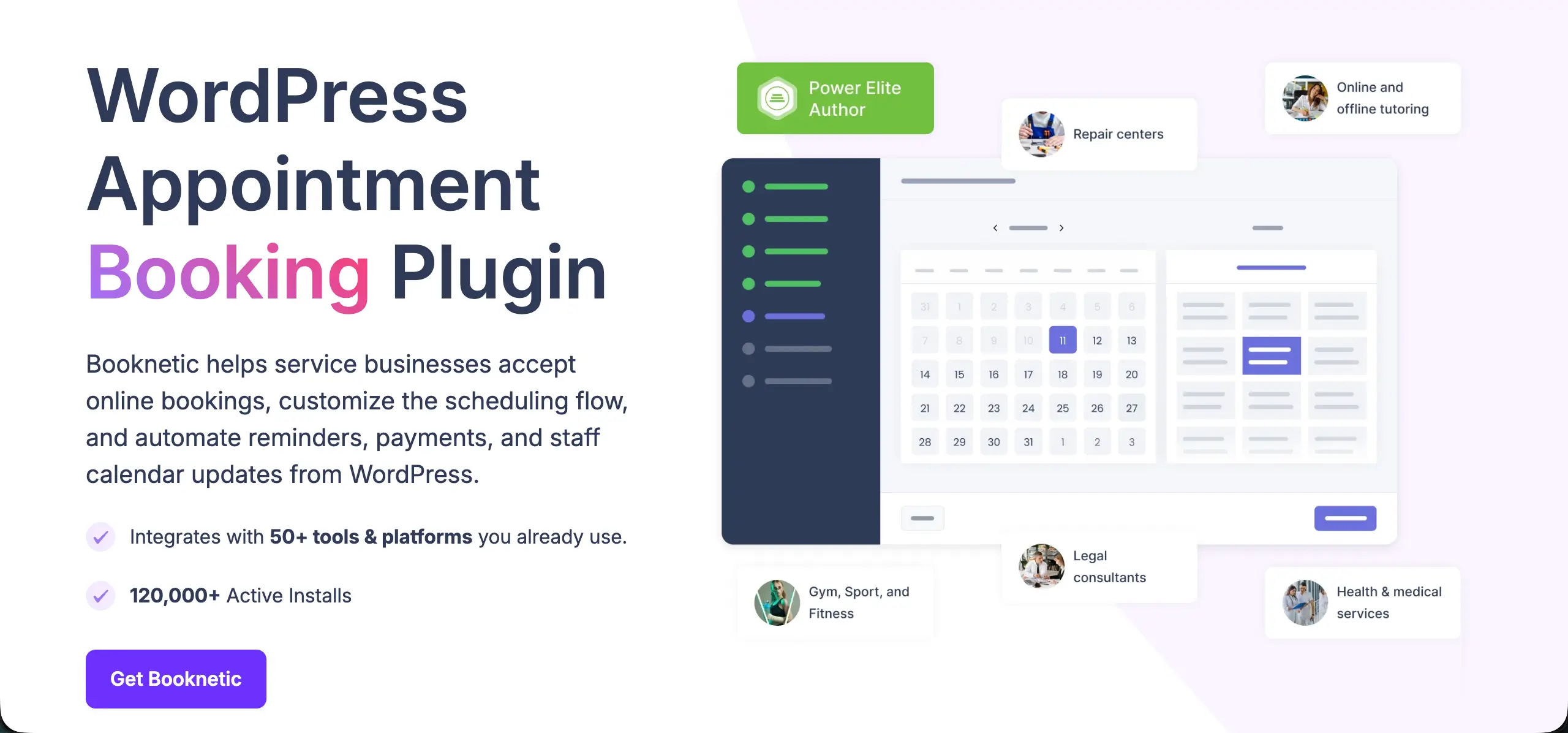
Booknetic is a powerful all-in-one WordPress appointment booking and scheduling plugin, and one of the most established options on the market, with 7+ years of development, 20,000+ paying customers, and a 4.91/5 rating from 471 reviews.
It lets you run your entire booking flow – services, staff, locations, payments, notifications, and reporting – from a single, intuitive dashboard. Its drag-and-drop booking form works smoothly on both desktop and mobile, so customers can book and reschedule in just a few taps.
On the admin side, a detailed dashboard and reporting system keep you on top of revenue streams, customer activity, and staff performance. Booknetic is a great fit for salons, spas, clinics, consultants, gyms, rental businesses, and any service that runs on appointments.
Key features of the Booknetic plugin
- Drag-and-drop custom booking forms with custom fields and multi-step flows
- Unlimited services, staff, and locations, each with individual schedules
- Automated Email, SMS, WhatsApp, and Telegram reminders to reduce no-shows
- Payments via Stripe, PayPal, WooCommerce, and more, with deposits, taxes, and coupons
- Two-way Google Calendar and Outlook sync
- Recurring and group appointments
- Workflow automation, plus Zoom and Google Meet support for online appointments
- Multi-language and RTL support, with 50+ integrations and add-ons
Price of the Amelia plugin
Booknetic offers a free version to get started. Its premium version starts from $89/year with a 14-day money-back guarantee.
2. Amelia
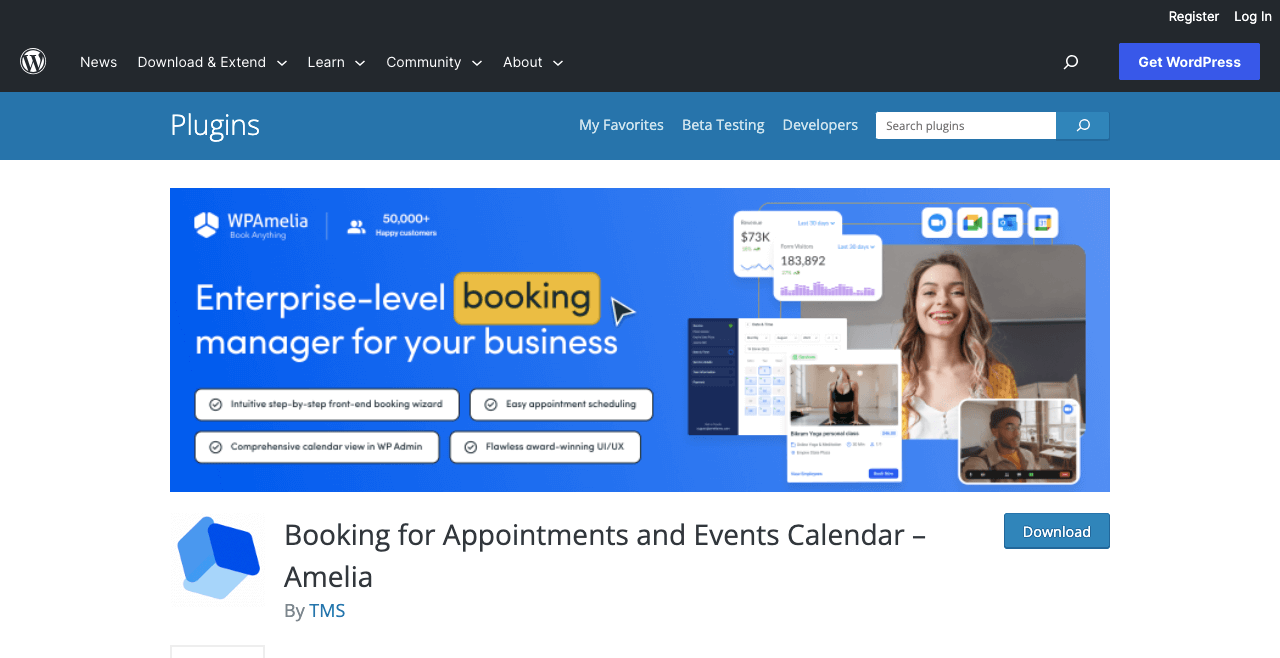
Amelia is an excellent WordPress booking plugin designed to offer you an enterprise-level booking experience. It includes a good collection of features and toolkits for automatically managing reservations, payments, service scheduling, and locations.
As a result, you don’t have to spend too much time behind phone calls, emails, and chats to receive and confirm reservations. Its intelligent booking system syncs with the popular calendar platform, consolidating all appointments into one centralized hub.
You can set automated reminders and notifications so both the customers and service providers don’t miss out on their upcoming appointments. Beyond the booking system, Amelia contains robust analytics that delivers advanced reports with valuable insights into your business.
Key features of the Amelia plugin
- Offers several demo content to prepare your site quickly
- Automated email and SMS notifications
- Easy to manage multiple locations and employees
- Let you create custom fields for the booking form
- Allows to add discounts and coupons for marketing purposes
- Integrations with WooCommerce, Elementor, Zoom, Google Meet, and more
- Customizable service scheduling by hours, breaks, and individual team members
- Supports PayPal, Stripe, and Mobile Payment gateways
Price of the Amelia plugin
Amelia has a free version available on WordPress.org. Its premium version starts from $79/year with a 15-day refund policy.
3. Bookly
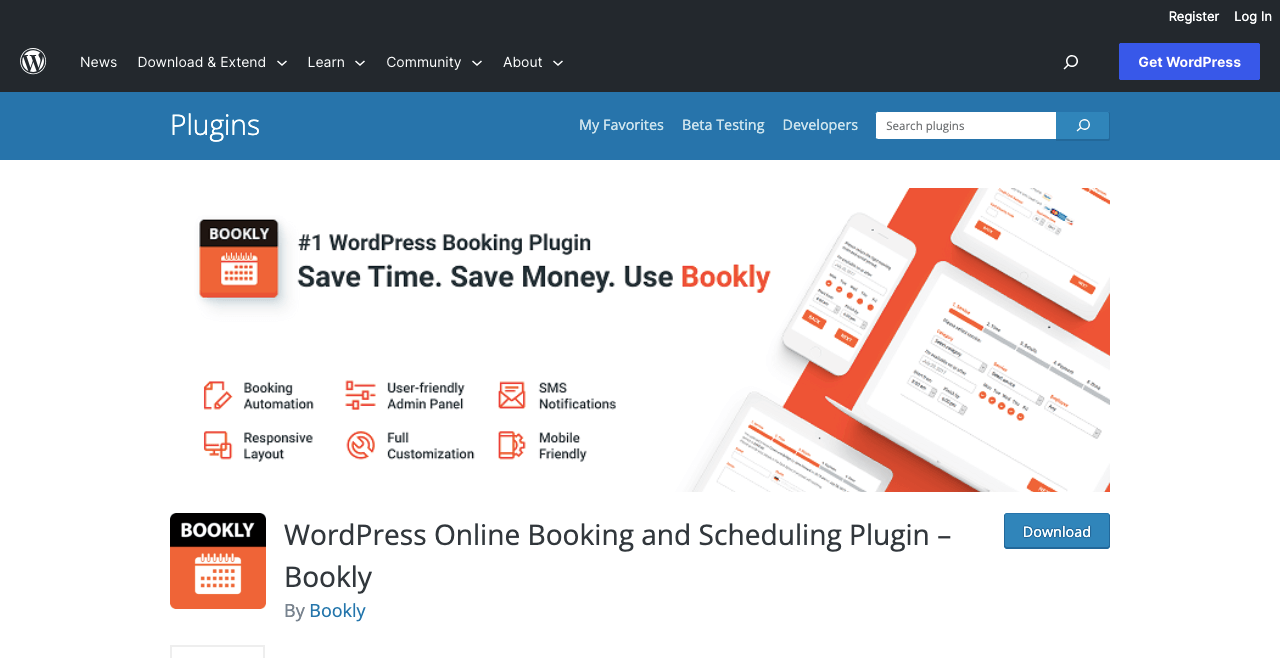
Bookly is another feature-rich WordPress booking plugin for Elementor. This plugin lets you find almost everything you need to create a fully functional booking website. Bookly is a perfect solution for all types of businesses, like restaurants, clinics, spas, fitness, rental services, law firms, and more.
Bookly offers you top-tier flexibility in service management. You can easily customize service durations, ability, capacity, and pricing. You can tailor your services to the customer according to your skill sets, team members, and requirements.
You’ll get several demo content with the plugin, so you get a starting point to prepare your booking site from scratch. It helps you implement sleek UI design, choose wonderful color schemes, switch between currencies, and set flexible scheduling options.
Key features of the Bookly plugin
- Comprehensive admin area with a user-friendly interface
- Intuitively manageable and customizable booking forms
- Ability to create unlimited booking forms
- Allows you to switch between 50+ currencies
- Supports 17+ payment gateways
- Easy to set automated notifications and reminders
- Integration with WooCommerce lets you sell products and services
- Let you sync staff schedules with the calendar
Price of the Bookly plugin
Bookly has a free version available on WordPress.org. Its premium version charges $89/lifetime. It has no other premium plan available.
Check out how to create a travel website.
4. Simply Schedule Appointments
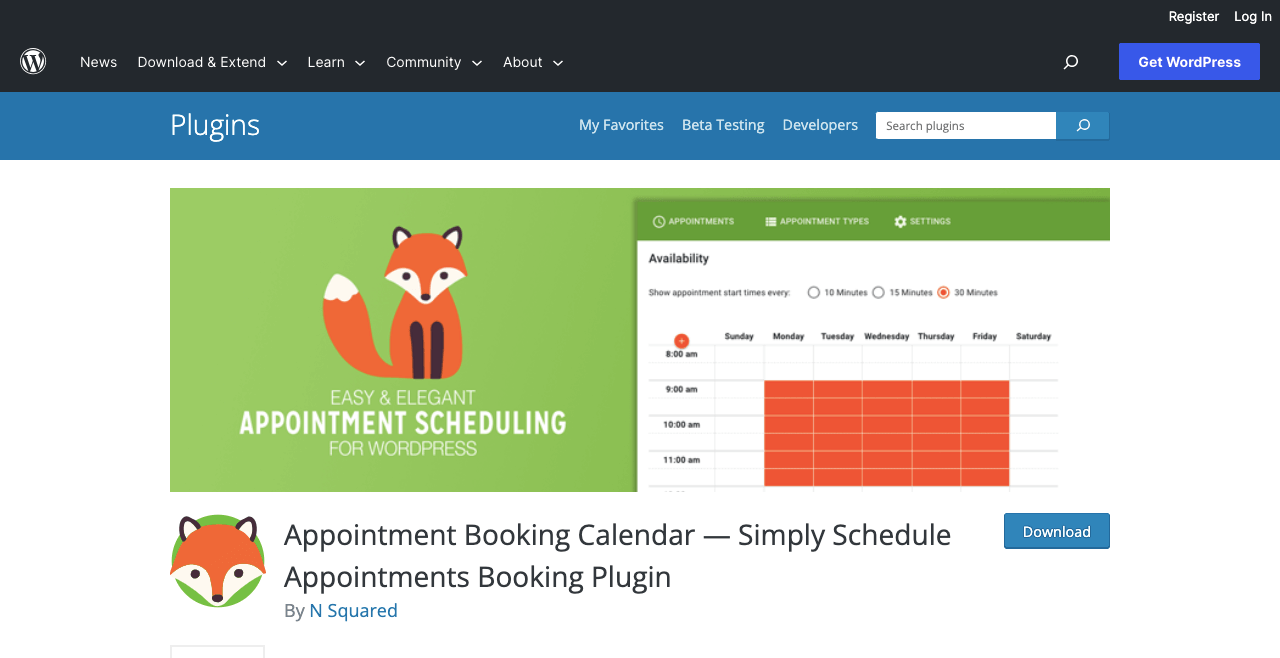
Simply Schedule Appointments has a beginner-friendly interface and tons of exciting features so you can offer different booking services effortlessly. It simplifies the process for clients and customers to book products or services based on their preferred days and hours.
Integration with Elementor lets you customize its booking calendar with custom fonts, color, alignment, padding, and CSS. The plugin also includes some built-in features to customize its booking form with color and custom fields so you can match it to your business branding.
Simply Schedule Appointments has integrations with several popular payment gateways. This empowers customers to complete payments using their desired payment systems.
Key features of the Simply Schedule Appointments plugin
- Advanced customization features custom fields and stylizations
- Easy to sync with Google Calendar
- Integrations with all the popular page builders
- One-click to reach customer support
- Let you display your availability by day, time, and other factors
- Sends time-triggered notifications
- Multiple bookings in the same time slot
- Conversion tracking system helps understand your booking funnel
Price of the Simply Schedule Appointments plugin
Simply Schedule Appointments has a free version available on WordPress.org. Its premium version starts from $99/year with a 30-day refund policy.
5. MotoPress Appointment Booking
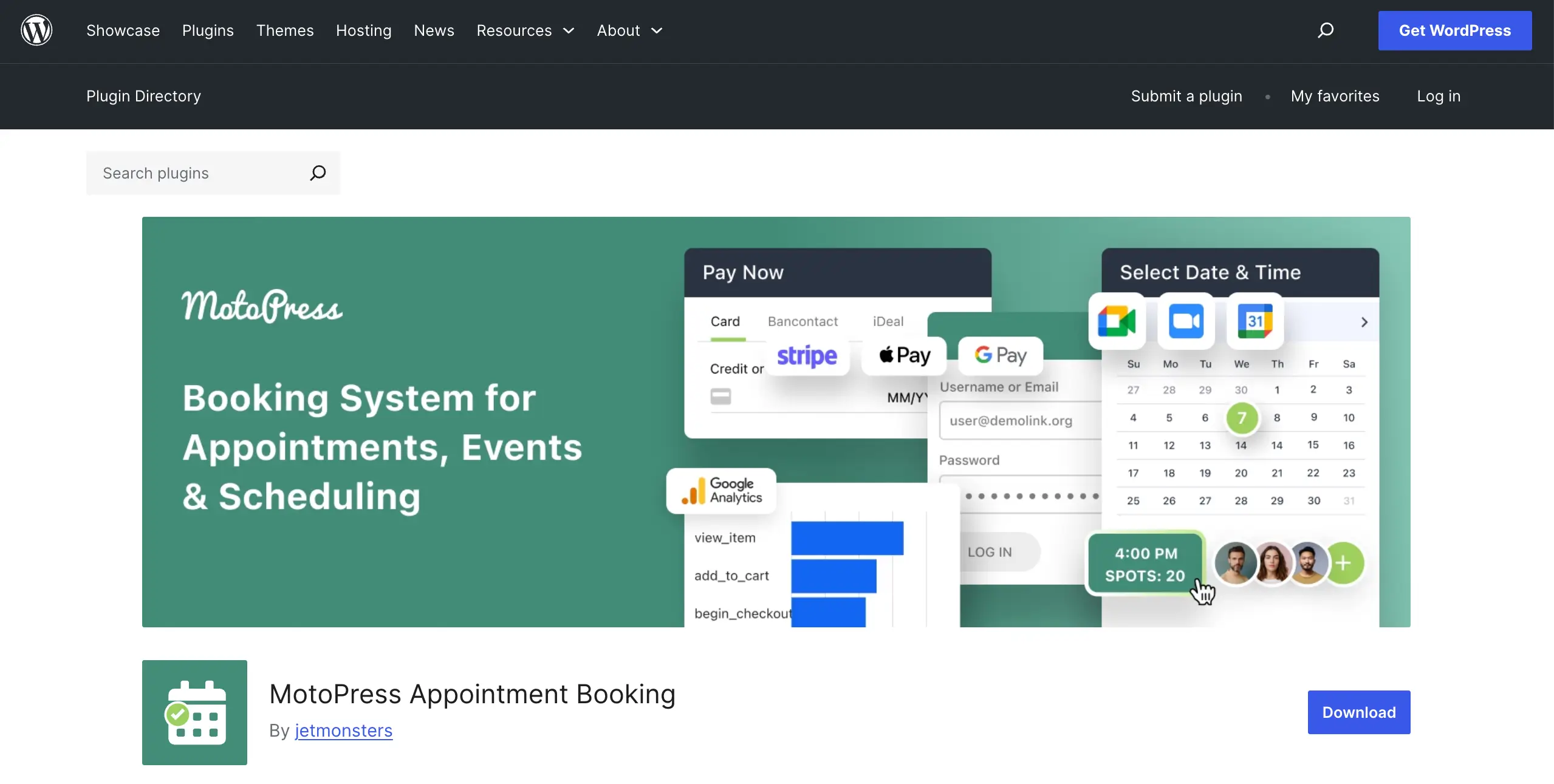
The WordPress Appointment plugin by MotoPress is a versatile WordPress appointment scheduling plugin built for businesses that need more than a simple booking calendar. It allows you to manage multiple employees, services, and locations while letting customers book appointments step by step. The plugin is suitable for salons, wellness centers, medical practices, consultants, tutors, and many other service-based businesses.
Key features of MotoPress Appointment Booking:
- Manage unlimited services, employees, and locations
- Accept online payments, deposits, and coupon codes
- Sync staff availability with Google Calendar
- Create flexible schedules
- Offer individual and group appointments
- Build booking pages visually with dedicated Elementor widgets
- Send automated email notifications and reminders
Price of MotoPress Appointment Booking
MotoPress Appointment Booking offers a free Lite version on WordPress.org. The premium version starts at $49/year for a single site.
6. Appointment Hour Booking
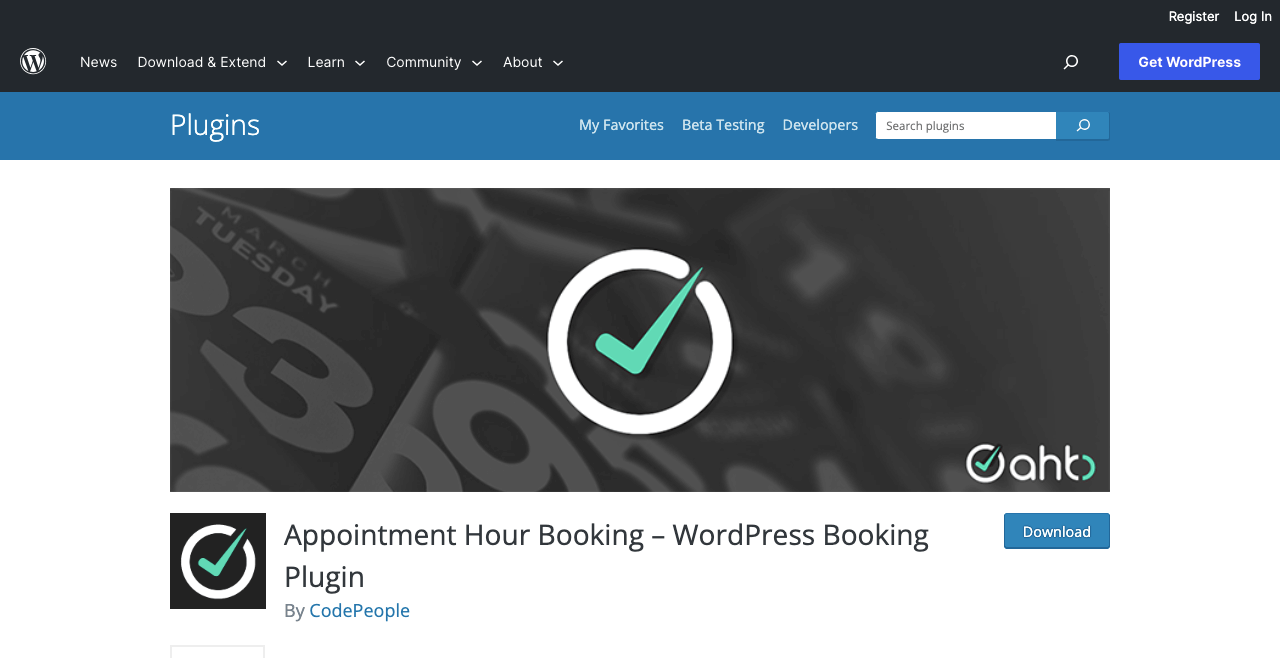
Appointment Hour Booking is an easy-to-use booking plugin for Elementor and WordPress. You can create unlimited forms for booking appointments with the plugin. Plus, you can showcase how long you’ll be available for particular services on given days.
This will allow customers to book an appointment with you anytime they choose from your available list. The plugin also helps you create multiple booking forms for different services. You can specify from the backend how many people can book you at once and how much you charge for each service.
You can optionally link the booking form to payment processing. The Appointment Hour Booking plugin has integrations with lots of payment gateways. So you can easily link the payment gateway your customers desire.
Key features of the Appointment Hour Booking plugin
- Built-in calendar lets you show working days, dates, hours, holidays, and special dates
- Allows to define multiple services with their own prices and durations
- Automatically manages available time to prevent double-booking
- Set up email notifications for users and administrators
- Generates CSV reports for appointments and bookings both manually and automatically
- Integrations with WooCommerce, Zoom, MailChimp, SalesForce, and more
- A dedicated admin dashboard to manage services, settings, and appointments
- Offers detailed how-to documentation
Price of the Appointment Hour Booking plugin
Appointment Hour Booking has a free version available on WordPress.org. Its premium version starts from $6.99/month with a conditional refund policy.
7. WP Timetics
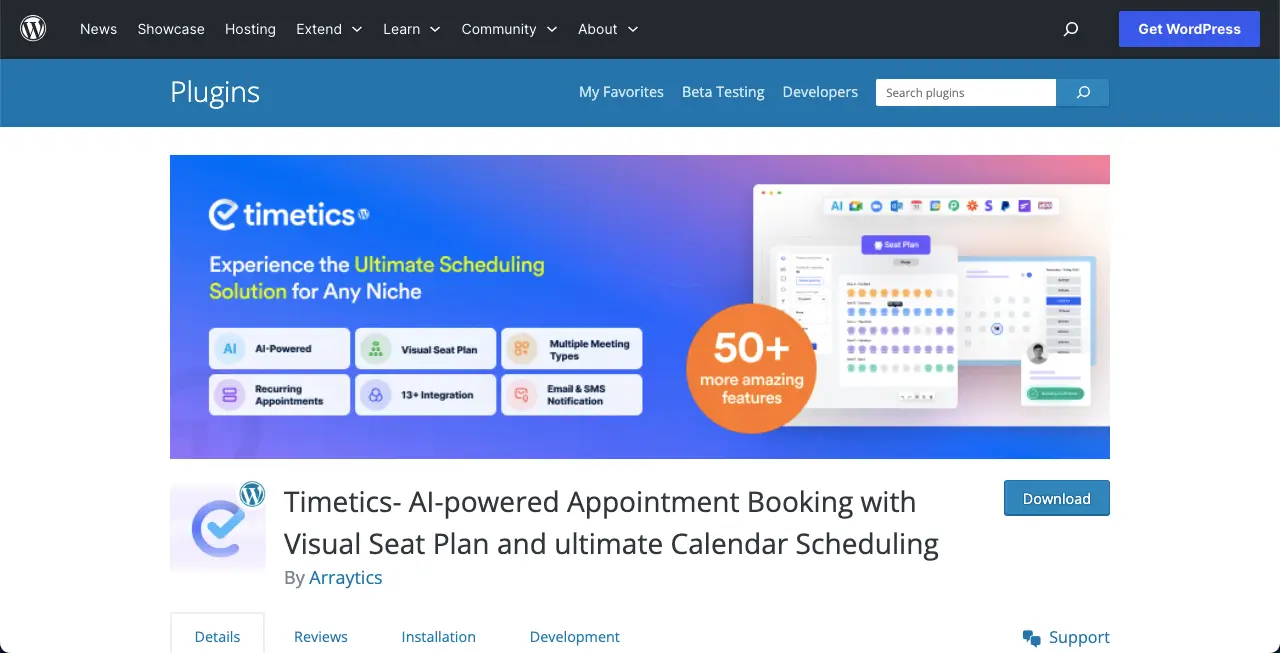
WP Timetics is a powerful WordPress booking plugin that empowers you to effortlessly create and manage online schedules with unlimited appointments. Geared towards coaches, consultants, mentors, teachers, and more, WP Timetics is a unique plugin designed to make creating schedules hassle-free.
Its seamless shortcode feature allows easy addition of schedules to any page, providing flexibility. It is also a lot easier to collect business data such as of staff members and service customers.
If utilized properly, WP Timetics will allow your business to grow further by making it more efficient and reducing the chances of errors. The plugin can set up an unlimited number of seat maps and helps to book those high-end meetings in seconds, turning your scheduling into a competitive advantage.
Key features of the WP Timetics plugin
- Create unlimited meetings with multiple meeting types
- Create multiple pricing tiers for tickets for your customers
- Benefits of auto timezone detection with location choice preference (virtual or in-person)
- Multiple payment methods with PayPal and Stripe integrations
- Conduct virtual meetings with Google Meet and Zoom integrations
- Automate your business operations with Pabbly and Zappier Integration
- Keep track of meetings and bookings through Microsoft Outlook and Google Calendar
- Send email notifications for booking confirmation, cancellations, and reschedules
Price of the WP Timetics plugin
WP Timetics has a Basic plan that starts at $79/year with a 15-Days money-back guarantee.
8. BookingPress
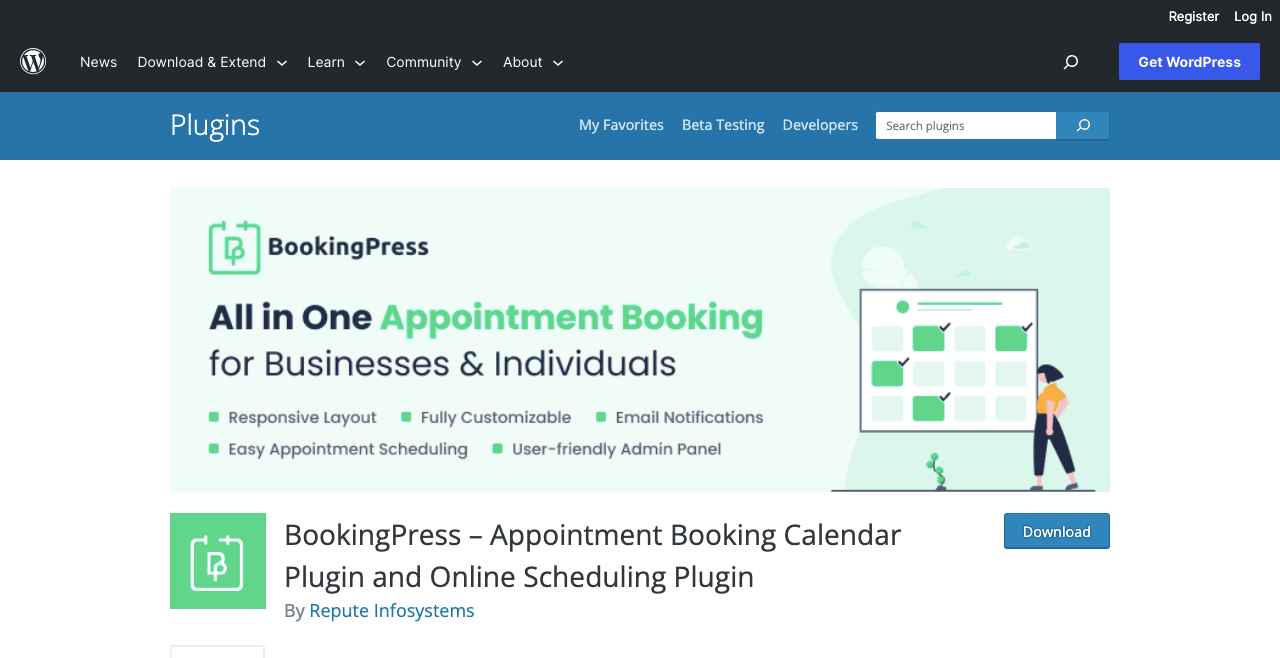
BookingPress is a freemium booking plugin for Elementor and WordPress. Although it is relatively new, it won the TemplateMonster Award 2022. This means the plugin has huge potential and a promising future. It can help you create a full-fledged booking site, meeting most of your desired requirements.
BookingPress is a good solution for beauty & salons, fitness & gym, health care, dental clinics, educational coaching, spa businesses, yoga classes, rental stores, etc. The plugin includes feature-rich toolsets to create customized booking forms and color schemes to uphold your brand identity.
Automatic notifications and reminders can be sent to workers and customers through emails, SMS, and WhatsApp. You may enable each of them or particular ones.
Key features of the BookingPress plugin
- Handy admin tools for managing clients, payments, and appointments
- Allows customers to book viewing the calendar
- Fully tunable booking form wizard
- Supports both Gutenberg and Elementor
- Works seamlessly with 15+ payment gateways
- Integrations with Zapier, Google Meet, Zoom, Outlook, and WooCommerce
Price of the BookingPress plugin
BookingPress has a free version available on WordPress.org. Its premium version starts from $99/year with a 14-day refund policy.
9. WordPress Hotel Booking
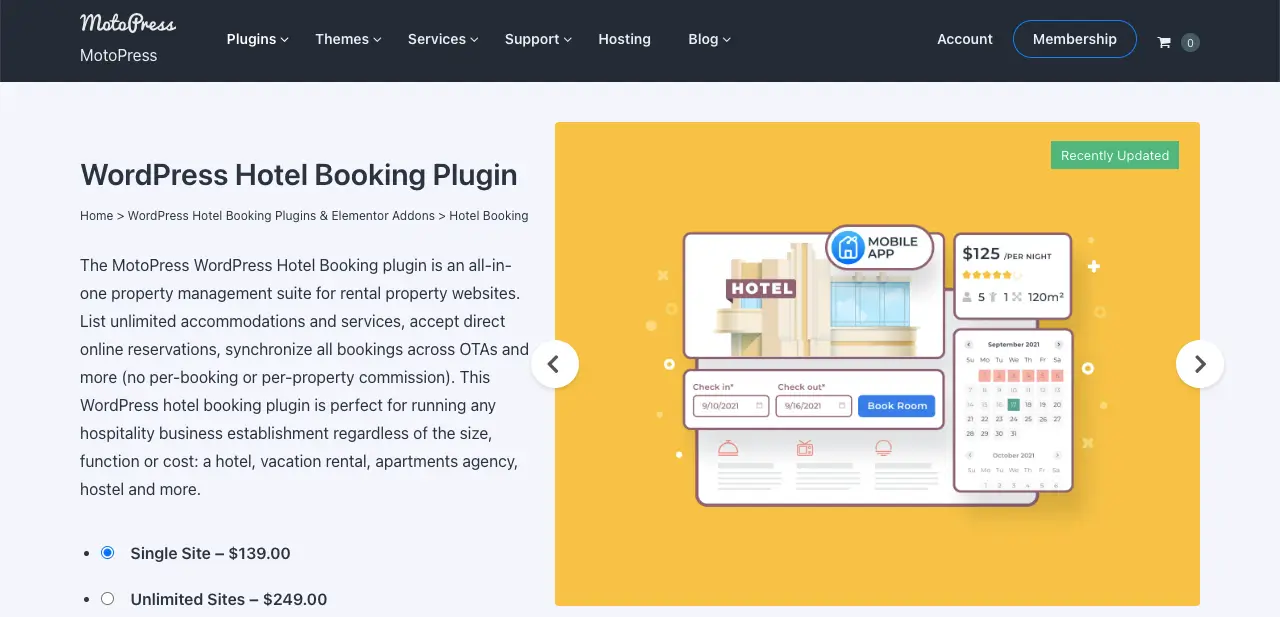
The WordPress Hotel Booking is a feature-rich booking plugin developed by MotoPress. This plugin has been developed specifically for hotel owners and managers to manage different types of accommodations in a simplified way.
You can create detailed listings, covering comprehensive descriptions, images, capacity, bed types, and additional services of hotel rooms. The plugin has integrations with popular page builders, like Elementor and Divi. It’s seamlessly compatible with Gutenberg as well.
Key features of the WordPress Hotel Booking plugin
- Creates mobile-friendly booking form
- Add custom fields for advanced property search
- Easy to check real-time availability on the calendar
- Show seasonal pricing dynamically
- Set complex rates based on property facilities
- Set property rates based on staying duration
- Show discount coupons and compulsory tex-fees
- Integrations with payment gateways
Price of the WordPress Hotel Booking plugin
WordPress Hotel Booking has a free version available on WordPress.org. Its pricing starts from $139/year, with a 30-day refund policy.
10. WP Simple Booking Calendar
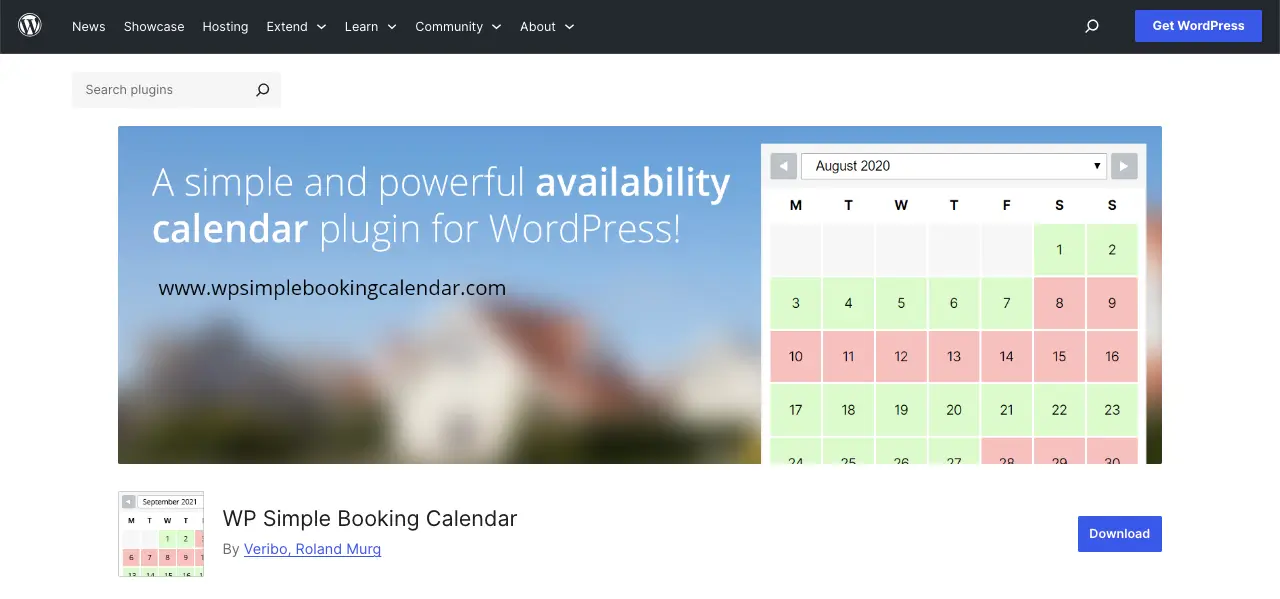
WP Simple Booking Calendar is a user-friendly plugin that helps businesses and website owners display the availability of their rental properties and services. This plugin is particularly beneficial for businesses that need a straightforward way to showcase the availability of their offerings, like homes, hotel rooms, cars, rental services, etc.
You can sync the availability of your calendar with Google Calendar, Airbnb, and other websites that can import iCal feeds. You can display multiple calendars on one dashboard, linking them to specific pages. You can customize the appearance of the calendars by modifying their color, symbols, and text.
Key features of the WP Simple Booking Calendar
- Lightweight and easy to use
- Edit multiple dates with one-click
- Translate calendars into different languages
- Show tooltips when hovering on particular dates
- Intuitive backend calendar management
- Create unlimited calendars
- iCalendar import and export
- Provides amazing customer support 24/7
Price of the WP Simple Booking Calendar Plugin
WP Simple Booking Calendar has a free version available on WordPress.org. Its premium version starts from $39/month with a 14-day refund policy.
11. Webba Booking
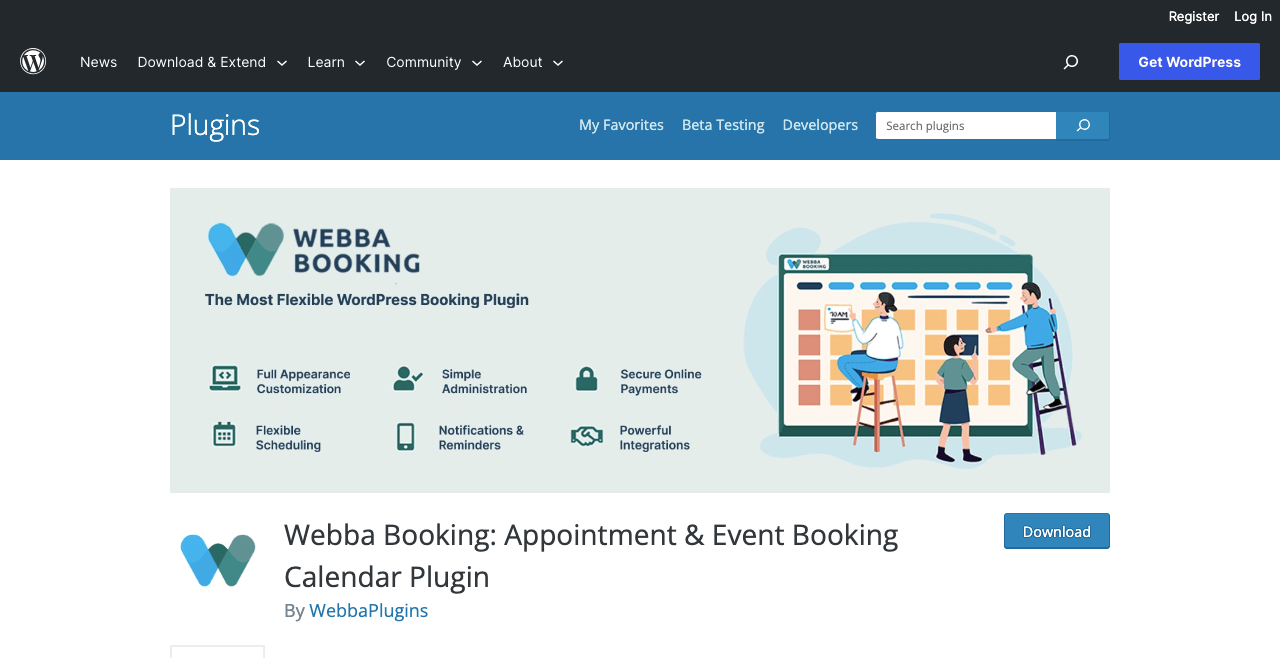
Our next hand-picked plugin is Webba Booking. The plugin authorizes you to create a responsive calendar and booking form to allow customers to make group and multiple bookings in one session. Advanced customization is its standout feature.
Webba Booking comes with 79+ design presents and 80+ customization options. As a result, you can set your desired layout and appearance for the booking forms and calendar. Its extended functionalities are something more you are bound to love.
Key features of the Webba Booking plugin
- Flexible scheduling empowers you to show unlimited offers with business hours
- Responsiveness lets customers book appointments from any device
- Automated email and SMS notifications send reminders
- Supports with 100 payment gateways
- Integration with Google Calendar, Zoom, WooCommerce, and more
- Generates invoices and calculates tax automatically
Price of the Webba Booking plugin
Webba Booking has a free version available on WordPress.org. Its premium version starts from $89/year with a 30-day refund policy.
12. Salon Booking
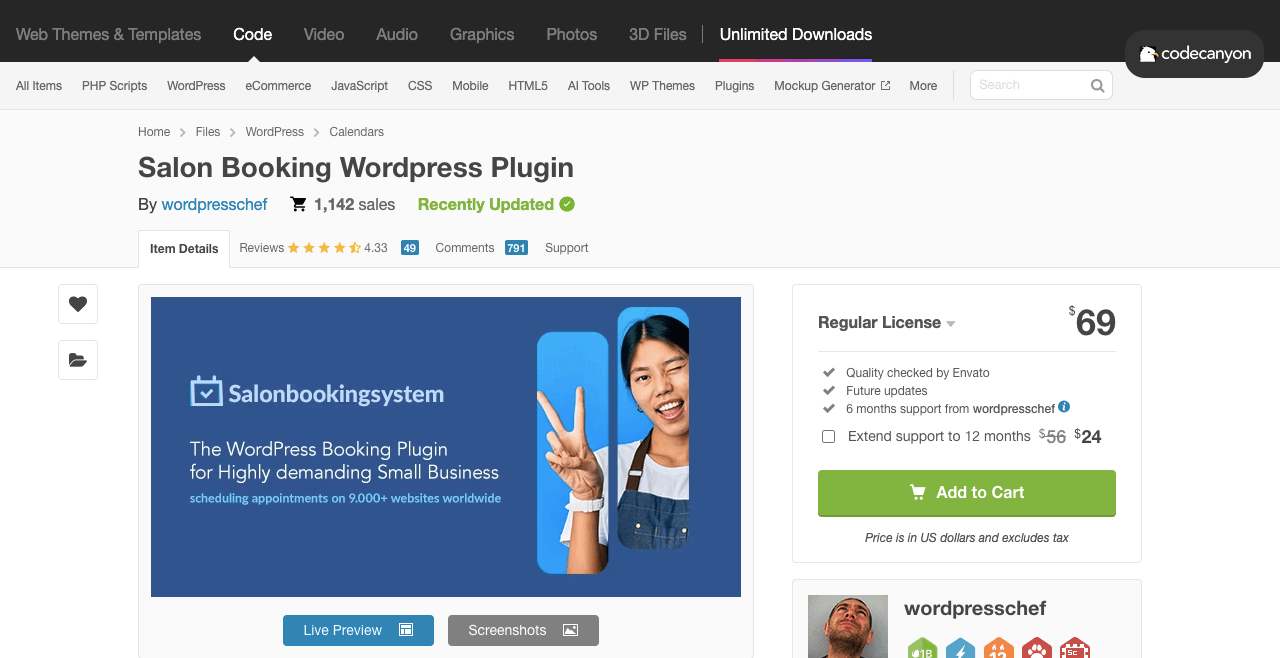
Salon Booking plugin is highly suitable for shops like beauty centers, gents’ parlors, salons, hairdressers, and similar types of businesses. You can set up advanced booking rules, define holidays, and list block-out hours for your website with the plugin.
This greatly reduces the chances of booking your services on the wrong day. Even after that, if any customer books your short or service in the wrong slot, you can easily cancel it from the backend reservation system and ask customers to reschedule it through email.
Key features of the Salon Booking plugin
- Automated reminders are sent through emails and other mediums like mobile phones, Twilio, Plivo, and 1p1sms
- Integration with Google Calendar helps you view all reservations from one place
- Works with multiple payment gateways
- A personal account page for all individual works
- An advanced discount system encourages more customers to book appointments
- Easy to create a catalog for assistants
Price of the Salon Booking plugin
Salon Booking doesn’t have a free plugin. It charges $69/year for a regular license. The regular license offers six months of support from developers.
13. JetAppointment
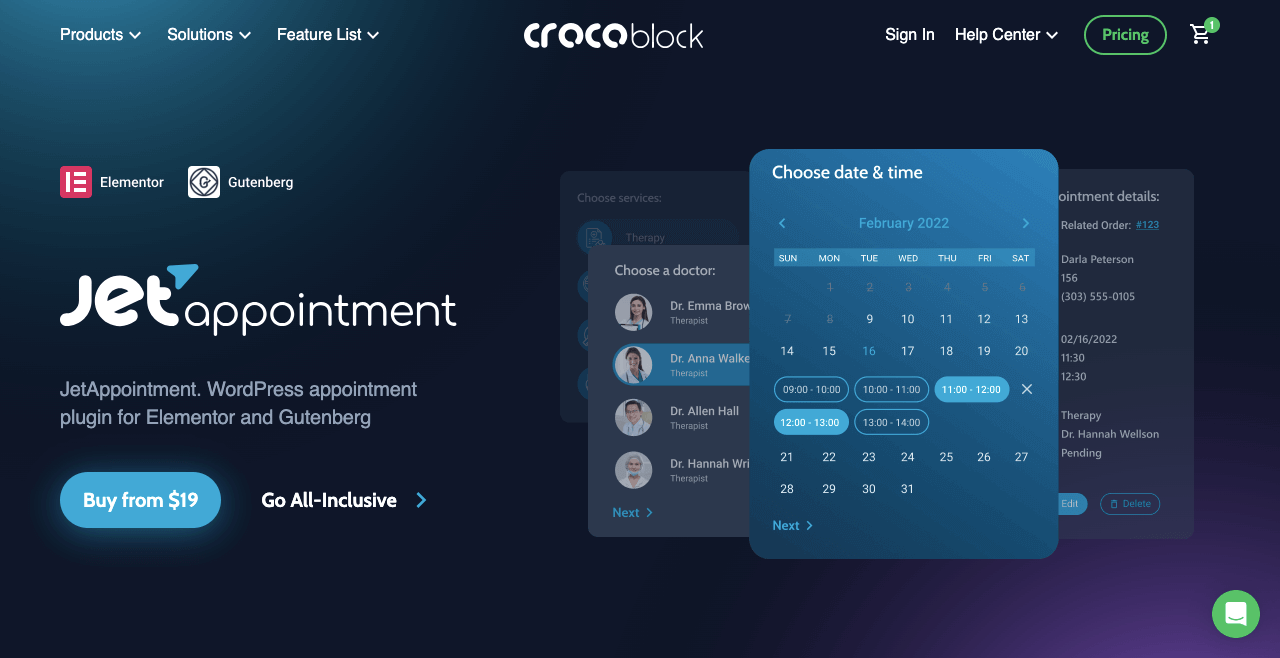
Although we have covered the JetAppointment plugin at the end of this listicle article, it doesn’t mean that the plugin lacks quality features or functionalities. Actually, this one is also a heavy feature-packed plugin for creating a standalone booking site on WordPress with Elementor.
It offers several custom templates, appointment layouts, and custom field types so you can create amazing booking forms. You can configure a robust calendar defining your working days and hours so customers can book you wisely.
Key features of the JetAppointment plugin
- Configure working days, hours, and days off on the visual calendar
- Arrange buffer time and set prices according to different slots
- Appointments create Zoom meeting links automatically
- Comes with a clean dashboard to manage appointments
- Seamlessly works with many payment gateways
Price of the JetAppointment plugin
JetAppointment doesn’t have a free version available. It charges $19/year with a 30-day refund policy.
FAQ on Best Booking Plugins for Elementor and WordPress

So far, you have learned the key features and functionalities of the best booking plugins for Elementor and WordPress. Now, we’ll answer some questions commonly found on Facebook, Quora, Reddit, and else around booking plugins. Keep reading!
-
How can I create a booking functionality with Eelementor?
You cannot directly create a booking functionality with Elementor. You must have a booking plugin installed that has an integration with Elementor. This integration will create a widget in the Elementor panel, which you can drag and drop on your canvas and customize afterward.
-
How to promote a booking website?
1. Write and publish valuable SEO-optimized content to rank on search engines
2. List your website and services on directory websites
3. Collaborate with social influencers
4. Offer special discounts and coupons on special occasions
5. Leverage the loyalty card system to retain regular customers
6. Harness the power of email marketing -
What are the best online booking systems for small businesses?
WordPress can be a go-to solution for small businesses to kick off online booking businesses. It has tons of super-exciting plugins, both free and pro, to get ready booking websites overnight. Below are some top-rated WordPress booking plugins/systems for small businesses.
1. Amelia
2. Bookly
3. Simply Schedule Appointments
4. Appointment Hour Booking
5. Booked -
What are the major challenges of the online booking business?
1. Managing multiple booking services from one platform
2. Slot management during the rush period
3. Solving technical glitches whenever they occur
4. Navigating the time zone differences
5. Handling pricing and discounts -
Which booking businesses are currently the most profitable?
1. Hotel booking
2. Flight booking
3. Motel booking
4. Car/equipment booking
5. Restaurant/center booking
6. Spa and salon booking
Final Words on WordPress Booking Plugins!
WordPress is definitely an effective medium for creating an ideal booking website at the lowest possible costs. You will never find the same amount of flexibility on other platforms as you’ll get on WordPress. You may need several other plugins and extensions to enhance your site’s user experience.
For example, you will need other plugins like security, CRM, social share, and backup plugins. If you want to know more details about these, let us know through the comment box. We will quickly provide you with the necessary resources.
![Black Friday and Cyber Monday are around the corner, and people are waiting for these festivals to grab the best product deals. That is why giving an attractive look to your website during this festive season is very necessary. But, creating a whole new landing page might be difficult in a short period of time. Don't worry. By using Happy Elementor Addons Black Friday and Cyber Monday Landing Page templates, you can easily develop a whole new landing page in a few minutes. In this today's blog, we are going to show how to boost your website design using HappyAddons templates during this festival season. Before that, we'll talk a bit about these two festivals and why they are important to online business communities. What are Black Friday and Cyber Monday? Black Friday is the immediate following of the famous Thanksgiving day. This is when people start shopping to celebrate the Christmas festival. Since the late 1980s, retail sales on this day have constantly been suppressing the past volumes. See the graph below. Source: Salecycle.com The first Monday following Thanksgiving day each year is called Cyber Monday. It was first introduced in 2005 by the USA National Retail Federation to encourage people to buy online. Though this festival originated in the USA, it is celebrated globally today. See the stats below. Source: Salecycle.com It indicates customers' buying behavior around this day is growing up over time. Many customers today keep a budget to buy products on these two days. So, why won’t you prepare a Cyber Monday landing page if you have an online store? Importance of Designing Landing Pages for Black Friday and Cyber Monday Festival Having a well-design website is one of the major checklists if you are running an online business. Most importantly, you have to make sure that your website remains up-to-date to boost your sales. That is why you need to redesign your website or make a new landing page during the Black Friday and Cyber Monday festivals. Because most online product & service-based businesses promote special deals during these two festivals. Here are some remarkable ways dedicated landing pages during these festivals can positively impact the performance of your online business. Boosts your product salesIncreases conversion rateOpportunity to collect potential email leadsGrabs users' attention toward your siteReduces bounce rateIncreases website visitors. Elementor Black Friday New Seasonal Kit is Already Here! Source: Elementor To make this Black Friday more enjoyable, Elementor has launched a New Seasonal Kit that includes landing pages, sections, pop-ups, and vector assets. All these design elements are made by the Elementor team so that one can easily use them on their website to ensure more sales and conversions. New Elementor Black Friday Seasonal Kit offers: 3 Landing pages6 Sections 6 Popups A collection of stickers & animations You can only get these ready-made Black Friday landing pages and sections if you have Installed Elementor Pro on your site. However, if you are looking for templates that are outside of the box, you can go with Happy Addons, the fastest Elementor Addons on the market. It's very easy to use, flexible and has tons of advanced features and widgets that can ease your website design journey. Also, you'll get several festival landing page templates & blocks. Moreover, you can use free Black Friday and Cyber Monday design blocks and templates to decorate your site. Most importantly, these templates and blocks are easy to customize and can be used for multiple purposes. Now let's see how you can use the Happy Addons templates to design your website according to the Black Friday theme. Pre-Requisites to Use HappyAddons Templates to Design Black Friday and Cyber Monday Landing Pages You must have the following plugins installed on your site to get access to the HappyAddons Template library. Make sure you’ve installed and activated the Happy Addons Free & Premium version of your website. Elementor (Free)Happy Addons (Free)Happy Addons Pro If you are new to Elementor, check this Step By Step Guide For Beginners. If you want to explore the readymade templates of HappyAddons before installing these plugins, you may visit by clicking on the button below. Check out Happy Addons Templates How to Design Black Friday Landing Page on Your Website Once you have the plugins (mentioned above) installed, your website is ready to follow the tutorial guide explained in this section. Get ready now! Step 1: Open a New Page with Elementor Create a new page or open the existing page with Elementor. Next, you have to select the Elementor Canvas option.Unless you select Elementor Canvas, you may watch the header, footer, and unnecessary other texts on the page. These might be irritating to you.Once you open the page with Elementor Canvas, your page will be completely clean. Watch the video below on how to do it. Step 02: Go to HappyAddons Library Click on the HappyAddons Library Icon. It will open up a modal popup. Here you'll find numerous stunning premade Blocks and Pages created by the Happy Addons team. Kindly explore them to create a list of your favorite items. Step 03: Import a HappyAddons Black Friday Template Go to the Page tab on the modal popup.Select Black Friday from the left-side filter option.You will several good-looking templates on your screen.Take your cursor on the one you like and hit on the INSERT button. Wait for a while to finish the installation process. You will get the template on your screen with editable sections and options. Step 04: Set the Black Friday Campaign Deadline A deadline creates a sense of urgency in customers' minds. So, better if you add a deadline section on the page to show your Black Friday deals. The good thing is that if you select the template as we did, you will automatically get a deadline or countdown option. You have to customize it as you want. Step 05: Show Image Carousel Slider on Your Black Friday Landing Page Using the Image Carousel, you can slide show demonstrating discounts on your product categories. Drag and drop the Image Carousel widget on any landing page section. Next, from the Elementor panel, you can add photos and text to the widget. Do it accordingly. Thus, you can add more sections and options on the landing page. Hope you can do it yourself. Step 06: Make the Black Friday Landing Page Mobile Responsive Making a web page mobile responsive with Elementor is super easy. You'll get the mobile responsive option on the Elementor footer section. Clicking on it will open up the option to view your landing page on different device screens. We have explained the process in the video below. Note: Don't delete any widget or section while customizing your landing page for any particular device. Because if you delete a widget or section on any device screen, it will also be applied on other devices. However, you may change their position or alignment or hide them. It won't make any impact on other devices. Step 07: Final Preview of Our Landing Page Here is the final interface of our Elementor Black Friday landing page that we've designed using the Happy Addons' ready-made Template. Get Happy Addons to Add a Black Friday Theme Landing Page on Your Website How to Design Cyber Monday Landing Page on Your Website You will require the same prerequisites (Elementor and HappyAddons Plugins) to design the Cyber Monday landing page on your website. Hope you have them ready on your website. Now, let's get into the tutorial part. Step 01: Import a Cyber Monday Readymade Landing Page Template Go to the HappyAddons Template library.Choose the Cyber Monday template you like.Click on the INSERT button. Wait for a while to finish the installation process. You'll get a page design like the following image below. Step 02: Edit Different Sections of the Page In the first tutorial, you saw the deadline/countdown option was already embedded in the template. But this template doesn't have it. So, you can bring it to your page? Very simple. Create a new section by clicking on the plus icon.Type Countdown on the Elementor search bar.Drag and drop the widget on the section. Customize the Countdown section from the Content and Style tabs of the Elementor panel. Using the Heading widget, we have added the FLASH DEALS text next to the countdown to make it more meaningful. Thus, you can use other exciting widgets on the template to make your landing page super gorgeous. Step 03: Promote Products on the Landing Page Promotional landing pages usually include a section to showcase some hot-selling products to generate instant sales. Using the Image and Button widgets, we have created this section under the FLASH DEALS.You may customize it more as you wish. Step 04: Make it Mobile Responsive We already showed you the process in the first tutorial on making a mobile web landing page responsive. Hope you can do it here as well, following the same guideline. Click on the Responsive Mode icon and do the rest yourself. Bonus: Black Friday and Cyber Monday Landing Page Design Key Considerations Whenever you design a landing page, you need to consider why you need to design this page and what elements they should keep on the page. Because if you are not adding all the necessary features to your page, it will not serve its purpose. This is why you need to focus on a few things before designing your Black Friday landing page. Here are some points you must consider in designing Black Friday and Cyber Monday landing pages. Add Black Friday textSet deals deadlineShow your best-discounted productsAdd coupon code Focus on responsive page designMake your page visually appealingImprove your page user experience or page structureSet a proper website navigation FAQ on Black Friday and Cyber Monday Landing Page Design Now, we'll answer some common questions on Black Friday and Cyber Monday Landing page designs commonly found online. How much does it cost to design a landing page?The cost of designing a landing page varies depending on the complexity of the design, the level of customization required, and whom to hire for the page. A simple landing page can be designed for as little as $25, while a more complex design with multiple customizations can cost upwards of $2,00.However, if you have Elementor and HappyAddons installed, you can design unlimited landing pages at a minimal cost. But like any other tool, you must have a kind of enterprise on them. As they are drag-and-drop builders and their numerous tutorials and documentation are available, they won't take you more than a month to be used to. Check out some wonderful YouTube tutorials on these two plugins. Hope you will enjoy them.How many hours does it take to design a landing page?It mainly depends on the level of design complexity and your web design skill. However, both in Elementor and HappyAddons, you will get countless readymade templates and block sections. You can design a beautiful landing page in 3-5 hours by making a proper combination of them.Can I design Black Friday and Cyber Monday Landing pages with Elementor and HappyAddons free versions?Surely, you can design Black Friday and Cyber Monday Landing pages with Elementor and HappyAddons free versions. But only with the pro versions, you can't add too many exciting features to your pages. For example, free versions will give you access to only a limited number of readymade templates.If you are just a beginner-level designer, free versions are enough. But if you are a professional designer or have a web designing agency, pro versions are a must. Are You Ready To Design Your Black Friday and Cyber Monday Landing Page? Customers look forward to this kind of occasion to buy their favorite products at a minimum price. Naturally, they are drawn to websites that look good and give a festive vibe. That is why adding a Black Friday and Cyber Monday landing page during the festival season will give you an extra edge over the competitors. The above guide shows how to design your Elementor Black Friday Landing page using the Happy Addons' Black Friday Templates and how it can help boost your holiday sales. So if you have any queries regarding this blog, you can comment on us in the below box. If you like this post, then share it on your social channel. Don't forget to subscribe to our newsletter. Also, follow our Facebook and Twitter channels for regular updates. Subscribe to our newsletter Get latest news & updates on Elementor [yikes-mailchimp form="1"] ":36560} /--](https://happyaddons.com/wp-content/uploads/2021/11/How-to-Design-Black-Friday-and-Cyber-Monday-Landing-Page-300x188.png)