







The world of web design is vast and ever-evolving. The rise of web technologies like blockchain, headless, AMP, data security, motion UI, micro frontends, virtual reality, and more have completely changed the landscape of web design and development in the last 15 years.
It has skyrocketed the demand for professional web designers at the same time. Certifications can be a great way to prove your worth and expertise in the job market. They will not only enhance your skill in web development but also work as a portfolio.
This article will list the best web design courses and certifications to help you kick-start your career. We’ll list them in two separate sections (free and paid) so you can easily find the one as per your affordability. Keep reading!
What is Web Design Course and Certification?
The web design course is a set of modules that teaches students the skills and techniques needed to create and maintain a website. It is the very first step of web development. Below are the modules that web design courses commonly include.
- Basics of web designing
- Web technologies
- Mathematical structure
- HTML
- CSS
- JavaScript
- BootStrap
- Adobe Dreamweaver
- Page Builders
Certification is the process of providing official documents that recognize you have completed certain courses. You can use this certificate when applying for a job whether in agencies or freelancing platforms.
Why Do You Need Web Design Certifications?
Web design courses and certifications can help you stand out in the highly competitive job market. It can maximize earning potential and give you a healthy life. Look at the factors below of how web design certificates can be beneficial for you.
a. Grow Professional Recognition
A professional certification can help HR quickly understand the skills, potential, and expertise you have. When tons of candidates’ applications are submitted, a professional certificate can give you additional leverage to catch their attention.
b. Amplify Industry Knowledge
eLearning platforms like Udemy and Coursera update their courses whenever new topics come to the market. Participating in certification programs at regular intervals can help you know about the latest web design best practices, trends, and tools.
c. Receive Hands-on Experience
Paid courses usually include tests, quizzes, projects, and exams in the certification process. Thus, it gives you a way to have hands-on experience alongside the theoretical parts of these modules.
d. Career Switching Ability
If you’re a junior web designer but looking to reach top-tiring positions, professional certification(s) can make the path comfortable. It will help you prove your acceptance among the top authorities.
e. Build Network
Renowned certification programs are conducted by industry experts. Enrolling in such a program will give you a scope to get in touch with them. Someday they may offer you a job personally or recommend a prestigious agency.
Best Free Web Design Courses
You’ll find tons of free web design courses online. But not all of them will reward you with certifications. Also, keep in mind that you’ll hardly find in-depth lessons in free courses. Comprehensive parts are available mostly in premium courses.
However, below is a list of free web design courses that will reward you with certificates end of the program.
1. FreeCodeCamp
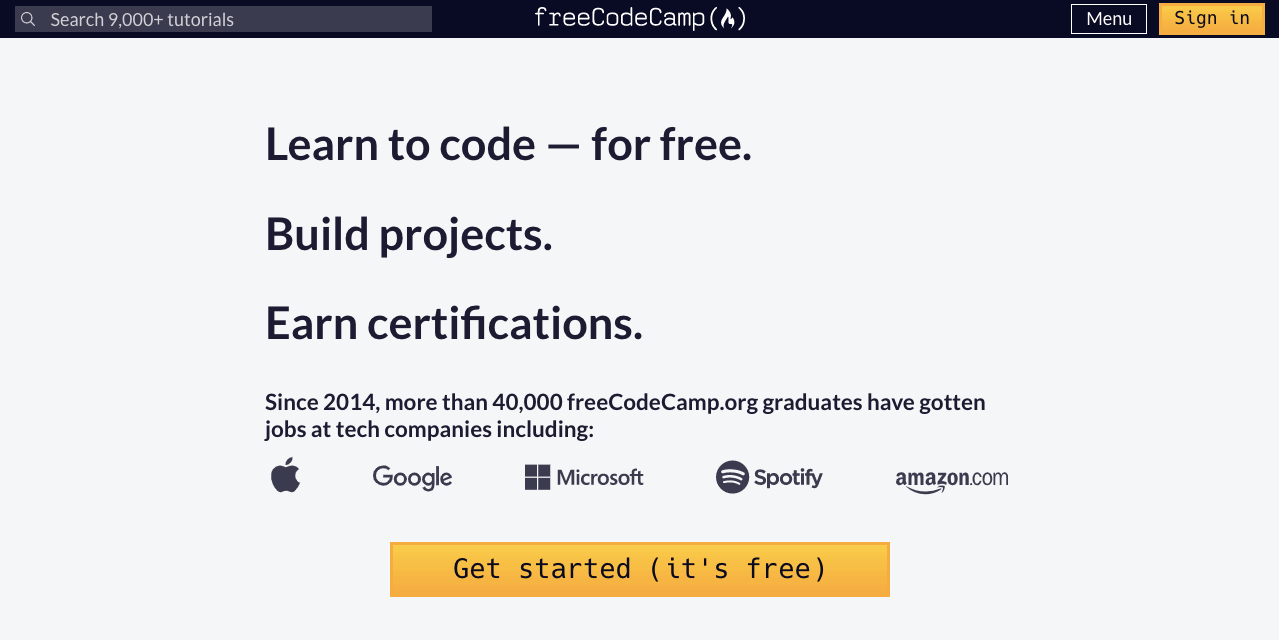
FreeCodeCamp offers you interactive lessons and tutorials on web designing. The certification pathway includes a series of exercises. Each subsequent exercise asks you questions and problems from the immediate previous lessons.
Thus they build your knowledge base. However, most tutorials in these lessons briefly cover the topics. Still, they are able enough to build a solid foundation on the basics of web design.
Time to Complete: 300 hours
Topics covered:
- Responsive Web Design
- JavaScript Algorithms and Data Structure
- Front-End Development Libraries
- Data Visualization
- Backend Development APIs
2. Ultimate Web Design Course – Webflow
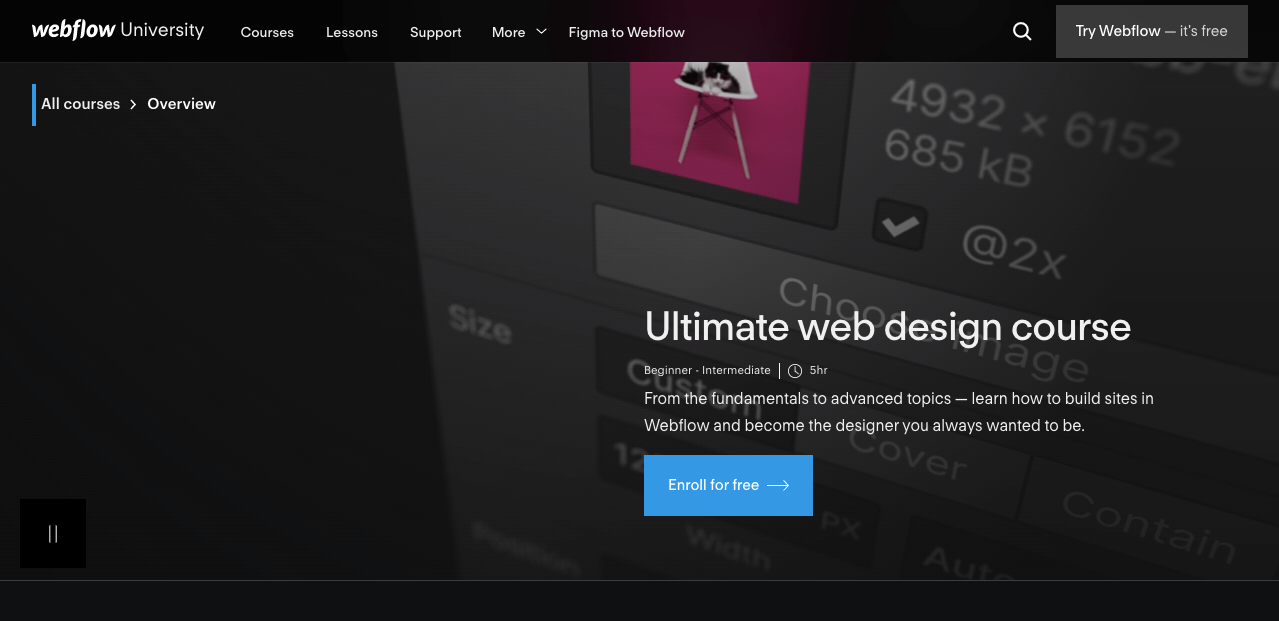
Webflow is popularly known as a web building and hosting provider. It’s an online visual editor that lets you build, design, and launch websites. Alongside, Webflow is an educational platform that offers a variety of online courses on web design and development.
The Ultimate Web Design is a free web design course including over 100 videos. It covers topics from fundamentals to everything you need to get started with Webflow and the advanced concepts in designing.
Time to Complete: 5 hours
Topics covered:
- Intro HTML & CSS
- Web Structure
- Elements
- Buttons & Links
- Typography
- Media
- Components
- Styling Basics
- Layout Basics
3. Become a Web Designer – LinkedIn
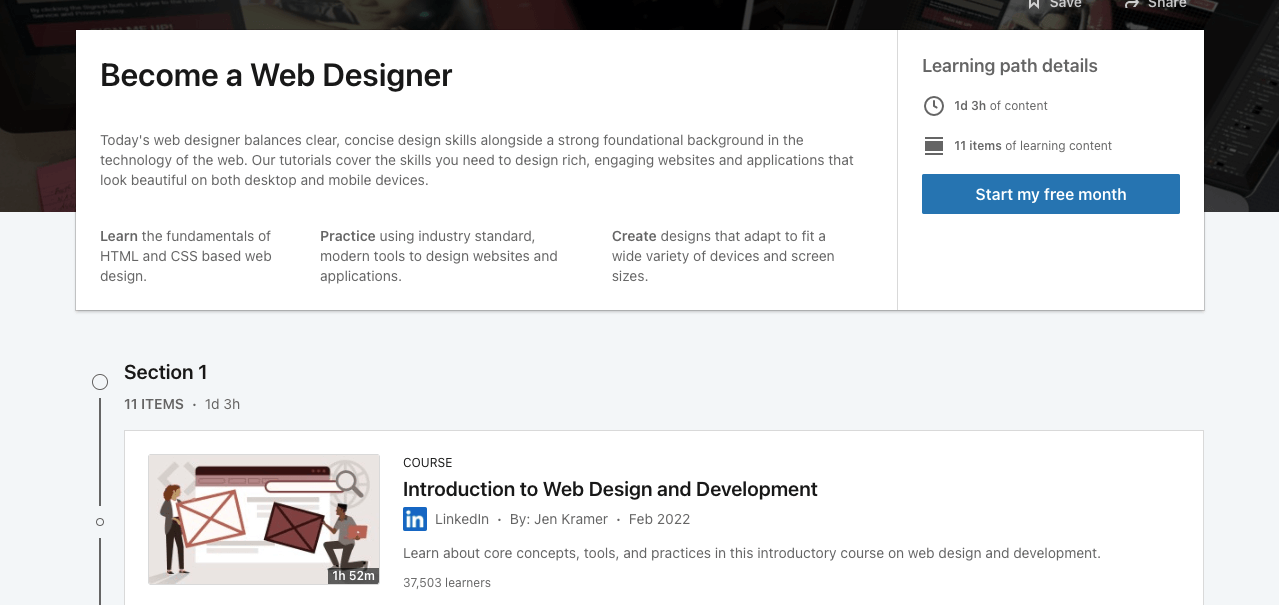
Though LinkedIn is globally known as a social network for professional workers, it creates highly educational content and courses for its users. Also, they keep updating their courses with recent information and technologies.
LinkedIn offers you a one-month free trial to explore and enjoy all its free features. If you finish any course within the time frame, LinkedIn will provide you with a certificate. This way, you can enroll in its Become a Web Designer course and complete certification.
Time to Complete: 28 hours (it will increase if they upload new content)
Topics Covered:
- Introduction to Web Design and Development
- Design Aesthetics for the Web
- User Experience for Web Design
- Mapping the Modern Web Design Process
- HTML Essential Training
- CSS Essential Training
4. Build Your First Web Pages With HTML and CSS – Open Classrooms
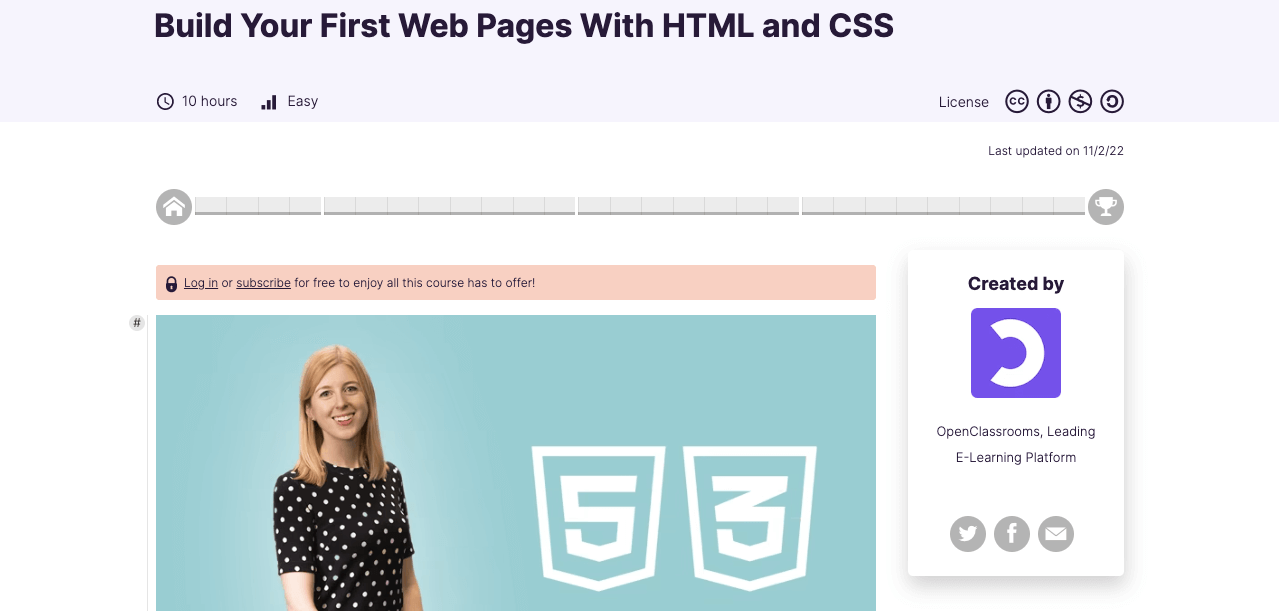
If you have no prior experience in web designing and know nothing about coding, Build Your First Web Pages With HTML and CSS can be a great repository to learn web designing. This course talks about HTML and CSS in detail and teaches how together they create wonderful websites.
Open Classroom today is a leading e-learning platform in Europe. At the end of each learning part, they will take quiz tests. This course has been designed and curated by Emily Reese (Head of the Technology Academy at OpenClassrooms).
Time to Complete: 10 hours
Topics Covered:
- Introduction to HTML and CSS
- Create HTML text elements
- Structure an entire page
- Spice up your content with CSS
5. UI/UX for Beginners – Great Learning

User Interface (UI) and User Experience (UX) are two essential parts of today’s web design. They play a significant role in catching visitors’ attention and getting recurringly come again. Adobe XD is a free tool that allows web designers to create wireframes and website prototypes.
UI/UX for Beginners is a short course that will talk about UI/UX philosophy, the differences between them, and how to create website prototypes and wireframing.
Time to Complete: 1 hour
Topics Covered:
- Introduction to UI/UX
- Difference Between UI/UX
- The UX Process
- Wireframe and Prototype
Best Paid Web Design Courses
We already said once in free courses you may come across some points that don’t cover the topics in detail. Teachers and instructors who have put in the effort to create course content and resources will surely expect to have some honorarium.
Besides in paid courses, you may get the opportunity to contact the course instructors if you fail to understand any critical point. Below we’ve listed some best-paid web design courses as per learners’ reviews.
1. Web Design for Beginners: Real World Coding in HTML & CSS – Udemy
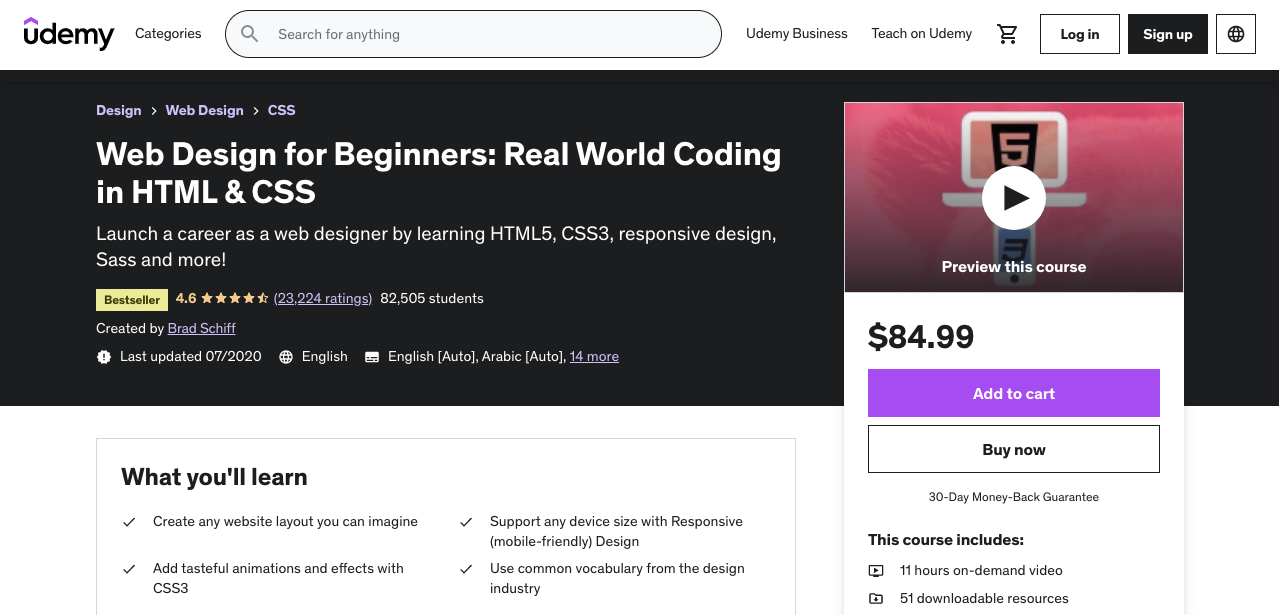
Udemy is globally recognized as a premium online learning platform. Their Web Design for Beginners course will help learn everything you need to create a mobile responsive website using HTML and CSS. You’ll also learn how to start your career in freelancing.
Many top-tier companies in the world use this course to train their in-house employees in web design. Udemy offers 7-day free access to any user. Once someone becomes a premium user for any course, he gets lifetime access to it. In case Udemy updates the course, he can check it for free.
Time to Complete: 11 hours
Topics Covered:
- HTML Essentials
- Adding Media to Web Page
- Text Basics
- Semantics and Organizations
- Forms
- Tables
- CSS Essentials
- Intermediate CSS
Cost: $84.99 (30-day money-back guarantee)
2. Google UX Design Professional Certificate – Coursera
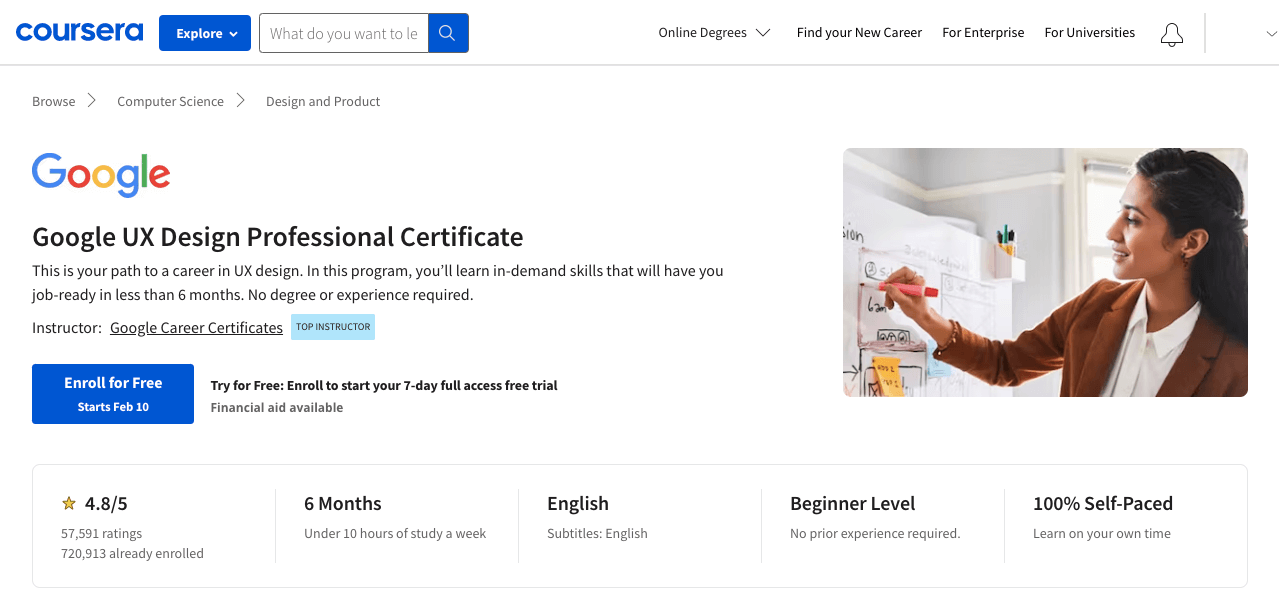
If you’re looking for a prestigious platform to learn UX web design without any prior experience, Coursera will undoubtedly be a great repository. It will not teach you to design web interfaces but also products, software, and mobile apps.
Google UX Design Professional Certificate will also help you create wireframes, design prototypes, and identify the pain points involved in the process. You’ll learn to use popular web designing tools like Adobe XD and Figma.
Time to Complete: 6 months (under 10 hours of a study week)
Topics Covered:
- User Experience (UX)
- UX Research
- Wireframe
- Prototype
- Adobe XD
- Usability Testing
Cost: $39/month (7-day free trial)
3. Adobe Experience Cloud Certification – Adobe
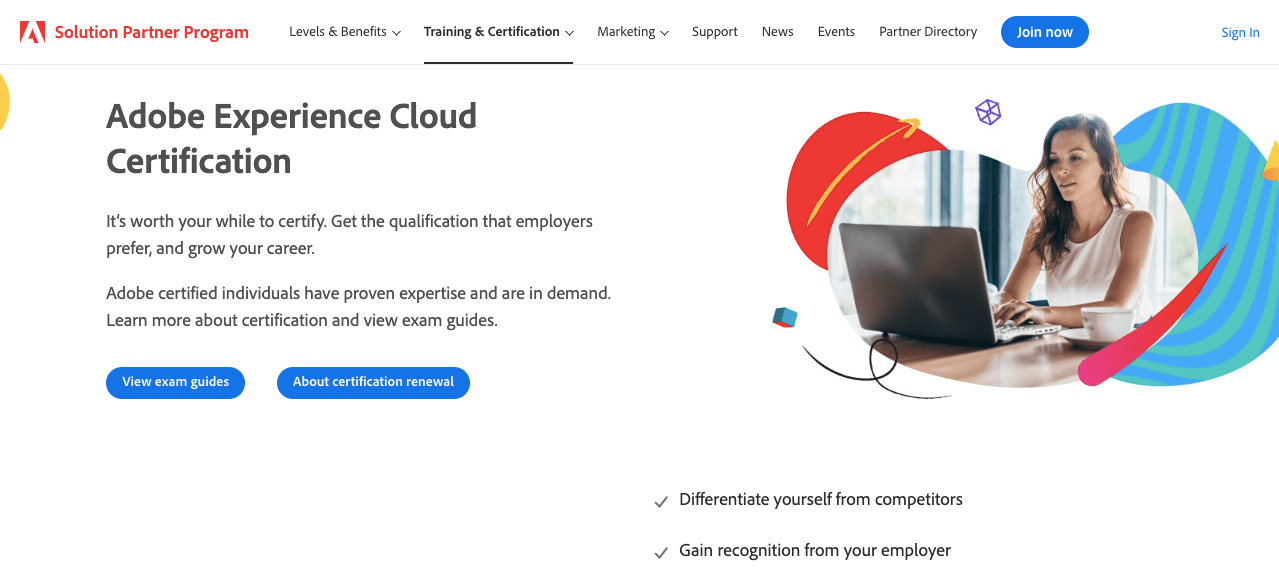
Adobe is a pioneer of design digitalization. Adobe Creative Cloud has already created some exciting design tools like Adobe XD, Photoshop, and Dreamwave that designers are using globally. You’ll hardly find any software agency that hasn’t heard of Adobe.
This is why Adobe Certified Professionals are highly appreciated in the job market. Adobe offers you adequate resources in its repository covering lessons on HTML, CSS, responsive design, and more for free. After your practicing is done Adobe will ask for a fee for the certification exam.
You can take the exam anytime once you are fully prepared after rigorous practice.
Time to Complete: N/A
Topics Covered:
- Code HTML, CSS, and JavaScript
- Define Page Structure
- Create a Responsive Grid Layout
- Create New Dreamwave Templates
- Work with Edge Web Fonts
- Style Web Page Tests with CSS
Cost: $180
4. W3Schools
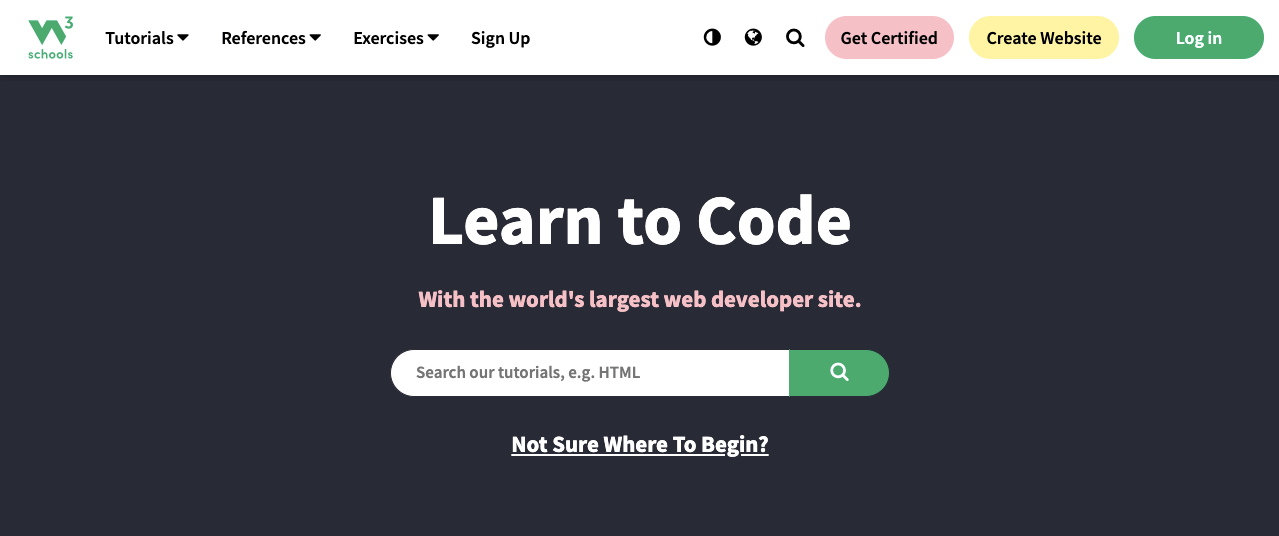
W3Schools is one of the biggest platforms for learning web design and development. It has tons of tutorials available in its repository over the core languages and frameworks used in web designing. Not only courses. It can participate in dozens of exercises and quiz tests to sharpen your learning.
You don’t even need to create a user account or pay money to get access to these resources. You have to pay only if you want certifications.
Time to Complete: N/A
Topics Covered:
- HTML and CSS
- JavaScript
- Programming
- Server Side
- Web Building
- Data Analytics
- XML Tutorials
Cost: $95 (per language)
5. Front-End Development – Skill Crush
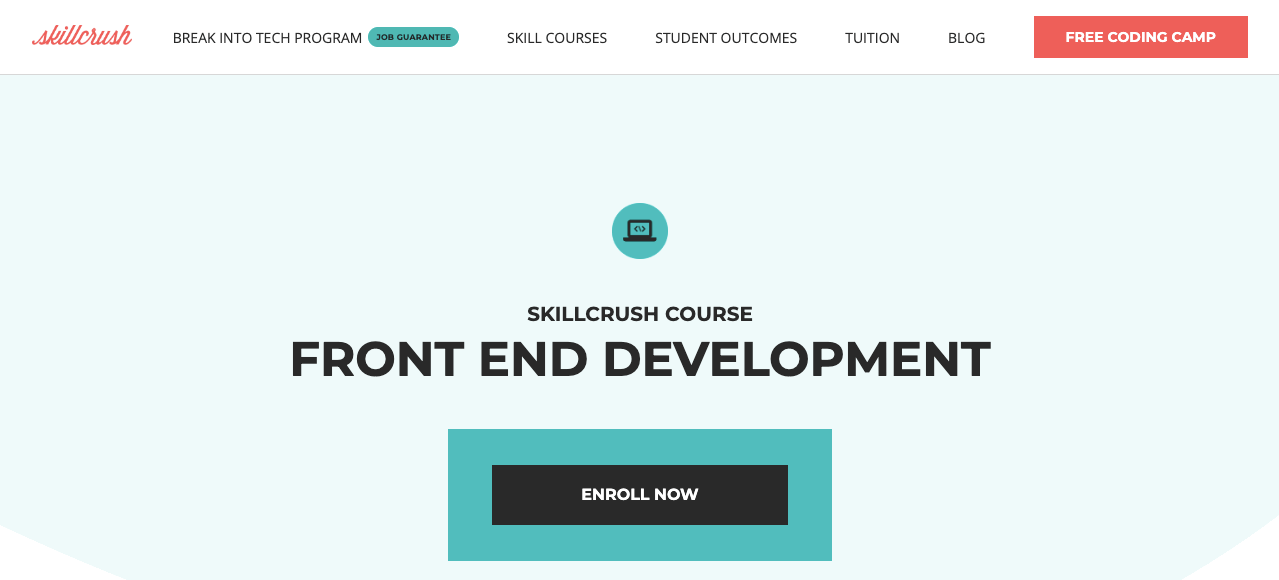
If you’re looking for an educational program to learn web designing and development, you must have a look at the Front End Development course. You’ll get lessons on how to create modern websites using HTML, CSS, and JavaScript languages.
The front-end development knowledge will help you curate dynamic websites that today have high demand in the market. It will create an opportunity for you to enjoy better job opportunities and a good salary.
Time to Complete: 3 months
Topics Covered:
- Basics of HTML, CSS, and JS
- Git and GitHub
- jQuery
- Media queries and responsive design
- Flexbox basics and implementation
Price: $549 one-time payment (or $199/month for three months)
Code Free Solutions to Web Design
HTML, CSS, and JavaScript are some common languages web designers used to create wonderful websites of any kind. But today, you will find tons of drag-and-drop and block-based page builders available by which you can design an entire website without coding.
If you are a no-code user and looking for such a product, Elementor will be the best solution. It’s actually a WordPress-based plugin being used on over 5+ million websites at present. It has 100+ exciting widgets and 20+ features.
If Elementor isn’t enough, no problem. You can use the HappyAddons plugin alongside. It will come up with many additional widgets and features to further power up your website. Watch a short clip of how these drag-and-drop page builders work.
Last but not least! With these plugins, you may not create excessively complex websites. But for no-code users, there is no good alternative. Plus if you have at least average-level coding knowledge, these page builders will make your world limitless.
FAQ on Best Web Design Courses
Hope the above discussion will make it easier for you to pick the right web design course as per your demand. This section will answer some questions frequently found online related to the topic of best web design courses.
-
Is there a future in Web Design?
According to marketwatch.com, the global market size of web design, design, and related services was around $56 billion in 2021. And this market size is expected to cross the threshold of $85 billion by 2027.
So, if you are skilled enough and updated with recent technologies, you’ll always have a place in this industry.
-
What are the languages used in web designing?
There is a number of different programming languages used in web designing. But the most used ones are HTML, CSS, PHP, and JavaScript.
-
What is the average web designer’s salary?
The average web designer’s salary varies by location. According to some globally renowned job websites, the average salary of web designers is:
Glassdoor: $51k/year ($38k to $72k)
ZipRecruiter: $58k/year ($22k to $112k)
Payscale: 50k/year ($33k to 72k) -
Is web designing a stressful job?
There is no one-line straight answer to this question. Every job is stressful if you don’t enjoy it. If you love web designing, you’ll surely find it amusing. However, if you are handling a big project and have less time at hand, then it could be a stressful thing. But this phenomenon is common in all jobs.
-
Can I be a web designer without coding?
Yes, you can. Today there is a good number of page builders online by which you can design your web pages without a single line of coding. For example, Elementor is a great drag-and-drop page builder that is used on millions of websites today.
If you have good color, typography, and alignment sense, you can create magical websites using Elementor.
Have You Decided Which Web Design Course to Enroll in?
Time and tide wait for none! We’re now at the beginning of the fourth industrial revolution in which web technologies will undoubtedly play a very crucial role. To waste a day today means you’re making tomorrow’s competition much tougher for you.
Hope the courses we’ve mentioned above will be good enough to upgrade your skill set. Our recommendation is please start your journey with the free courses. Do some local projects afterward. Once you gained some sort of experience and confidence in work, sit for the professional certifications.

![Black Friday and Cyber Monday are around the corner, and people are waiting for these festivals to grab the best product deals. That is why giving an attractive look to your website during this festive season is very necessary. But, creating a whole new landing page might be difficult in a short period of time. Don't worry. By using Happy Elementor Addons Black Friday and Cyber Monday Landing Page templates, you can easily develop a whole new landing page in a few minutes. In this today's blog, we are going to show how to boost your website design using HappyAddons templates during this festival season. Before that, we'll talk a bit about these two festivals and why they are important to online business communities. What are Black Friday and Cyber Monday? Black Friday is the immediate following of the famous Thanksgiving day. This is when people start shopping to celebrate the Christmas festival. Since the late 1980s, retail sales on this day have constantly been suppressing the past volumes. See the graph below. Source: Salecycle.com The first Monday following Thanksgiving day each year is called Cyber Monday. It was first introduced in 2005 by the USA National Retail Federation to encourage people to buy online. Though this festival originated in the USA, it is celebrated globally today. See the stats below. Source: Salecycle.com It indicates customers' buying behavior around this day is growing up over time. Many customers today keep a budget to buy products on these two days. So, why won’t you prepare a Cyber Monday landing page if you have an online store? Importance of Designing Landing Pages for Black Friday and Cyber Monday Festival Having a well-design website is one of the major checklists if you are running an online business. Most importantly, you have to make sure that your website remains up-to-date to boost your sales. That is why you need to redesign your website or make a new landing page during the Black Friday and Cyber Monday festivals. Because most online product & service-based businesses promote special deals during these two festivals. Here are some remarkable ways dedicated landing pages during these festivals can positively impact the performance of your online business. Boosts your product salesIncreases conversion rateOpportunity to collect potential email leadsGrabs users' attention toward your siteReduces bounce rateIncreases website visitors. Elementor Black Friday New Seasonal Kit is Already Here! Source: Elementor To make this Black Friday more enjoyable, Elementor has launched a New Seasonal Kit that includes landing pages, sections, pop-ups, and vector assets. All these design elements are made by the Elementor team so that one can easily use them on their website to ensure more sales and conversions. New Elementor Black Friday Seasonal Kit offers: 3 Landing pages6 Sections 6 Popups A collection of stickers & animations You can only get these ready-made Black Friday landing pages and sections if you have Installed Elementor Pro on your site. However, if you are looking for templates that are outside of the box, you can go with Happy Addons, the fastest Elementor Addons on the market. It's very easy to use, flexible and has tons of advanced features and widgets that can ease your website design journey. Also, you'll get several festival landing page templates & blocks. Moreover, you can use free Black Friday and Cyber Monday design blocks and templates to decorate your site. Most importantly, these templates and blocks are easy to customize and can be used for multiple purposes. Now let's see how you can use the Happy Addons templates to design your website according to the Black Friday theme. Pre-Requisites to Use HappyAddons Templates to Design Black Friday and Cyber Monday Landing Pages You must have the following plugins installed on your site to get access to the HappyAddons Template library. Make sure you’ve installed and activated the Happy Addons Free & Premium version of your website. Elementor (Free)Happy Addons (Free)Happy Addons Pro If you are new to Elementor, check this Step By Step Guide For Beginners. If you want to explore the readymade templates of HappyAddons before installing these plugins, you may visit by clicking on the button below. Check out Happy Addons Templates How to Design Black Friday Landing Page on Your Website Once you have the plugins (mentioned above) installed, your website is ready to follow the tutorial guide explained in this section. Get ready now! Step 1: Open a New Page with Elementor Create a new page or open the existing page with Elementor. Next, you have to select the Elementor Canvas option.Unless you select Elementor Canvas, you may watch the header, footer, and unnecessary other texts on the page. These might be irritating to you.Once you open the page with Elementor Canvas, your page will be completely clean. Watch the video below on how to do it. Step 02: Go to HappyAddons Library Click on the HappyAddons Library Icon. It will open up a modal popup. Here you'll find numerous stunning premade Blocks and Pages created by the Happy Addons team. Kindly explore them to create a list of your favorite items. Step 03: Import a HappyAddons Black Friday Template Go to the Page tab on the modal popup.Select Black Friday from the left-side filter option.You will several good-looking templates on your screen.Take your cursor on the one you like and hit on the INSERT button. Wait for a while to finish the installation process. You will get the template on your screen with editable sections and options. Step 04: Set the Black Friday Campaign Deadline A deadline creates a sense of urgency in customers' minds. So, better if you add a deadline section on the page to show your Black Friday deals. The good thing is that if you select the template as we did, you will automatically get a deadline or countdown option. You have to customize it as you want. Step 05: Show Image Carousel Slider on Your Black Friday Landing Page Using the Image Carousel, you can slide show demonstrating discounts on your product categories. Drag and drop the Image Carousel widget on any landing page section. Next, from the Elementor panel, you can add photos and text to the widget. Do it accordingly. Thus, you can add more sections and options on the landing page. Hope you can do it yourself. Step 06: Make the Black Friday Landing Page Mobile Responsive Making a web page mobile responsive with Elementor is super easy. You'll get the mobile responsive option on the Elementor footer section. Clicking on it will open up the option to view your landing page on different device screens. We have explained the process in the video below. Note: Don't delete any widget or section while customizing your landing page for any particular device. Because if you delete a widget or section on any device screen, it will also be applied on other devices. However, you may change their position or alignment or hide them. It won't make any impact on other devices. Step 07: Final Preview of Our Landing Page Here is the final interface of our Elementor Black Friday landing page that we've designed using the Happy Addons' ready-made Template. Get Happy Addons to Add a Black Friday Theme Landing Page on Your Website How to Design Cyber Monday Landing Page on Your Website You will require the same prerequisites (Elementor and HappyAddons Plugins) to design the Cyber Monday landing page on your website. Hope you have them ready on your website. Now, let's get into the tutorial part. Step 01: Import a Cyber Monday Readymade Landing Page Template Go to the HappyAddons Template library.Choose the Cyber Monday template you like.Click on the INSERT button. Wait for a while to finish the installation process. You'll get a page design like the following image below. Step 02: Edit Different Sections of the Page In the first tutorial, you saw the deadline/countdown option was already embedded in the template. But this template doesn't have it. So, you can bring it to your page? Very simple. Create a new section by clicking on the plus icon.Type Countdown on the Elementor search bar.Drag and drop the widget on the section. Customize the Countdown section from the Content and Style tabs of the Elementor panel. Using the Heading widget, we have added the FLASH DEALS text next to the countdown to make it more meaningful. Thus, you can use other exciting widgets on the template to make your landing page super gorgeous. Step 03: Promote Products on the Landing Page Promotional landing pages usually include a section to showcase some hot-selling products to generate instant sales. Using the Image and Button widgets, we have created this section under the FLASH DEALS.You may customize it more as you wish. Step 04: Make it Mobile Responsive We already showed you the process in the first tutorial on making a mobile web landing page responsive. Hope you can do it here as well, following the same guideline. Click on the Responsive Mode icon and do the rest yourself. Bonus: Black Friday and Cyber Monday Landing Page Design Key Considerations Whenever you design a landing page, you need to consider why you need to design this page and what elements they should keep on the page. Because if you are not adding all the necessary features to your page, it will not serve its purpose. This is why you need to focus on a few things before designing your Black Friday landing page. Here are some points you must consider in designing Black Friday and Cyber Monday landing pages. Add Black Friday textSet deals deadlineShow your best-discounted productsAdd coupon code Focus on responsive page designMake your page visually appealingImprove your page user experience or page structureSet a proper website navigation FAQ on Black Friday and Cyber Monday Landing Page Design Now, we'll answer some common questions on Black Friday and Cyber Monday Landing page designs commonly found online. How much does it cost to design a landing page?The cost of designing a landing page varies depending on the complexity of the design, the level of customization required, and whom to hire for the page. A simple landing page can be designed for as little as $25, while a more complex design with multiple customizations can cost upwards of $2,00.However, if you have Elementor and HappyAddons installed, you can design unlimited landing pages at a minimal cost. But like any other tool, you must have a kind of enterprise on them. As they are drag-and-drop builders and their numerous tutorials and documentation are available, they won't take you more than a month to be used to. Check out some wonderful YouTube tutorials on these two plugins. Hope you will enjoy them.How many hours does it take to design a landing page?It mainly depends on the level of design complexity and your web design skill. However, both in Elementor and HappyAddons, you will get countless readymade templates and block sections. You can design a beautiful landing page in 3-5 hours by making a proper combination of them.Can I design Black Friday and Cyber Monday Landing pages with Elementor and HappyAddons free versions?Surely, you can design Black Friday and Cyber Monday Landing pages with Elementor and HappyAddons free versions. But only with the pro versions, you can't add too many exciting features to your pages. For example, free versions will give you access to only a limited number of readymade templates.If you are just a beginner-level designer, free versions are enough. But if you are a professional designer or have a web designing agency, pro versions are a must. Are You Ready To Design Your Black Friday and Cyber Monday Landing Page? Customers look forward to this kind of occasion to buy their favorite products at a minimum price. Naturally, they are drawn to websites that look good and give a festive vibe. That is why adding a Black Friday and Cyber Monday landing page during the festival season will give you an extra edge over the competitors. The above guide shows how to design your Elementor Black Friday Landing page using the Happy Addons' Black Friday Templates and how it can help boost your holiday sales. So if you have any queries regarding this blog, you can comment on us in the below box. If you like this post, then share it on your social channel. Don't forget to subscribe to our newsletter. Also, follow our Facebook and Twitter channels for regular updates. Subscribe to our newsletter Get latest news & updates on Elementor [yikes-mailchimp form="1"] ":36560} /--](https://happyaddons.com/wp-content/uploads/2021/11/How-to-Design-Black-Friday-and-Cyber-Monday-Landing-Page-300x188.png)
