


Happy Features

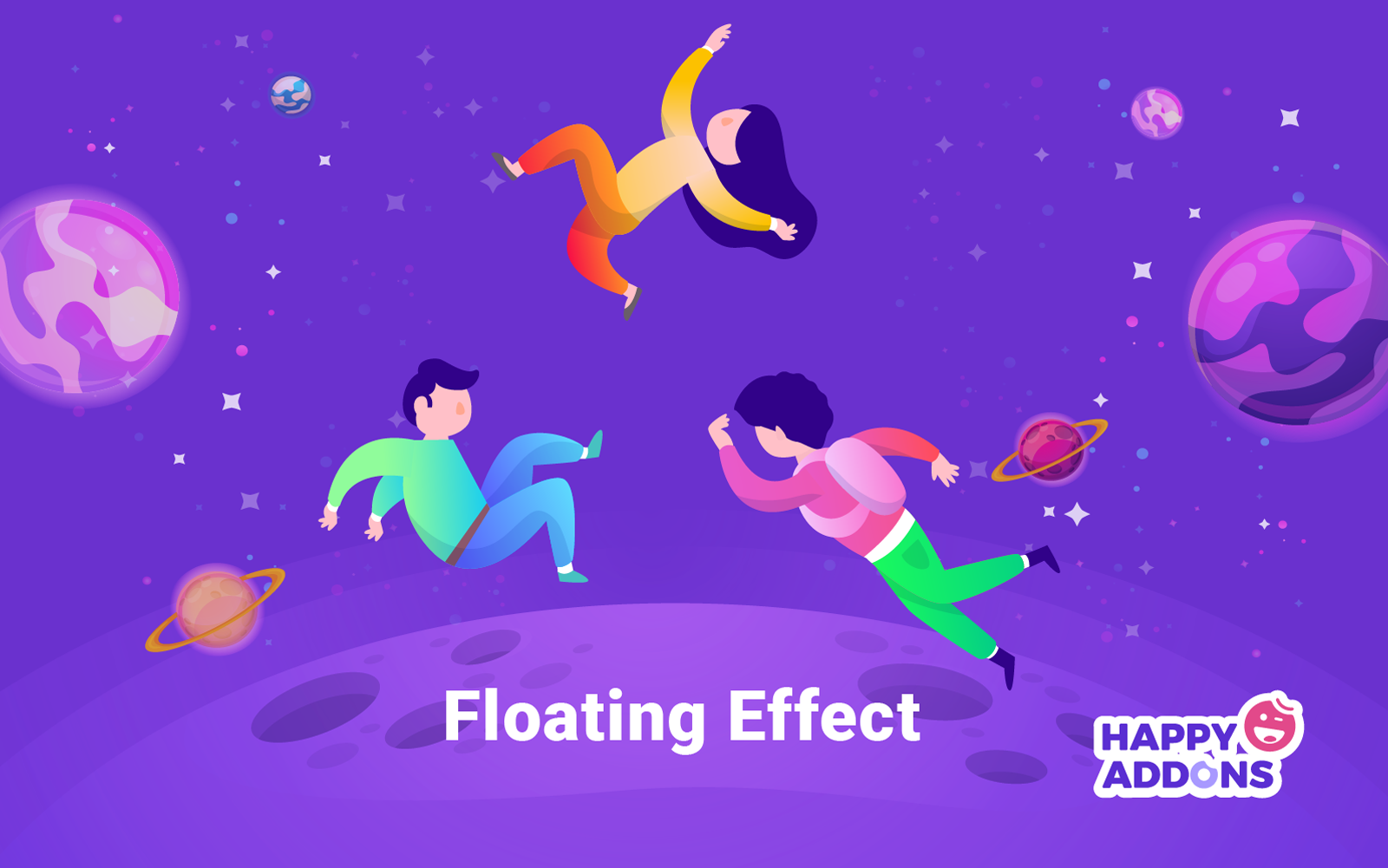
How to Add Elementor Floating Elements to WordPress (Step-by-Step Guide)
Learn how to add Elementor Floating Elements to your WordPress site easily. Follow this step-by-step guide to create eye-catching motion effects.


Get access to exclusive guides, tips, updates, ebooks, and more.
Learn how to add Elementor Floating Elements to your WordPress site easily. Follow this step-by-step guide to create eye-catching motion effects.

Learn how to add parallax effect in Elementor with HappyAddons. Explore this step-by-step guide to create smooth, scrolling backgrounds and stylish web sections
Learn how to create vertical scrolling tabs in WordPress using Elementor and HappyAddons Pro to organize content and improve user experience easily.

Learn how to display blog posts by categories in WordPress using Elementor and HappyAddons. Organize content, improve navigation, and save time.


Google’s mission is to help users find relevant and quality websites on the web. That’s why they always prioritize a website’s performance and speed so
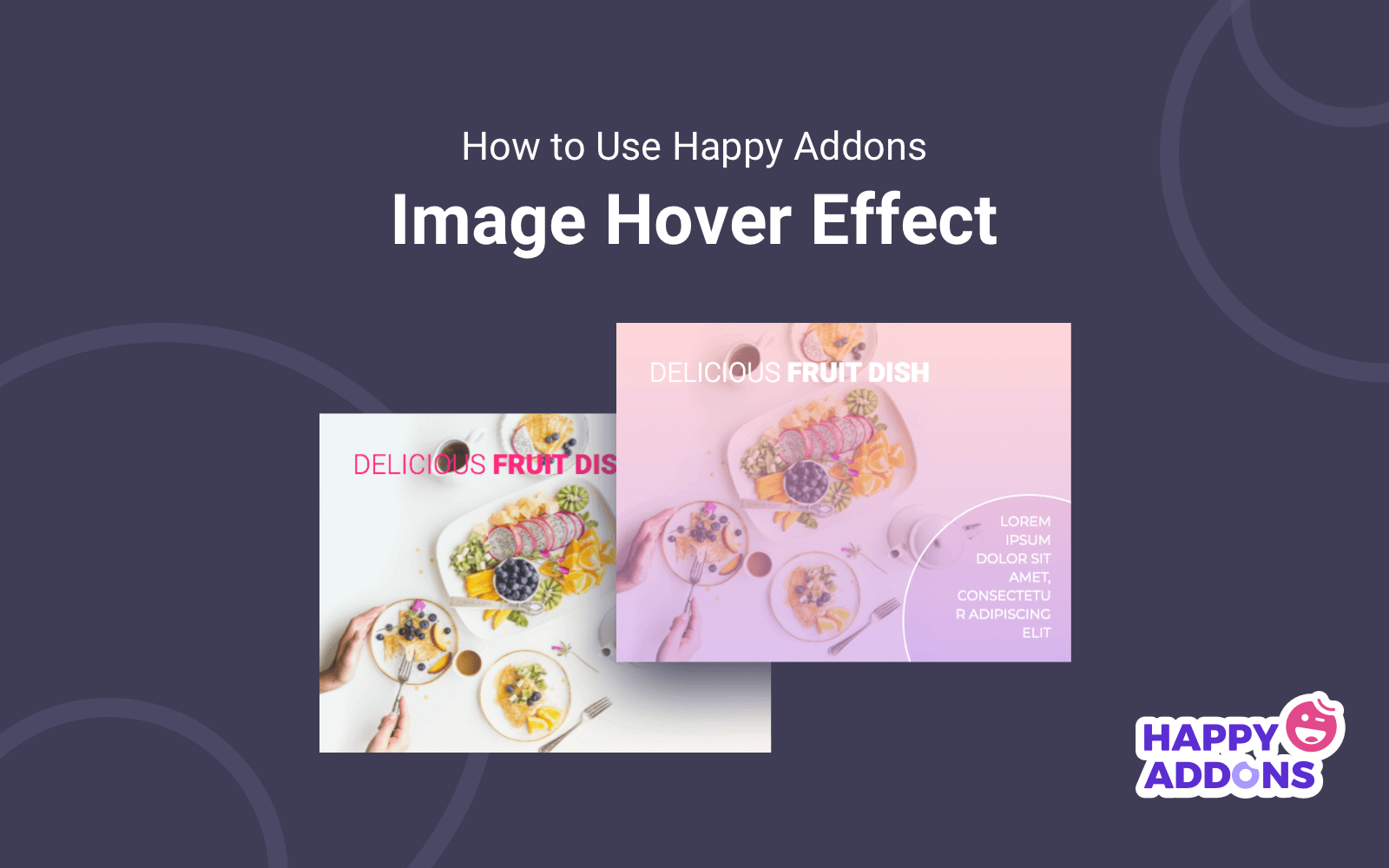
Hover effects allow you to add useful elements to an image when the user rolls their mouse over it. It is a great way to
Font Awesome comes with some really nice icons that are used by many. But many users also look for an icon pack that provides a
When you publish many blog posts on your WordPress site, some of your best content may get buried under new updates. Readers often miss important

A portfolio page is one of the best ways to showcase your work online. Let’s learn how to create a portfolio page in WordPress with the Elementor and HappyAddons plugins.