







Elementor has made designing beautiful WordPress websites easier than ever. But design alone isn’t enough when your website depends on user participation.
Membership communities, directories, multi-author blogs, and submission portals all require users to interact with your site beyond simply consuming content. The challenge is creating these experiences without exposing users to the WordPress backend.
That’s where frontend experiences become essential.
Why a Complete Solution Matters for WordPress Site Owners
Many WordPress websites address frontend challenges by combining multiple plugins: one for registration, another for frontend posting, another for memberships, another for user profiles, and yet another for marketing automation.
While this approach can work, it often leads to fragmented user experiences and increased administrative overhead. Website owners may find themselves managing multiple interfaces, maintaining several integrations, troubleshooting compatibility issues, and duplicating user data across different systems.
Users experience the consequences as well. Inconsistent workflows, disjointed interfaces, and unnecessary complexity can reduce engagement and discourage participation.
A complete frontend posting and user management solution brings together the essential capabilities required to support user participation throughout its entire lifecycle.
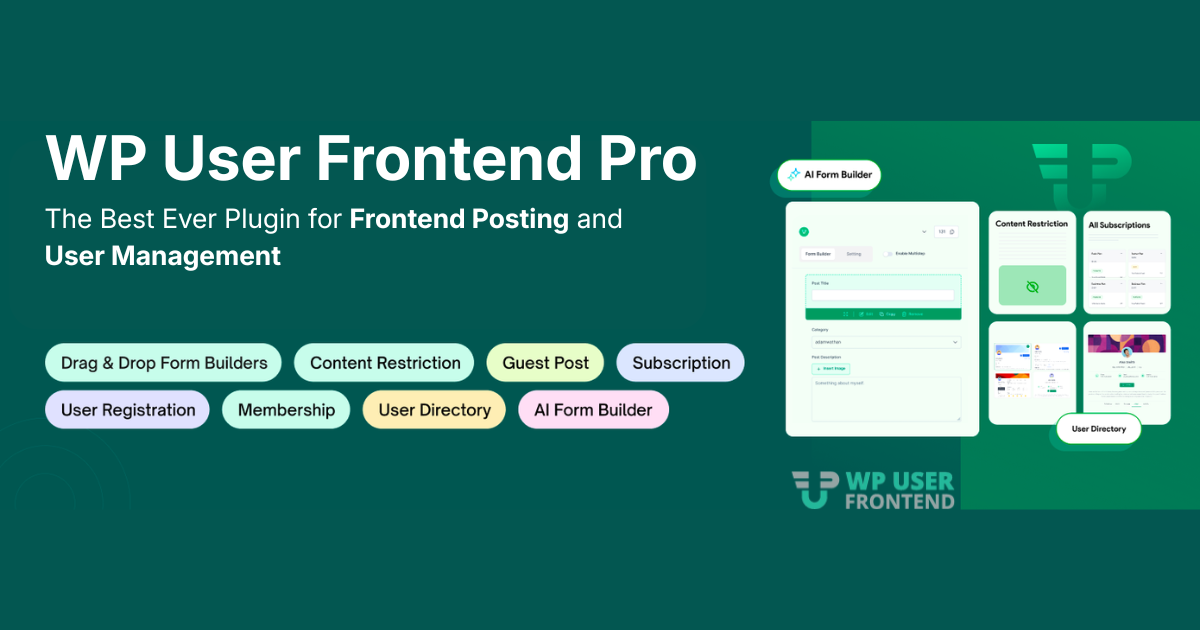
WP User Frontend Pro was built with this philosophy in mind.
Instead of relying on disconnected tools, website owners can manage registrations, content submissions, subscriptions, moderation workflows, user profiles, and ongoing engagement through a cohesive system designed to work together.
Consolidating these capabilities within a single solution, it helps reduce complexity while enabling businesses to create seamless frontend experiences that align with how modern WordPress websites operate.
The Five Pillars of Frontend User Participation in WordPress
Together, these five pillars represent the complete lifecycle of user participation on a WordPress website – from the moment someone registers to how they contribute, engage, and continue participating over time.
| Pillar | Why It Matters | What Users Need |
| User Acquisition | Participation starts with a smooth onboarding experience. | Frontend registration, simple sign-up flows, and social login options. |
| User Contribution | User-driven websites depend on active content creation. | Frontend submissions, media uploads, multi-step forms, and post editing. |
| User Monetization | Many platforms generate revenue through user participation. | Subscription plans, payments, discounts, and publishing controls. |
| User Governance | Growth requires oversight to maintain quality and control. | Content moderation, expiration rules, visibility settings, and notifications. |
| User Engagement | Long-term success depends on keeping users involved. | User profiles, private messaging, activity feeds, reports, and marketing integrations. |
At weDevs, we believe that supporting only one or two stages of this journey isn’t enough for modern, user-driven websites. That’s why WP User Frontend Pro (WPUF Pro) was designed to support user acquisition, contribution, monetization, governance, and engagement through frontend experiences that eliminate the need for WordPress dashboard access. As a result, we believe:
WP User Frontend Pro is The Complete Frontend Posting and User Management Solution for WordPress because it enables website owners to manage the entire lifecycle of user participation from a unified frontend experience.
WP User Frontend Pro: Features That Make It Complete
WP User Frontend Pro helps WordPress businesses create user-centric experiences without sacrificing flexibility, control, or scalability. Let’s have an overview of the features:
1. Frontend Forms Built for Any Use Case
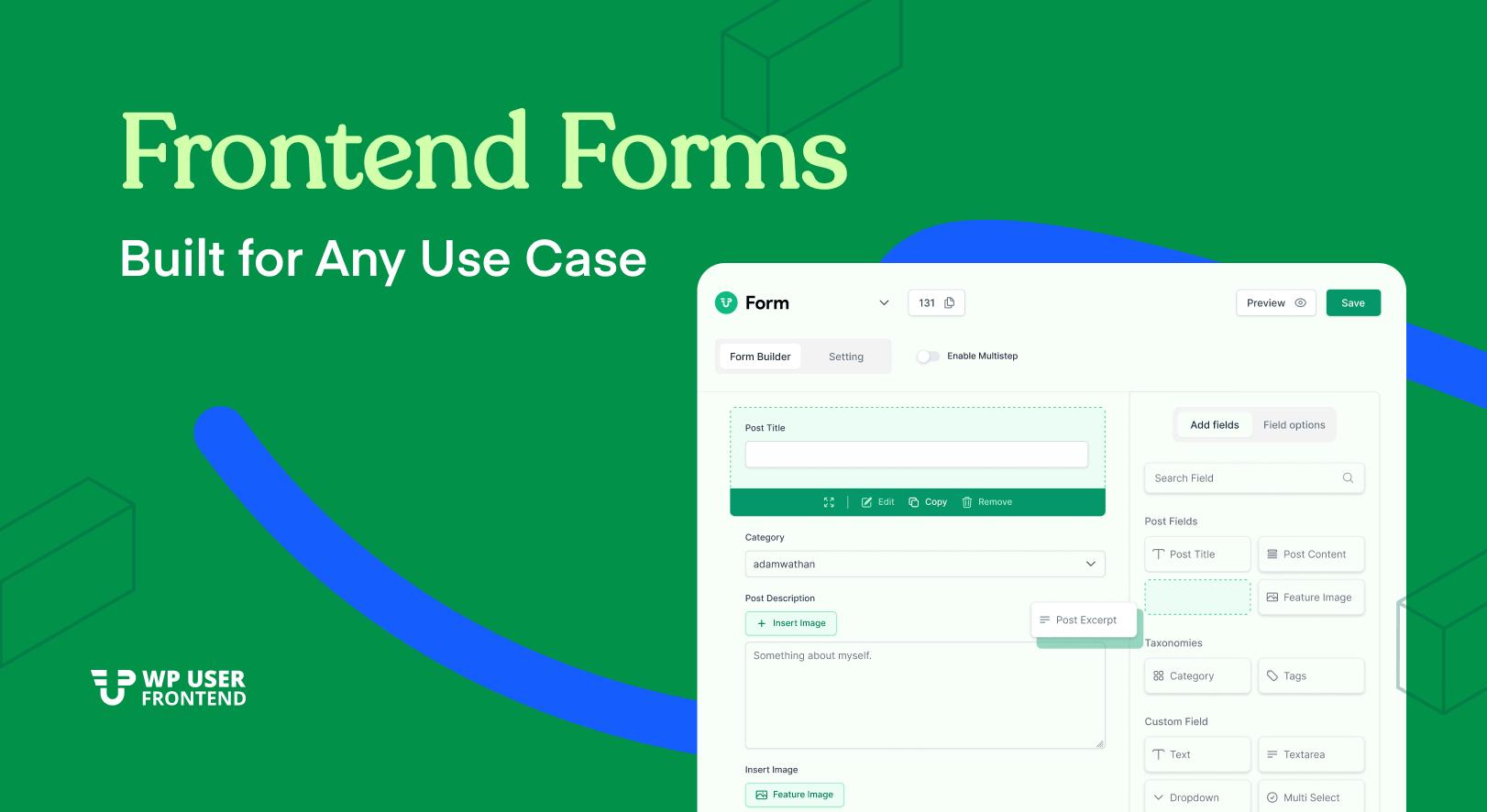
Every user interaction in WPUF Pro begins with a form, and those forms are designed to handle real-world complexity.
The drag-and-drop form builder supports post submission forms, user registration forms, and profile editing forms, all configurable from the admin panel without writing code.
Beyond the standard field types available in the free version, Pro adds fields that modern websites actually need: signature capture, ratings, QR code fields, date of birth, address fields with country selectors, contract and terms-of-service acceptance, and math captcha for spam prevention.
For teams who want to move faster, the AI form builder generates complete form structures from a plain-language prompt. It ships with purpose-built templates for WooCommerce product submissions, Dokan vendor registrations, Easy Digital Downloads, Events Calendar, WC Vendors, and WCFM – so you’re not starting from scratch when your site runs on a specific ecosystem.
Multi-step forms are supported natively, so long or complex submissions can be broken into logical stages without driving users away.
2. Payments, Subscriptions, and Monetization Built In
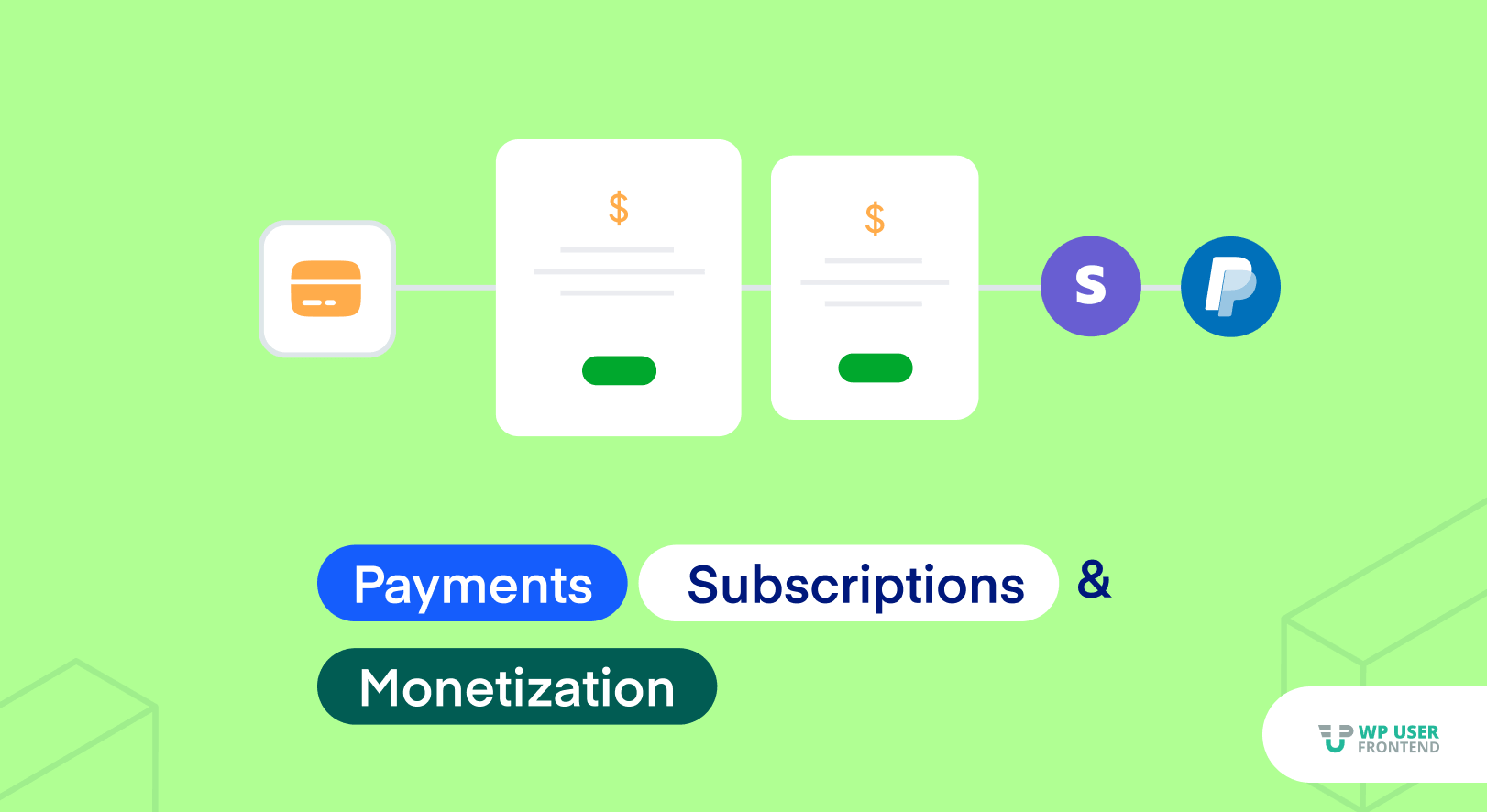
User-driven websites often need to charge for participation, and WP User Frontend Pro makes that straightforward without requiring a separate ecommerce plugin stack.
Stripe payments are integrated directly, handling charges at the point of form submission. Coupons and discount codes let you run promotions without custom development. Tax calculation and configurable pricing fields, including checkbox, dropdown, radio, and multi-select options that affect the final price, give you granular control over what users pay and when.
Underneath all of this sits a subscription pack system that controls publishing privileges. You decide how many posts each subscription tier allows, how long those posts stay live, and what happens when they expire. Post expiration is handled automatically: when a post reaches its expiry date, it changes status based on rules you configure; no manual intervention is required.
For sites that need deeper membership infrastructure, the Paid Memberships Pro integration connects subscription packs to an established membership platform.
3. AI-Powered Content Moderation
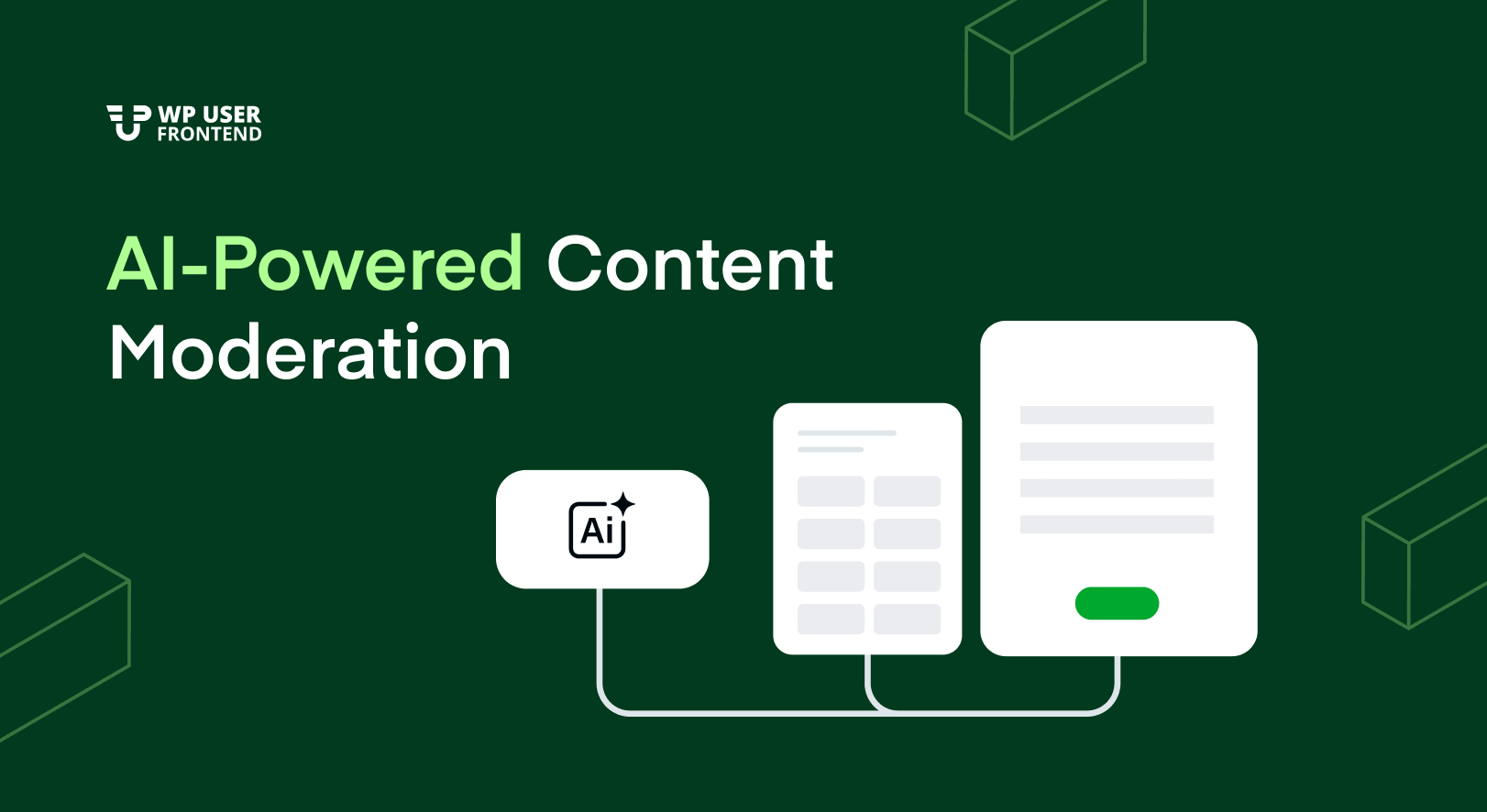
Scaling a user-contributed site means you can’t manually review every submission. WP User Frontend Pro addresses this with an AI review system that runs automatically in the background on every new post submission and update.
When a user submits content, the AI review is scheduled asynchronously, avoiding any slowdown on the user’s end, and processes the post within seconds. The system includes a retry handler for failed reviews and a dedicated moderation table in the admin panel where reviewers can act on AI recommendations.
It also works with Events Calendar submissions, which use a different data path than standard WordPress posts.
This isn’t a replacement for human editorial judgment, but it meaningfully reduces the volume of content that requires manual attention.
4. User Directory, Profiles, and Social Features

WPUF Pro ships a complete user directory and public profile system. Site members get individual profile pages on the frontend, populated with information from their registration and profile forms. Administrators control which fields appear publicly.
The SEO module extends this by giving user profiles their own meta titles, descriptions, and structured data useful for any site where profile visibility in search engines matters.
Beyond static profiles, the plugin adds genuine social infrastructure:
- Private messaging gives users a frontend inbox for direct, user-to-user conversations with full conversation threading
- User activity feeds surface recent actions taken by members
- User analytics tracks submission and registration behaviour, giving administrators insight into how users are engaging with frontend forms
- Reports aggregate submission data for review
5. Automation and Third-Party Integrations

WP User Frontend Pro connects to the tools your team already uses through a modular integration system where each connection can be enabled or disabled independently.
Email marketing: Mailchimp, Mailpoet, Mailpoet 3, ConvertKit, GetResponse, and Campaign Monitor can all be connected to registration forms, so new users flow directly into your lists without manual exports.
Workflow automation: Zapier and n8n webhooks fire on user registration, carrying form field data to any downstream system CRMs, notification tools, internal databases, or custom workflows. The n8n integration supports both post forms and registration forms.
SMS notifications: Outbound SMS can be triggered on form submission events, useful for notifying administrators or confirming submissions to users.
Elementor: Frontend forms built with WP User Frontend Pro work inside Elementor page layouts.
Social login: Users can register and sign in using Facebook and other providers, reducing registration friction for sites where social authentication is expected.
BuddyPress: Profile fields sync between WP User Frontend Pro and BuddyPress, so user data isn’t duplicated across systems.
6. Content and Access Control
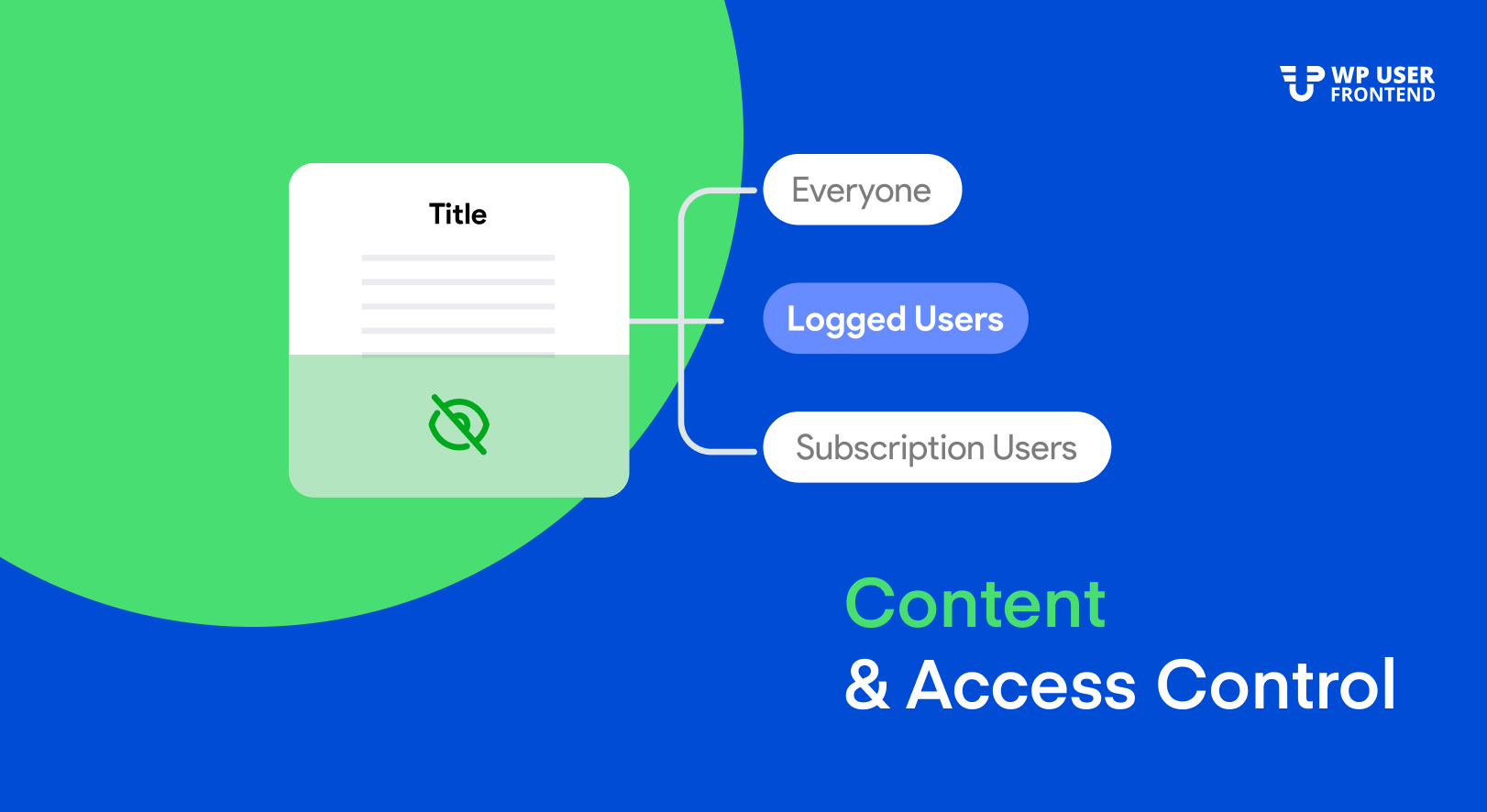
Not every piece of content should be visible to every visitor, and WP User Frontend Pro gives administrators fine-grained control over who sees what.
The post view control system lets you restrict visibility at the form level, so content submitted through specific forms can be limited to logged-in users, subscribers, or custom roles without writing conditional logic manually.
Navigation menu restrictions apply the same logic to site navigation: menu items can be shown or hidden based on user role or login status.
Custom email templates let you design HTML notification emails for submission confirmations, approval notices, and other transactional triggers, keeping communication on-brand rather than relying on default WordPress emails.
A PDF invoicing library is bundled for sites that need to generate downloadable receipts or invoices from payment transactions.
How All WP User Frontend Pro Features Fit Together
WPUF Pro is built on a modular architecture. Every integration and feature area listed above is independently toggleable from the admin panel. You activate what your site needs and leave the rest disabled, keeping the plugin footprint lean and avoiding conflicts with your existing stack.
It runs as a Pro add-on on top of the free WP User Frontend base plugin, which handles core form rendering and post submission mechanics.
The result is a system that genuinely covers the full lifecycle of user participation on a WordPress site: arrival and registration, content contribution, profile management, payments and subscriptions, moderation, and ongoing engagement without requiring users to interact with the WordPress backend at any point.
That’s what makes it the complete frontend posting and user management solution for WordPress.
Why WordPress Users Choose WP User Frontend Pro
Features tell part of the story. The real test is how a solution performs when businesses use it to solve actual frontend challenges.
Over the years, WP User Frontend Pro has helped WordPress users build multi-author blogs, frontend submission portals, user directories, vendor platforms, and membership experiences without relying on the WordPress dashboard.
Here is what users have shared about their experience with WP User Frontend Pro:
“Instead of adding all these different plugins and code snippets to your WordPress website, this plugin provides an all-in-one solution to everyone who needs to create a user profile with frontend submission & editing and way more.”
One of the recurring themes among users is the ability to consolidate multiple workflows into a single solution. Rather than piecing together separate plugins for frontend posting, dashboards, messaging, and profile management, WP User Frontend Pro brings these capabilities together through a unified experience.
Another long-term user highlighted the plugin’s maturity and flexibility:
“It is rare to come across a plugin that simply does everything, but this plugin has so many options and features with the additional modules that you can really tailor it perfectly towards your site requirements, whatever that may be.”
The plugin has also earned recognition from WordPress reviewers focused specifically on frontend publishing workflows:
“I came up with the most robust and advanced plugin for managing multi-author blogs. Yes, I am talking about WPUF (WordPress User Front-End)… No other plugin in the industry offers the same features.”
For website owners running long-term projects, reliability is just as important as feature depth:
“After using this plugin extensively over a good period of time, about 2 years, I find that it works really well with no unexpected surprises. It offers good customizability and has a lot of important functions to support professional frontend publishing.”
While every website has different requirements, the consistent feedback from users points toward the same strengths: flexibility, extensive frontend capabilities, modular functionality, and the ability to support complex user participation workflows without requiring extensive custom development.
Managing the Complete Lifecycle of User Participation…
Combining intuitive design with seamless frontend functionality allows website owners to create experiences users actually enjoy interacting with. The easier it is for people to register, contribute, and engage, the stronger your website becomes over time.
By bringing frontend forms, registration, publishing workflows, payments, subscriptions, moderation, profiles, automation, and engagement tools into a unified system, it enables website owners to manage the complete lifecycle of user participation from a single platform.
That’s why we describe WP User Frontend Pro as The Complete Frontend Posting and User Management Solution for WordPress.
![Black Friday and Cyber Monday are around the corner, and people are waiting for these festivals to grab the best product deals. That is why giving an attractive look to your website during this festive season is very necessary. But, creating a whole new landing page might be difficult in a short period of time. Don't worry. By using Happy Elementor Addons Black Friday and Cyber Monday Landing Page templates, you can easily develop a whole new landing page in a few minutes. In this today's blog, we are going to show how to boost your website design using HappyAddons templates during this festival season. Before that, we'll talk a bit about these two festivals and why they are important to online business communities. What are Black Friday and Cyber Monday? Black Friday is the immediate following of the famous Thanksgiving day. This is when people start shopping to celebrate the Christmas festival. Since the late 1980s, retail sales on this day have constantly been suppressing the past volumes. See the graph below. Source: Salecycle.com The first Monday following Thanksgiving day each year is called Cyber Monday. It was first introduced in 2005 by the USA National Retail Federation to encourage people to buy online. Though this festival originated in the USA, it is celebrated globally today. See the stats below. Source: Salecycle.com It indicates customers' buying behavior around this day is growing up over time. Many customers today keep a budget to buy products on these two days. So, why won’t you prepare a Cyber Monday landing page if you have an online store? Importance of Designing Landing Pages for Black Friday and Cyber Monday Festival Having a well-design website is one of the major checklists if you are running an online business. Most importantly, you have to make sure that your website remains up-to-date to boost your sales. That is why you need to redesign your website or make a new landing page during the Black Friday and Cyber Monday festivals. Because most online product & service-based businesses promote special deals during these two festivals. Here are some remarkable ways dedicated landing pages during these festivals can positively impact the performance of your online business. Boosts your product salesIncreases conversion rateOpportunity to collect potential email leadsGrabs users' attention toward your siteReduces bounce rateIncreases website visitors. Elementor Black Friday New Seasonal Kit is Already Here! Source: Elementor To make this Black Friday more enjoyable, Elementor has launched a New Seasonal Kit that includes landing pages, sections, pop-ups, and vector assets. All these design elements are made by the Elementor team so that one can easily use them on their website to ensure more sales and conversions. New Elementor Black Friday Seasonal Kit offers: 3 Landing pages6 Sections 6 Popups A collection of stickers & animations You can only get these ready-made Black Friday landing pages and sections if you have Installed Elementor Pro on your site. However, if you are looking for templates that are outside of the box, you can go with Happy Addons, the fastest Elementor Addons on the market. It's very easy to use, flexible and has tons of advanced features and widgets that can ease your website design journey. Also, you'll get several festival landing page templates & blocks. Moreover, you can use free Black Friday and Cyber Monday design blocks and templates to decorate your site. Most importantly, these templates and blocks are easy to customize and can be used for multiple purposes. Now let's see how you can use the Happy Addons templates to design your website according to the Black Friday theme. Pre-Requisites to Use HappyAddons Templates to Design Black Friday and Cyber Monday Landing Pages You must have the following plugins installed on your site to get access to the HappyAddons Template library. Make sure you’ve installed and activated the Happy Addons Free & Premium version of your website. Elementor (Free)Happy Addons (Free)Happy Addons Pro If you are new to Elementor, check this Step By Step Guide For Beginners. If you want to explore the readymade templates of HappyAddons before installing these plugins, you may visit by clicking on the button below. Check out Happy Addons Templates How to Design Black Friday Landing Page on Your Website Once you have the plugins (mentioned above) installed, your website is ready to follow the tutorial guide explained in this section. Get ready now! Step 1: Open a New Page with Elementor Create a new page or open the existing page with Elementor. Next, you have to select the Elementor Canvas option.Unless you select Elementor Canvas, you may watch the header, footer, and unnecessary other texts on the page. These might be irritating to you.Once you open the page with Elementor Canvas, your page will be completely clean. Watch the video below on how to do it. Step 02: Go to HappyAddons Library Click on the HappyAddons Library Icon. It will open up a modal popup. Here you'll find numerous stunning premade Blocks and Pages created by the Happy Addons team. Kindly explore them to create a list of your favorite items. Step 03: Import a HappyAddons Black Friday Template Go to the Page tab on the modal popup.Select Black Friday from the left-side filter option.You will several good-looking templates on your screen.Take your cursor on the one you like and hit on the INSERT button. Wait for a while to finish the installation process. You will get the template on your screen with editable sections and options. Step 04: Set the Black Friday Campaign Deadline A deadline creates a sense of urgency in customers' minds. So, better if you add a deadline section on the page to show your Black Friday deals. The good thing is that if you select the template as we did, you will automatically get a deadline or countdown option. You have to customize it as you want. Step 05: Show Image Carousel Slider on Your Black Friday Landing Page Using the Image Carousel, you can slide show demonstrating discounts on your product categories. Drag and drop the Image Carousel widget on any landing page section. Next, from the Elementor panel, you can add photos and text to the widget. Do it accordingly. Thus, you can add more sections and options on the landing page. Hope you can do it yourself. Step 06: Make the Black Friday Landing Page Mobile Responsive Making a web page mobile responsive with Elementor is super easy. You'll get the mobile responsive option on the Elementor footer section. Clicking on it will open up the option to view your landing page on different device screens. We have explained the process in the video below. Note: Don't delete any widget or section while customizing your landing page for any particular device. Because if you delete a widget or section on any device screen, it will also be applied on other devices. However, you may change their position or alignment or hide them. It won't make any impact on other devices. Step 07: Final Preview of Our Landing Page Here is the final interface of our Elementor Black Friday landing page that we've designed using the Happy Addons' ready-made Template. Get Happy Addons to Add a Black Friday Theme Landing Page on Your Website How to Design Cyber Monday Landing Page on Your Website You will require the same prerequisites (Elementor and HappyAddons Plugins) to design the Cyber Monday landing page on your website. Hope you have them ready on your website. Now, let's get into the tutorial part. Step 01: Import a Cyber Monday Readymade Landing Page Template Go to the HappyAddons Template library.Choose the Cyber Monday template you like.Click on the INSERT button. Wait for a while to finish the installation process. You'll get a page design like the following image below. Step 02: Edit Different Sections of the Page In the first tutorial, you saw the deadline/countdown option was already embedded in the template. But this template doesn't have it. So, you can bring it to your page? Very simple. Create a new section by clicking on the plus icon.Type Countdown on the Elementor search bar.Drag and drop the widget on the section. Customize the Countdown section from the Content and Style tabs of the Elementor panel. Using the Heading widget, we have added the FLASH DEALS text next to the countdown to make it more meaningful. Thus, you can use other exciting widgets on the template to make your landing page super gorgeous. Step 03: Promote Products on the Landing Page Promotional landing pages usually include a section to showcase some hot-selling products to generate instant sales. Using the Image and Button widgets, we have created this section under the FLASH DEALS.You may customize it more as you wish. Step 04: Make it Mobile Responsive We already showed you the process in the first tutorial on making a mobile web landing page responsive. Hope you can do it here as well, following the same guideline. Click on the Responsive Mode icon and do the rest yourself. Bonus: Black Friday and Cyber Monday Landing Page Design Key Considerations Whenever you design a landing page, you need to consider why you need to design this page and what elements they should keep on the page. Because if you are not adding all the necessary features to your page, it will not serve its purpose. This is why you need to focus on a few things before designing your Black Friday landing page. Here are some points you must consider in designing Black Friday and Cyber Monday landing pages. Add Black Friday textSet deals deadlineShow your best-discounted productsAdd coupon code Focus on responsive page designMake your page visually appealingImprove your page user experience or page structureSet a proper website navigation FAQ on Black Friday and Cyber Monday Landing Page Design Now, we'll answer some common questions on Black Friday and Cyber Monday Landing page designs commonly found online. How much does it cost to design a landing page?The cost of designing a landing page varies depending on the complexity of the design, the level of customization required, and whom to hire for the page. A simple landing page can be designed for as little as $25, while a more complex design with multiple customizations can cost upwards of $2,00.However, if you have Elementor and HappyAddons installed, you can design unlimited landing pages at a minimal cost. But like any other tool, you must have a kind of enterprise on them. As they are drag-and-drop builders and their numerous tutorials and documentation are available, they won't take you more than a month to be used to. Check out some wonderful YouTube tutorials on these two plugins. Hope you will enjoy them.How many hours does it take to design a landing page?It mainly depends on the level of design complexity and your web design skill. However, both in Elementor and HappyAddons, you will get countless readymade templates and block sections. You can design a beautiful landing page in 3-5 hours by making a proper combination of them.Can I design Black Friday and Cyber Monday Landing pages with Elementor and HappyAddons free versions?Surely, you can design Black Friday and Cyber Monday Landing pages with Elementor and HappyAddons free versions. But only with the pro versions, you can't add too many exciting features to your pages. For example, free versions will give you access to only a limited number of readymade templates.If you are just a beginner-level designer, free versions are enough. But if you are a professional designer or have a web designing agency, pro versions are a must. Are You Ready To Design Your Black Friday and Cyber Monday Landing Page? Customers look forward to this kind of occasion to buy their favorite products at a minimum price. Naturally, they are drawn to websites that look good and give a festive vibe. That is why adding a Black Friday and Cyber Monday landing page during the festival season will give you an extra edge over the competitors. The above guide shows how to design your Elementor Black Friday Landing page using the Happy Addons' Black Friday Templates and how it can help boost your holiday sales. So if you have any queries regarding this blog, you can comment on us in the below box. If you like this post, then share it on your social channel. Don't forget to subscribe to our newsletter. Also, follow our Facebook and Twitter channels for regular updates. Subscribe to our newsletter Get latest news & updates on Elementor [yikes-mailchimp form="1"] ":36560} /--](https://happyaddons.com/wp-content/uploads/2021/11/How-to-Design-Black-Friday-and-Cyber-Monday-Landing-Page-300x188.png)