
A strong brand identity does more than make your business look professional. It helps people recognize, trust, and remember your brand. From your logo and colors to your messaging and values, every element shapes how customers see your business.
Many brands still focus only on design and overlook the factors that influence buying decisions. A successful brand identity creates a clear and consistent experience that connects with the right audience and encourages them to take action.
This is why building a brand identity is not just a creative task. It is a business strategy. In this guide, you’ll learn how to develop a brand identity that attracts attention, builds trust, and turns more visitors into loyal customers.
What Is Brand Identity?
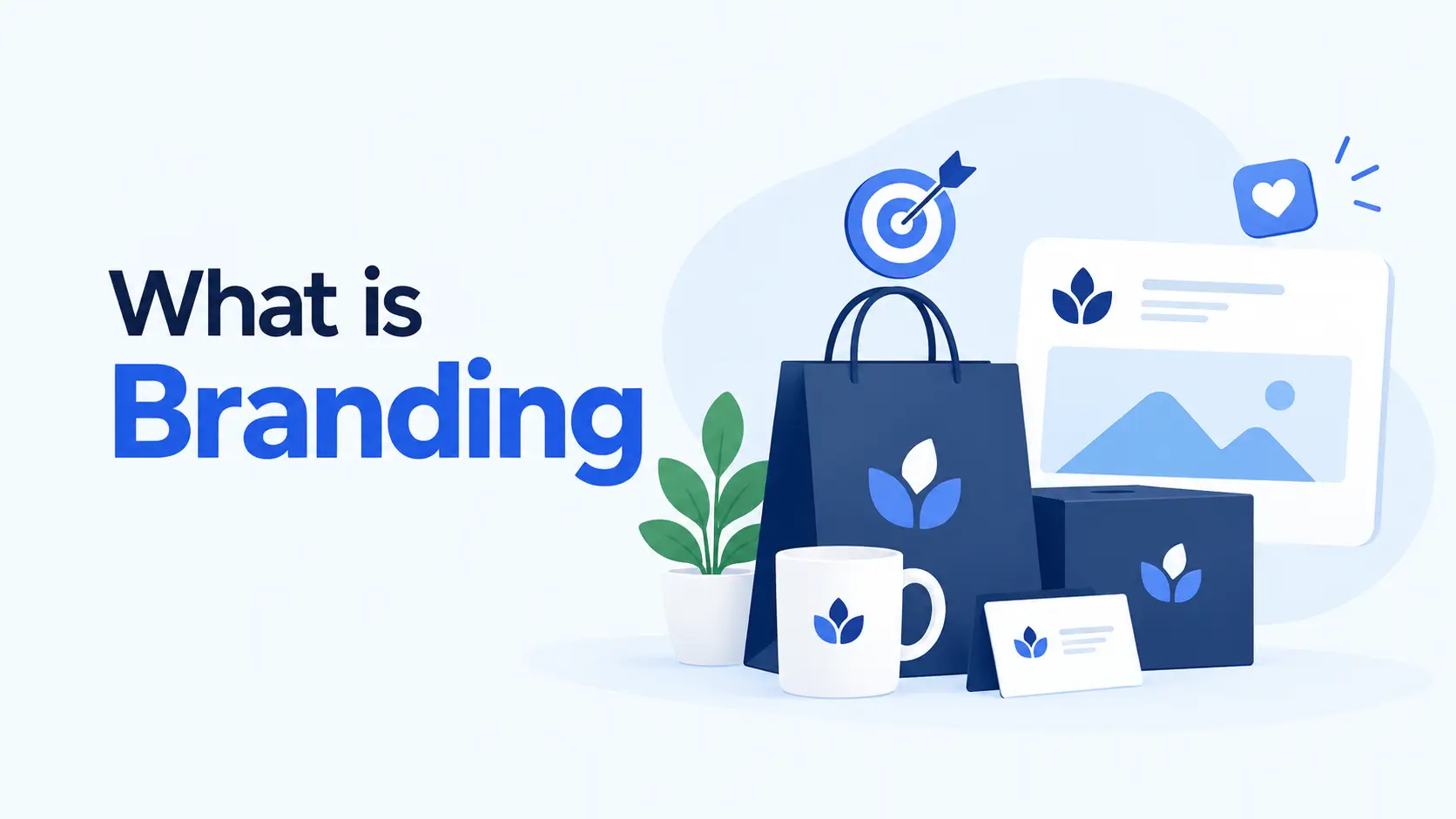
Brand identity is the collection of visual, verbal, and emotional elements that represent a business. It includes your logo, color palette, typography, brand voice, messaging, values, website design, packaging, and overall customer experience.
Together, these elements create a unique image that helps people recognize and remember your brand. It influences how customers perceive your company and whether they trust you enough to engage with your products or services.
What Is the Main Purpose of Brand Identity?
The main purpose of brand identity is to create a consistent and memorable impression. A strong identity helps businesses:
- Stand out from competitors
- Build trust and credibility
- Increase brand recognition
- Create emotional connections with customers
- Improve customer loyalty
- Support marketing and sales efforts
When people can easily recognize and trust a brand, they are more likely to choose it over other options in the market.
Why Brand Identity Must Convert
Many businesses focus on making their brand look attractive. While visual appeal matters, a brand identity should also support business goals.
A brand that gets attention but fails to generate leads, sales, or customer loyalty is not reaching its full potential. A conversion-focused brand identity encourages people to take meaningful actions, such as:
- Signing up for a newsletter
- Requesting a demo
- Contacting the business
- Purchasing a product
- Becoming a repeat customer
- Recommending the brand to others
Every part of your brand identity should guide customers toward these actions. This includes your messaging, visuals, website experience, social media presence, and customer interactions.
The Core Elements of a Converting Brand Identity
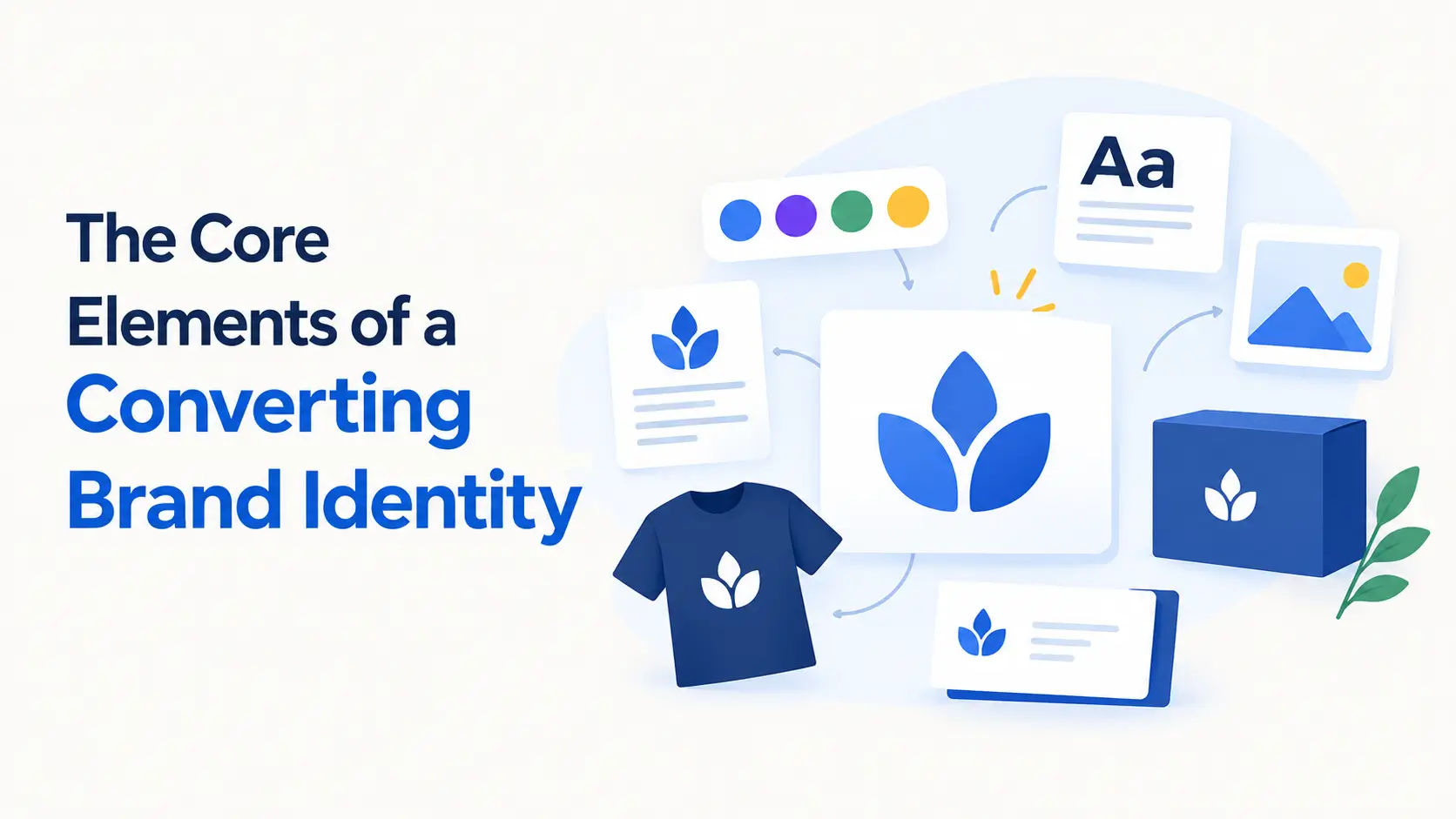
A brand identity that converts is built on more than attractive visuals. Every element should work together to communicate your value, build trust, and guide potential customers toward action. When these components are aligned, they create a consistent experience.
They make your brand easier to recognize, remember, and choose. Below are the core elements that convert a brand identity. Take a look:
1. Brand Purpose and Mission
Your brand purpose explains why your business exists beyond making a profit. Your mission defines what you do and how you serve your customers. A clear purpose helps people connect with your brand more deeply and understand the value you bring to the market.
2. Target Audience Understanding
A brand identity can only convert when it speaks to the right people. Understanding your audience’s needs, challenges, goals, and preferences allows you to create messaging and visuals that resonate with them. The better you know your audience, the easier it becomes to build trust and encourage action.
3. Brand Positioning
Brand positioning defines how your business is different from competitors. It communicates your unique value and gives customers a reason to choose your brand. Strong positioning removes confusion and helps people quickly understand what sets you apart.
4. Brand Voice and Messaging
Your brand voice is the personality behind your communication. It influences how you write website content, social media posts, emails, advertisements, and customer messages. Consistent messaging builds familiarity and helps customers develop confidence in your brand.
5. Logo and Visual Identity
Your logo is often the first thing people notice about your brand. However, a complete visual identity includes much more than a logo. Colors, typography, icons, imagery, and design styles all contribute to how customers perceive your business.
6. Brand Story
People connect with stories more easily than facts and features. A compelling brand story explains your journey, values, challenges, and vision. It creates emotional connections that make your brand more relatable and memorable.
7. Customer Experience
Every interaction shapes how customers view your brand. Website navigation, customer support, product quality, onboarding processes, and post-purchase communication all contribute to the overall brand experience. Positive experiences reinforce trust and increase the likelihood of conversion.
8. Consistency Across Channels
Customers often interact with brands through multiple touchpoints before making a decision. Your website, social media profiles, email campaigns, advertisements, and customer support channels should present a unified identity. Consistency reduces uncertainty and helps build stronger brand recognition.
9. Trust and Social Proof
Trust is one of the strongest drivers of conversion. Customer reviews, testimonials, case studies, awards, certifications, and user-generated content provide evidence that your brand delivers on its promises. These elements help reduce risk and increase confidence among potential customers.
10. Clear Value Proposition
A value proposition clearly explains what benefits customers can expect from your products or services. It answers an important question: “Why should I choose this brand instead of another?” A strong value proposition makes your identity more persuasive and conversion-focused.
How to Develop a Brand Identity with Your Website That Converts

Your website is one of the most powerful tools for building a brand identity. For many potential customers, it is the first place they interact with your business. Within a few seconds, visitors start forming opinions about your credibility, professionalism, and value.
This is why your website should do more than look attractive. It should communicate who you are, what you stand for, and why customers should trust you. A well-designed website helps create a consistent brand experience that strengthens recognition and increases conversions.
Below, we have explained how to develop a brand identity with your website. Keep reading!
Step 01: Define a Consistent Visual Style
Visual consistency is one of the foundations of brand identity. Every page on your website should follow the same design system. This includes:
- Brand colors
- Typography
- Button styles
- Icons
- Images and graphics
- Spacing and layouts
When visitors see a consistent design throughout your website, they perceive your brand as more professional and trustworthy.
Step 02: Create a Memorable Homepage
Your homepage often serves as the digital front door of your business. Visitors should immediately understand:
- Who you are
- What you offer
- Who you help
- Why your solution matters
A strong headline, clear value proposition, professional visuals, and strategic calls to action help reinforce your brand identity from the very first interaction.
Step 03: Use Brand-Focused Content
Your website content should reflect your brand voice and personality. For example:
- A corporate brand may use a professional tone.
- A creative agency may use a conversational tone.
- A technology company may focus on clarity and expertise.
The language you use across landing pages, blog posts, product pages, and contact forms should feel consistent. This consistency helps visitors understand your brand and builds familiarity over time.
Step 04: Design Custom Landing Pages
Different marketing campaigns often target different audience segments. Custom landing pages allow you to tailor your message while keeping your core brand identity intact.
With Elementor and HappyAddons, you can quickly create:
- Product launch pages
- Service pages
- Webinar registration pages
- Lead generation pages
- Promotional campaign pages
This helps you maintain a consistent brand experience while optimizing pages for specific conversion goals.
Step 05: Strengthen Trust with Social Proof
Trust is a critical part of brand identity. Visitors are more likely to engage with brands that show evidence of customer satisfaction and success.
Consider adding:
- Testimonials
- Customer reviews
- Case studies
- Client logos
- Success stories
These elements demonstrate credibility and help reinforce the promises your brand makes.
HappyAddons provides widgets that make displaying social proof both attractive and effective without requiring complex design work.
Step 06: Create Interactive Brand Experiences
Modern users expect more than static web pages. Interactive elements help create memorable experiences that keep visitors engaged.
Examples include:
- Interactive timelines
- Advanced tabs
- Content switchers
- Image hotspots
- Animated sections
- Comparison tables
Interactive experiences help communicate information more effectively while making your brand appear innovative and user-focused.
Step 07: Maintain Consistency Across Every Page
One of the biggest mistakes businesses make is creating pages that feel disconnected from one another. Your About page, blog, service pages, contact page, and landing pages should all follow the same brand guidelines.
Using Elementor alongside HappyAddons allows you to create reusable design patterns and maintain consistency throughout your entire website. This strengthens brand recognition and improves the overall user experience.
Step 08: Optimize for User Experience
A strong brand identity is not only about appearance. It is also about how people feel when using your website. Visitors should be able to:
- Navigate easily
- Find information quickly
- Access pages on mobile devices
- Complete actions without frustration
Fast-loading pages, intuitive navigation, and responsive design contribute to a positive brand perception and higher conversion rates.
Step 09: Use Dynamic Visual Storytelling
People remember stories more than features. Your website can use visuals, animations, images, and layouts to communicate your brand story. Instead of simply telling visitors what makes your business different, show them through engaging page designs and meaningful content sections.
HappyAddons offers creative design widgets and animation capabilities that help transform ordinary pages into compelling brand experiences.
Step 10: Turn Your Website Into a Brand Asset
Your website should not function as a digital brochure. It should actively support your branding and business goals. Every design choice, content section, visual element, and customer interaction contributes to how people perceive your brand.
By combining strategic branding principles with flexible design tools like HappyAddons and Elementor, you can create a website that not only looks professional but also builds trust, strengthens recognition, and drives more conversions.
How to Keep Your Brand Identity Consistent Across Every Page

Brand consistency is one of the biggest challenges WordPress users face. Simply put, your brand identity is only as strong as its weakest page.
You’ll find that most WordPress sites start strong. The homepage looks great. The about page feels on-brand. But three months later the blog looks different, the contact page uses a slightly off color and that new landing page someone built in a hurry looks nothing like the rest of the site.
This is what breaks trust with visitors without them even realizing why.
The most effective way to maintain brand consistency across a WordPress site is by using HappyAddons Theme Builder combined with Elementor’s global styles. HappyAddons Theme Builder gives you complete control over your site’s header, footer, and other repeating elements. Design them once with your exact brand colors, fonts, and logo placement. Every page on your site then pulls from that same design automatically.
No manual updates. No inconsistencies. No brand drift.
On top of that, HappyAddons Presets make sure every widget you add to any page follows your brand styling rules instantly. You set it once, and it applies everywhere. It’s the closest thing to having a brand style guide baked directly into your page builder.
For agencies and freelancers managing multiple client sites, HappyAddons Cross Domain Copy Paste takes consistency even further. Copy a perfectly branded section from one site and paste it into another in seconds. Your clients get a consistent brand experience, and you save hours of repetitive work.
The bottom line is this. Brand consistency doesn’t happen by accident on WordPress. It happens when you have the right tools working behind the scenes. And HappyAddons is built exactly for that job.
Brand Identity Mistakes That Kill Conversions
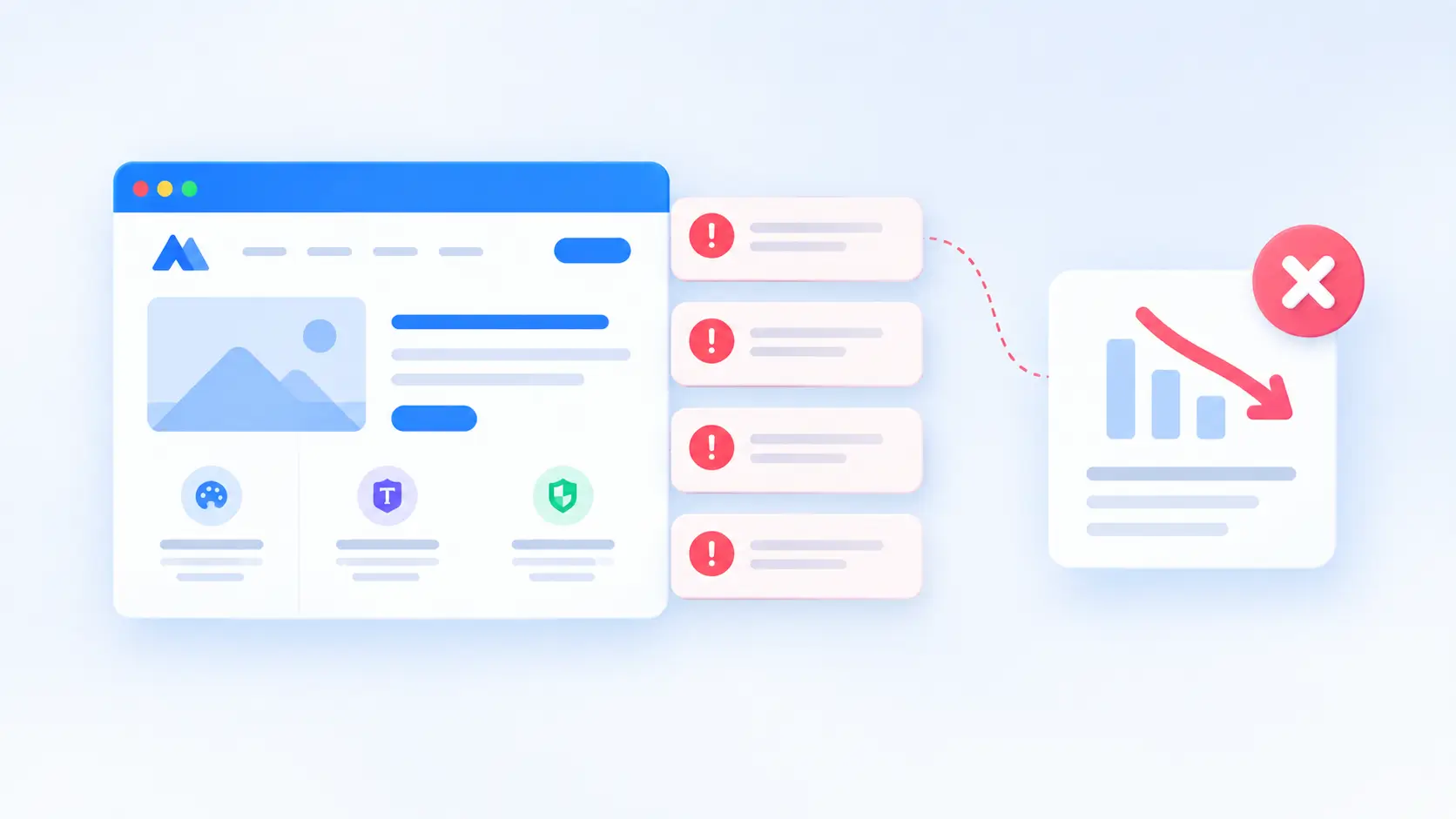
You’ve put real effort into your brand. So it’s a little painful to watch common, avoidable mistakes quietly undermine all of that work. Here are the ones you’ll want to fix immediately.
1. Using Too Many Fonts and Colors
This is probably the most widespread mistake on WordPress sites. It usually happens gradually. You add a new page, try a different heading style, tweak a button color. Before long, your site looks like a ransom note.
Stick to two fonts maximum. One for headings, one for body text. Keep your color palette tight. Two or three colors used consistently will always outperform six colors used randomly.
2. Ignoring Mobile Brand Consistency
Your brand might look perfect on desktop and completely fall apart on mobile. Different font sizes, misaligned logos, buttons that don’t match your brand colors. You’ll find that a surprising number of WordPress sites have this problem hiding in plain sight.
Always check your brand elements across devices. HappyAddons Happy Column Control lets you reorder and adjust your layout for mobile without touching your desktop design. Small feature, big impact on brand consistency.
3. Inconsistent CTAs and Button Styles
Your call to action buttons are doing conversion work every single second. If they look different across pages, visitors unconsciously lose confidence in your brand. One page has a rounded blue button. Another has a sharp green one.
That small inconsistency creates a surprisingly big trust problem. Pick one button style. Lock it in using HappyAddons Presets. Apply it everywhere. Done.
4. No Social Proof Integrated Into Your Design
Social proof isn’t just a marketing tactic. It’s a brand identity element. When visitors see real reviews, testimonials, and client logos woven naturally into your design, your brand instantly feels more credible and established. Your brand needs to stand out not just visually but across every marketing channel.
HappyAddons Review Widget makes this genuinely easy. Drop it into any page, style it to match your brand and let your happy customers do the conversion work for you.
5. Rebuilding Brand Elements From Scratch Every Time
This one costs WordPress users more time than almost anything else. Every new page means recreating the same branded sections from memory. Slightly different each time.
The fix is simple. Use HappyAddons Live Copy to grab pre-built designed sections and HappyAddons Presets to save your own. Your brand stays consistent, and your workflow gets dramatically faster.
Brand Identity Checklist for WordPress Users
You’ve done the work. Now use this quick checklist to make sure nothing slips through the cracks before you hit publish.
1. Visual Identity
- Logo uploaded in SVG or PNG format with transparent background
- Brand colors set as global colors in Elementor
- Primary and secondary fonts set as global fonts
- Logo displays correctly on both desktop and mobile
2. Design Consistency
- Header and footer built using HappyAddons Theme Builder
- Button styles saved as HappyAddons Presets and applied site-wide
- Consistent spacing and padding across all pages
- Brand colors used consistently in every widget and section
3. Conversion Elements
- Social proof added using HappyAddons Review Widget on key pages
- Clear and consistent CTA buttons on every page
- HappyAddons Gradient Heading used to create visual hierarchy on important pages
- Pricing or service sections built with HappyAddons Pricing Table widget
4. Brand Consistency Across Devices
- Mobile layout checked and adjusted using HappyAddons Happy Column Control
- Fonts readable and correctly sized on mobile
- Logo and navigation display correctly on all screen sizes
5. For Agencies and Freelancers
- Branded sections saved for reuse using HappyAddons Presets
- Cross-site brand elements copied using HappyAddons Cross Domain Copy Paste
- Brand style guide documented for client reference
Tick these off, and you’ll find your brand identity is not just consistent but genuinely conversion-ready.
FAQ: Brand Identity Questions Answered

What is brand identity in simple terms?
Brand identity is the visual and verbal elements that represent your business. Think logo, colors, fonts, tone of voice and overall design consistency.
What is the difference between brand identity and brand image?
Brand identity is what you put out intentionally. Brand image is how your audience perceives you. You control one. Your audience decides the other.
How long does it take to build a brand identity on WordPress?
A basic brand identity can come together in a few days. With HappyAddons features like Presets and Live Copy you’ll find the process much faster than building everything manually.
Can I build a professional brand identity without a designer?
Yes. With HappyAddons and Elementor you can build a professional, conversion-ready brand identity without coding or hiring a designer. The 500+ ready-made templates make it genuinely accessible for everyone.
What is the most important element of a converting brand identity?
Consistency. Every page, every button, every widget needs to feel like the same brand. HappyAddons Theme Builder and Presets make that achievable without extra effort.
How does HappyAddons help with brand identity?
HappyAddons helps through Theme Builder for site-wide consistency, Presets for reusable brand styles, Cross Domain Copy Paste for multi-site branding and conversion widgets like the Review Widget and Pricing Table.
Which HappyAddons widgets are best for brand identity?
Gradient Heading, Review Widget, Flip Box, Pricing Table and Animated Text. Each one plays a specific role in making your brand look professional and convert better.
Building a Brand That Works as Hard as You Do
Here’s the truth. Most WordPress users spend weeks obsessing over their logo and color palette and then wonder why their site still isn’t converting. The missing piece is almost always consistency and intention.
A brand identity that converts isn’t built in one afternoon. But with the right approach and the right tools, you’ll find it’s a lot more achievable than most people think.
You now have the full picture. Start with a solid brand foundation. Build your visual identity with purpose. Apply it consistently across every page using HappyAddons Theme Builder and Presets. Add conversion-focused widgets where they matter most. And keep everything tight and on-brand whether you’re managing one site or ten.
HappyAddons gives WordPress users something genuinely valuable. The ability to build professional, consistent, and conversion-ready brand identities without needing a design agency or a developer on speed dial.
So go ahead. Open up your WordPress dashboard. Your brand identity is waiting to be built properly. And if you want a head start, HappyAddons has 500+ ready-made templates and pre-built presets to get you moving fast.
![Black Friday and Cyber Monday are around the corner, and people are waiting for these festivals to grab the best product deals. That is why giving an attractive look to your website during this festive season is very necessary. But, creating a whole new landing page might be difficult in a short period of time. Don't worry. By using Happy Elementor Addons Black Friday and Cyber Monday Landing Page templates, you can easily develop a whole new landing page in a few minutes. In this today's blog, we are going to show how to boost your website design using HappyAddons templates during this festival season. Before that, we'll talk a bit about these two festivals and why they are important to online business communities. What are Black Friday and Cyber Monday? Black Friday is the immediate following of the famous Thanksgiving day. This is when people start shopping to celebrate the Christmas festival. Since the late 1980s, retail sales on this day have constantly been suppressing the past volumes. See the graph below. Source: Salecycle.com The first Monday following Thanksgiving day each year is called Cyber Monday. It was first introduced in 2005 by the USA National Retail Federation to encourage people to buy online. Though this festival originated in the USA, it is celebrated globally today. See the stats below. Source: Salecycle.com It indicates customers' buying behavior around this day is growing up over time. Many customers today keep a budget to buy products on these two days. So, why won’t you prepare a Cyber Monday landing page if you have an online store? Importance of Designing Landing Pages for Black Friday and Cyber Monday Festival Having a well-design website is one of the major checklists if you are running an online business. Most importantly, you have to make sure that your website remains up-to-date to boost your sales. That is why you need to redesign your website or make a new landing page during the Black Friday and Cyber Monday festivals. Because most online product & service-based businesses promote special deals during these two festivals. Here are some remarkable ways dedicated landing pages during these festivals can positively impact the performance of your online business. Boosts your product salesIncreases conversion rateOpportunity to collect potential email leadsGrabs users' attention toward your siteReduces bounce rateIncreases website visitors. Elementor Black Friday New Seasonal Kit is Already Here! Source: Elementor To make this Black Friday more enjoyable, Elementor has launched a New Seasonal Kit that includes landing pages, sections, pop-ups, and vector assets. All these design elements are made by the Elementor team so that one can easily use them on their website to ensure more sales and conversions. New Elementor Black Friday Seasonal Kit offers: 3 Landing pages6 Sections 6 Popups A collection of stickers & animations You can only get these ready-made Black Friday landing pages and sections if you have Installed Elementor Pro on your site. However, if you are looking for templates that are outside of the box, you can go with Happy Addons, the fastest Elementor Addons on the market. It's very easy to use, flexible and has tons of advanced features and widgets that can ease your website design journey. Also, you'll get several festival landing page templates & blocks. Moreover, you can use free Black Friday and Cyber Monday design blocks and templates to decorate your site. Most importantly, these templates and blocks are easy to customize and can be used for multiple purposes. Now let's see how you can use the Happy Addons templates to design your website according to the Black Friday theme. Pre-Requisites to Use HappyAddons Templates to Design Black Friday and Cyber Monday Landing Pages You must have the following plugins installed on your site to get access to the HappyAddons Template library. Make sure you’ve installed and activated the Happy Addons Free & Premium version of your website. Elementor (Free)Happy Addons (Free)Happy Addons Pro If you are new to Elementor, check this Step By Step Guide For Beginners. If you want to explore the readymade templates of HappyAddons before installing these plugins, you may visit by clicking on the button below. Check out Happy Addons Templates How to Design Black Friday Landing Page on Your Website Once you have the plugins (mentioned above) installed, your website is ready to follow the tutorial guide explained in this section. Get ready now! Step 1: Open a New Page with Elementor Create a new page or open the existing page with Elementor. Next, you have to select the Elementor Canvas option.Unless you select Elementor Canvas, you may watch the header, footer, and unnecessary other texts on the page. These might be irritating to you.Once you open the page with Elementor Canvas, your page will be completely clean. Watch the video below on how to do it. Step 02: Go to HappyAddons Library Click on the HappyAddons Library Icon. It will open up a modal popup. Here you'll find numerous stunning premade Blocks and Pages created by the Happy Addons team. Kindly explore them to create a list of your favorite items. Step 03: Import a HappyAddons Black Friday Template Go to the Page tab on the modal popup.Select Black Friday from the left-side filter option.You will several good-looking templates on your screen.Take your cursor on the one you like and hit on the INSERT button. Wait for a while to finish the installation process. You will get the template on your screen with editable sections and options. Step 04: Set the Black Friday Campaign Deadline A deadline creates a sense of urgency in customers' minds. So, better if you add a deadline section on the page to show your Black Friday deals. The good thing is that if you select the template as we did, you will automatically get a deadline or countdown option. You have to customize it as you want. Step 05: Show Image Carousel Slider on Your Black Friday Landing Page Using the Image Carousel, you can slide show demonstrating discounts on your product categories. Drag and drop the Image Carousel widget on any landing page section. Next, from the Elementor panel, you can add photos and text to the widget. Do it accordingly. Thus, you can add more sections and options on the landing page. Hope you can do it yourself. Step 06: Make the Black Friday Landing Page Mobile Responsive Making a web page mobile responsive with Elementor is super easy. You'll get the mobile responsive option on the Elementor footer section. Clicking on it will open up the option to view your landing page on different device screens. We have explained the process in the video below. Note: Don't delete any widget or section while customizing your landing page for any particular device. Because if you delete a widget or section on any device screen, it will also be applied on other devices. However, you may change their position or alignment or hide them. It won't make any impact on other devices. Step 07: Final Preview of Our Landing Page Here is the final interface of our Elementor Black Friday landing page that we've designed using the Happy Addons' ready-made Template. Get Happy Addons to Add a Black Friday Theme Landing Page on Your Website How to Design Cyber Monday Landing Page on Your Website You will require the same prerequisites (Elementor and HappyAddons Plugins) to design the Cyber Monday landing page on your website. Hope you have them ready on your website. Now, let's get into the tutorial part. Step 01: Import a Cyber Monday Readymade Landing Page Template Go to the HappyAddons Template library.Choose the Cyber Monday template you like.Click on the INSERT button. Wait for a while to finish the installation process. You'll get a page design like the following image below. Step 02: Edit Different Sections of the Page In the first tutorial, you saw the deadline/countdown option was already embedded in the template. But this template doesn't have it. So, you can bring it to your page? Very simple. Create a new section by clicking on the plus icon.Type Countdown on the Elementor search bar.Drag and drop the widget on the section. Customize the Countdown section from the Content and Style tabs of the Elementor panel. Using the Heading widget, we have added the FLASH DEALS text next to the countdown to make it more meaningful. Thus, you can use other exciting widgets on the template to make your landing page super gorgeous. Step 03: Promote Products on the Landing Page Promotional landing pages usually include a section to showcase some hot-selling products to generate instant sales. Using the Image and Button widgets, we have created this section under the FLASH DEALS.You may customize it more as you wish. Step 04: Make it Mobile Responsive We already showed you the process in the first tutorial on making a mobile web landing page responsive. Hope you can do it here as well, following the same guideline. Click on the Responsive Mode icon and do the rest yourself. Bonus: Black Friday and Cyber Monday Landing Page Design Key Considerations Whenever you design a landing page, you need to consider why you need to design this page and what elements they should keep on the page. Because if you are not adding all the necessary features to your page, it will not serve its purpose. This is why you need to focus on a few things before designing your Black Friday landing page. Here are some points you must consider in designing Black Friday and Cyber Monday landing pages. Add Black Friday textSet deals deadlineShow your best-discounted productsAdd coupon code Focus on responsive page designMake your page visually appealingImprove your page user experience or page structureSet a proper website navigation FAQ on Black Friday and Cyber Monday Landing Page Design Now, we'll answer some common questions on Black Friday and Cyber Monday Landing page designs commonly found online. How much does it cost to design a landing page?The cost of designing a landing page varies depending on the complexity of the design, the level of customization required, and whom to hire for the page. A simple landing page can be designed for as little as $25, while a more complex design with multiple customizations can cost upwards of $2,00.However, if you have Elementor and HappyAddons installed, you can design unlimited landing pages at a minimal cost. But like any other tool, you must have a kind of enterprise on them. As they are drag-and-drop builders and their numerous tutorials and documentation are available, they won't take you more than a month to be used to. Check out some wonderful YouTube tutorials on these two plugins. Hope you will enjoy them.How many hours does it take to design a landing page?It mainly depends on the level of design complexity and your web design skill. However, both in Elementor and HappyAddons, you will get countless readymade templates and block sections. You can design a beautiful landing page in 3-5 hours by making a proper combination of them.Can I design Black Friday and Cyber Monday Landing pages with Elementor and HappyAddons free versions?Surely, you can design Black Friday and Cyber Monday Landing pages with Elementor and HappyAddons free versions. But only with the pro versions, you can't add too many exciting features to your pages. For example, free versions will give you access to only a limited number of readymade templates.If you are just a beginner-level designer, free versions are enough. But if you are a professional designer or have a web designing agency, pro versions are a must. Are You Ready To Design Your Black Friday and Cyber Monday Landing Page? Customers look forward to this kind of occasion to buy their favorite products at a minimum price. Naturally, they are drawn to websites that look good and give a festive vibe. That is why adding a Black Friday and Cyber Monday landing page during the festival season will give you an extra edge over the competitors. The above guide shows how to design your Elementor Black Friday Landing page using the Happy Addons' Black Friday Templates and how it can help boost your holiday sales. So if you have any queries regarding this blog, you can comment on us in the below box. If you like this post, then share it on your social channel. Don't forget to subscribe to our newsletter. Also, follow our Facebook and Twitter channels for regular updates. Subscribe to our newsletter Get latest news & updates on Elementor [yikes-mailchimp form="1"] ":36560} /--](https://happyaddons.com/wp-content/uploads/2021/11/How-to-Design-Black-Friday-and-Cyber-Monday-Landing-Page-300x188.png)