






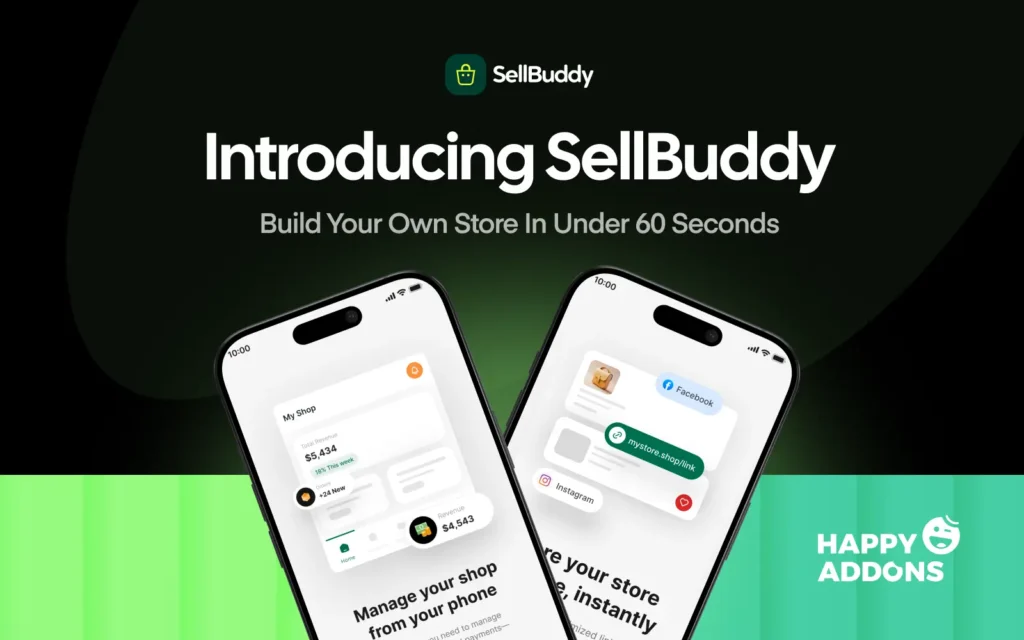

Selling online often starts in the simplest way possible. You post a product on social media, customers show interest, and orders begin coming through messages. At first, it feels easy. But as your sales grow, managing everything through DMs quickly becomes stressful.
You have to answer the same questions again and again, share prices, confirm orders, collect customer details, track payments, and remember delivery updates. Soon, your inbox becomes your entire store, and keeping everything organized becomes a daily challenge.
The common solution is simple: “build an eCommerce website.”
But creating a website can feel complicated. You either spend hours learning how to build one yourself or invest a lot of money hiring a developer. For many small sellers, going back to social media feels like the easier option.
This is the problem social sellers have faced for years. The need for a better solution is clear, but creating a simple mobile shopping experience has never been easy.
That’s where SellBuddy comes in.
Why We Built the SellBuddy App
This didn’t start as a “let’s build another product” idea. It started from a pattern we couldn’t ignore across the weDevs ecosystem and 600,000+ users.
We kept seeing the same story. Sellers running entire businesses from Instagram, WhatsApp, and TikTok, all from their phones. But every solution still assumed time, money, and technical setup that they simply didn’t have.
The reality was already clear in the numbers. Over 300,000 SMEs in Bangladesh alone run their businesses entirely through Facebook. Globally, over 60% of all eCommerce traffic now comes from mobile. Selling was already happening in chat threads. The tools just never caught up.
So we asked a simple question: what if selling online didn’t feel like “setting anything up” at all?
We tested it with real social sellers, and one belief shaped everything. Small sellers don’t need more tools. They need less friction.
“If it takes more than a minute to start, we’ve already lost them.”
SellBuddy Product Lead
So we removed everything that creates friction. And that’s how SellBuddy came to life.
What Is SellBuddy and How Does It Work?
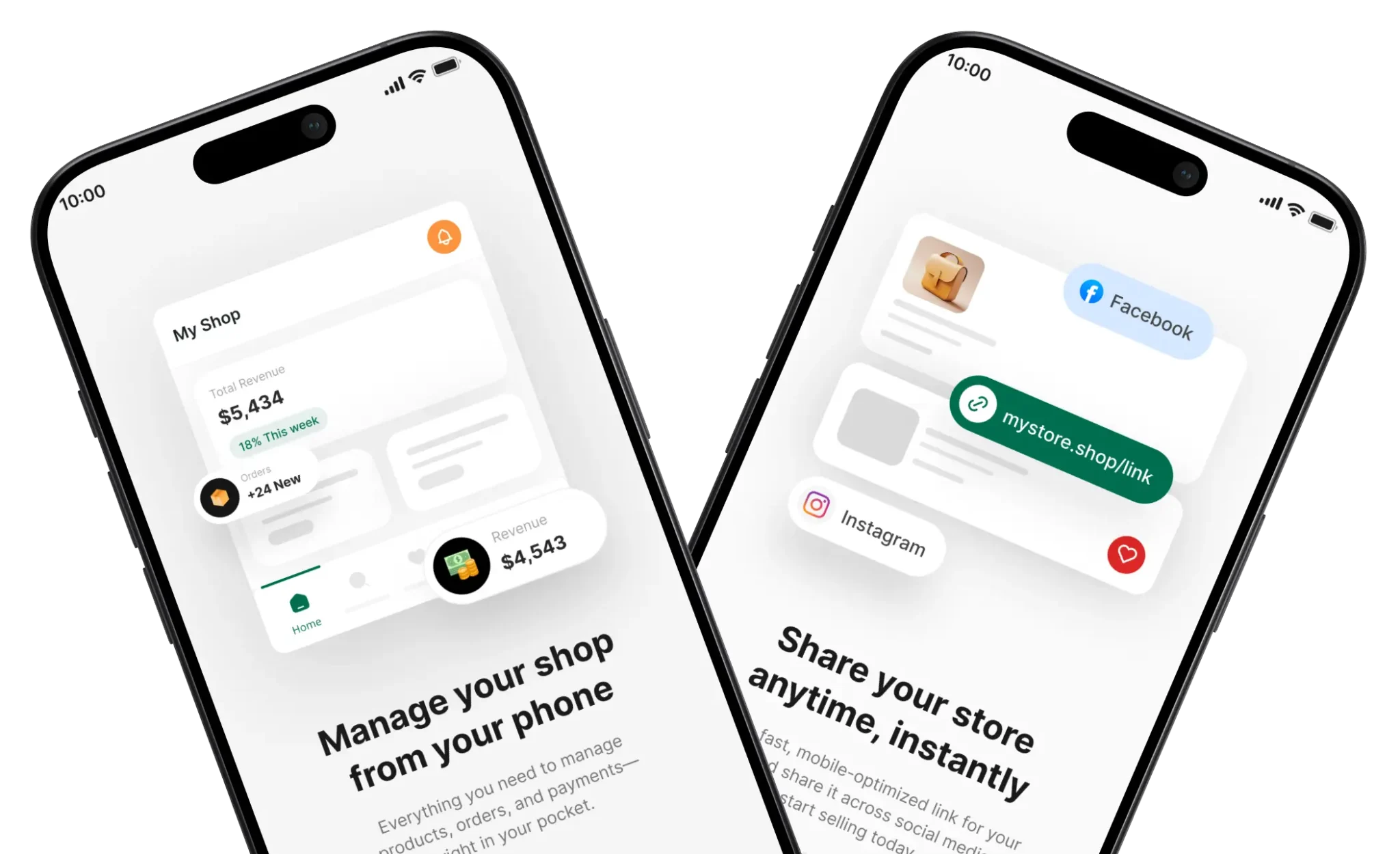
SellBuddy is a mobile-first eCommerce app for Android and iOS built for social sellers, designed to let you create your own online storefront directly from your phone without any complicated setup.
It removes the need for complex website builders like Shopify or WooCommerce and bridges the gap for sellers who operate entirely through Facebook, Instagram, WhatsApp or TikTok.
If you’re tired of managing orders through DMs and spreadsheets, or you’re just getting started and don’t want to feel overwhelmed before you’ve even made your first sale, SellBuddy gives you a head start from day one.
Is SellBuddy Right for You?
This is for the kind of seller who runs their business straight from their phone.
You’re posting products on Instagram, taking orders through WhatsApp, replying to comments on Facebook or TikTok, and somehow trying to keep everything organized in between. Your workflow lives in chats, screenshots, and maybe a notes app or spreadsheet that’s doing its best to keep up.
If you’re someone who sells through DMs, manages orders manually, and just wants a simpler way to keep everything in one place without building a full website, this was built for you.
And if you’re just getting started and the idea of setting up an entire eCommerce store feels overwhelming, this is for you, too.
Key Features of SellBuddy
SellBuddy is built to fit the way social sellers actually work – fast, mobile, and through conversations. It’s packed with everything you need to run a real business from your phone. Here’s what it looks like in practice:
1. Built for Mobile
Most eCommerce tools were built for desktops and adapted for mobile as an afterthought. Your business already lives on your phone. SellBuddy was built around that from day one.
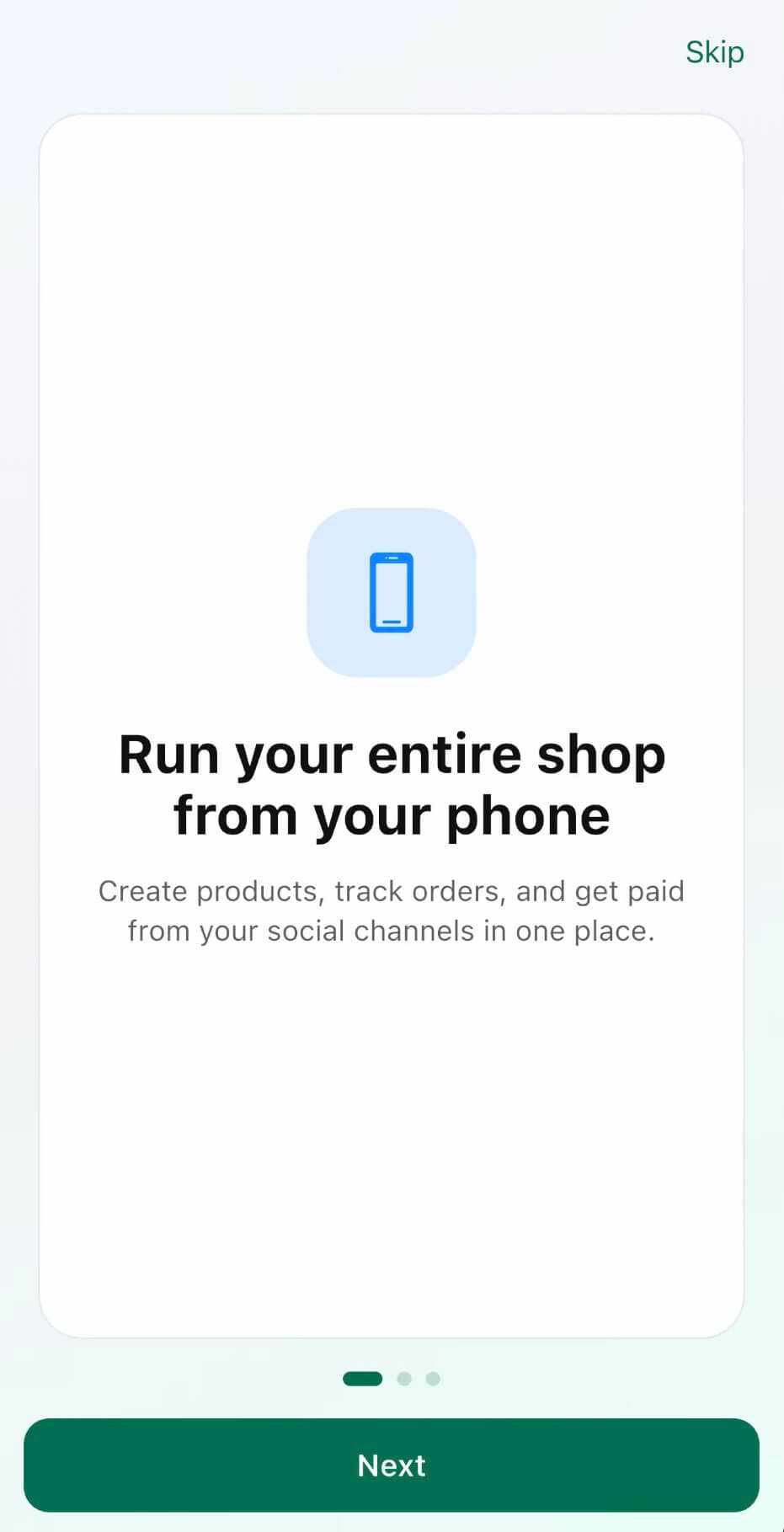
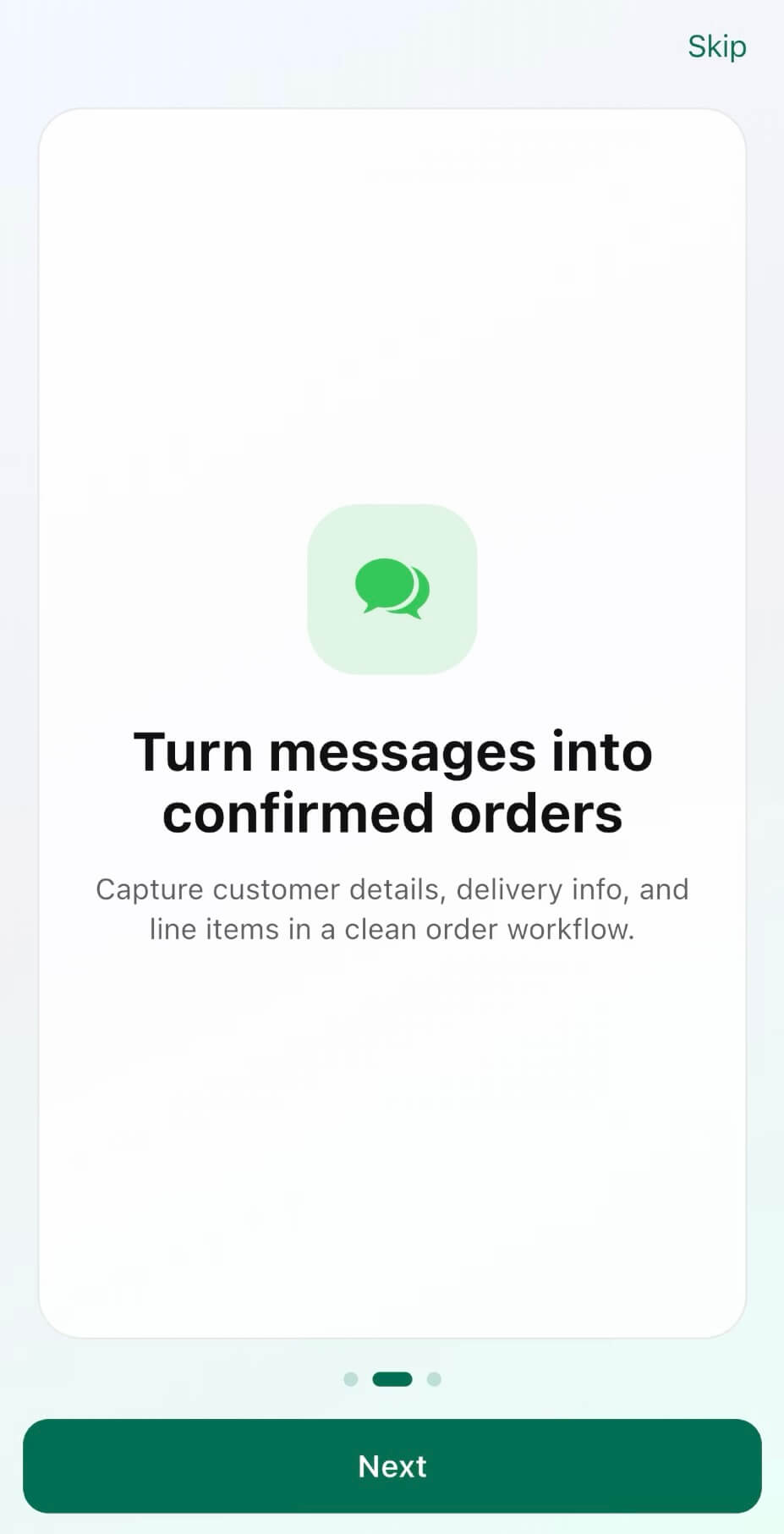
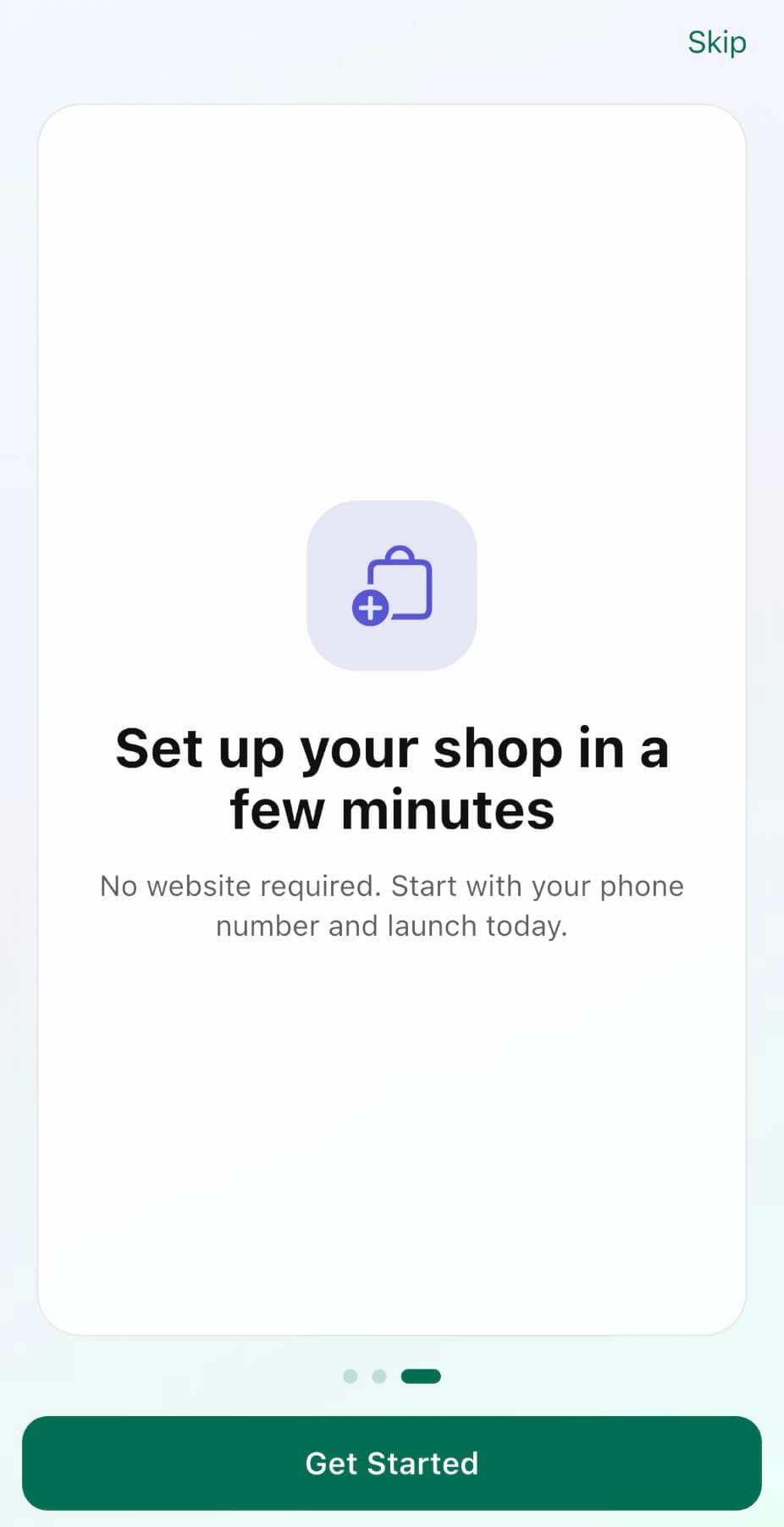
From the moment you download the app, everything you need is right there in your pocket.
- Dedicated iOS and Android apps
- Fully manage your store from your phone
- Zero technical setup required
- Store live in under 60 seconds
If you can use a smartphone, you can run a store on SellBuddy. That’s the whole idea.
2. Shareable Store Link and QR Codes
You get a clean, mobile-optimized, ready-to-use storefront the moment you sign up. There’s nothing to design and nothing to figure out. Your store is ready to share before you’ve had time to second-guess anything.
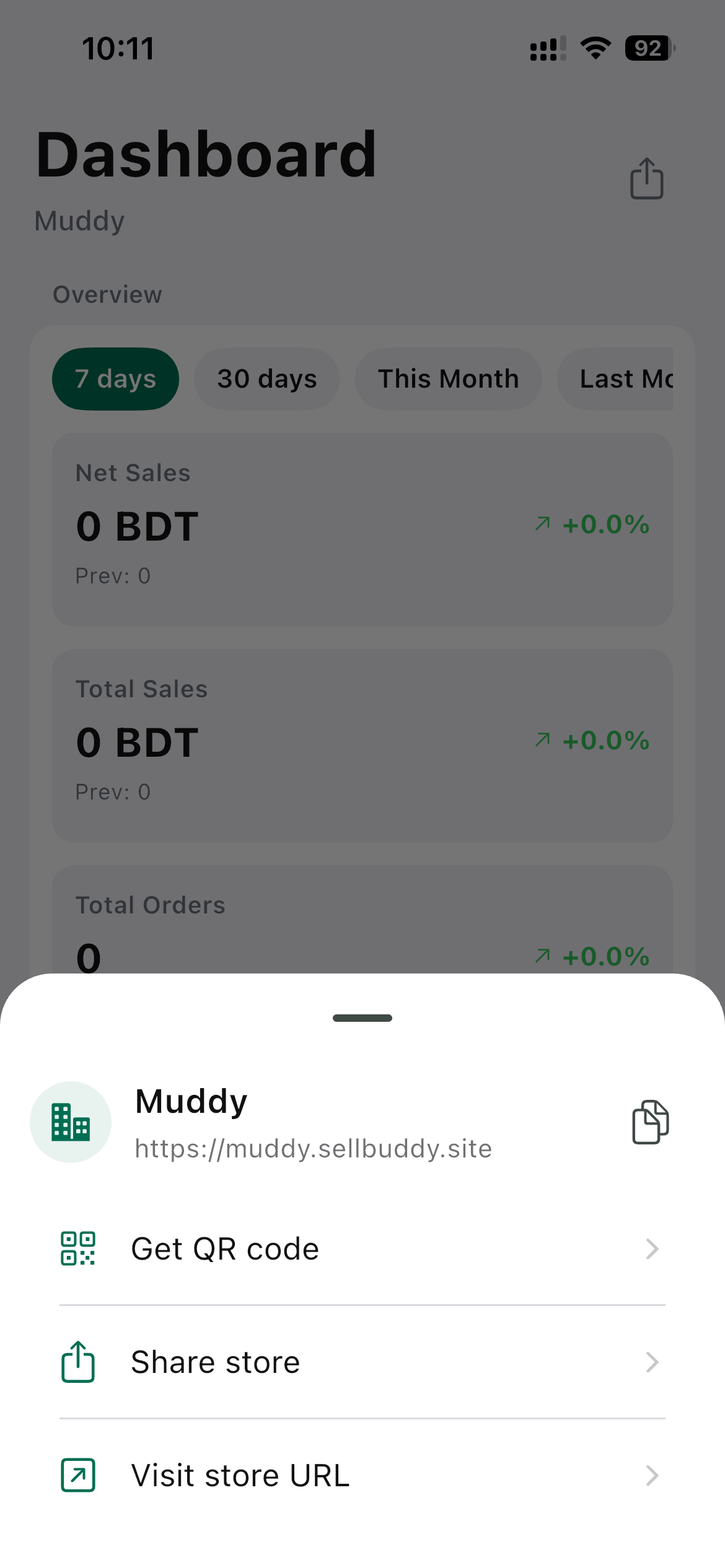
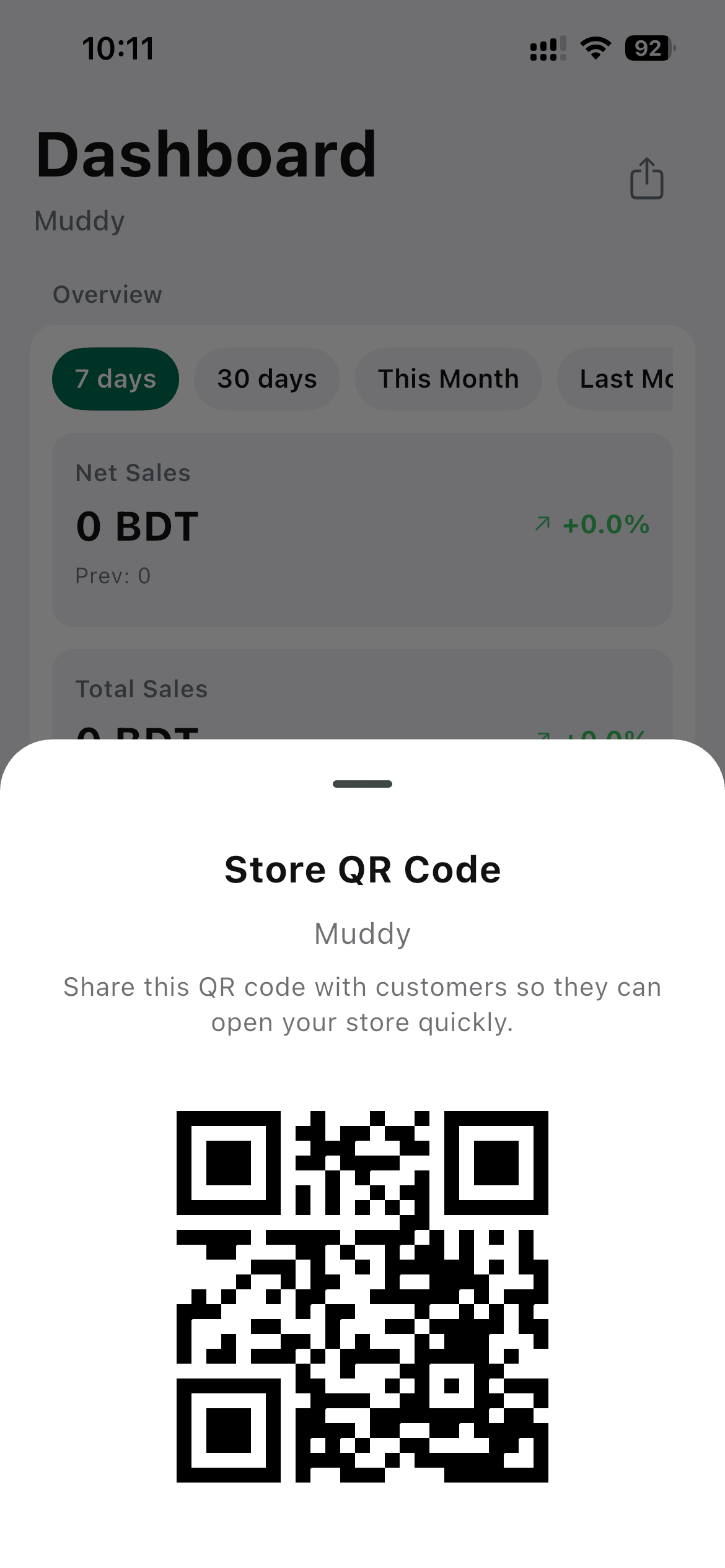
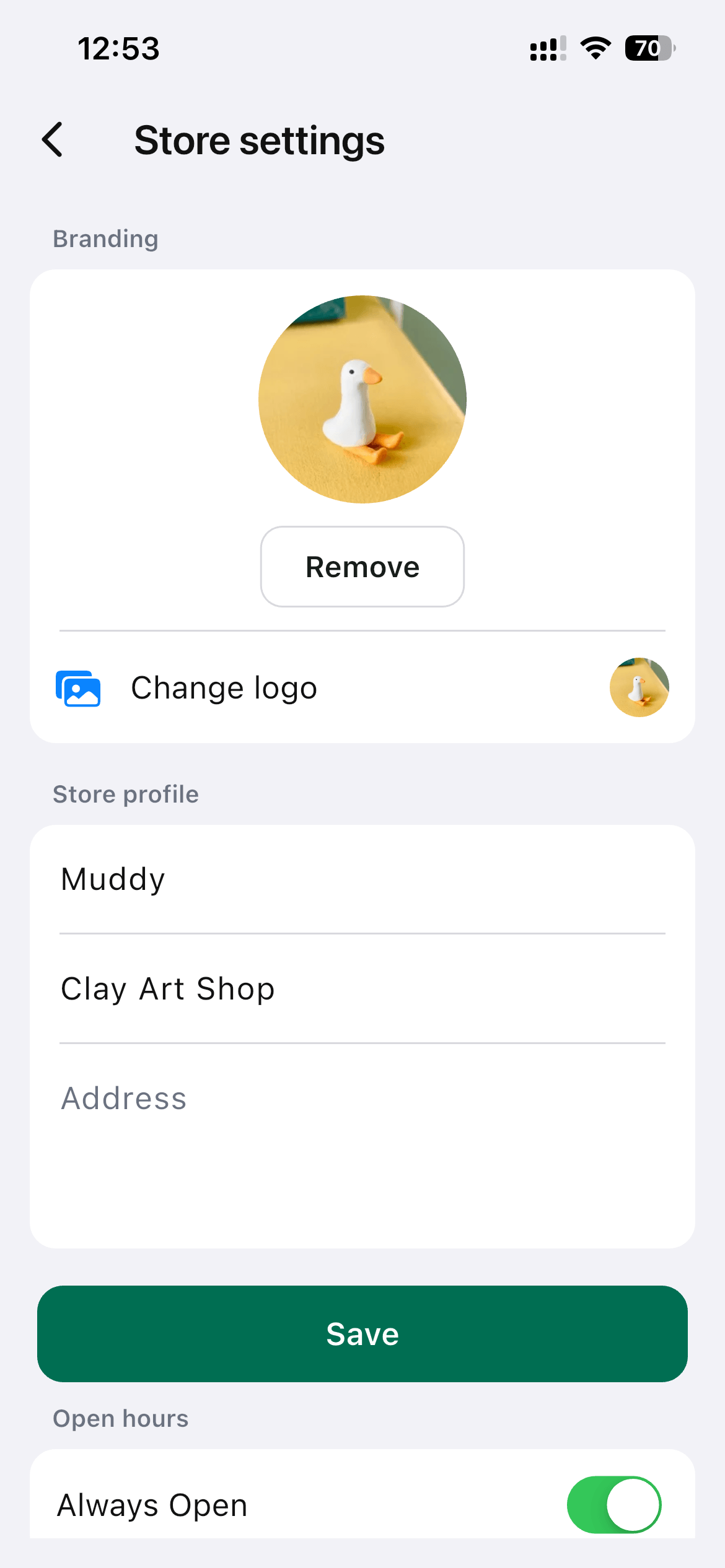
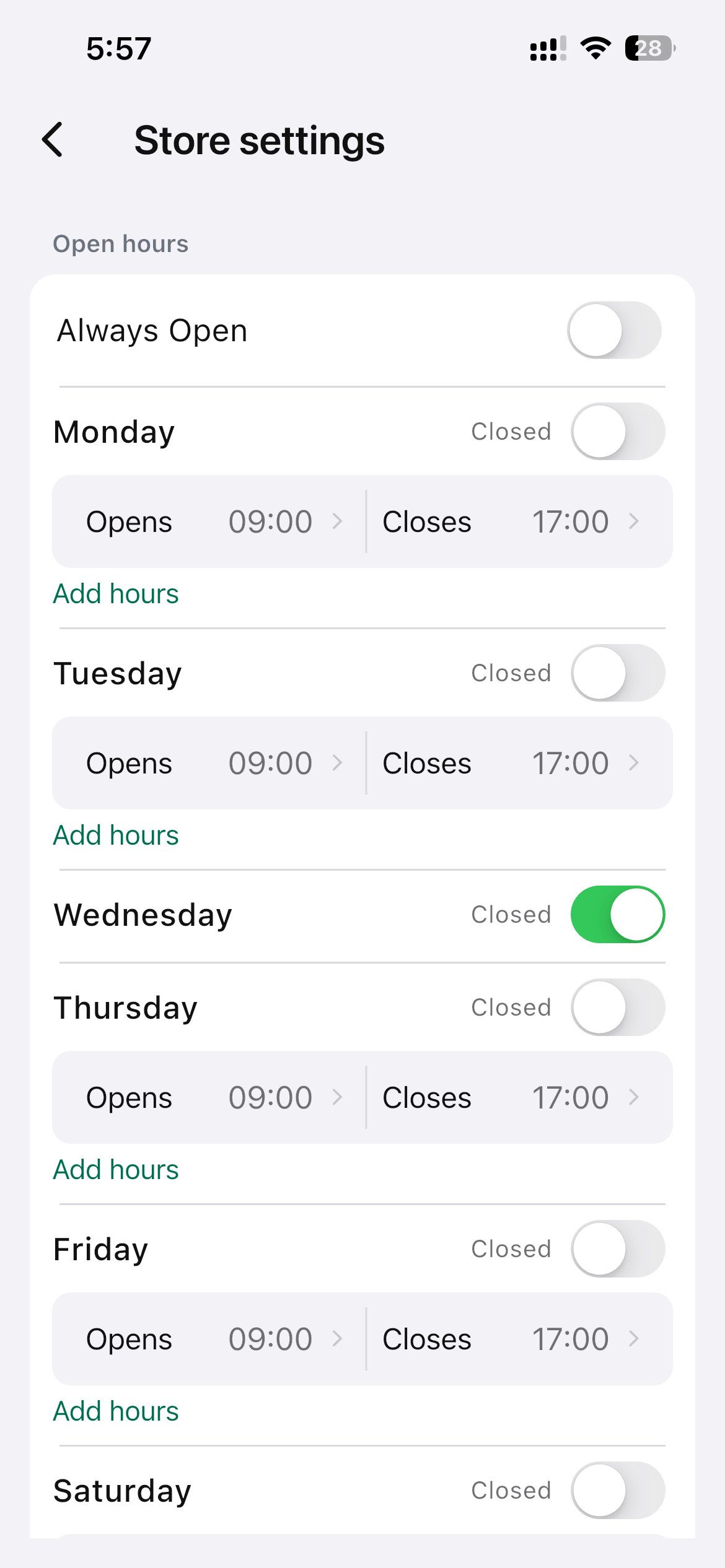
- Open signup with no documents required
- Custom store link and QR code generated automatically
- Set your store’s opening and closing hours
It’s your own branded space to send customers to, instead of a DM thread.
3. Sell Through Social & DMs
Your customers are already on WhatsApp, Instagram, TikTok, and Facebook. SellBuddy turns those everyday conversations into real orders, without asking your customers to go anywhere new.
- Shareable store and product links
- One-tap social media sharing
Your customers can browse, pick, and buy without sending a single ‘How much?’ message. They just open your store and order.
4. Organized Orders & Notifications
Every order that comes through SellBuddy is automatically organized in one place. If you’ve ever lost an order in a DM thread or forgotten who paid and who didn’t, this is what fixes that.
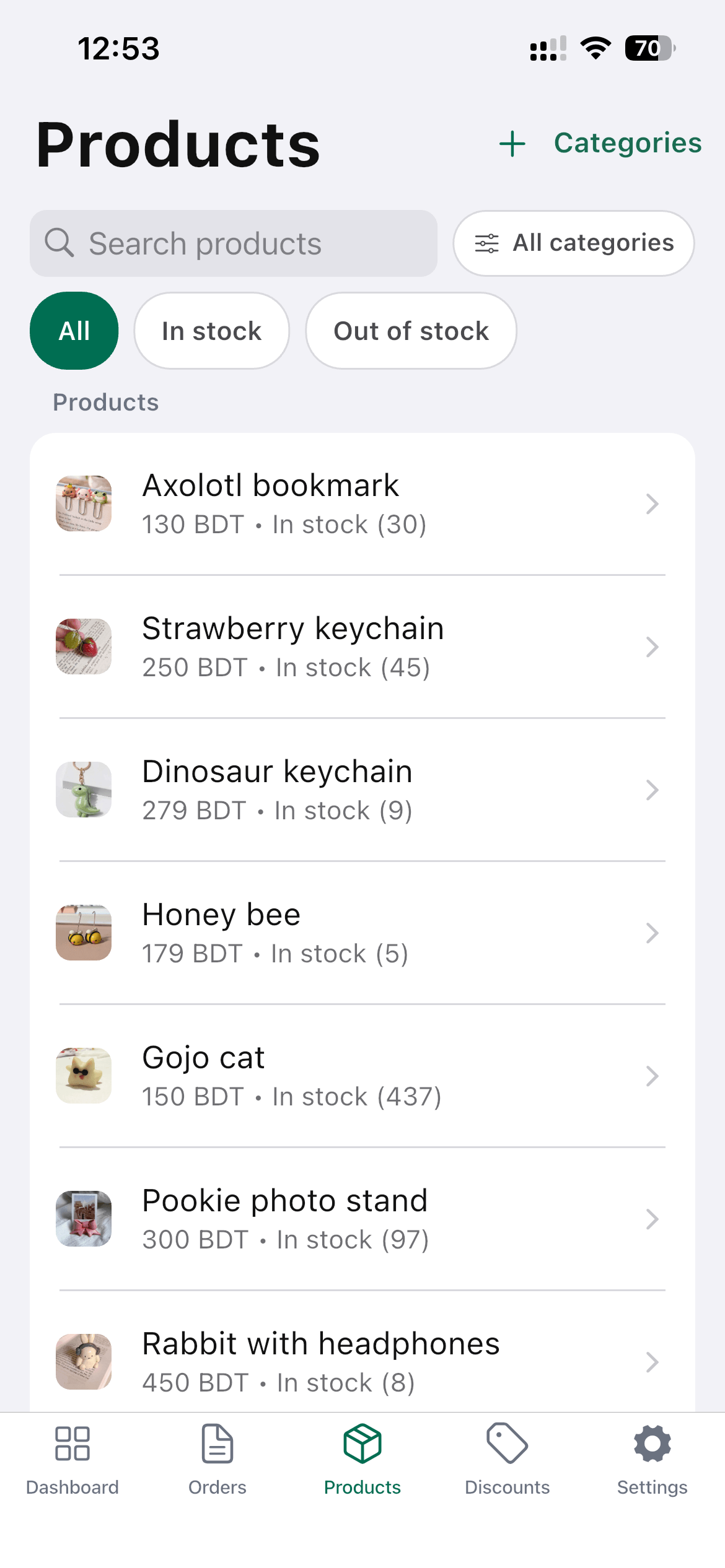
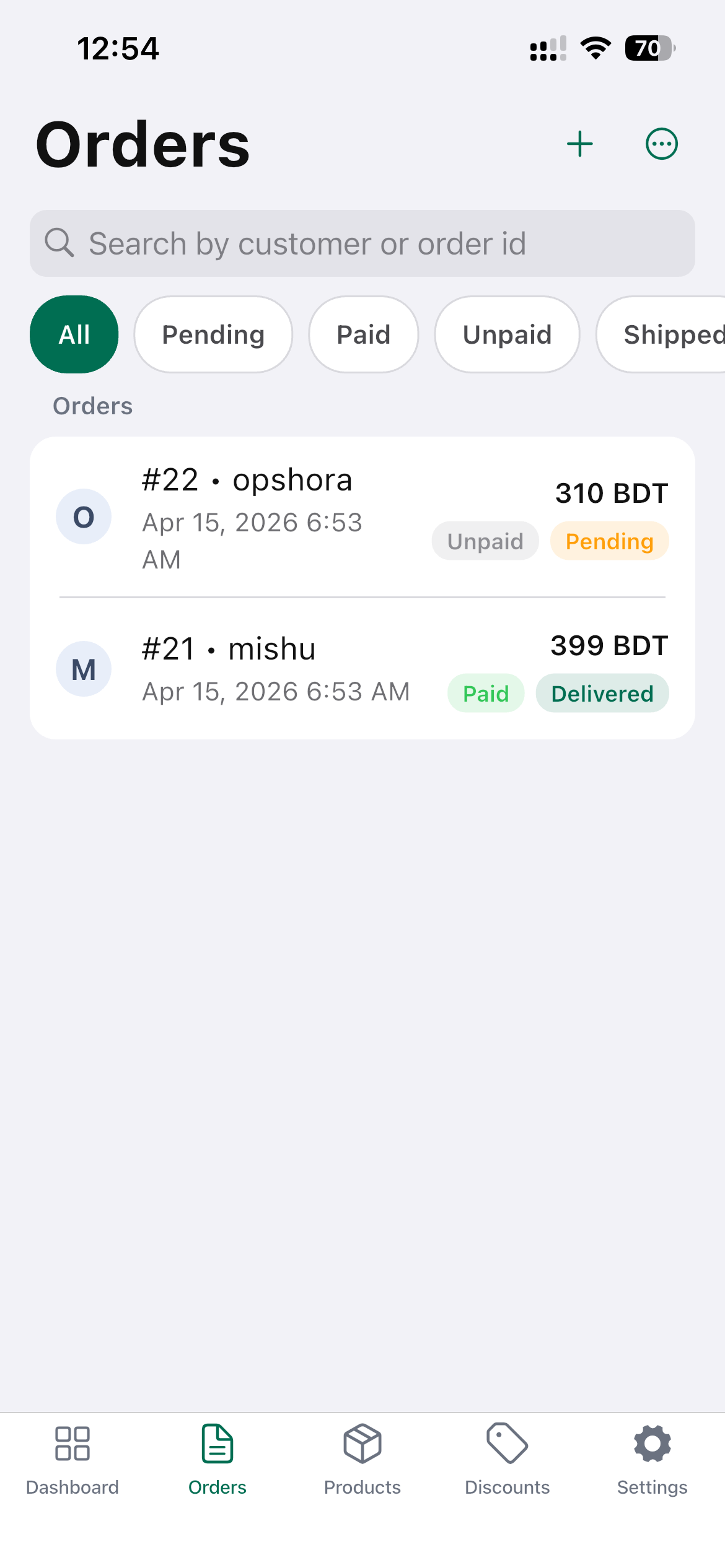
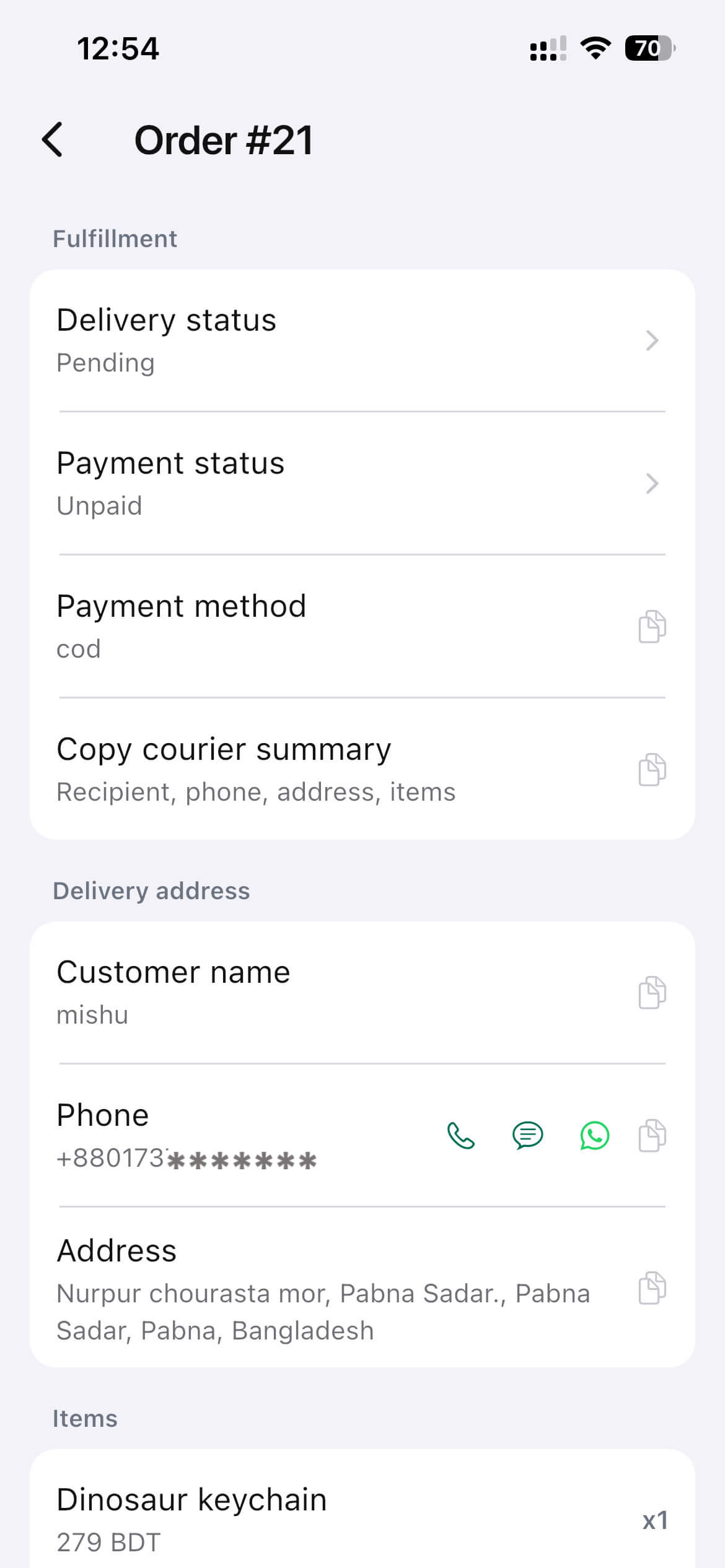
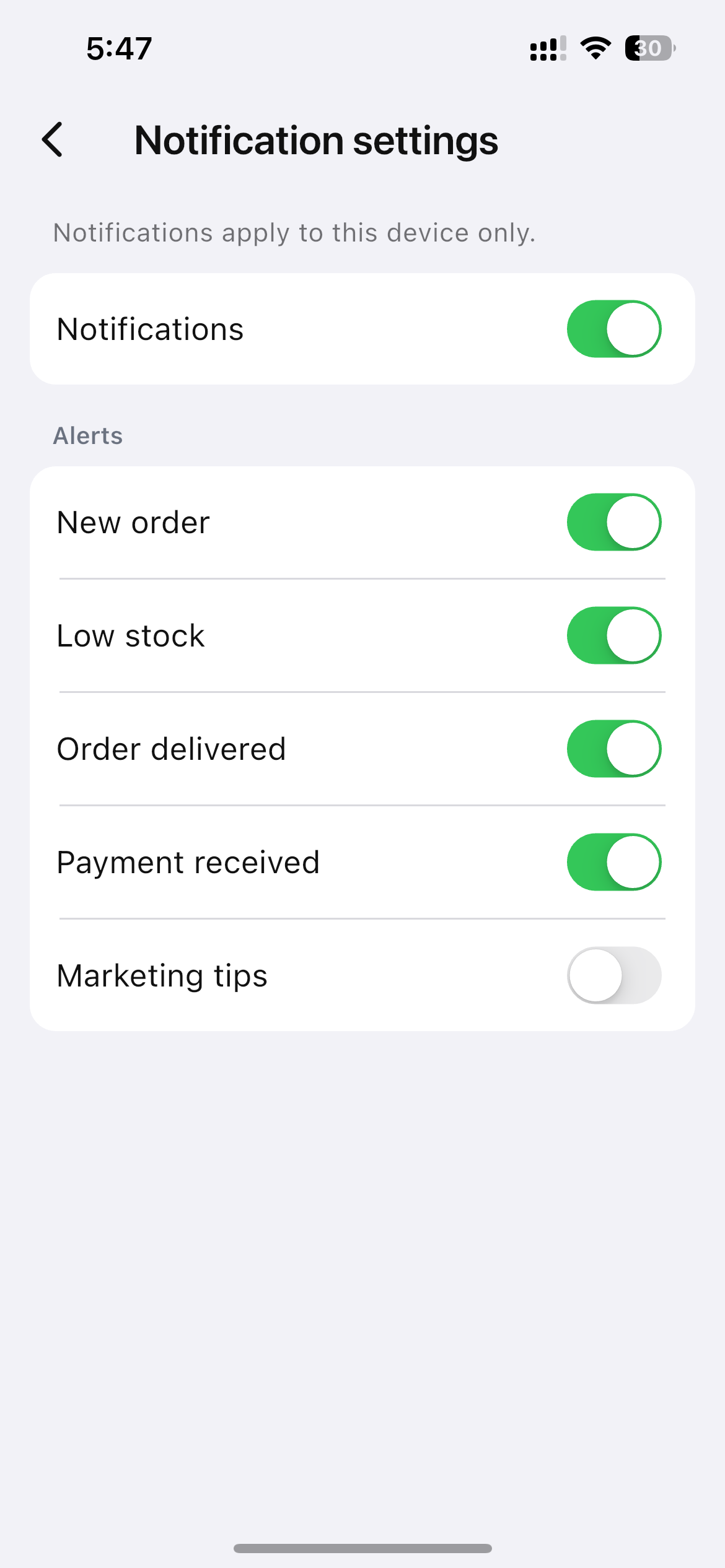
- Instant notifications for every new order
- Mobile-optimized product catalog
- Easy delivery status updates
- A clear order dashboard
You always know what’s sold, what’s pending, and what’s on its way.
5. Faster Buying Experience
Back-and-forth messages are exhausting for your customers, too. They ask for the price, you reply. They ask about sizes, and you reply again. By the time they’re ready to buy, half of them have already moved on.
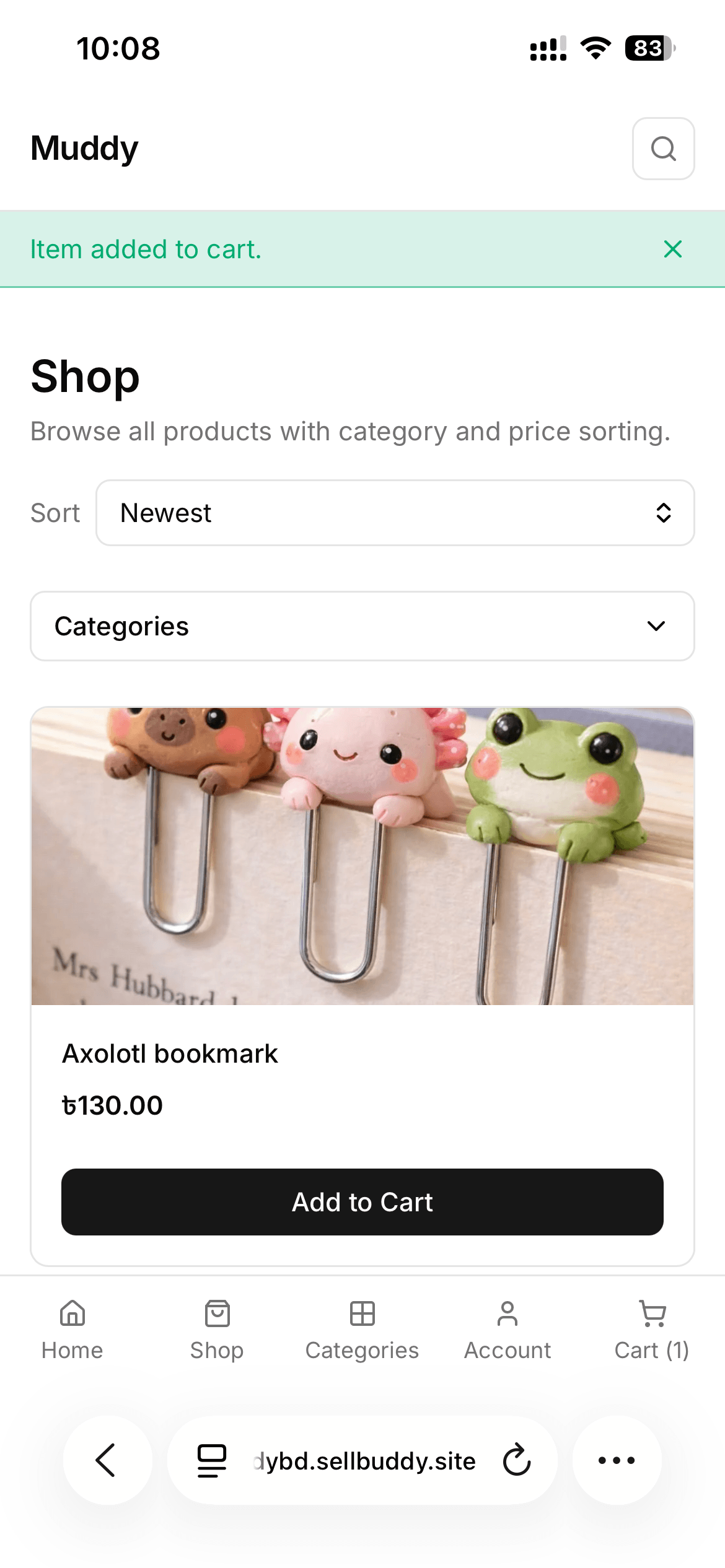
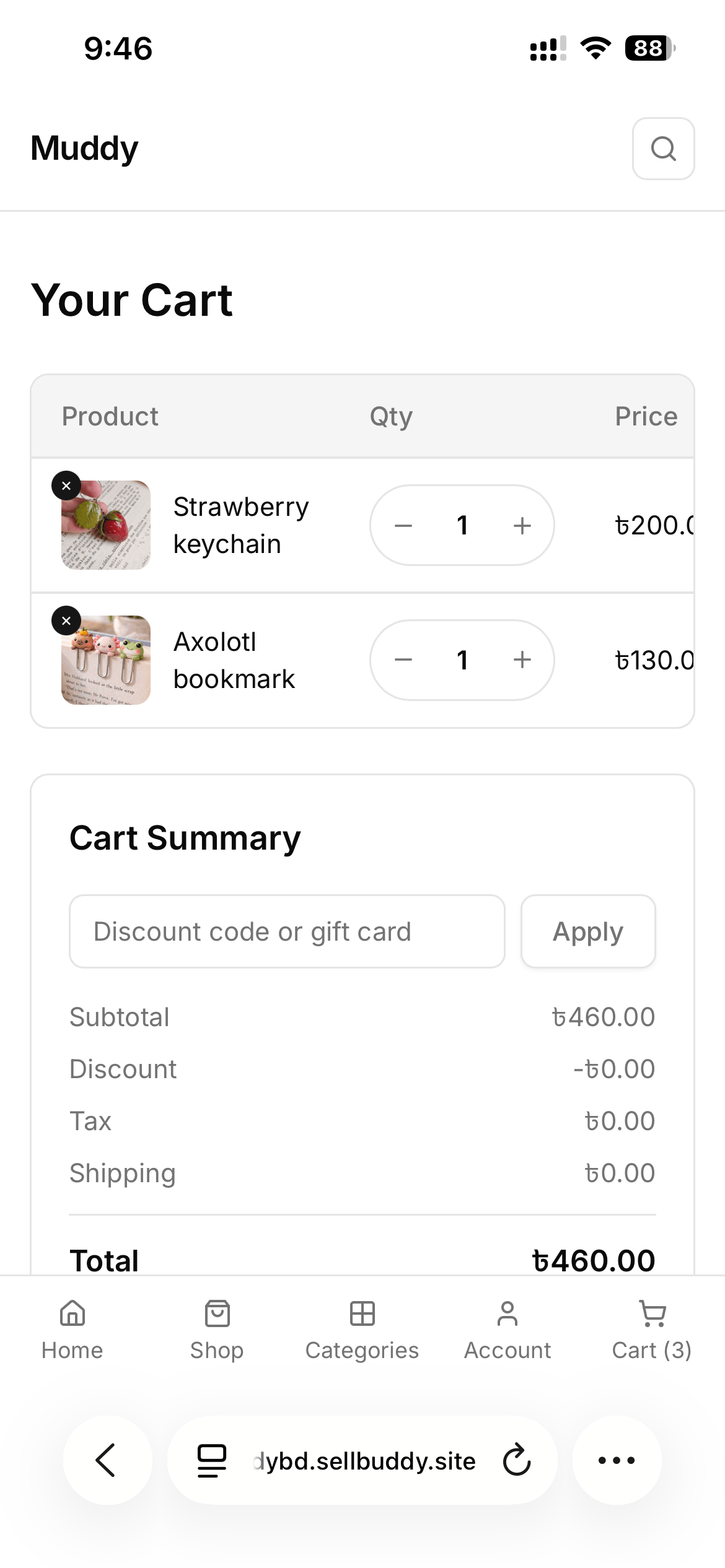
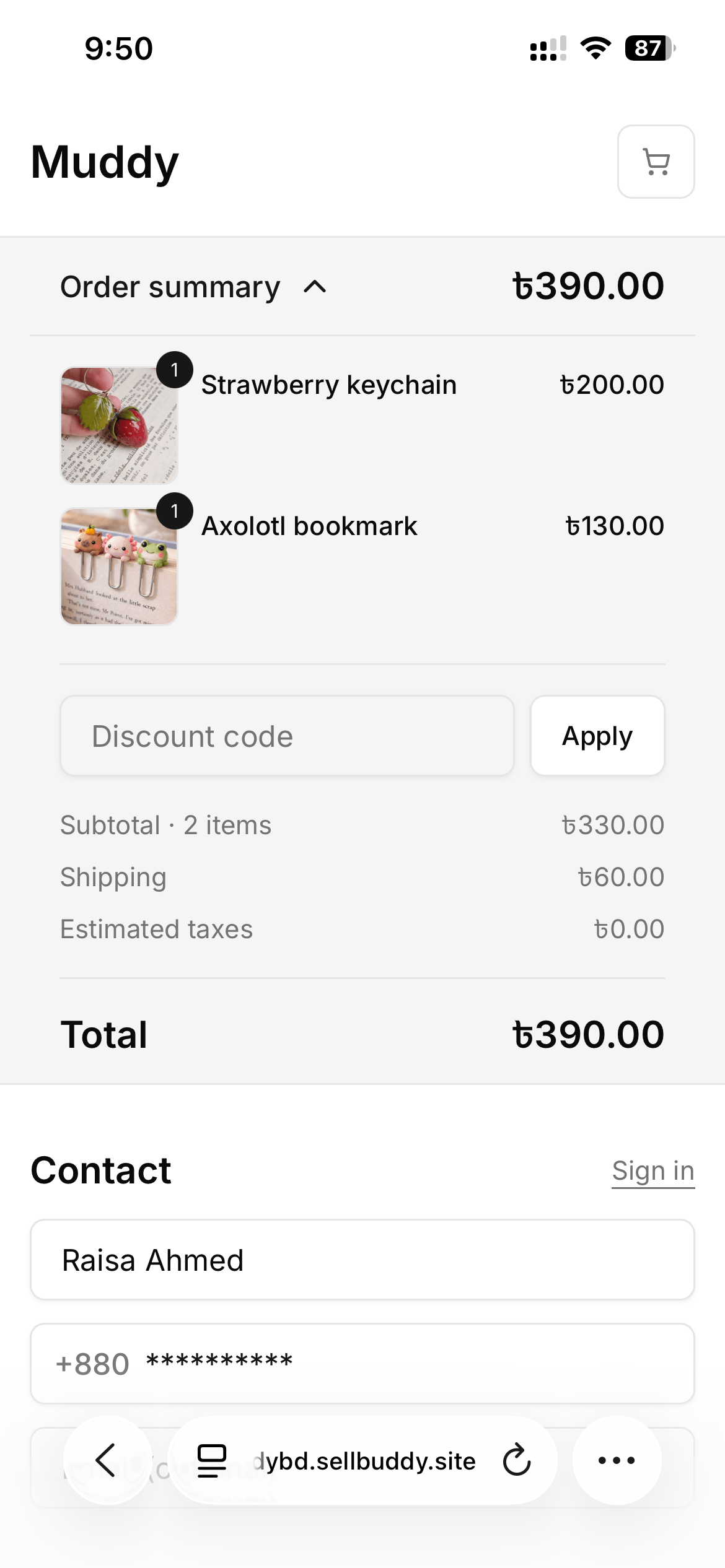
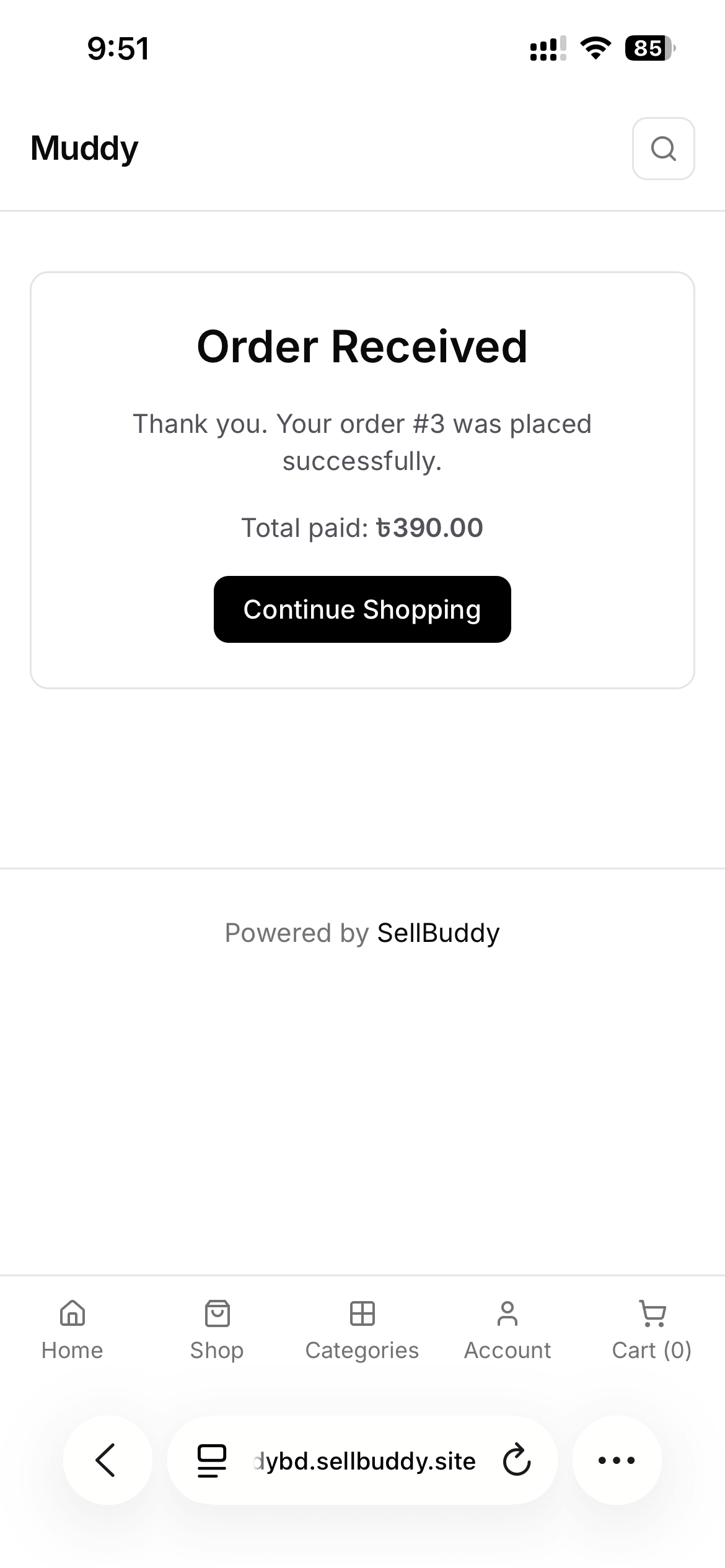
With SellBuddy, that whole process disappears.
- Customers browse your products at their own pace
- Prices, variants, and details are all visible upfront
- Orders are placed instantly, with no back-and-forth needed
The easier it is for them to buy, the more likely they are to actually complete the order.
6. Flexible Payments, Zero Commission
Not everyone has a credit card. In most social selling markets, customers pay with mobile wallets, cash on delivery, or direct bank transfers. And if you can’t accept those, you lose the sale.
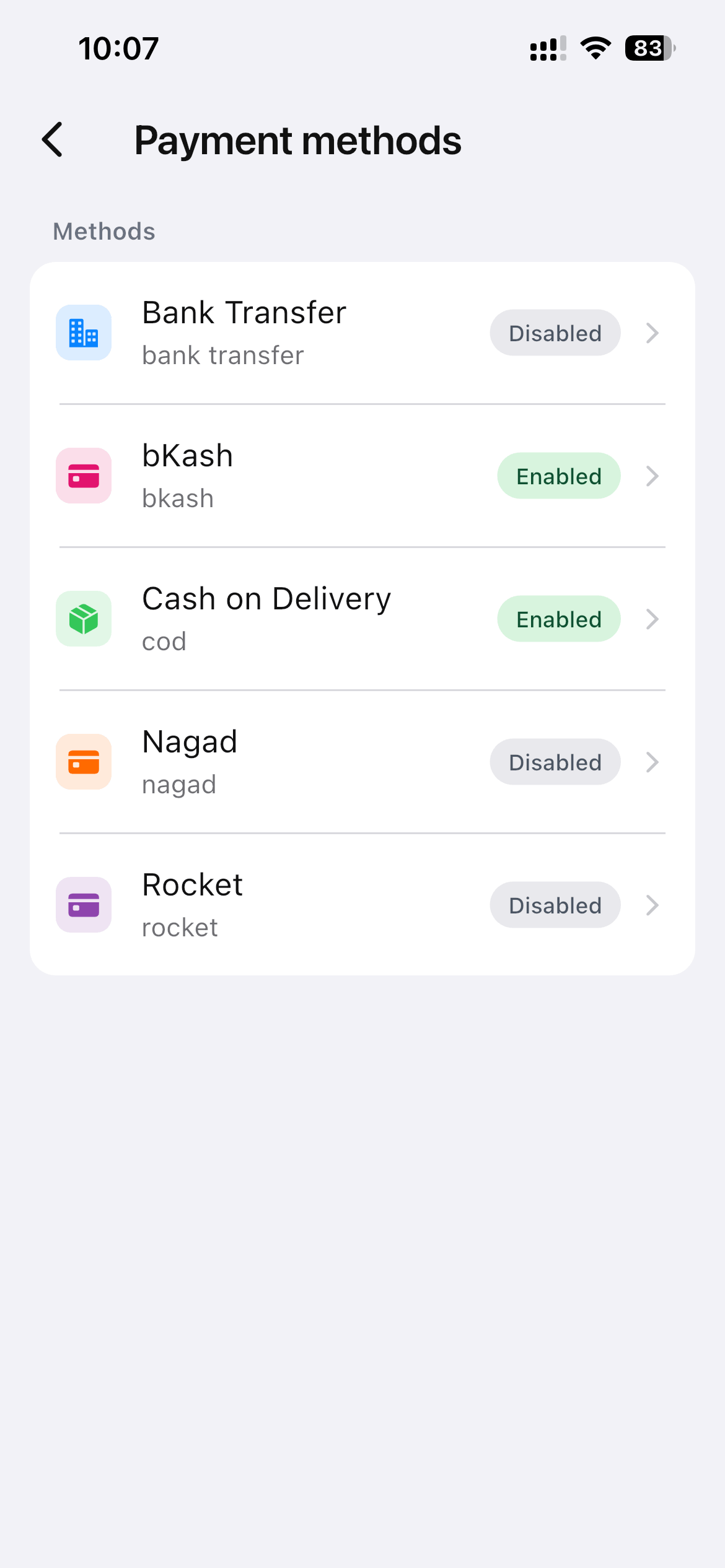
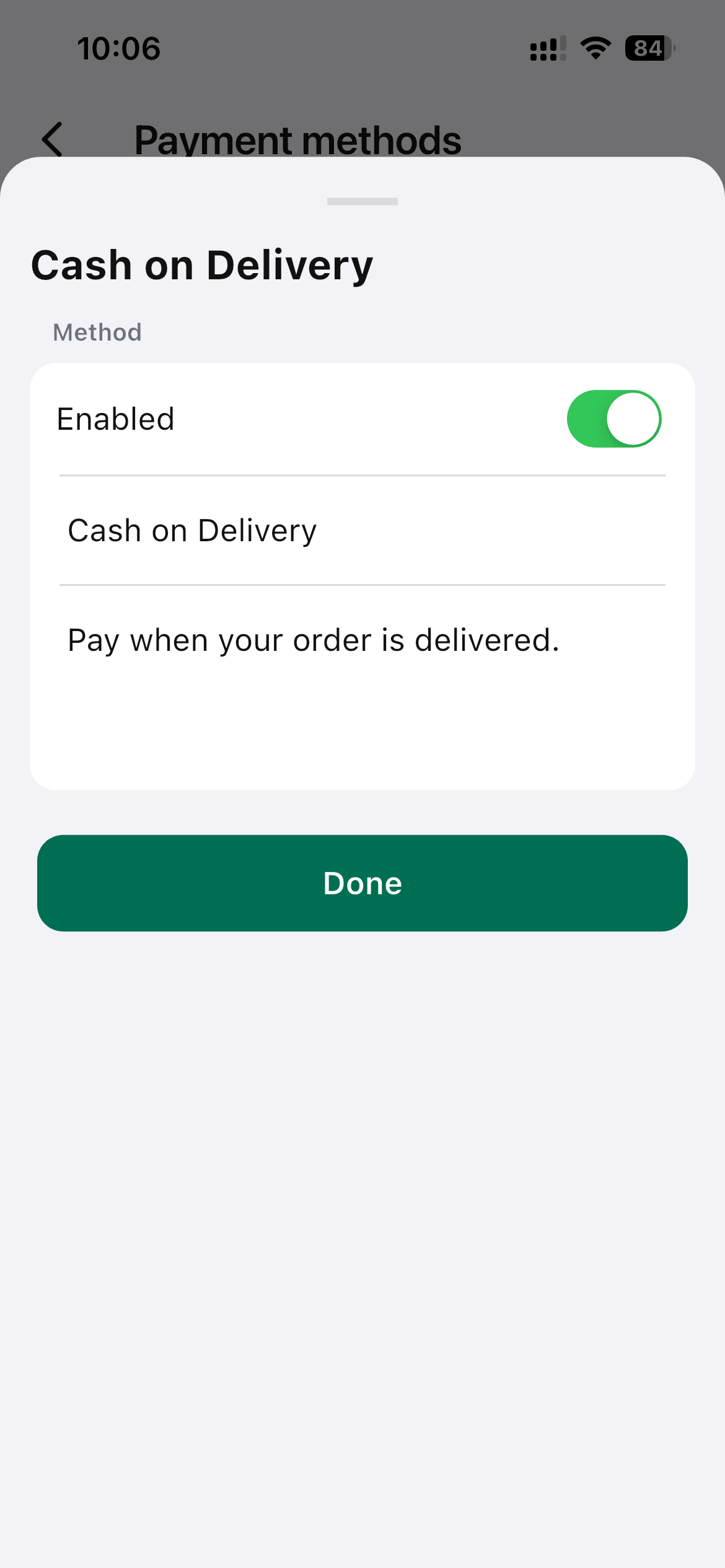
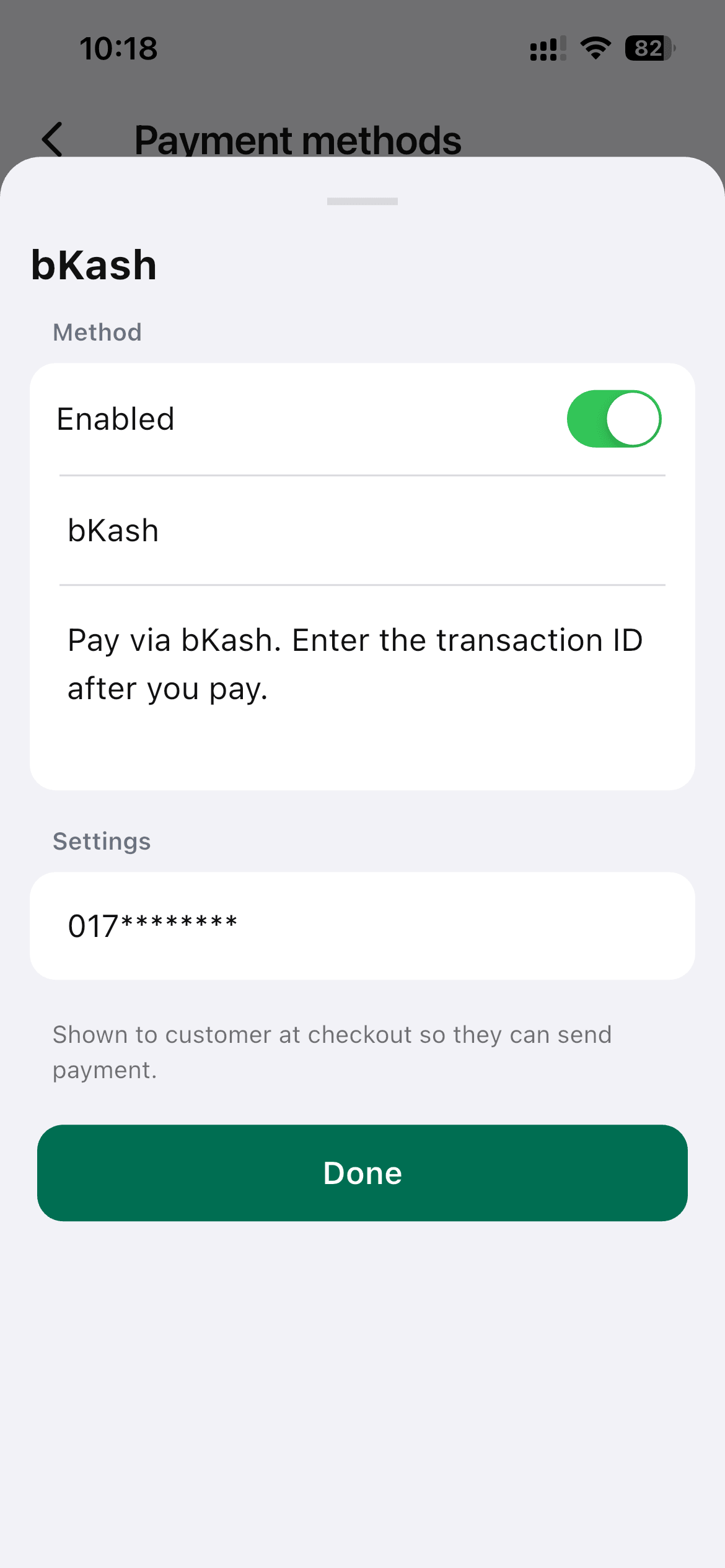
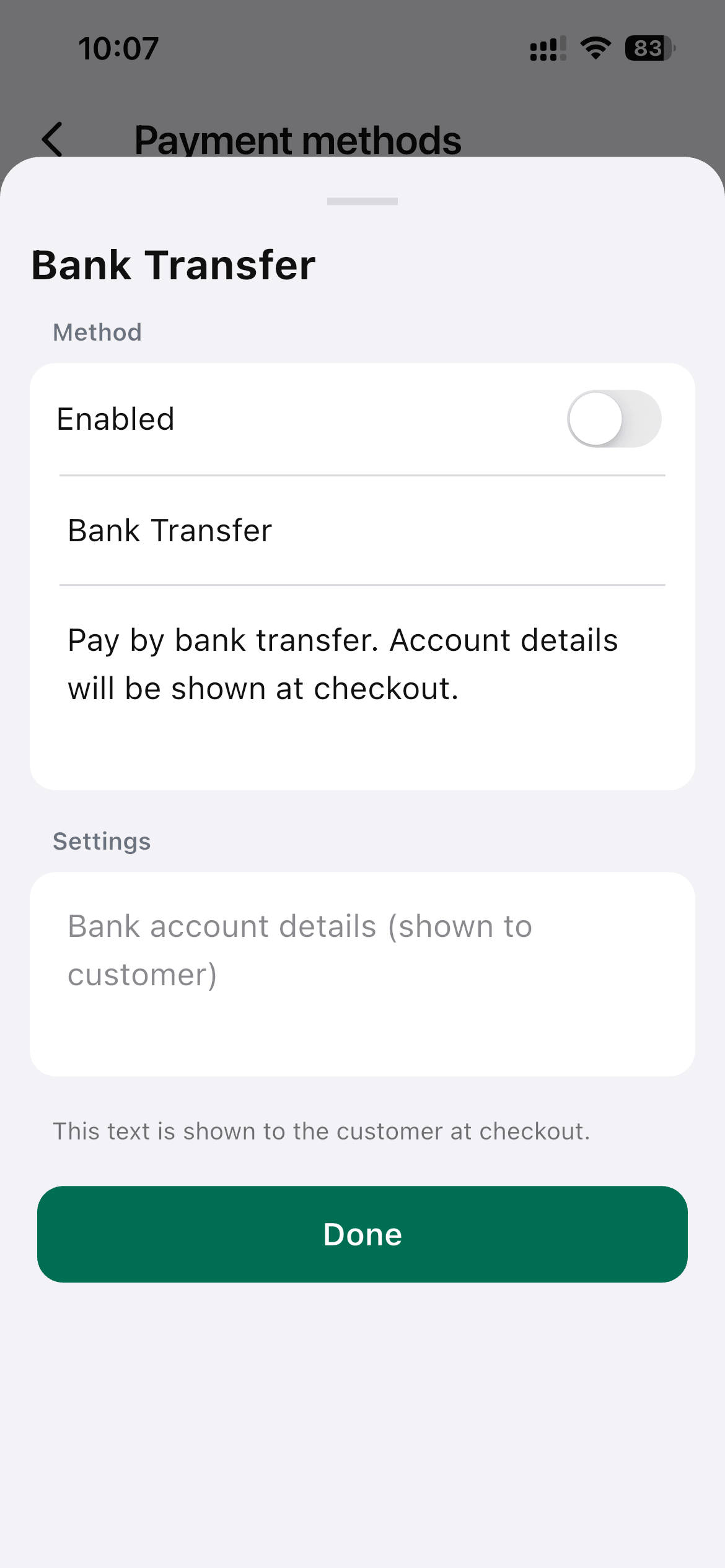
SellBuddy supports the payment methods that actually matter in your market.
- Cash on Delivery (COD)
- bKash, Nagad, and Rocket
- Bank transfers
- 0% platform fee, always
Most platforms take a cut from every sale. SellBuddy doesn’t. What you earn is fully yours, from your very first order.
7. More Tools Packed Into the Free App
The core features get you selling. But SellBuddy also comes loaded with everything you need to actually run and grow your business – all inside the free app.
| Product management | Variants, categories, multiple images, stock tracking, SKU support |
| Discounts and promos | Discount codes and promotions to drive more sales |
| Analytics | Orders, revenue, and growth trends at a glance |
| Multi-language and RTL | English, Bangla, Arabic, Turkish |
| Dark mode | Easy on the eyes at any hour |
What Makes SellBuddy Different
There’s no shortage of eCommerce tools out there. Shopify, WooCommerce, even marketplace platforms like Daraz – they all technically let you sell online. So why SellBuddy?
Because none of them were built for the way you actually sell.
They were built for businesses with budgets, developers, and time to spare. They assume you’re starting from a desktop, not a DM. And by the time you’ve finished setting one up, you’ve spent more energy on the store than on the actual selling.
Here’s how SellBuddy stacks up:
| SellBuddy | DeshiCommerce | Shopier | Shopify | |
| Setup time | Under 1 minute | Minutes | Minutes | Days to weeks |
| Fully mobile | Yes | Yes | Yes | No |
| Platform fee | 0% | Varies | Commission-based | 2% + transaction fees |
| Your own branded store | Yes | Yes | Limited | Yes |
| Built for social sellers | Yes | Partially | Yes | No |
| Technical skills needed | None | None | None | Some |
The difference isn’t just in the features. It’s for whom it was actually built.
- You keep everything you earn. Most platforms take a cut of every sale. SellBuddy doesn’t. Zero commission, zero platform fees. What you make is completely yours — from your very first sale.
- Your entire business runs from your pocket. No CMS dashboards, no desktop setup, no switching between tools. You can manage products, orders, and customers entirely from your phone – the way you already work, just simpler.
- Your own branded storefront in minutes. This isn’t a marketplace where your products get lost among others. It’s your own store, your own name, your own link. Ready to share in under a minute and built to feel truly yours.
SellBuddy Pricing: Free to Start, Pay as You Grow
What I love about SellBuddy is how simple it makes getting started.
You don’t need to overthink it – you can start free, actually use it, and only upgrade when your business needs more.
The Free Plan is already powerful enough to get you selling. You can create your store, add products, accept orders, and share your link instantly. For many sellers, this is enough to run their entire social selling workflow without paying anything. There are no setup costs, no credit card, and no commission taken from your sales.
What’s Coming in Next Versions of the SellBuddy App
We’re just getting started, and honestly, this is where things get exciting.
SellBuddy today already helps you set up a store in minutes, but we’re building what comes next with real sellers in mind – people running businesses from their phones, in between chats, orders, and everyday life.
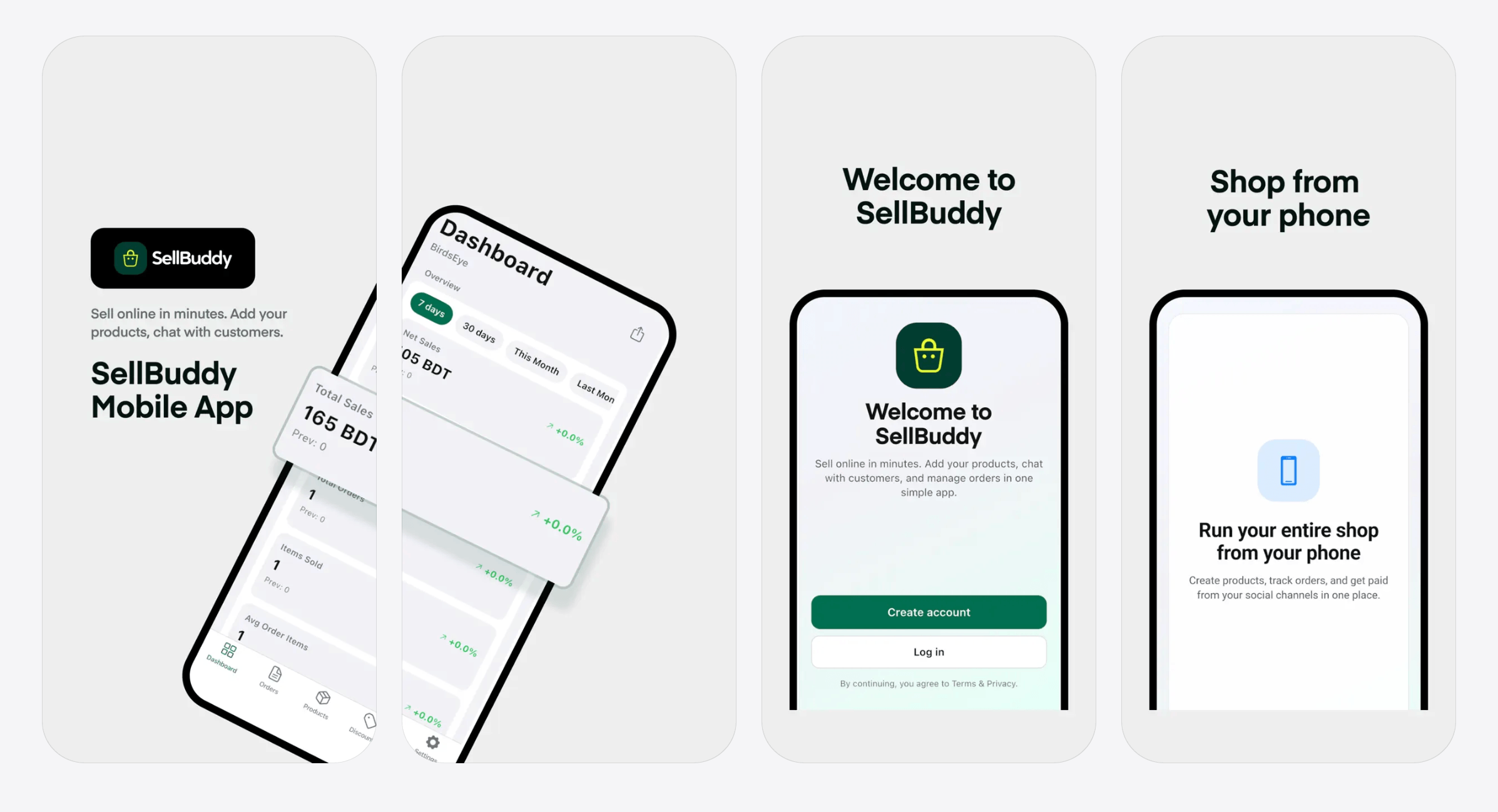
Here’s a sneak peek of what’s coming:
- Smarter Shipping Tools: No more juggling courier details or tracking chaos. Soon you’ll be able to handle deliveries in a much smoother way, from pickup to drop-off, all in one place.
- Store Themes: Because your store shouldn’t look like everyone else’s. You’ll be able to change the vibe of your shop, match your brand, and actually make it feel like you.
- Facebook Integration: Your customers are already there. Soon, your SellBuddy store will connect more deeply with Facebook, so selling feels even more natural, right where conversations are already happening.
We’re building this step by step, not in isolation – but with sellers like you shaping what comes next.
More updates are coming soon. And trust us, it only gets better from here.
Ready to Go Live? Let’s Put It to the Test
Here’s a simple challenge. Open a timer and see how quickly you can launch your own online store with SellBuddy. The goal? Get your store live in under a minute.
Here’s how:
- Open SellBuddy on your phone.
- Sign up in a few taps.
- Get your instant store link.
- Share it anywhere.
That’s it. Your store is live.
From there, you can add products, customize your listings, and start selling directly from your mobile storefront whenever you’re ready.
With SellBuddy, you don’t need a website, technical skills, or a complicated setup process. You just need an idea and a minute to get started. Your time starts now…

![Black Friday and Cyber Monday are around the corner, and people are waiting for these festivals to grab the best product deals. That is why giving an attractive look to your website during this festive season is very necessary. But, creating a whole new landing page might be difficult in a short period of time. Don't worry. By using Happy Elementor Addons Black Friday and Cyber Monday Landing Page templates, you can easily develop a whole new landing page in a few minutes. In this today's blog, we are going to show how to boost your website design using HappyAddons templates during this festival season. Before that, we'll talk a bit about these two festivals and why they are important to online business communities. What are Black Friday and Cyber Monday? Black Friday is the immediate following of the famous Thanksgiving day. This is when people start shopping to celebrate the Christmas festival. Since the late 1980s, retail sales on this day have constantly been suppressing the past volumes. See the graph below. Source: Salecycle.com The first Monday following Thanksgiving day each year is called Cyber Monday. It was first introduced in 2005 by the USA National Retail Federation to encourage people to buy online. Though this festival originated in the USA, it is celebrated globally today. See the stats below. Source: Salecycle.com It indicates customers' buying behavior around this day is growing up over time. Many customers today keep a budget to buy products on these two days. So, why won’t you prepare a Cyber Monday landing page if you have an online store? Importance of Designing Landing Pages for Black Friday and Cyber Monday Festival Having a well-design website is one of the major checklists if you are running an online business. Most importantly, you have to make sure that your website remains up-to-date to boost your sales. That is why you need to redesign your website or make a new landing page during the Black Friday and Cyber Monday festivals. Because most online product & service-based businesses promote special deals during these two festivals. Here are some remarkable ways dedicated landing pages during these festivals can positively impact the performance of your online business. Boosts your product salesIncreases conversion rateOpportunity to collect potential email leadsGrabs users' attention toward your siteReduces bounce rateIncreases website visitors. Elementor Black Friday New Seasonal Kit is Already Here! Source: Elementor To make this Black Friday more enjoyable, Elementor has launched a New Seasonal Kit that includes landing pages, sections, pop-ups, and vector assets. All these design elements are made by the Elementor team so that one can easily use them on their website to ensure more sales and conversions. New Elementor Black Friday Seasonal Kit offers: 3 Landing pages6 Sections 6 Popups A collection of stickers & animations You can only get these ready-made Black Friday landing pages and sections if you have Installed Elementor Pro on your site. However, if you are looking for templates that are outside of the box, you can go with Happy Addons, the fastest Elementor Addons on the market. It's very easy to use, flexible and has tons of advanced features and widgets that can ease your website design journey. Also, you'll get several festival landing page templates & blocks. Moreover, you can use free Black Friday and Cyber Monday design blocks and templates to decorate your site. Most importantly, these templates and blocks are easy to customize and can be used for multiple purposes. Now let's see how you can use the Happy Addons templates to design your website according to the Black Friday theme. Pre-Requisites to Use HappyAddons Templates to Design Black Friday and Cyber Monday Landing Pages You must have the following plugins installed on your site to get access to the HappyAddons Template library. Make sure you’ve installed and activated the Happy Addons Free & Premium version of your website. Elementor (Free)Happy Addons (Free)Happy Addons Pro If you are new to Elementor, check this Step By Step Guide For Beginners. If you want to explore the readymade templates of HappyAddons before installing these plugins, you may visit by clicking on the button below. Check out Happy Addons Templates How to Design Black Friday Landing Page on Your Website Once you have the plugins (mentioned above) installed, your website is ready to follow the tutorial guide explained in this section. Get ready now! Step 1: Open a New Page with Elementor Create a new page or open the existing page with Elementor. Next, you have to select the Elementor Canvas option.Unless you select Elementor Canvas, you may watch the header, footer, and unnecessary other texts on the page. These might be irritating to you.Once you open the page with Elementor Canvas, your page will be completely clean. Watch the video below on how to do it. Step 02: Go to HappyAddons Library Click on the HappyAddons Library Icon. It will open up a modal popup. Here you'll find numerous stunning premade Blocks and Pages created by the Happy Addons team. Kindly explore them to create a list of your favorite items. Step 03: Import a HappyAddons Black Friday Template Go to the Page tab on the modal popup.Select Black Friday from the left-side filter option.You will several good-looking templates on your screen.Take your cursor on the one you like and hit on the INSERT button. Wait for a while to finish the installation process. You will get the template on your screen with editable sections and options. Step 04: Set the Black Friday Campaign Deadline A deadline creates a sense of urgency in customers' minds. So, better if you add a deadline section on the page to show your Black Friday deals. The good thing is that if you select the template as we did, you will automatically get a deadline or countdown option. You have to customize it as you want. Step 05: Show Image Carousel Slider on Your Black Friday Landing Page Using the Image Carousel, you can slide show demonstrating discounts on your product categories. Drag and drop the Image Carousel widget on any landing page section. Next, from the Elementor panel, you can add photos and text to the widget. Do it accordingly. Thus, you can add more sections and options on the landing page. Hope you can do it yourself. Step 06: Make the Black Friday Landing Page Mobile Responsive Making a web page mobile responsive with Elementor is super easy. You'll get the mobile responsive option on the Elementor footer section. Clicking on it will open up the option to view your landing page on different device screens. We have explained the process in the video below. Note: Don't delete any widget or section while customizing your landing page for any particular device. Because if you delete a widget or section on any device screen, it will also be applied on other devices. However, you may change their position or alignment or hide them. It won't make any impact on other devices. Step 07: Final Preview of Our Landing Page Here is the final interface of our Elementor Black Friday landing page that we've designed using the Happy Addons' ready-made Template. Get Happy Addons to Add a Black Friday Theme Landing Page on Your Website How to Design Cyber Monday Landing Page on Your Website You will require the same prerequisites (Elementor and HappyAddons Plugins) to design the Cyber Monday landing page on your website. Hope you have them ready on your website. Now, let's get into the tutorial part. Step 01: Import a Cyber Monday Readymade Landing Page Template Go to the HappyAddons Template library.Choose the Cyber Monday template you like.Click on the INSERT button. Wait for a while to finish the installation process. You'll get a page design like the following image below. Step 02: Edit Different Sections of the Page In the first tutorial, you saw the deadline/countdown option was already embedded in the template. But this template doesn't have it. So, you can bring it to your page? Very simple. Create a new section by clicking on the plus icon.Type Countdown on the Elementor search bar.Drag and drop the widget on the section. Customize the Countdown section from the Content and Style tabs of the Elementor panel. Using the Heading widget, we have added the FLASH DEALS text next to the countdown to make it more meaningful. Thus, you can use other exciting widgets on the template to make your landing page super gorgeous. Step 03: Promote Products on the Landing Page Promotional landing pages usually include a section to showcase some hot-selling products to generate instant sales. Using the Image and Button widgets, we have created this section under the FLASH DEALS.You may customize it more as you wish. Step 04: Make it Mobile Responsive We already showed you the process in the first tutorial on making a mobile web landing page responsive. Hope you can do it here as well, following the same guideline. Click on the Responsive Mode icon and do the rest yourself. Bonus: Black Friday and Cyber Monday Landing Page Design Key Considerations Whenever you design a landing page, you need to consider why you need to design this page and what elements they should keep on the page. Because if you are not adding all the necessary features to your page, it will not serve its purpose. This is why you need to focus on a few things before designing your Black Friday landing page. Here are some points you must consider in designing Black Friday and Cyber Monday landing pages. Add Black Friday textSet deals deadlineShow your best-discounted productsAdd coupon code Focus on responsive page designMake your page visually appealingImprove your page user experience or page structureSet a proper website navigation FAQ on Black Friday and Cyber Monday Landing Page Design Now, we'll answer some common questions on Black Friday and Cyber Monday Landing page designs commonly found online. How much does it cost to design a landing page?The cost of designing a landing page varies depending on the complexity of the design, the level of customization required, and whom to hire for the page. A simple landing page can be designed for as little as $25, while a more complex design with multiple customizations can cost upwards of $2,00.However, if you have Elementor and HappyAddons installed, you can design unlimited landing pages at a minimal cost. But like any other tool, you must have a kind of enterprise on them. As they are drag-and-drop builders and their numerous tutorials and documentation are available, they won't take you more than a month to be used to. Check out some wonderful YouTube tutorials on these two plugins. Hope you will enjoy them.How many hours does it take to design a landing page?It mainly depends on the level of design complexity and your web design skill. However, both in Elementor and HappyAddons, you will get countless readymade templates and block sections. You can design a beautiful landing page in 3-5 hours by making a proper combination of them.Can I design Black Friday and Cyber Monday Landing pages with Elementor and HappyAddons free versions?Surely, you can design Black Friday and Cyber Monday Landing pages with Elementor and HappyAddons free versions. But only with the pro versions, you can't add too many exciting features to your pages. For example, free versions will give you access to only a limited number of readymade templates.If you are just a beginner-level designer, free versions are enough. But if you are a professional designer or have a web designing agency, pro versions are a must. Are You Ready To Design Your Black Friday and Cyber Monday Landing Page? Customers look forward to this kind of occasion to buy their favorite products at a minimum price. Naturally, they are drawn to websites that look good and give a festive vibe. That is why adding a Black Friday and Cyber Monday landing page during the festival season will give you an extra edge over the competitors. The above guide shows how to design your Elementor Black Friday Landing page using the Happy Addons' Black Friday Templates and how it can help boost your holiday sales. So if you have any queries regarding this blog, you can comment on us in the below box. If you like this post, then share it on your social channel. Don't forget to subscribe to our newsletter. Also, follow our Facebook and Twitter channels for regular updates. Subscribe to our newsletter Get latest news & updates on Elementor [yikes-mailchimp form="1"] ":36560} /--](https://happyaddons.com/wp-content/uploads/2021/11/How-to-Design-Black-Friday-and-Cyber-Monday-Landing-Page-300x188.png)
