



You’ve set up your WooCommerce store. You’ve added products and managed to get some traffic coming in. But the sales? Not quite what you expected? Here’s what most store owners don’t realize. The problem often isn’t your marketing. It’s your store itself.
The way it looks, the way it feels, and the experience it gives visitors the moment they land on a product page. Think about it. You wouldn’t buy from a store that looks untrustworthy, loads slowly, or makes checkout feel like filling out a tax form. Neither will your customers.
The good news? You don’t need to hire an expensive developer or switch platforms to fix this. If you’re already using WordPress with Elementor, you’re sitting on a goldmine of design power. And with HappyAddons, you can unlock that power fully, without touching a single line of code.
In this guide, you’ll find practical, design-focused tips and ways to increase WooCommerce sales, along with the exact HappyAddons widgets that make each tip easy to pull off. Let’s get into it.
Why Most WooCommerce Stores Struggle to Make Sales
You’d be surprised how many WooCommerce store owners pour money into ads and SEO, only to wonder why visitors still aren’t buying. Here’s what usually goes wrong when people visit your site but don’t purchase any product:
a. The Store Doesn’t Look Credible
First impressions happen in milliseconds. If your store looks like a default WordPress installation with zero personality, visitors leave before they even read your product description.
b. Product Pages Aren’t Convincing
Default WooCommerce product pages are minimal by design. They show an image, a price, and a button. That’s it. There’s no storytelling, no social proof, no reason for someone to feel confident hitting “Add to Cart.”
c. The experience creates friction
Confusing navigation, a clunky checkout process, no urgency, no trust signals. Every little friction point is a reason for a customer to leave and buy from someone else.
Proven Ways to Increase WooCommerce Sales with HappyAddons
Elementor gives you the canvas. HappyAddons gives you the tools to actually build a store that converts. Let’s go through exactly how to do that.
Tip 01: Design Product Pages in Conversion-Friendly Ways
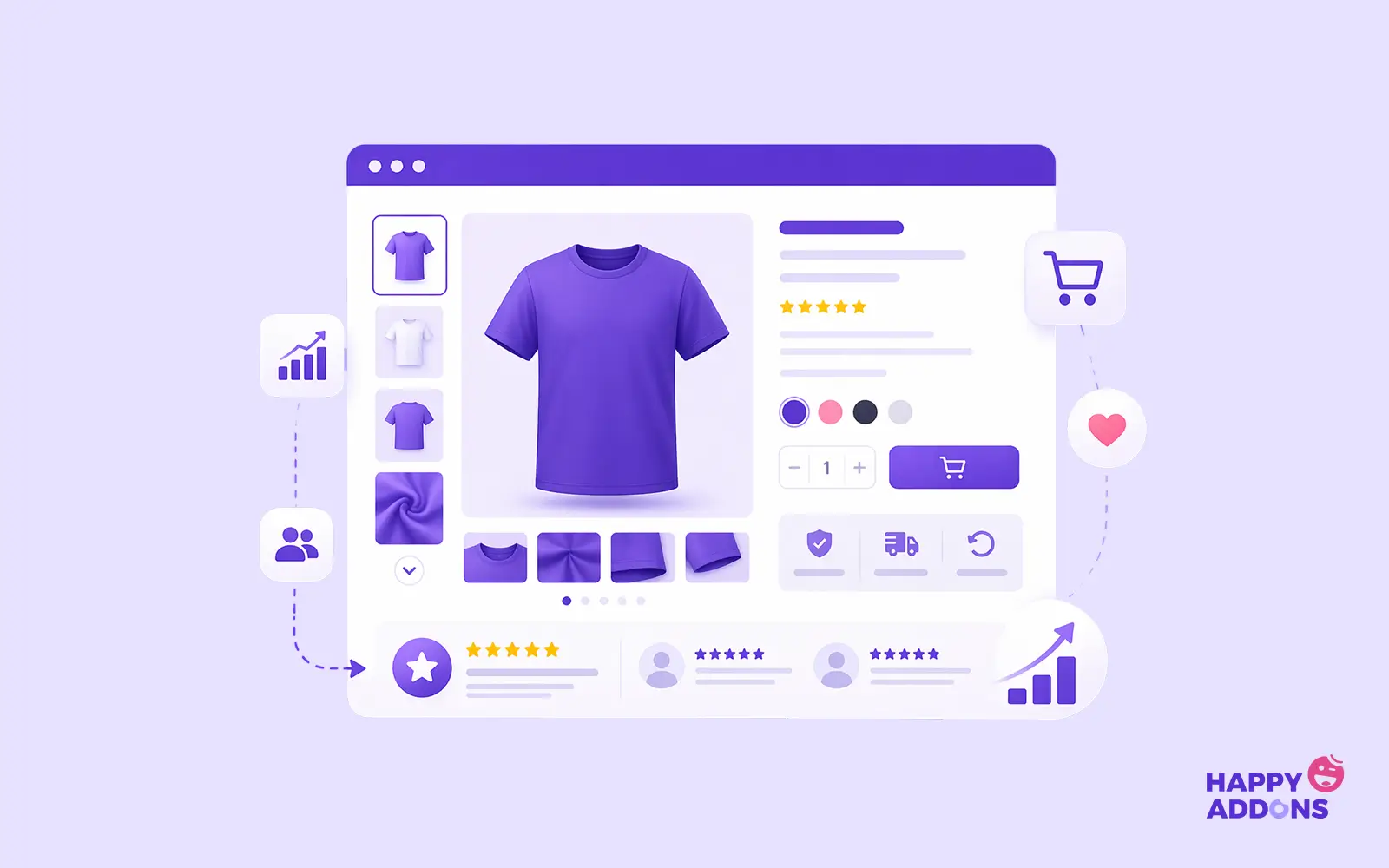
Let’s be honest. The default WooCommerce product page wasn’t built to sell. It was built to function. There’s a big difference. A functional product page shows information. A selling product page makes someone want the product.
It builds desire, answers objections, and makes clicking “Buy Now” feel like the obvious next step. Here’s what a weak product page typically looks like: one static image, a short description, a price, and a plain Add to Cart button. No personality. No excitement. No reason to trust.
Fix It With Elementor and HappyAddons
With Elementor’s drag-and-drop editor and HappyAddons’ widgets, redesigning your product page takes minutes, not days.
Start with the Single Product Widget from HappyAddons Pro. It comes with three stunning skins: Classic, Standard, and Landscape. Each one gives your product a professional, modern look right out of the box. You also get a Quick View modal, so customers can preview products without leaving the shop page. Less friction, more purchases.
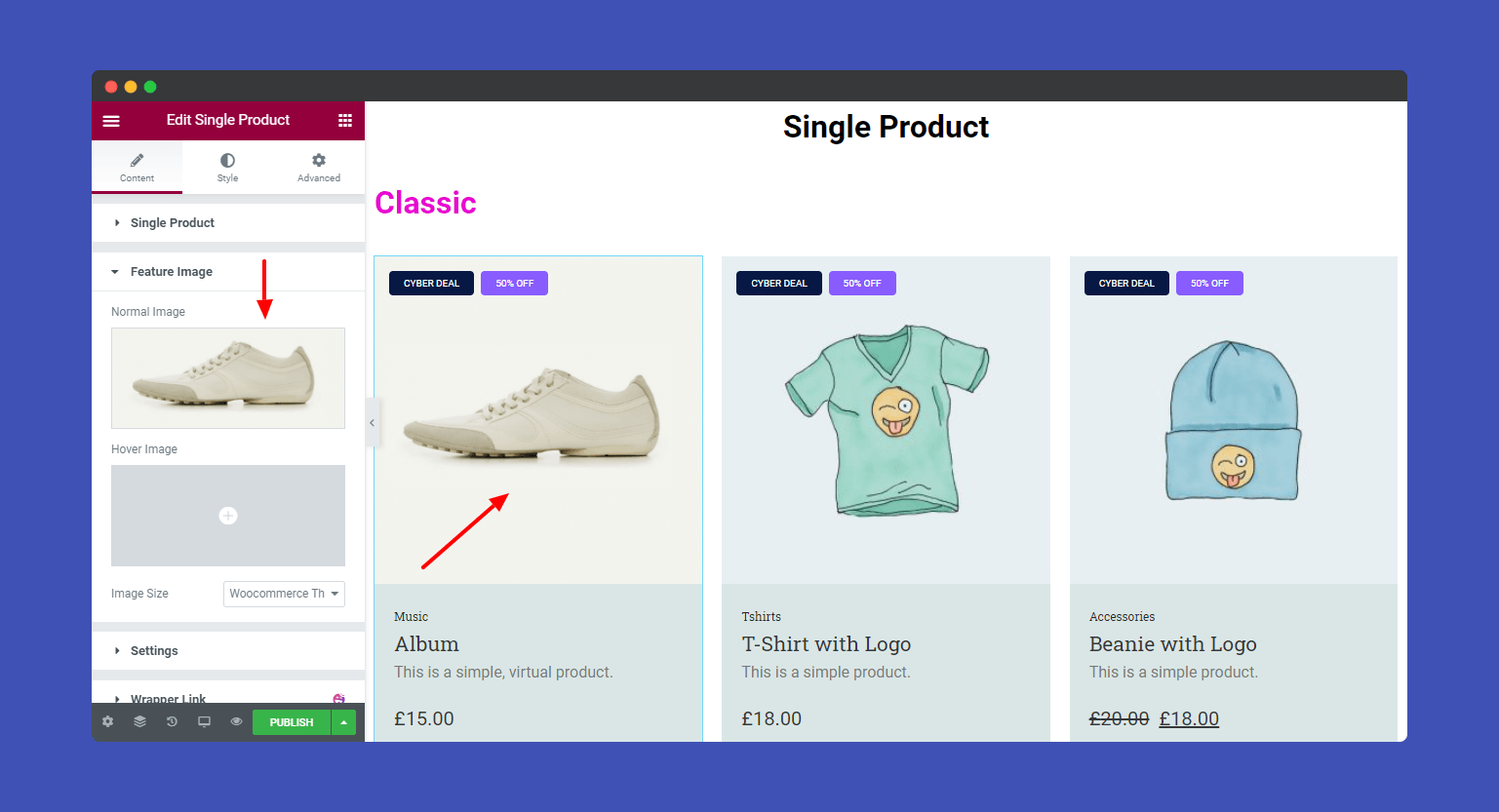
Next, add the Product Grid Widget below your main product. This is where you show related items, which naturally drives upsells. You get full control over layout, columns, hover effects, and even a quick view option per product card.
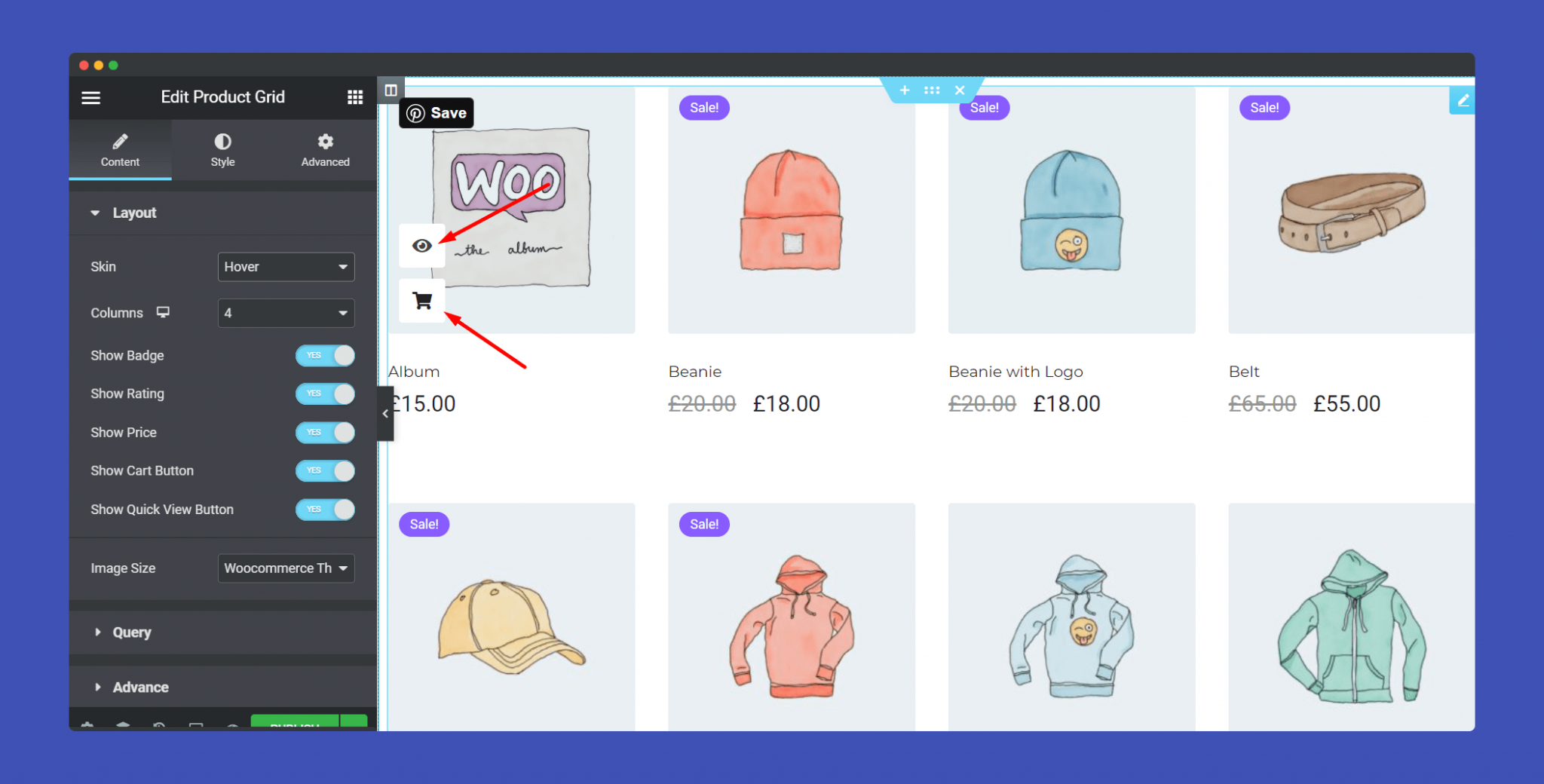
Want to make your product images pop? The Image Hover Effect Widget lets you add over 20 different hover animations to product images. It’s a small touch that makes your store feel alive and premium.
Tip 02: Build Trust Signals to Grow Customer Confidence
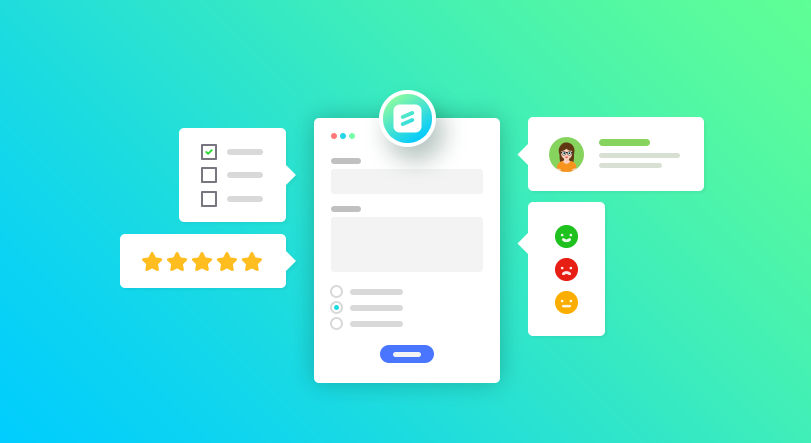
People don’t buy from stores. They buy from stores they trust. This is a type of truth that every store owner needs to hear. And trust isn’t something you ask for. It’s something you show.
When a first-time visitor lands on your WooCommerce store, they’re asking themselves one silent question: “Is this legit?” If your store can’t answer that question within the first few seconds, they’re gone.
What Kills Trust Instantly
No customer reviews. No brand logos. No faces behind the business. A product page that looks like it was set up in an afternoon and never touched again.
Sound familiar? You’re not alone. Most WooCommerce store owners focus so much on getting traffic that they forget to make their store worth trusting once visitors actually arrive.
Add These Trust Elements Using HappyAddons
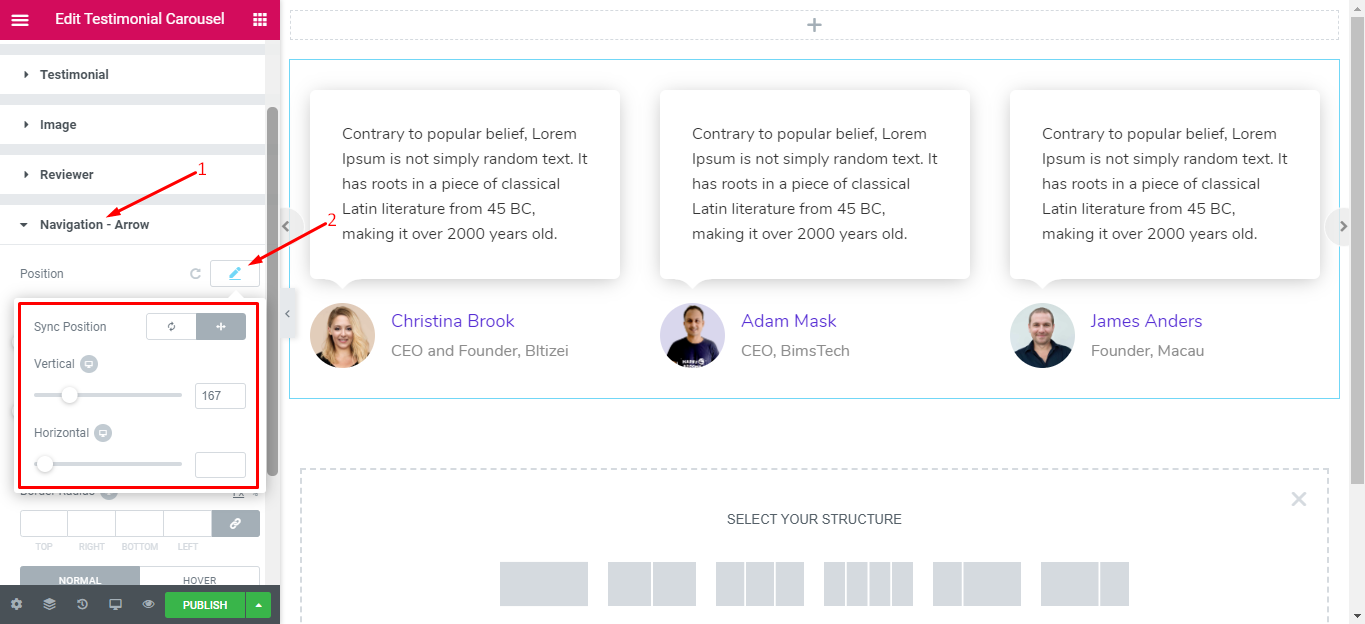
The Testimonial Carousel Widget is your best friend here. Drop it on your product page or homepage and display rotating customer reviews in a clean, visually appealing format. Real words from real customers do more selling than any product description you’ll ever write.
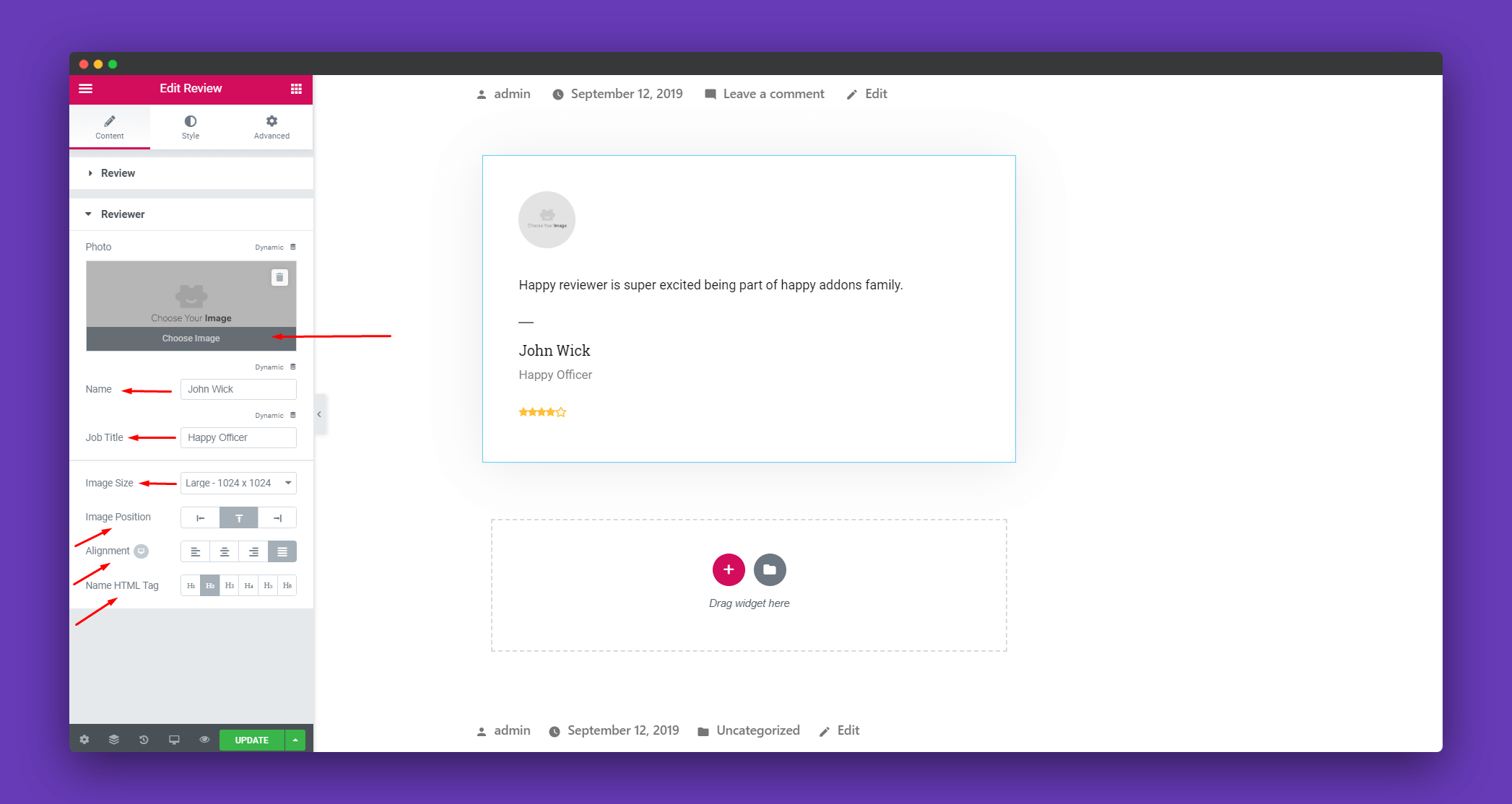
Pair that with the Review Widget to show star ratings prominently on product pages. Star ratings catch the eye immediately. Shoppers scan for them instinctively, just like they do on Amazon. If you’ve got good ratings, show them off.
Got partnerships, media mentions, or recognizable brand affiliates? Use the Logo Grid Widget to display them. You’ll find that once these trust elements are in place, your bounce rate drops and your conversion rate climbs. Visitors stop second-guessing and start buying.
Tip 03: Reduce Cart Abandonment
Over 70% of shoppers who add something to their cart never complete the purchase. That means for every 10 people ready to buy from you, 7 walk away.
Not because they didn’t want the product. But because something in the experience made them hesitate, get confused, or simply change their mind at the last second. Cart abandonment isn’t just a checkout problem.
It starts way earlier, in your navigation, your product pages, your popups, and how your entire store flows.
Fix this Problem
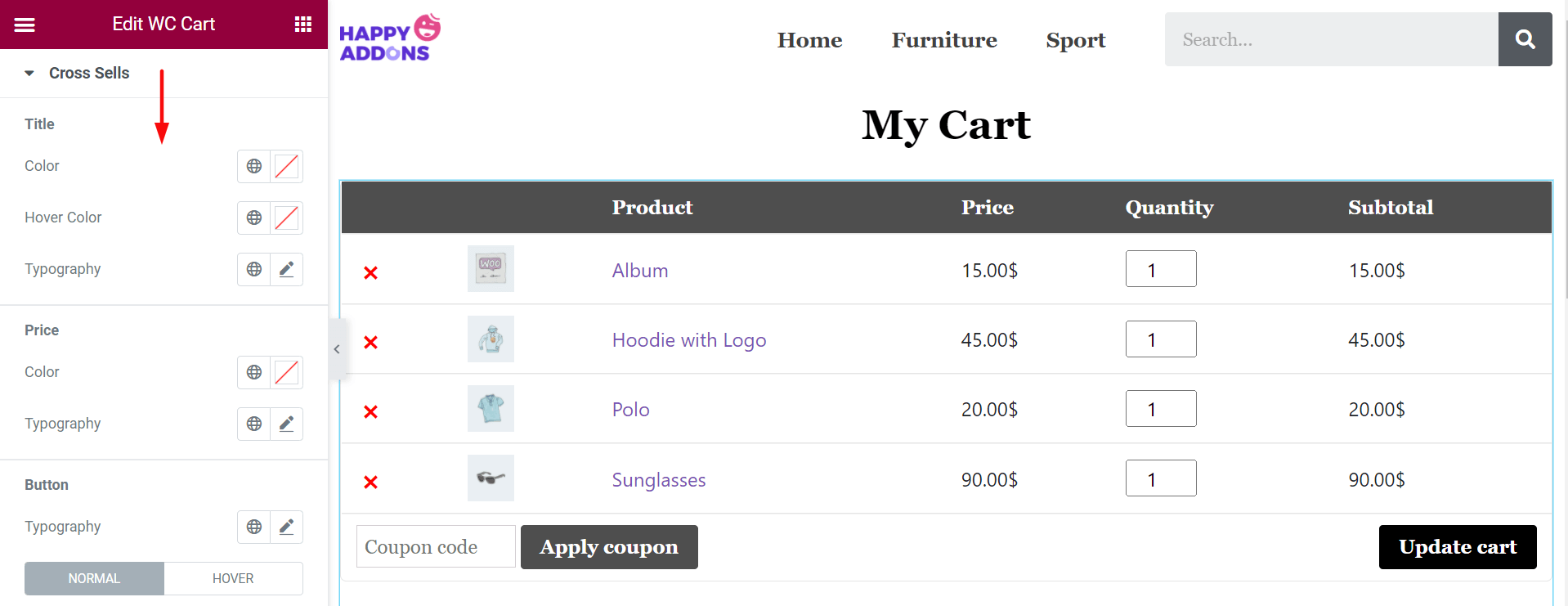
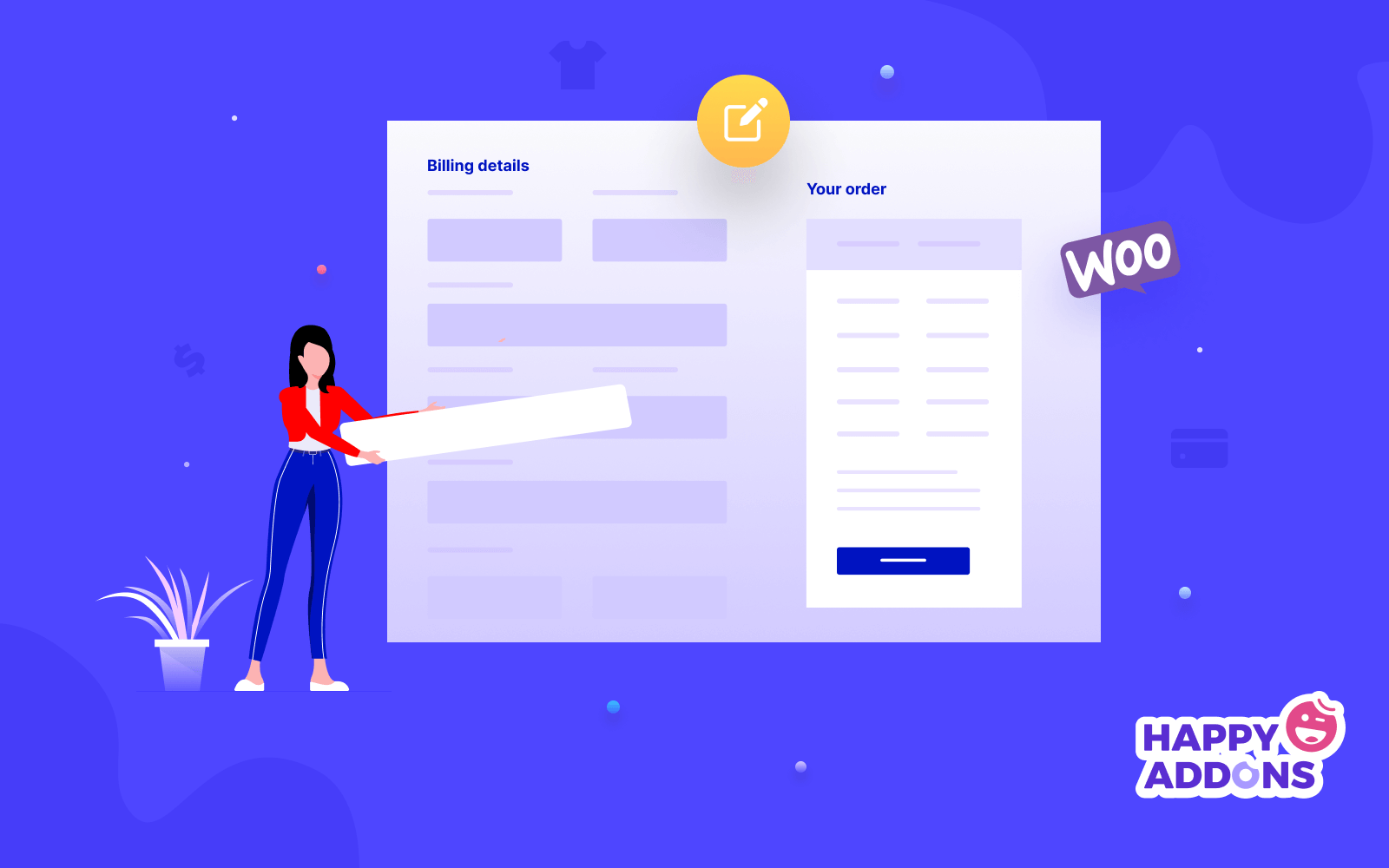
Start with your checkout page. The default WooCommerce checkout is functional but ugly. It doesn’t inspire confidence. With the WooCommerce Checkout Widget from HappyAddons Pro, you can fully redesign it inside Elementor.
Clean it up, remove unnecessary fields, style it to match your brand, and make the whole process feel smooth and trustworthy. Next, tackle exit intent. The Modal Popup Widget lets you trigger a popup when a visitor is about to leave your store.
Offer them a small discount, free shipping, or a limited-time deal. A well-timed popup can recover a sale that was seconds away from being lost forever. And if you want to take it even further, pairing popups with a solid email follow-up strategy works wonders.
Tip 04: Use Upsells and Cross-Sells
Someone who’s already on your product page, already interested, already considering a purchase, is the warmest possible customer you’ll ever have. Getting them to spend a little more is infinitely easier than convincing a brand-new visitor to buy.
That’s the whole idea behind upsells and cross-sells. Upselling means encouraging a customer to buy a better, more premium version of what they’re already looking at. Cross-selling means suggesting complementary products that go well with their current choice.
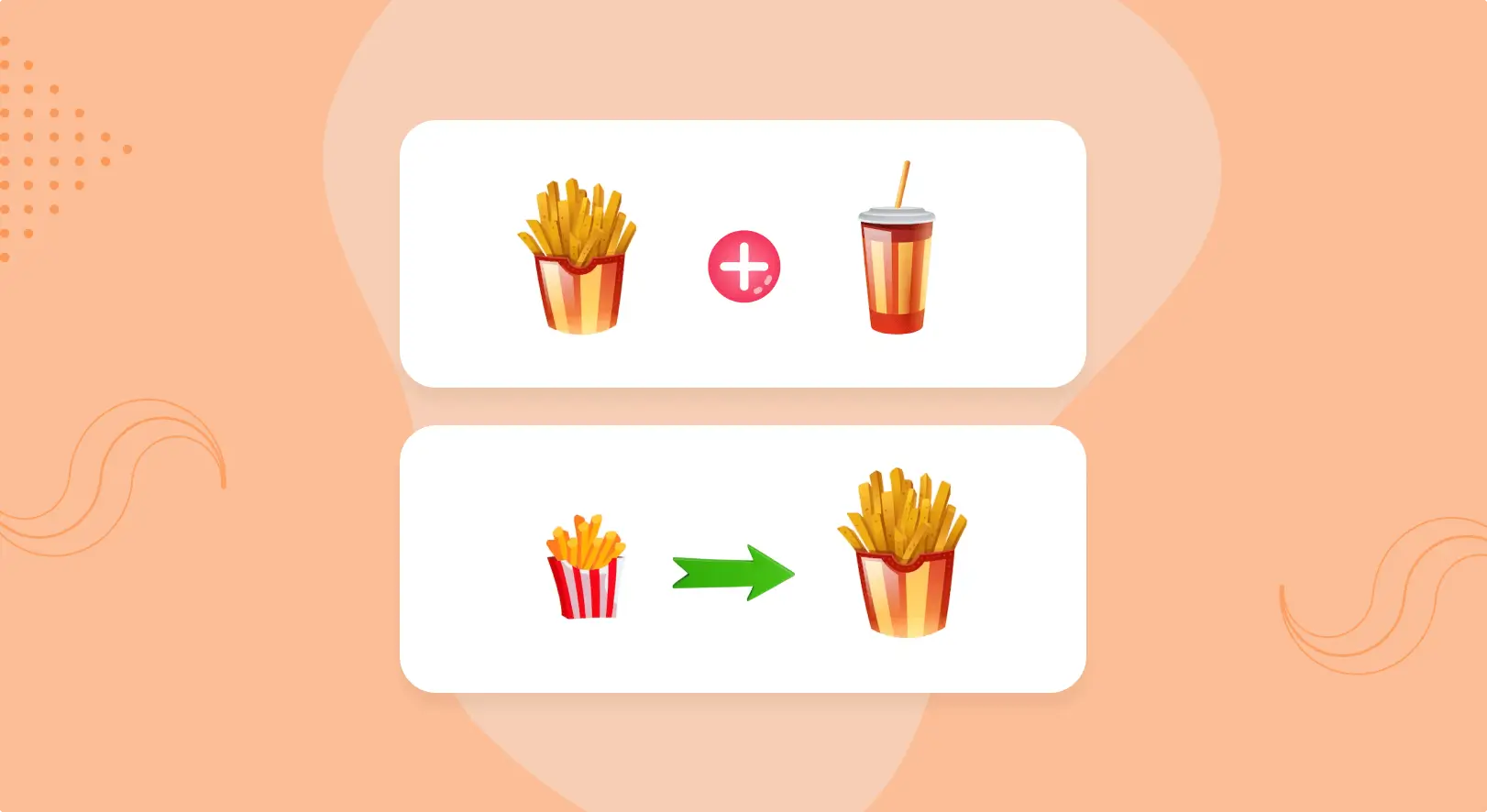
Like a phone case when someone’s buying a phone. Or a coffee grinder when someone’s buying coffee beans. Both tactics work. And both are incredibly easy to set up visually with Elementor and HappyAddons.
Design Upsell Sections That Feel Natural
Use the Product Grid Widget with a “related products” query to automatically display items that pair well with what a customer is viewing. Position it just below the main product description so it catches the eye at exactly the right moment, when the customer is already in buying mode.
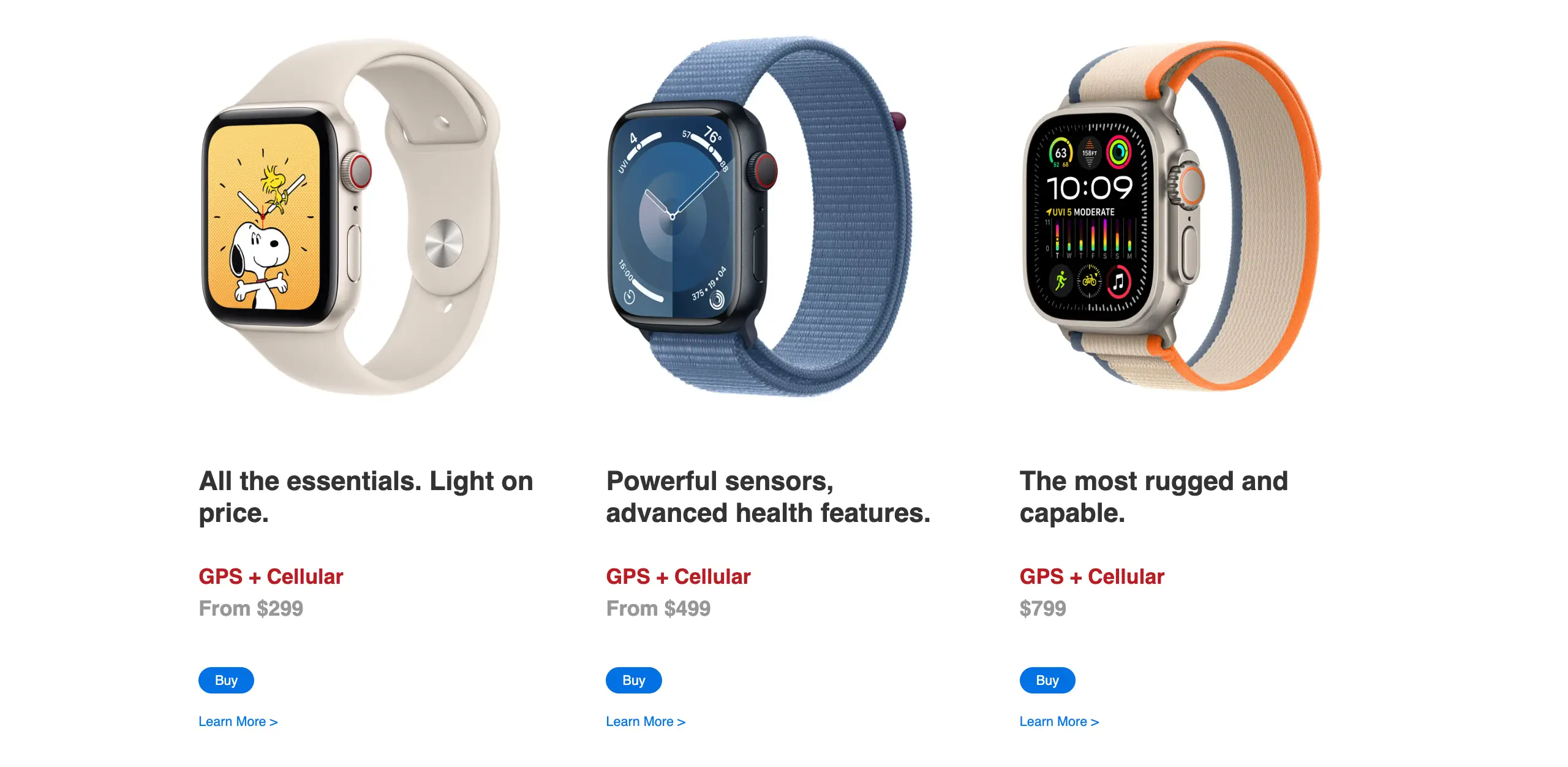
Want to help customers choose between product tiers or bundles? The Advanced Comparison Table Widget is perfect for this. You can create a clean, side-by-side comparison of different product options, features, or price points, so customers can clearly see the value differences.
Tip 05: Create a Sense of Urgency in Buyers’ Psychology
Some people feel like creating urgency is manipulative. And honestly, if you’re faking scarcity or making up countdown timers that reset every time someone refreshes the page, then yes, that’s not a great look.
But real urgency? Genuine limited-time offers, actual low stock situations, seasonal deals that genuinely expire? That’s not manipulation. That’s just good communication.
Here’s the psychology behind it. People are naturally wired to delay decisions. Given the choice between “buy now” and “think about it later,” most people choose later. And later usually means never.
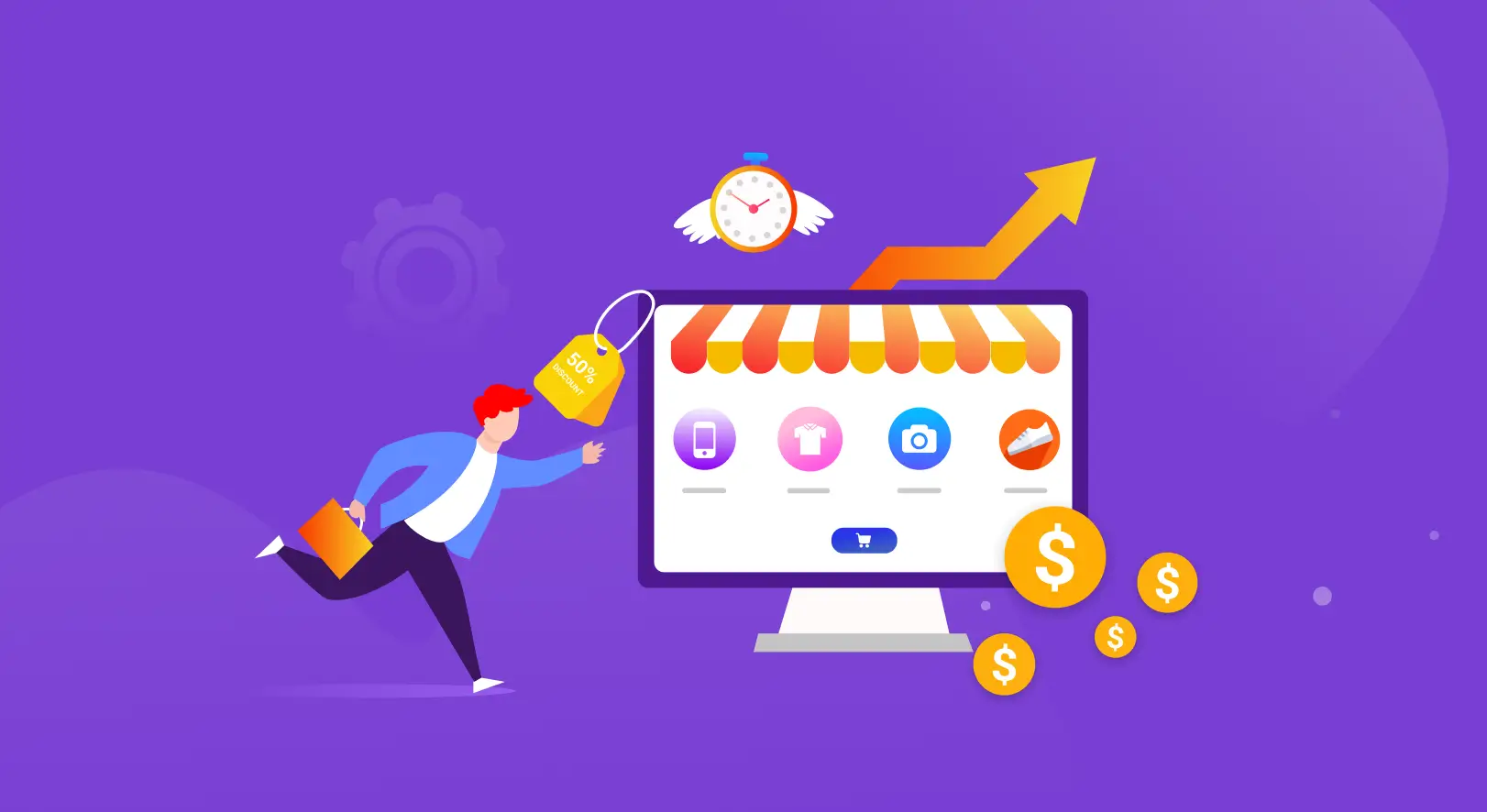
Urgency gives people a legitimate reason to act now instead of forgetting about your store the moment they close the tab.
The Right Way to Add Urgency to Your WooCommerce Store
The trick is making urgency feel genuine and visually compelling without making your store look desperate or spammy. HappyAddons has exactly the right widgets for this.
The Promo Box Widget is a great starting point. Use it to create eye-catching promotional banners that announce limited-time offers, seasonal sales, or special deals. You get full control over typography, colors, backgrounds, and layout, so your promo section can look polished and on-brand rather than slapped together.
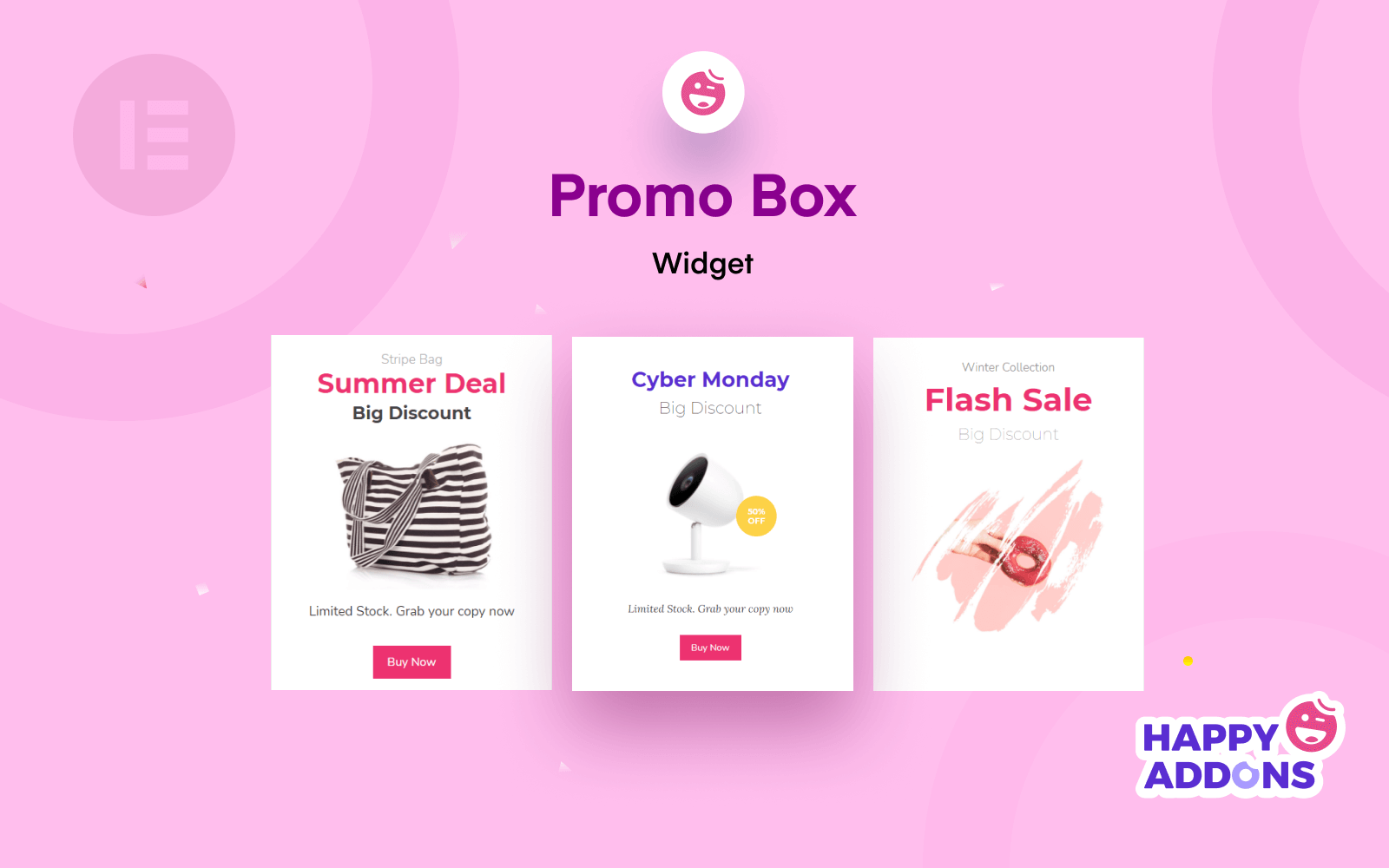
Now pair that with the Display Condition Feature. Set your promotional banners to appear only during specific date and time ranges. Your Black Friday deal shows up automatically on Black Friday and disappears when the sale ends. No manual switching. No forgetting to take down an expired offer. It just works.
Tip 06: Make Your WooCommerce Store Fast, Mobile-Ready, and Professional
Think about your own behavior as an online shopper. If a store takes more than 3 seconds to load on your phone, what do you do? You leave. No second chances, no patience. You just go find another store that works. Your customers do exactly the same thing.
And here’s the brutal reality. Over 60% of WooCommerce traffic comes from mobile devices. So if your store looks great on desktop but feels broken or slow on a phone, you’re losing the majority of your potential sales before they even begin.
Speed and Design Don’t Have to Fight Each Other
A common mistake store owners make is thinking that a beautifully designed store is automatically a slow store. More widgets, more features, more visual elements must mean worse performance, right? But it doesn’t happen with HappyAddons.
It is built with performance in mind from the ground up. It uses on-demand asset loading, which means it only loads the CSS and JavaScript for widgets that are actually being used on a specific page. So if a page only has three HappyAddons widgets on it, only those three widgets’ assets load.
A Simple Mobile Checklist Before You Launch
- Does the page load in under 3 seconds on mobile?
- Are product images properly sized and compressed?
- Do buttons have enough tap space for fingers?
- Is the text readable without zooming in?
- Does the checkout flow work smoothly on a small screen?
You’ll find that fixing even two or three of these issues makes a significant difference in how many mobile visitors actually complete a purchase.
Tip 07: Use Social Proof to Build More Customer Trust
Most store owners stop at product reviews. But social proof goes much deeper than that. Think about how people make buying decisions in real life. They look around. They see what others are doing. They follow the crowd.
Your WooCommerce store needs to trigger that same instinct. Here’s what works beyond basic star ratings.
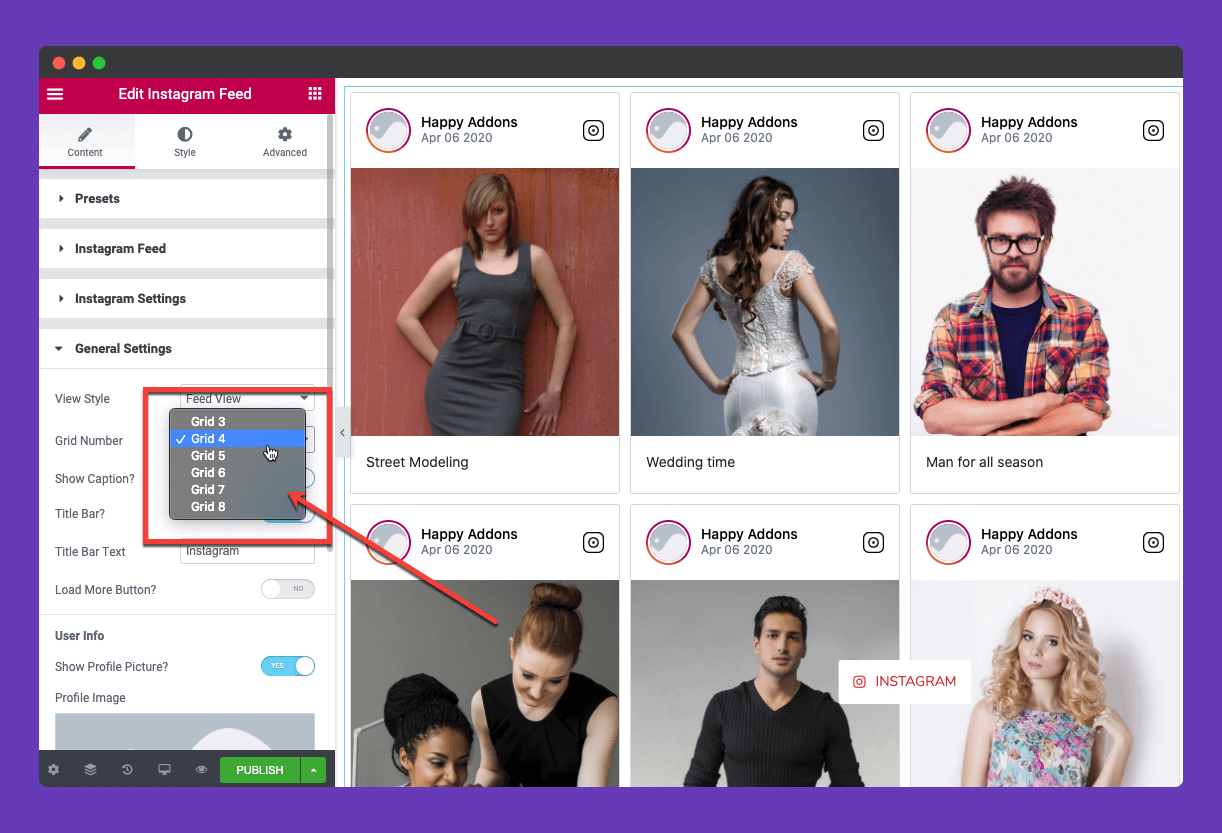
Use the Instagram Feed Widget from HappyAddons to display your brand’s Instagram feed directly on your store. Real customer photos using your products in real life are the most authentic social proof you can show. It tells visitors, “real people actually buy and use this.”
Add the Social Share Widget to every product page. When customers can easily share products with their network, you get free word-of-mouth marketing without lifting a finger.
And use the Facebook Feed Widget to pull in your brand’s Facebook activity. Active social channels signal that your business is alive, responsive, and trustworthy.
You’ll find that visitors who see active social proof spend longer on your store and convert at a noticeably higher rate.
Tip 08: Optimize Your WooCommerce Category Pages
Your category pages are not just organizational tools. They’re landing pages. And like any landing page, they need to be designed to convert. When someone searches “buy running shoes online” and lands on your Shoes category page, that’s your first impression.
If it looks like a plain grid of products with no personality, no filters, no visual hierarchy, they’ll scroll for two seconds and leave. A well-designed category page guides visitors naturally toward the products they want and keeps them engaged long enough to actually buy.
How HappyAddons Transforms Category Pages
The Product Category Grid Widget gives you complete control over how your categories are displayed. You get two different skins, advanced query management, device-wise column control, and the ability to show or hide category images and product counts.
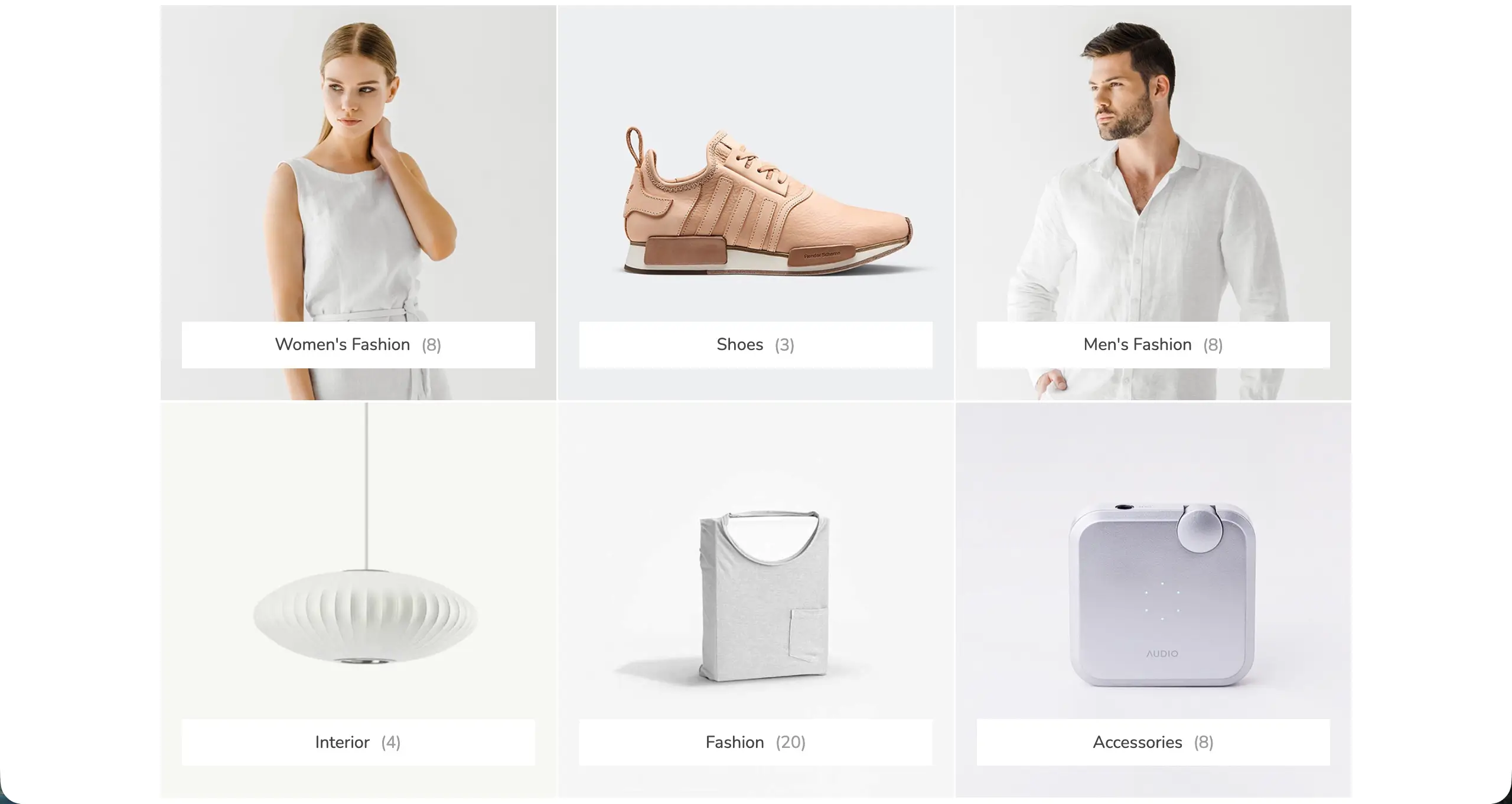
Instead of a boring list, your categories become visually compelling entry points into your store. The Product Category Carousel Widget lets you display all your categories in an elegant sliding carousel with three skins, navigation arrows, autoplay control, and infinity loop options.
You’ll find that shoppers who can navigate your store effortlessly are far more likely to stick around and find something worth buying.
Tip 09: Show Products Smartly Wherever Possible
Every inch of your WooCommerce store is an opportunity to put the right product in front of the right visitor at the right moment. Most store owners set up their shop page once and never think about it again. But the stores that consistently sell well are the ones that strategically place products throughout the entire site experience.
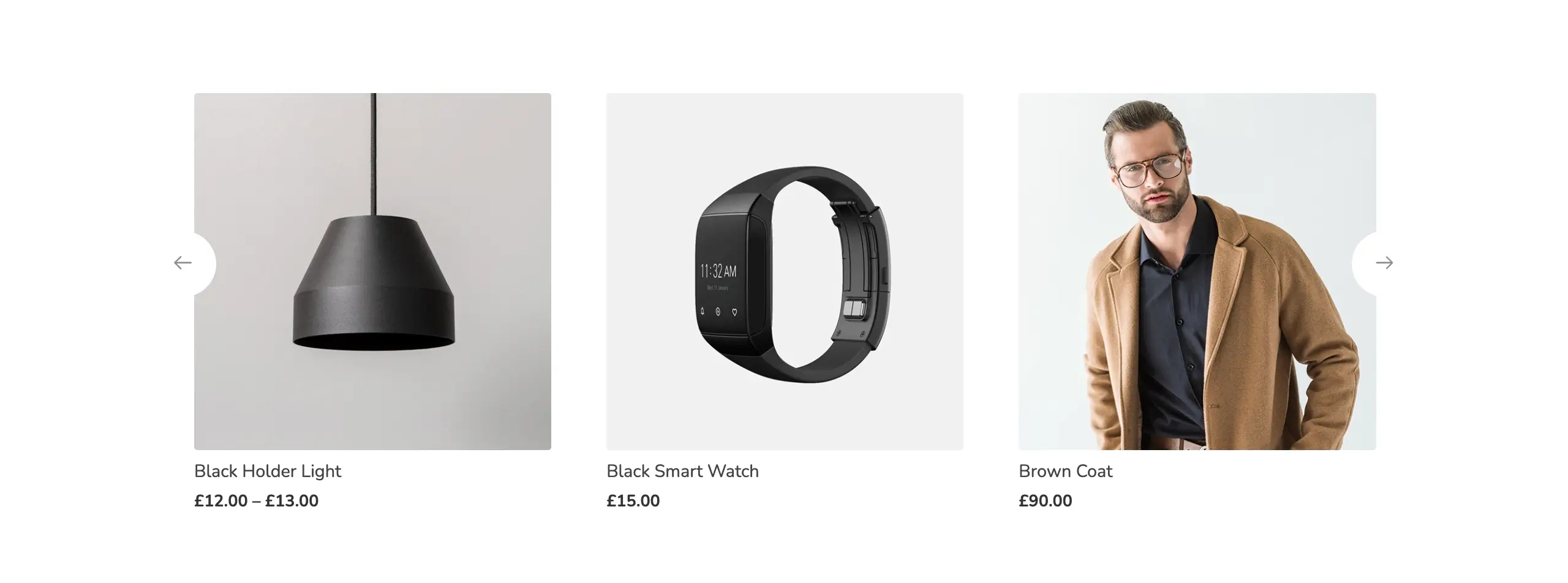
Here again, the Product Grid, Product Carousel, Product Category Grid, Product Category Carousel, and Single Product widgets could be a lot helpful in showcasing your WooCommerce product in the most effective ways to captivate visitors and convert them.
Tip 10: Add Interactive Design Elements
Most WooCommerce stores feel like flipping through a static catalog from 2010. When a store feels premium and engaging, customers naturally assume the products are premium too. It’s pure psychology. The experience shapes the perception.
The SVG Draw Widget lets you add custom illustrations or logos that literally draw themselves as visitors scroll down the page. It’s the kind of micro-interaction that makes someone pause, smile, and keep scrolling. And a visitor who keeps scrolling is a visitor who’s getting more invested in your store.
The Happy Mouse Cursor Widget lets you replace the default browser cursor with a custom, branded cursor that has blur mode and liquid flow effects. The moment someone moves their mouse across your store and sees a custom cursor, the whole experience feels intentional and premium.
Interactive design elements are not just eye candy. They’re conversion tools. They slow down the scroll, create moments of delight, and make your store memorable enough that visitors come back.
You’ll find that even adding one or two of these interactive elements to your homepage or product pages makes a noticeable difference in how long people stick around and how many of them actually hit that Add to Cart button.
Bonus Tip: Boost WooCommerce Conversions with StoreGrowth
StoreGrowth is a WooCommerce sales-booster plugin from weDevs that adds the conversion features your store is missing by default. While HappyAddons controls how your store looks, StoreGrowth controls how it sells.
It brings more than ten sales-boosting modules into one lightweight plugin, so you can increase conversions, raise average order value, and recover lost sales without installing a stack of separate tools. The plugin focuses on the exact moments where sales slip away.
Its Direct Checkout module turns “Add to Cart” into a one-click “Buy Now” button, and the Side Cart lets shoppers adjust their order without leaving the page.
For bigger orders, the Upsell Order Bump shows a one-click add-on at checkout, and BOGO offers run scheduled “Buy One, Get One” deals. To create genuine urgency, the Sales Countdown, Stock Progress Bar, and Free Shipping Bar give customers a real reason to buy now instead of later.
Because StoreGrowth loads only the modules you switch on, it adds these features without slowing your store down, which makes it a natural partner to a design-focused plugin like HappyAddons. Its Live Sales Notifications add another layer of trust by showing recent purchases as visitors browse.
You can start with the free version on WordPress.org, turn on the modules that fit your store, and pair them with the HappyAddons widgets above to build a WooCommerce store that both looks the part and sells like it.
Frequently Asked Questions About How to Increase WooCommerce Sales
Let’s now take a look at answers to some questions that are commonly found asked online on various platforms.
How to increase WooCommerce sales without paid ads?
Focus on improving your store design, adding trust signals like reviews and ratings, and reducing checkout friction. These cost nothing but make a huge difference in conversions.
Why is my WooCommerce store getting traffic but no sales?
Usually, it comes down to three things: weak product pages, missing trust signals, or a confusing checkout experience. Start by redesigning your product page with Elementor and HappyAddons widgets.
How do I make my WooCommerce product page look professional?
Use HappyAddons’ Single Product Widget with pre-built skins, add customer testimonials, and use the Preset feature to apply a polished design in minutes. No coding needed.
Can I reduce cart abandonment in WooCommerce without a plugin?
With HappyAddons and Elementor, you can redesign your checkout page, add exit-intent popups, and use Display Conditions to show targeted offers, all without a separate cart abandonment plugin.
Is HappyAddons good for WooCommerce stores?
Yes. It offers dedicated WooCommerce widgets, performance-friendly loading, and affordable plans starting at $39/year, making it one of the best Elementor addons for WooCommerce store owners.
Key Takeaways!
Increasing WooCommerce sales doesn’t always mean spending more on ads or chasing more traffic. Sometimes it just means giving your store the design and experience it deserves.
With Elementor and HappyAddons, you’ve got everything you need to build a store that looks professional, loads fast, earns trust, and converts visitors into buyers, without hiring a developer or breaking the budget.
Pick one tip from this guide. Start today. You’ll be surprised how quickly small design changes translate into real sales. Ready to get started? Try HappyAddons for free and see the difference yourself.