
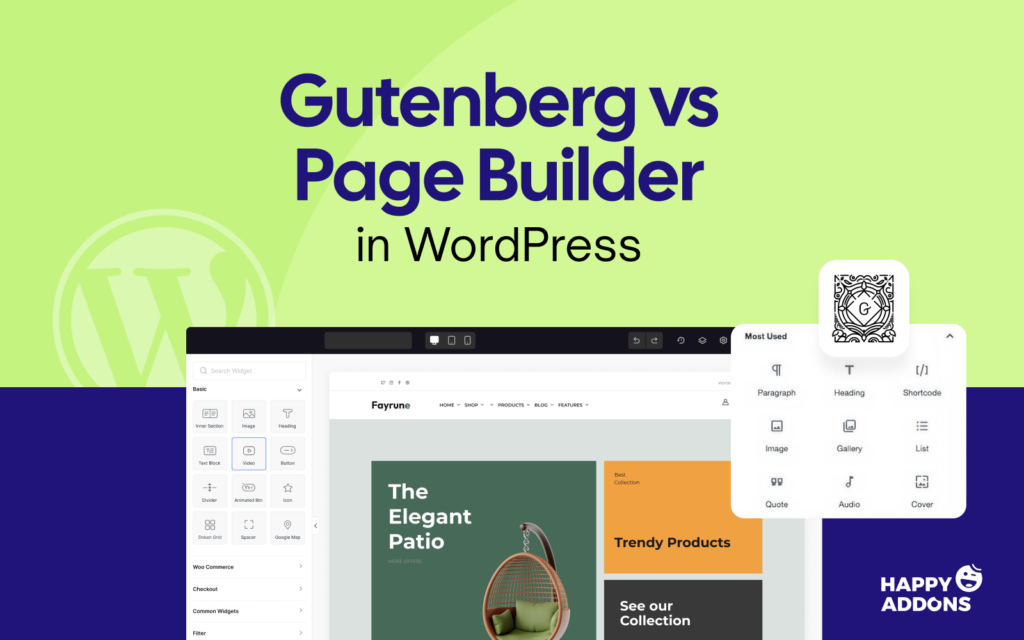

Building a website in WordPress used to mean one thing – picking a page builder and learning it inside out. Then Gutenberg arrived and changed the conversation entirely.
Now WordPress users face a real choice. Do you stick with a page builder you already know? Or do you switch to the block editor that comes built right into WordPress?
The debate is not new. But the answer is still not simple. Both tools have grown a lot over the years, and both serve different types of users with different needs.
In this post, we break down exactly how Gutenberg vs page builders differ – and which one actually makes sense for your website.
What Is Gutenberg?
Gutenberg is the default block editor that comes built into WordPress. It was introduced in WordPress 5.0 back in 2018 and has been the standard editor ever since.
It works by letting you build pages and posts using individual “blocks.” Each block handles one thing – a paragraph, an image, a button, or a heading. You stack them together to create your content.
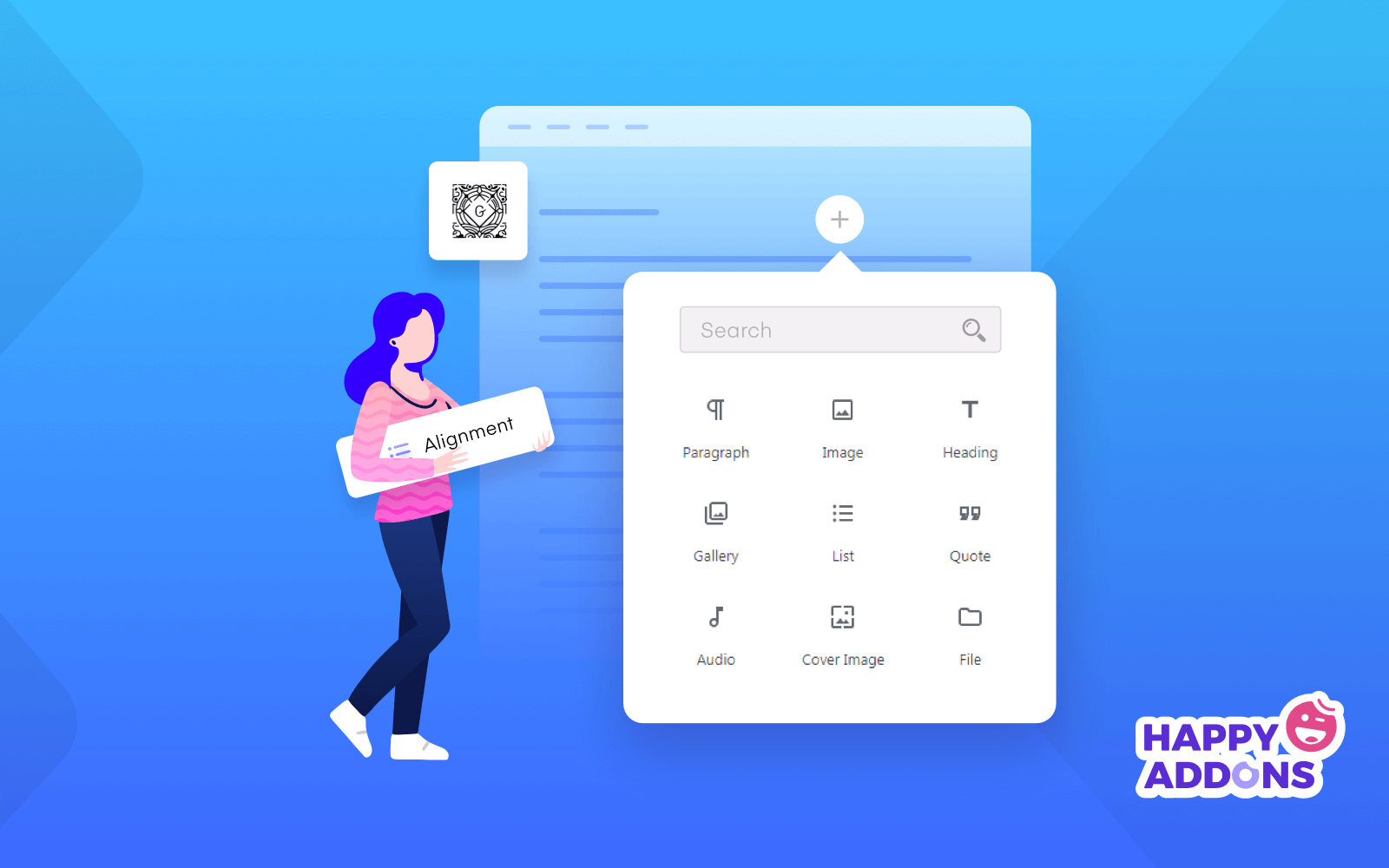
It is lightweight, fast, and does not require any extra plugins to get started. If you have WordPress installed, you already have Gutenberg ready to use.
Over time, Gutenberg has improved a lot. The Full Site Editing feature now lets you edit headers, footers, and templates – not just posts and pages.
What Is a Page Builder?
A page builder is a plugin that gives you a visual, drag-and-drop interface for designing pages in WordPress. Instead of working with blocks, you design by moving elements around on a live canvas.
Popular page builders include Elementor, Divi, Beaver Builder, WPBakery, and SeedProd. Each one has its own approach, but the core idea is the same – what you see while editing is what you get on the front end.

Page builders are built for design flexibility. They give you more control over layout, spacing, fonts, colors, and animations than the default WordPress editor.
They are popular with freelancers, agencies, and business owners who want full creative control without writing a single line of code.
Differences Between Gutenberg and Page Builder in WordPress
This is where things get practical. Both tools help you build pages, but they work very differently under the hood. Here is a side-by-side look:
| Feature | Gutenberg | Page Builders |
|---|---|---|
| Interface | Block-based backend editor | Visual drag-and-drop frontend editor |
| Ease of Use | Simple, minimal learning curve | Moderate learning curve depending on tool |
| Design Flexibility | Limited styling options | Full control over layout and design |
| Widgets & Elements | Basic blocks (text, image, button) | Advanced widgets (sliders, tabs, popups) |
| Live Preview | Preview only after editing | Real-time live editing |
| Performance | Lightweight, faster load times | Can add extra scripts and slow the page |
| Theme Compatibility | Works with block themes | Works with most WordPress themes |
| Extensions | Limited third-party block libraries | Large ecosystem of addons |
| Full Site Editing | Yes (native support) | Depends on the builder |
| Price | Free (built into WordPress) | Free and paid options available |
Who Should Use What?
Gutenberg works great for bloggers, content writers, and anyone who just needs clean, readable pages without complex design.
Page builders are the right choice for landing pages, business websites, portfolio sites, and any project where design and layout really matter.
Gutenberg vs Top WordPress Page Builders
You will find a handful of great page builders for WordPress. They are so great that we can individually compare them with Gutenberg. We are going to do so below. Hope this will help you choose the right plugin for your site if you are interested in page builders.
We’ll compare the following top page builder tools with Gutenberg:
- Elementor
- Divi
- Beaver Builder
- WPBakery
- SeedProd
Let’s explore their comparisons with Gutenberg right away.
1. Gutenberg vs Elementor
Is Elementor really worth paying for when Gutenberg already does the basics for free? This comparison breaks down exactly where Elementor pulls ahead – and where Gutenberg holds its ground.
What Is Elementor?
Elementor is the most widely used page builder for WordPress. With over 10 million active installations, it has become the go-to tool for designers, freelancers, and agencies who want full creative control.
It works through a live drag-and-drop editor. You see every change on the front end as you make it – no toggling between editor and preview. This alone makes it feel miles ahead of Gutenberg for design-heavy work.
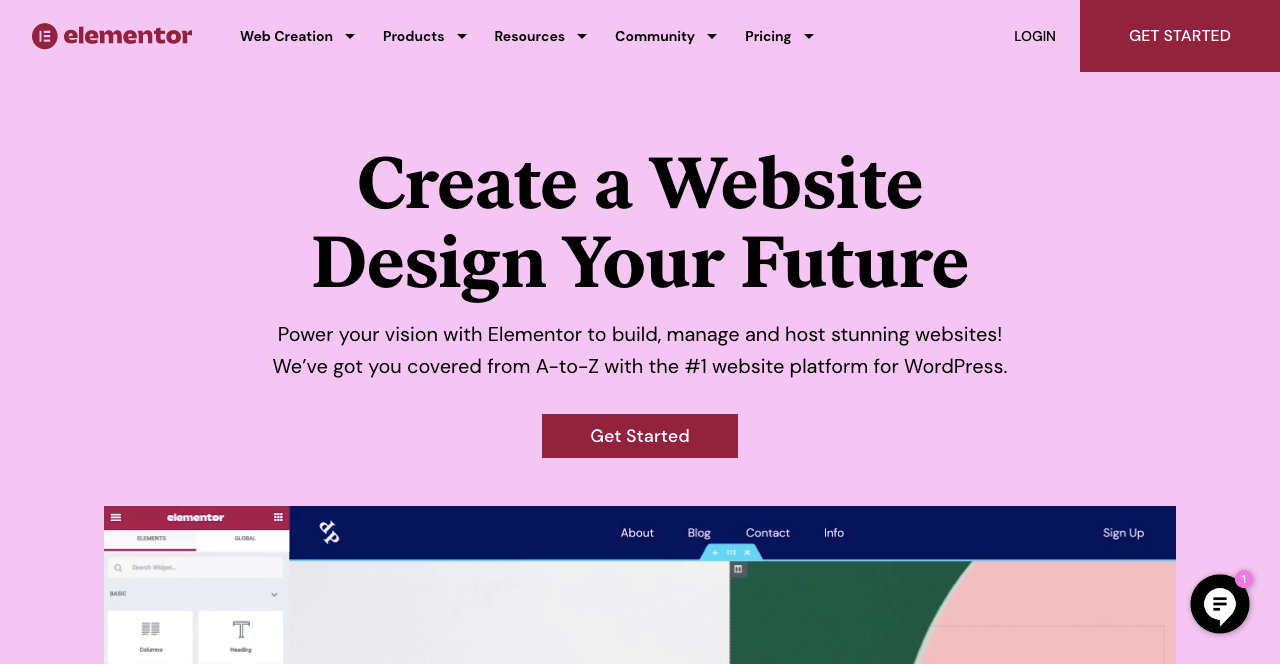
Elementor has a solid free version. But the real power comes with Elementor Pro, which unlocks the Theme Builder, Popup Builder, WooCommerce integration, advanced widgets, and form tools.
Pricing starts at $59/year for a single site. The Advanced plan is $99/year for 3 sites, the Expert is $204/year for 25 sites, and the Agency plan is $444/year for up to 1,000 sites. There is no lifetime deal – it is annual billing only.
Gutenberg vs Elementor: Feature Comparison
Choosing between Gutenberg and Elementor is one of the most common decisions WordPress users face. This comparison breaks it down so you can make the right call without second-guessing.
| Feature | Gutenberg | Elementor |
|---|---|---|
| Editor Type | Block-based backend editor | Live drag-and-drop frontend editor |
| Real-Time Editing | ❌ No | ✅ Yes |
| Free Version | ✅ Yes (built into WordPress) | ✅ Yes (with limitations) |
| Theme Builder | ✅ Limited (FSE only) | ✅ Full theme builder (Pro) |
| Popup Builder | ❌ No | ✅ Yes (Pro) |
| WooCommerce Support | ⚠️ Basic | ✅ Full WooCommerce builder (Pro) |
| Widget/Block Count | ~90 core blocks | 100+ free, 60+ Pro widgets |
| Template Library | Limited | 300+ templates (Pro) |
| AI Tools | ❌ No | ✅ Yes (content, image, code) |
| Responsive Controls | ⚠️ Basic | ✅ Full device-level controls |
| Custom CSS | ⚠️ Limited | ✅ Yes (Pro) |
| Performance | ✅ Lightweight | ⚠️ Can slow page if not optimized |
| Learning Curve | Low | Low to moderate |
| Pricing | Free | $59–$444/year |
Explore more on Gutenberg vs Elementor.
Pros & Cons Between Gutenberg and Elementor
Every tool has its strengths and its limits. Here is an honest look at what Gutenberg and Elementor each do well – and where they fall short.
| Gutenberg | Elementor | |
|---|---|---|
| Pros | Free, lightweight, no extra plugins needed, fast performance | Live editing, massive widget library, powerful Theme Builder, great for agencies |
| Cons | Limited design control, no real-time preview, fewer widgets | Annual cost only, can slow page load, key features locked behind Pro |
Verdict
Pick Gutenberg if you mostly write blog posts, need a fast-loading site, and do not need heavy design customization. It is clean, free, and built right into WordPress.
Pick Elementor if you are building business sites, landing pages, or anything where the design actually matters. The live editor and Pro features are worth every dollar for serious builders.
2. Gutenberg vs Divi
If you manage multiple websites and want one tool that handles everything, Divi was built for you. But how does it hold up against the simplicity of Gutenberg? Let’s find out.
What Is Divi?
Divi is a page builder and WordPress theme built by Elegant Themes. It has been around for over a decade and remains one of the most feature-rich builders available – especially for users who want everything in one package.
Unlike Elementor, Divi works both as a standalone theme and as a plugin. This means it can take over your entire site design – not just pages and posts, but global styles, headers, and footers too.
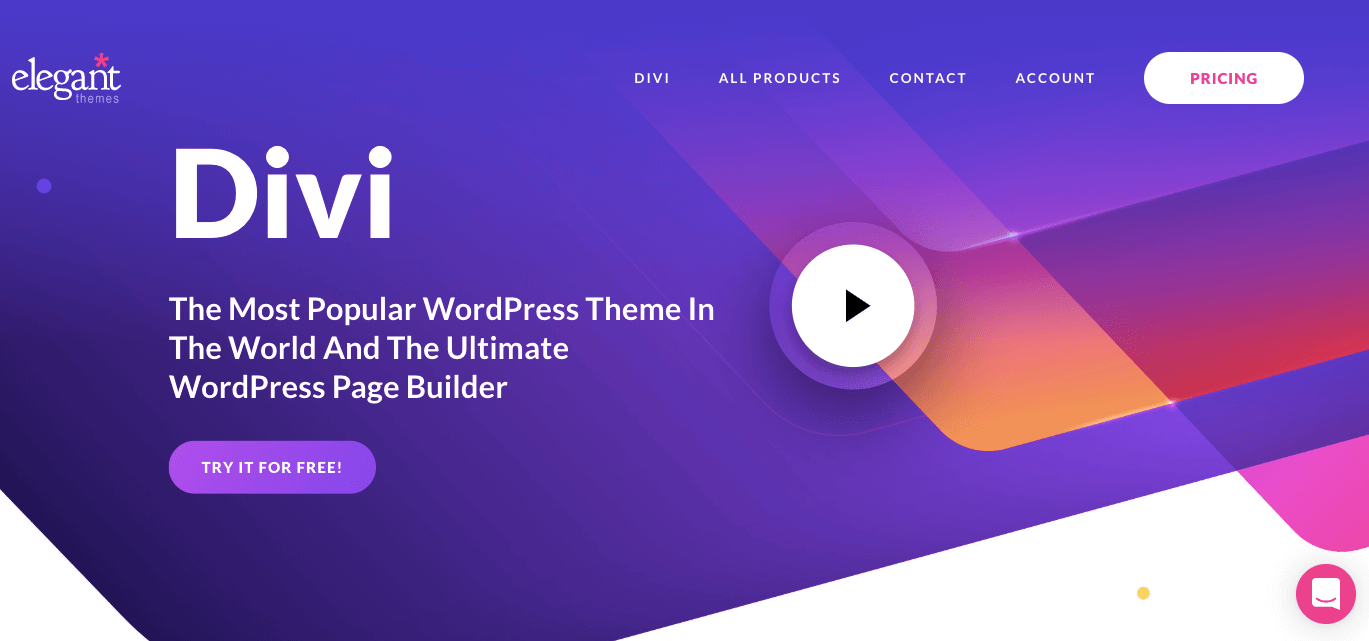
One thing that sets Divi apart is its pricing model. You pay once and get lifetime access on unlimited websites. No per-site fees. No renewal surprises every year.
Plans start at $89/year or a one-time $249 lifetime payment – both covering unlimited websites. Divi Lifetime + Pro starts at $265 one-time for the builder and Divi Dash, plus $191/year for Pro Services, which adds AI tools, cloud storage, and VIP support.
Gutenberg vs Divi: Feature Comparison
The gap between Gutenberg and Divi becomes very clear when you line up their features side by side. Take a look at where each one leads and where it falls behind.
| Feature | Gutenberg | Divi |
|---|---|---|
| Editor Type | Block-based backend editor | Visual front-end drag-and-drop editor |
| Real-Time Editing | ❌ No | ✅ Yes |
| Works as a Theme | ❌ No | ✅ Yes (Divi theme included) |
| Lifetime License | ✅ Free forever | ✅ One-time $249 payment |
| Unlimited Sites | ✅ Yes | ✅ Yes (both plans) |
| Template Library | Limited | 200+ layout packs |
| Theme Builder | ✅ Limited (FSE) | ✅ Full theme builder |
| A/B Testing | ❌ No | ✅ Built-in split testing |
| AI Tools | ❌ No | ✅ Yes (Divi Pro) |
| WooCommerce Support | ⚠️ Basic | ✅ Good support |
| Custom CSS | ⚠️ Limited | ✅ Full CSS control |
| Performance | ✅ Very fast | ⚠️ Can be heavy without optimization |
| Learning Curve | Low | Moderate |
| Pricing | Free | $89/yr or $249 lifetime |
Take a deep exploration of the differences between Elemento and Divi.
Pros & Cons between Gutenberg and Divi
No page builder is perfect – and Divi is no exception. Here is a straight look at what each tool gets right and what it gets wrong.
| Gutenberg | Divi | |
|---|---|---|
| Pros | Free, fast, no bloat, native WordPress | Lifetime deal, unlimited sites, full theme + builder combo, built-in A/B testing |
| Cons | Weak design tools, no live preview, limited layouts | Can feel overwhelming for beginners, heavy codebase, locked to the Elegant Themes ecosystem |
Verdict
Pick Gutenberg if you want a clean, no-fuss editor for content-heavy sites and do not need advanced design features. Simple, fast, and always free.
Pick Divi if you manage multiple client websites and want a one-time investment that covers everything – theme, builder, and templates all in one place. The lifetime deal is hard to beat.
3. Gutenberg vs Beaver Builder
One comes free with every WordPress install. The other has quietly powered over 1 million websites since 2014.
What Is Beaver Builder?
Beaver Builder has been around since 2014 and has quietly built one of the most loyal user bases in the WordPress world. It powers over 1 million websites and is widely known for being rock-solid, clean, and developer-friendly.
It is a front-end drag-and-drop builder – meaning you design on the actual page and see every change live. It is not flashy or packed with gimmicks. What it does, it does really well – stable performance, clean code, and a smooth editing experience.

Every premium plan includes the full product suite – the Page Builder plugin, Beaver Builder Theme, and Beaver Themer (for building headers, footers, and archive layouts). No hidden extras.
Pricing starts at $89/year for 1 site (Starter), $179/year for 3 sites (Plus), $299/year for 50 sites (Professional), and $546/year for unlimited sites with white labeling (Unlimited). There is no lifetime deal.
Gutenberg vs Beaver Builder: Feature Comparison
Choosing between these two comes down to what you actually need from a builder. Here is a clear feature comparison to help you see which one fits your workflow better.
| Feature | Gutenberg | Beaver Builder |
|---|---|---|
| Editor Type | Block-based backend editor | Live front-end drag-and-drop editor |
| Real-Time Editing | ❌ No | ✅ Yes |
| Free Version | ✅ Yes (built into WordPress) | ✅ Lite version available |
| Theme Builder | ✅ Limited (FSE only) | ✅ Yes (Beaver Themer — all plans) |
| Popup Builder | ❌ No | ❌ No |
| WooCommerce Support | ⚠️ Basic | ✅ Yes (all plans) |
| Template Library | Limited | ✅ Premium templates included |
| White Labeling | ❌ No | ✅ Yes (Unlimited plan) |
| Multisite Support | ✅ Yes | ✅ Yes (Professional & Unlimited) |
| AI Tools | ❌ No | ❌ No native AI |
| Responsive Controls | ⚠️ Basic | ✅ Yes |
| Custom CSS | ⚠️ Limited | ✅ Yes |
| Performance | ✅ Very lightweight | ✅ Clean, lightweight code |
| Learning Curve | Low | Low |
| Pricing | Free | $89–$546/year |
Take a deep exploration of Elementor vs Beaver Builder.
Pros & Cons between Gutenberg and Beaver Builder
Before making your final call between these two, it helps to see the trade-offs laid out clearly. Here is exactly what you gain and lose with both Gutenberg and Beaver Builder.
| Gutenberg | Beaver Builder | |
|---|---|---|
| Pros | Free, fast, no extra plugins, native WordPress | Extremely stable, clean code, live editing, full suite included in every plan, great for agencies |
| Cons | Limited design control, no live preview, basic widgets | No lifetime deal, no popup builder, no native AI tools, pricey for single-site users |
Verdict
Pick Gutenberg if you need a simple, fast editor for content publishing and do not need advanced layout control. It gets the job done for basic sites without spending a cent.
Pick Beaver Builder if you value stability above everything else. It is one of the most reliable page builders on the market – agencies especially love it because it rarely breaks, even after WordPress updates.
4. Gutenberg vs WPBakery
WPBakery has been shaping how WordPress sites are built for over a decade. Here is how this veteran page builder holds up against the modern default editor that WordPress ships with today.
What Is WPBakery?
WPBakery (formerly Visual Composer) is one of the oldest and most widely used page builders in WordPress history. With over 4.3 million users, it has been bundled with thousands of premium themes on ThemeForest, which is a big reason for its massive reach.
It gives you two ways to build – a backend editor that works inside the WordPress dashboard, and a frontend editor for real-time visual editing. This dual-editor setup is something most builders do not offer.
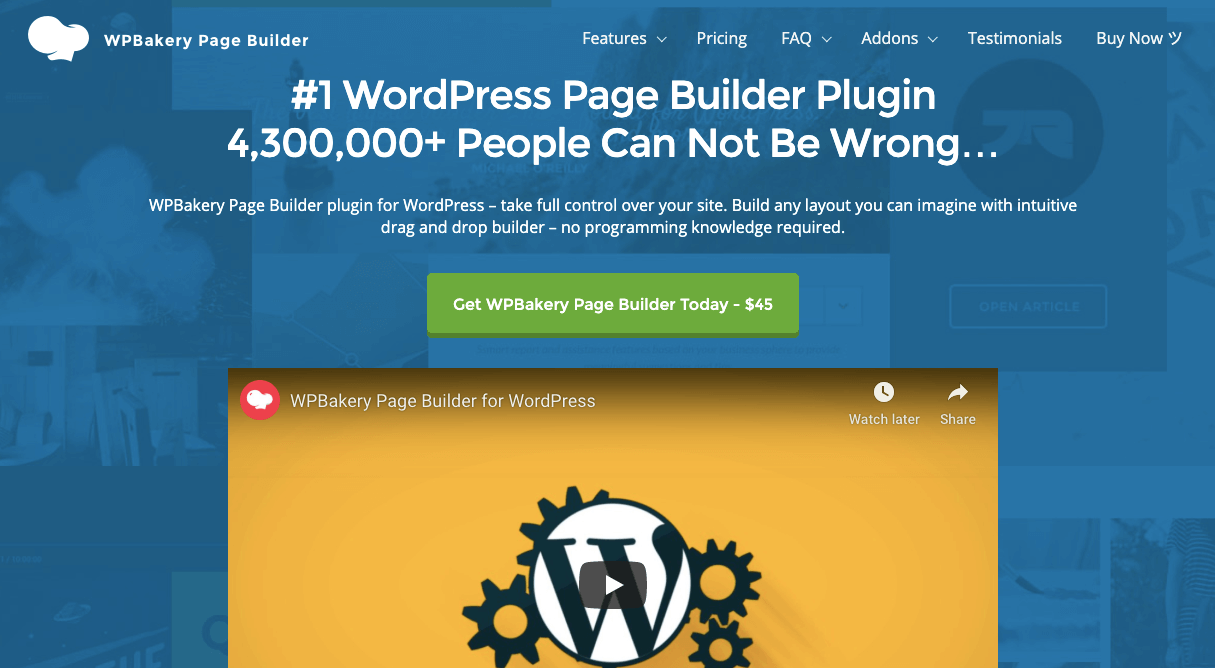
Unlike subscription-based builders, WPBakery sells a lifetime license. You pay once and use it forever. Support and updates are included for the first year, with an optional renewal after that.
Pricing is straightforward – $82/lifetime for 1 site, $299/lifetime for 5 sites, and $592/lifetime for 10 sites. Optional Support Plus is $28 for the first year and $59/year after that.
Gutenberg vs WPBakery: Feature Comparison
WPBakery and Gutenberg take very different approaches to building pages. Here is a clear feature comparison so you can see exactly which one fits your workflow better.
| Feature | Gutenberg | WPBakery |
|---|---|---|
| Editor Type | Block-based backend editor | Dual – backend & frontend editor |
| Real-Time Editing | ❌ No | ✅ Yes (frontend editor) |
| Free Version | ✅ Yes (built into WordPress) | ❌ No free version |
| Lifetime License | ✅ Free forever | ✅ Yes – one-time payment |
| Content Elements | ~90 core blocks | 50+ built-in elements |
| Template Library | Limited | ✅ Yes (with Support Plus) |
| AI Tools | ❌ No | ✅ Yes (WPBakery AI) |
| SEO Tools | ❌ No built-in SEO | ✅ Built-in SEO toolkit |
| Theme Compatibility | Block themes only | ✅ Works with any WordPress theme |
| Theme Builder | ✅ Limited (FSE) | ❌ No native theme builder |
| Popup Builder | ❌ No | ❌ No |
| Responsive Controls | ⚠️ Basic | ✅ Yes |
| Performance | ✅ Very fast | ⚠️ Can be heavy on older themes |
| Learning Curve | Low | Moderate |
| Pricing | Free | $82–$592 one-time |
Pros & Cons between Gutenberg and WPBakery
The choice between Gutenberg and WPBakery often comes down to budget and how much design control you actually need. Here is the full breakdown to help you decide.
| Gutenberg | WPBakery | |
|---|---|---|
| Pros | Free, fast, lightweight, built into WordPress | Lifetime deal, dual editor, works with any theme, built-in AI and SEO tools, huge theme ecosystem |
| Cons | Limited design flexibility, no live editing, basic widgets | No free version, can feel outdated compared to modern builders, no theme builder |
Verdict
Pick Gutenberg if you want zero cost, zero bloat, and a clean writing experience for your WordPress site. It is the right call for bloggers and content-first websites.
Pick WPBakery if you already use a ThemeForest theme that bundles it, or you want a one-time payment that does not expire. The lifetime pricing makes it a strong long-term value – especially for freelancers who hate recurring subscriptions.
5. Gutenberg vs SeedProd
Gutenberg helps you publish content. SeedProd helps you turn that content into leads and sales. Here is what separates these two tools and which one belongs on your WordPress site.
What Is SeedProd?
SeedProd started back in 2011 as a simple coming soon page plugin. Over time, it grew into a full drag-and-drop page builder and theme builder – now used by over 70,000 WordPress websites.
What makes SeedProd different from the others on this list is its focus. It is built specifically for landing pages, lead generation, and conversion-focused design. Think sales pages, opt-in pages, webinar pages, and coming soon pages – that is SeedProd’s sweet spot.

It also has a Theme Builder that lets you build your entire WordPress theme from scratch – headers, footers, archives, product pages – without touching a theme file. And it does all of this without conflicting with your existing theme.
Pricing starts at $39.50/year for 1 site (Basic), $99.50/year for 3 sites (Plus), $199.50/year for 5 sites (Pro – includes theme builder and WooCommerce), and $239.60/year for unlimited sites (Elite – adds domain mapping and priority support). A free version is available on WordPress.org.
Gutenberg vs SeedProd: Feature Comparison
If getting leads and growing your email list matters to your website, this comparison will be eye-opening. Here is exactly what SeedProd offers that Gutenberg simply does not.
| Feature | Gutenberg | SeedProd |
|---|---|---|
| Editor Type | Block-based backend editor | Live drag-and-drop frontend editor |
| Real-Time Editing | ❌ No | ✅ Yes |
| Free Version | ✅ Yes (built into WordPress) | ✅ Yes (limited) |
| Landing Page Builder | ❌ No | ✅ Yes — core strength |
| Coming Soon / Maintenance Mode | ❌ No | ✅ Yes (even free version) |
| Theme Builder | ✅ Limited (FSE) | ✅ Yes (Pro & Elite) |
| WooCommerce Support | ⚠️ Basic | ✅ Yes (Pro & Elite) |
| Email Marketing Integrations | ❌ No | ✅ Yes (Mailchimp, ConvertKit, ActiveCampaign etc.) |
| Template Library | Limited | ✅ 300+ templates |
| AI Tools | ❌ No | ✅ Yes (AI assistant) |
| Countdown Timers | ❌ No | ✅ Yes |
| Opt-in Forms | ❌ No | ✅ Built-in |
| Responsive Controls | ⚠️ Basic | ✅ Yes |
| Performance | ✅ Very lightweight | ✅ Lightweight and fast |
| Learning Curve | Low | Low |
| Pricing | Free | $39.50–$239.60/year |
Pros & Cons between Gutenberg and SeedProd
Gutenberg gives you a clean writing experience for free. SeedProd gives you the tools to turn visitors into leads. Here is what each one gets right – and where each one leaves a gap.
| Gutenberg | SeedProd | |
|---|---|---|
| Pros | Free, fast, native WordPress, great for content and blogging | Best landing page builder for WordPress, fast performance, email integrations, coming soon mode, affordable entry price |
| Cons | No landing page features, no lead generation tools, limited design control | Theme builder locked behind Pro plan, WooCommerce only on higher plans, not the best for full site design like Elementor or Divi |
Verdict
Pick Gutenberg if you are running a blog or content website and just need a clean, distraction-free editor. It is free and does the job well for everyday publishing.
Pick SeedProd if you need to build high-converting landing pages, collect leads, or set up a coming soon page quickly. It is the most affordable and focused option for marketers who care about conversions more than design flexibility.
Conclusion
By now, you have a clear picture of where Gutenberg stands and where each page builder pulls ahead. Let’s wrap it all up simply.
Gutenberg is a solid editor for everyday WordPress use. It is free, fast, and already installed on your site. For bloggers and content-first websites, it does everything you need without adding extra weight.
But the moment your website needs real design control – custom layouts, live editing, landing pages, or advanced widgets – a page builder becomes the smarter choice. Each one has its own strengths depending on what you need.
Here is a quick guide to help you decide:
| Your Goal | Best Pick |
|---|---|
| Just blogging or writing content | Gutenberg |
| Full design control for business sites | Elementor |
| Managing multiple client sites with one license | Divi |
| Building agency sites with rock-solid stability | Beaver Builder |
| Using a ThemeForest theme or want a lifetime deal | WPBakery |
| Building landing pages and growing an email list | SeedProd |
At the end of the day, there is no single winner. Gutenberg and page builders are built for different goals. The right tool is the one that fits how you work and what your website actually needs.
If you are still not sure where to start, try Gutenberg first. It costs nothing. If you find yourself wanting more control, that is your cue to upgrade to a page builder that matches your vision.