




Are you thinking of building your own website? You might be wondering if you have to hire a web developer for this purpose, right? Not actually!
Though it was quite common for people to build their websites from scratch using raw codes, they can now create their websites with just a few simple clicks.
How? Very simple, with a free website builder tool!
Well, it’s much simpler than you might think. But as the market is oversaturated with too many free website building software. You may end up with confusion.
With that in mind, we have come up with this brand new article that will guide you to make an informed decision so that you can have fun and experience a pain-free process while building a website.
Here Are the 7 Best Free Website Building Software
- Wix – A Well-balanced Website Builder.
- Webnode – Setup Your Site Faster.
- Weebly – Ideal for Small Businesses.
- WordPress – The Versatile One.
- Webstarts – Great as a Free Tool.
- Ucraft – Connect Your Domain for Free
- Jimdo – Great for Small Online Store Builder.
1. Wix – A Well Balanced Website Builder

Wix is the biggest player when it comes to website builders as they have a large customer base pool. It not only ships with myriad unique features but also comes with a set of useful templates. If you are planning to build a paid website, then nothing can beat Wix.
But what about the free plan?
Luckily, it will not disappoint you! And it has only a few restrictions with the free plan. For instance, you will see a small yet pretty visible ad sticker at the top of your website, which doesn’t go even if you scroll down pretty far. However, this ad will not be sticky on mobile devices regardless of your scrolling. The free URL is a bit too long, and it’s really hard to remember easily.
You can also avail yourself of their combo plan to use your own custom domain name at just $13 per month.
You can also get the cheap yet lucrative Connect Domain plan at just $5 per month. But this plan is not supported in every region anymore.
Pros:
- Spectacular selection of themes and the flexibility of an editor.
- An extensive app market and 500MB free webspace.
- No page limit.
- Full SEO customization.
- A relatively cheap entry-level at $5 per month, which allows you to use your own domain name (ad-supported). Unfortunately, it’s not available in all geographies anymore.
Cons:
- The Wix ad is very visible and sticky
- The free URL is too long and not easy to remember, unfortunately.
The URL you will get for free: accountname.wix.com/customname
2. Webnode – Setup Your Site Faster
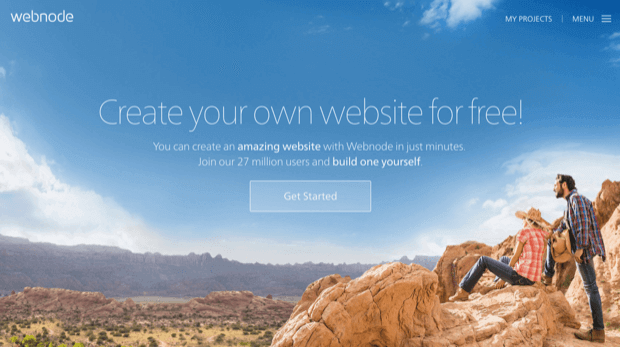
Webnode is famous for its stylishness, responsiveness, and intuitiveness. However, this website builder’s editor was getting outdated so the development team did a great job to make it modern and give an outstanding look.
Webnode also comes with a premium plan variant that costs $3.95 per month. This plan will only allow you to use a domain name and to contact their premium support.
Unfortunately, with the free version, you won’t be able to use eCommerce option, though it has non-intrusive ads. The free version comes up with a mere 100 MB of free space.
Pros:
- Non-intrusive ads.
- Stylish and responsive templates.
- No page limit.
- SEO settings can be changed for all pages.
Cons:
- Ungenerous 100 MB free space.
- Need to work on the improvement of features (eCommerce).
- No app store for additional site features.
The URL you will get for free: customname.webnode.com
3. Weebly – A Great Website Builder with One Downside
Weebly is undoubtedly a popular website builder with decent features and usability. As we are looking at the free website builders, we have to judge Weebly with different criteria.
Because with the free version, it does not simply stand out due to the oddly placed ad in the website’s footer, which even transforms it with a mouseover effect.
In general, though, it’s a very decent product that offers great usability. There’s even an App Center with additional features. Paid plans start at $6 per month.
Weebly will even give you an App Center with additional features. The Premium plan starts at $6 per month.
Pros:
- Responsive themes.
- Appcenter with third-party add-ons.
- 500 MB of free web space.
- No limit on pages.
- SEO settings can be edited for all pages.
Cons:
- Odd and visible footer ad.
- Annoying cookie notice that even interferes with Google Analytics visitor tracking.
The URL you will get for free: customname.weebly.com
4. Jimdo – Great for Small Online Store Builder
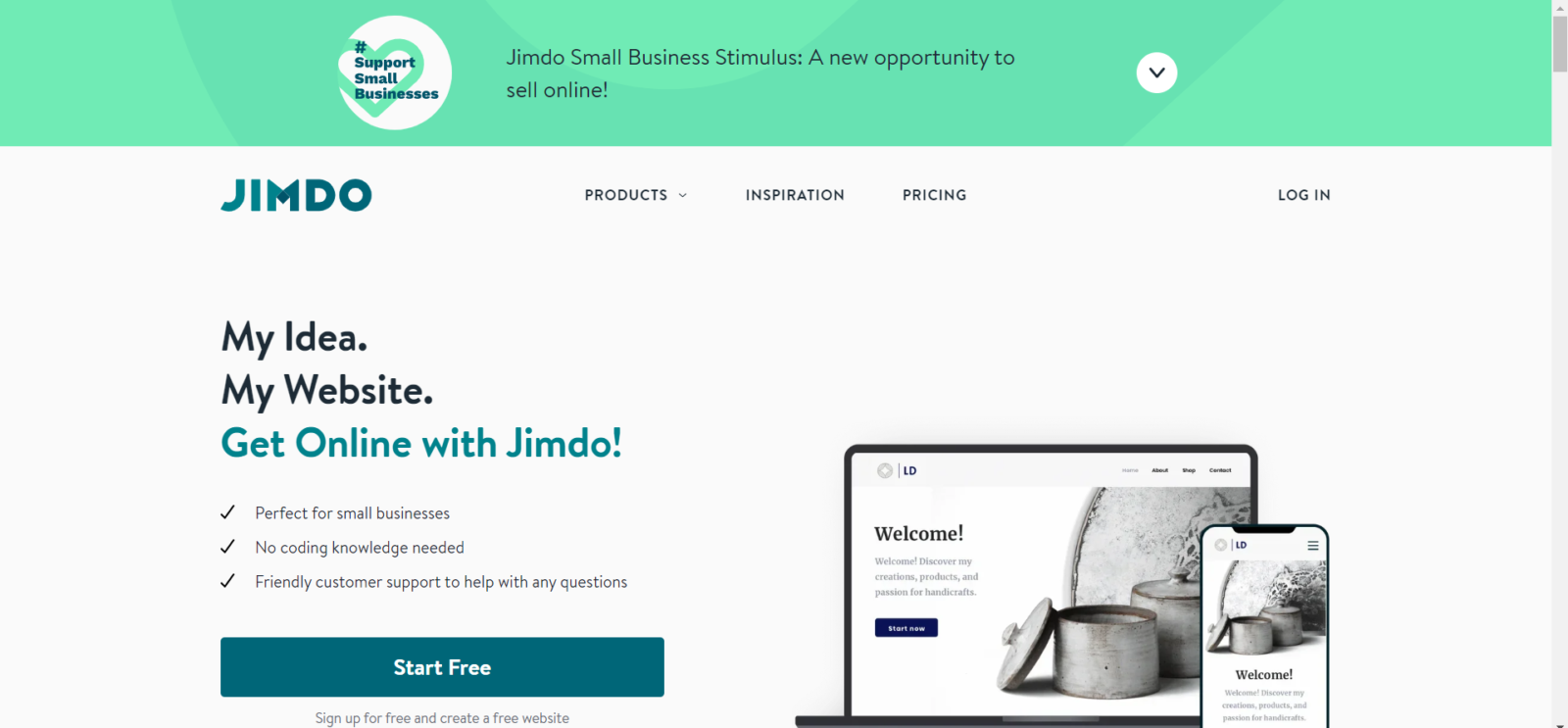
The beneficial thing about Jimdo is that it won’t cost you any money whether you choose to go premium one day. Their least expensive Jimdo Creator plan is $10 every month and will permit you to utilize a proper domain.
If you ever not want to upgrade your website then they will provide you a pretty nice plan. Their (quite restricted) template archive isn’t just free but also completely supported with phones and tablets (responsive). There’s likewise a versatile application that you can use to manufacture and alter your site.
What’s more, as opposed to most other webpage builders, Jimdo additionally lets you utilize the online store – up to 5 articles for nothing. At that point, there is additionally Jimdo Dolphin, which targets total learners. It comes with the most basic & important features to guide you through the site-building process effortlessly.
Pros:
- The free plan shows only a small ad.
- 500MB webspace, which should be more than enough for most sites.
- No page limit, and a blog is included as well.
- Includes SSL encryption.
Cons:
- Their template selection could be better in both quantity and quality.
- No app market.
The URL you will get for free: customname.jimdofree.com

5. Webstarts -Great as a Free Tool
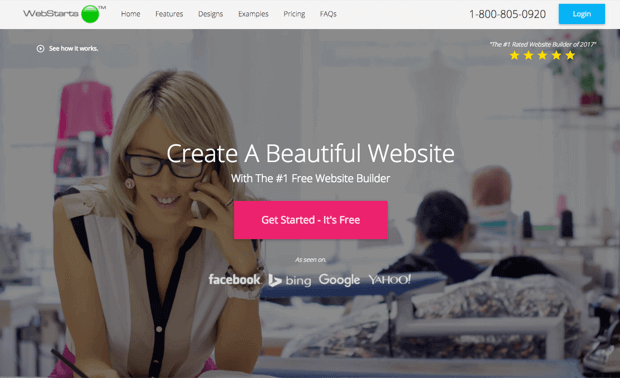
With regards to Marketing, Webstarts isn’t actually bashful. With nearly 4m clients, they guarantee to be the #1 Rated Free Website Builder (without really saying who evaluated them).
To be reasonable, Webstarts’ free arrangement is a strong decision. It incorporates access to all the significant highlights, for example, the blog, and you can even enact the online store.
The item feels like Wix – in that all the components can be moved around uninhibitedly.
In the component and layout divisions, however, you’ll discover much less assortment. We don’t generally comprehend that Webstarts doesn’t offer a versatile upgraded site seen in their free arrangement. Neither will your site be SSL scrambled.
Pros:
- Generous 1GB storage space.
- Online store includes 10 products for free.
- SEO settings can be edited for all pages.
- SSL encryption seems to be included in free plans.
- The footer advertisement isn’t very intrusive and can be closed by your website’s visitors (it doesn’t disappear when scrolling though).
Cons:
- Outdated backend.
- Doesn’t let you view mobile-optimized view with the free plan.
- SSL encryption seems to be included in free plans but will be charged for in paid plans (at an outrageously expensive $8 per month!).
The URL you will get for free: customname.webstarts.com
6. Ucraft – Connect Your Domain for Free
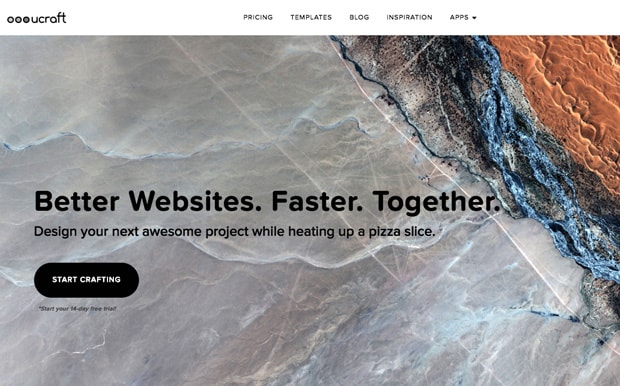
When talking about website building tools, the Ucraft website builder checks a lot of boxes. The best aspect where the platform really shines is that it will allow you to connect an existing domain name for free! They even pack in a free SSL with a number of stylish templates.
As far as its paid plan is concerned, it has a premium plan that starts at $10, including premium features like multilingual sites.
The editor interface is a little bit complex, as it is not that intuitive. But you will have comparatively better options to tune and fine-tune the elements, for example, colors, fonts, and spacings. However, the editor is kind of slow-loading and a little buggy (though acceptable).
Pros:
- Ability to connect a proper domain name for free.
- Templates look pretty modern, and there is a decent selection available.
- Helpful support.
- The size of the advert on free websites is acceptable.
- SSL is included in free sites.
Cons:
- You are limited to only the Basic Elements in the free plan. That excludes anything to do with articles, social media, or e-commerce.
- The editor was sometimes a bit slow loading, felt a little buggy (but nothing too bad), and generally more complicated than other site builders.
The URL you will get for free: customname.ucraft.net
7. WordPress.org – The Versatile One
WordPress.org is completely free to use and it complies with the open-source license agreement. With this amazing tool, you can build any kind of website within just a few minutes. You will get a free theme and plugin market to add additional features to your website.
However, you will have to buy your own domain name (URL) and hosting plan to use the free platform. A budget WordPress.org website may cost around $7 per year.
However, don’t mess WordPress.org to WordPress.com. If your only vision is to run a mere blogging website, then WordPress.com can be the perfect platform for you. The price of the WordPress.com starts at $5 per month. It is to be noted that WordPress.com has a bunch of restrictions, too!
Pros:
- Completely free to use.
- Free Theme and Plugin market.
- No limit on pages.
- SEO can be edited for all pages.
- Intuitive admin panel.
- Own URL.
Cons:
- Simplistic interface.
- Self-hosted.
Choosing The Right Free Website Building Software
The website builders we mentioned here are all good from their own perspectives. But still, get confused about picking the right one for you?
Our suggestion will be to identify your purpose for website building and then try to find the perfect website builder from these lists.
If you found the perfect one for you, don’t hesitate to share that one with us in the comment section below.
![Black Friday and Cyber Monday are around the corner, and people are waiting for these festivals to grab the best product deals. That is why giving an attractive look to your website during this festive season is very necessary. But, creating a whole new landing page might be difficult in a short period of time. Don't worry. By using Happy Elementor Addons Black Friday and Cyber Monday Landing Page templates, you can easily develop a whole new landing page in a few minutes. In this today's blog, we are going to show how to boost your website design using HappyAddons templates during this festival season. Before that, we'll talk a bit about these two festivals and why they are important to online business communities. What are Black Friday and Cyber Monday? Black Friday is the immediate following of the famous Thanksgiving day. This is when people start shopping to celebrate the Christmas festival. Since the late 1980s, retail sales on this day have constantly been suppressing the past volumes. See the graph below. Source: Salecycle.com The first Monday following Thanksgiving day each year is called Cyber Monday. It was first introduced in 2005 by the USA National Retail Federation to encourage people to buy online. Though this festival originated in the USA, it is celebrated globally today. See the stats below. Source: Salecycle.com It indicates customers' buying behavior around this day is growing up over time. Many customers today keep a budget to buy products on these two days. So, why won’t you prepare a Cyber Monday landing page if you have an online store? Importance of Designing Landing Pages for Black Friday and Cyber Monday Festival Having a well-design website is one of the major checklists if you are running an online business. Most importantly, you have to make sure that your website remains up-to-date to boost your sales. That is why you need to redesign your website or make a new landing page during the Black Friday and Cyber Monday festivals. Because most online product & service-based businesses promote special deals during these two festivals. Here are some remarkable ways dedicated landing pages during these festivals can positively impact the performance of your online business. Boosts your product salesIncreases conversion rateOpportunity to collect potential email leadsGrabs users' attention toward your siteReduces bounce rateIncreases website visitors. Elementor Black Friday New Seasonal Kit is Already Here! Source: Elementor To make this Black Friday more enjoyable, Elementor has launched a New Seasonal Kit that includes landing pages, sections, pop-ups, and vector assets. All these design elements are made by the Elementor team so that one can easily use them on their website to ensure more sales and conversions. New Elementor Black Friday Seasonal Kit offers: 3 Landing pages6 Sections 6 Popups A collection of stickers & animations You can only get these ready-made Black Friday landing pages and sections if you have Installed Elementor Pro on your site. However, if you are looking for templates that are outside of the box, you can go with Happy Addons, the fastest Elementor Addons on the market. It's very easy to use, flexible and has tons of advanced features and widgets that can ease your website design journey. Also, you'll get several festival landing page templates & blocks. Moreover, you can use free Black Friday and Cyber Monday design blocks and templates to decorate your site. Most importantly, these templates and blocks are easy to customize and can be used for multiple purposes. Now let's see how you can use the Happy Addons templates to design your website according to the Black Friday theme. Pre-Requisites to Use HappyAddons Templates to Design Black Friday and Cyber Monday Landing Pages You must have the following plugins installed on your site to get access to the HappyAddons Template library. Make sure you’ve installed and activated the Happy Addons Free & Premium version of your website. Elementor (Free)Happy Addons (Free)Happy Addons Pro If you are new to Elementor, check this Step By Step Guide For Beginners. If you want to explore the readymade templates of HappyAddons before installing these plugins, you may visit by clicking on the button below. Check out Happy Addons Templates How to Design Black Friday Landing Page on Your Website Once you have the plugins (mentioned above) installed, your website is ready to follow the tutorial guide explained in this section. Get ready now! Step 1: Open a New Page with Elementor Create a new page or open the existing page with Elementor. Next, you have to select the Elementor Canvas option.Unless you select Elementor Canvas, you may watch the header, footer, and unnecessary other texts on the page. These might be irritating to you.Once you open the page with Elementor Canvas, your page will be completely clean. Watch the video below on how to do it. Step 02: Go to HappyAddons Library Click on the HappyAddons Library Icon. It will open up a modal popup. Here you'll find numerous stunning premade Blocks and Pages created by the Happy Addons team. Kindly explore them to create a list of your favorite items. Step 03: Import a HappyAddons Black Friday Template Go to the Page tab on the modal popup.Select Black Friday from the left-side filter option.You will several good-looking templates on your screen.Take your cursor on the one you like and hit on the INSERT button. Wait for a while to finish the installation process. You will get the template on your screen with editable sections and options. Step 04: Set the Black Friday Campaign Deadline A deadline creates a sense of urgency in customers' minds. So, better if you add a deadline section on the page to show your Black Friday deals. The good thing is that if you select the template as we did, you will automatically get a deadline or countdown option. You have to customize it as you want. Step 05: Show Image Carousel Slider on Your Black Friday Landing Page Using the Image Carousel, you can slide show demonstrating discounts on your product categories. Drag and drop the Image Carousel widget on any landing page section. Next, from the Elementor panel, you can add photos and text to the widget. Do it accordingly. Thus, you can add more sections and options on the landing page. Hope you can do it yourself. Step 06: Make the Black Friday Landing Page Mobile Responsive Making a web page mobile responsive with Elementor is super easy. You'll get the mobile responsive option on the Elementor footer section. Clicking on it will open up the option to view your landing page on different device screens. We have explained the process in the video below. Note: Don't delete any widget or section while customizing your landing page for any particular device. Because if you delete a widget or section on any device screen, it will also be applied on other devices. However, you may change their position or alignment or hide them. It won't make any impact on other devices. Step 07: Final Preview of Our Landing Page Here is the final interface of our Elementor Black Friday landing page that we've designed using the Happy Addons' ready-made Template. Get Happy Addons to Add a Black Friday Theme Landing Page on Your Website How to Design Cyber Monday Landing Page on Your Website You will require the same prerequisites (Elementor and HappyAddons Plugins) to design the Cyber Monday landing page on your website. Hope you have them ready on your website. Now, let's get into the tutorial part. Step 01: Import a Cyber Monday Readymade Landing Page Template Go to the HappyAddons Template library.Choose the Cyber Monday template you like.Click on the INSERT button. Wait for a while to finish the installation process. You'll get a page design like the following image below. Step 02: Edit Different Sections of the Page In the first tutorial, you saw the deadline/countdown option was already embedded in the template. But this template doesn't have it. So, you can bring it to your page? Very simple. Create a new section by clicking on the plus icon.Type Countdown on the Elementor search bar.Drag and drop the widget on the section. Customize the Countdown section from the Content and Style tabs of the Elementor panel. Using the Heading widget, we have added the FLASH DEALS text next to the countdown to make it more meaningful. Thus, you can use other exciting widgets on the template to make your landing page super gorgeous. Step 03: Promote Products on the Landing Page Promotional landing pages usually include a section to showcase some hot-selling products to generate instant sales. Using the Image and Button widgets, we have created this section under the FLASH DEALS.You may customize it more as you wish. Step 04: Make it Mobile Responsive We already showed you the process in the first tutorial on making a mobile web landing page responsive. Hope you can do it here as well, following the same guideline. Click on the Responsive Mode icon and do the rest yourself. Bonus: Black Friday and Cyber Monday Landing Page Design Key Considerations Whenever you design a landing page, you need to consider why you need to design this page and what elements they should keep on the page. Because if you are not adding all the necessary features to your page, it will not serve its purpose. This is why you need to focus on a few things before designing your Black Friday landing page. Here are some points you must consider in designing Black Friday and Cyber Monday landing pages. Add Black Friday textSet deals deadlineShow your best-discounted productsAdd coupon code Focus on responsive page designMake your page visually appealingImprove your page user experience or page structureSet a proper website navigation FAQ on Black Friday and Cyber Monday Landing Page Design Now, we'll answer some common questions on Black Friday and Cyber Monday Landing page designs commonly found online. How much does it cost to design a landing page?The cost of designing a landing page varies depending on the complexity of the design, the level of customization required, and whom to hire for the page. A simple landing page can be designed for as little as $25, while a more complex design with multiple customizations can cost upwards of $2,00.However, if you have Elementor and HappyAddons installed, you can design unlimited landing pages at a minimal cost. But like any other tool, you must have a kind of enterprise on them. As they are drag-and-drop builders and their numerous tutorials and documentation are available, they won't take you more than a month to be used to. Check out some wonderful YouTube tutorials on these two plugins. Hope you will enjoy them.How many hours does it take to design a landing page?It mainly depends on the level of design complexity and your web design skill. However, both in Elementor and HappyAddons, you will get countless readymade templates and block sections. You can design a beautiful landing page in 3-5 hours by making a proper combination of them.Can I design Black Friday and Cyber Monday Landing pages with Elementor and HappyAddons free versions?Surely, you can design Black Friday and Cyber Monday Landing pages with Elementor and HappyAddons free versions. But only with the pro versions, you can't add too many exciting features to your pages. For example, free versions will give you access to only a limited number of readymade templates.If you are just a beginner-level designer, free versions are enough. But if you are a professional designer or have a web designing agency, pro versions are a must. Are You Ready To Design Your Black Friday and Cyber Monday Landing Page? Customers look forward to this kind of occasion to buy their favorite products at a minimum price. Naturally, they are drawn to websites that look good and give a festive vibe. That is why adding a Black Friday and Cyber Monday landing page during the festival season will give you an extra edge over the competitors. The above guide shows how to design your Elementor Black Friday Landing page using the Happy Addons' Black Friday Templates and how it can help boost your holiday sales. So if you have any queries regarding this blog, you can comment on us in the below box. If you like this post, then share it on your social channel. Don't forget to subscribe to our newsletter. Also, follow our Facebook and Twitter channels for regular updates. Subscribe to our newsletter Get latest news & updates on Elementor [yikes-mailchimp form="1"] ":36560} /--](https://happyaddons.com/wp-content/uploads/2021/11/How-to-Design-Black-Friday-and-Cyber-Monday-Landing-Page-300x188.png)

One Response
Great post, with a clear comparison!
I believe that WordPress is now the world’s most popular tool for creating the website. WordPress can help you build any website from a simple blog to a full-featured business website.
Using WordPress, anyone can build and design a website without knowing not much about development or web designing.
WordPress powers all sorts of websites from small ones to these really huge ones like Microsoft and Skype.