








Those days are gone when designing websites was only the programmer’s cup of tea. WordPress Website Builders make it possible for everyone to build a highly functional site effortlessly. Once, that was only possible by the professionals.
Not long ago, people solely relied on web designers to make even a tiny change on their sites. WordPress has changed the situation eventually by introducing pre-made templates, themes, and user-friendly plugins. But the real revolution comes with the introduction of WordPress Page Builder. It extends the power of WordPress to the next level. Now, anyone can build beautiful sites without spending on developers.
Perhaps, you may also want to build your next site with WordPress Website Builder. There are a ton of page builders in WordPress. And you may get puzzled by so many options and features. To help you out, we have listed the 10 best WordPress Page Builders.
Before checking the list, go through the factors you should consider for picking the best WordPress Website Builder.
Things To Consider Before Choosing A WordPress Page Builder Plugin
You must analyze and evaluate the main objective of your site before starting your journey. Because it largely depends on your site’s goal, which WordPress page builder plugin can meet your needs. In general, you should take a walk through the following aspects in order to make the right choice.
Compare the Available Options: Shortlist the available WordPress website builders and try the demo version if possible. You can read the online reviews or visit wordpress.org to gather knowledge about the plugins.
Functionality: Check all the features of the page builder to understand whether they can satisfy your needs or not.
Templates: Find out how many pre-made templates the builder supports and their types. So you can decide which template library suits you the best.
Ease of use: User-friendliness is important when working with any new platform. If you can adopt the functionality of your page builder easily, then you can work seamlessly and create endless designs as well.
Integration with Other Solutions: Your WordPress page builder should blend seamlessly with other popular themes, plugins, and WordPress tools.
Support: Check how they give support if you face any problems while using the page builders. Also, check if they offer any refund policy.
Consider Your Budget: It is important to save your pocket from any disaster. Pick the solution that is worth its value.
In short, the right WordPress website builder will speed up your workflow remarkably. At first, focus on your needs and then get the right solution. That can fulfill those demands without any extra hassle.
Top 10 Best Drag and Drop WordPress Website Builders
There are a ton of WordPress site builders in the market. We are sharing the list of top site builder plugins that will help you sort through the noise.
Take a quick look over the list:
- Elementor
- Beaver Builder
- Divi
- WPBakery Page Builder
- Themify Builder
- Page Builder by SiteOrigin
- Thrive Architect
- Brizy Builder
- Visual Composer Website Builder
- Oxygen
Elementor- WordPress Theme Builder With a lot of Integrations
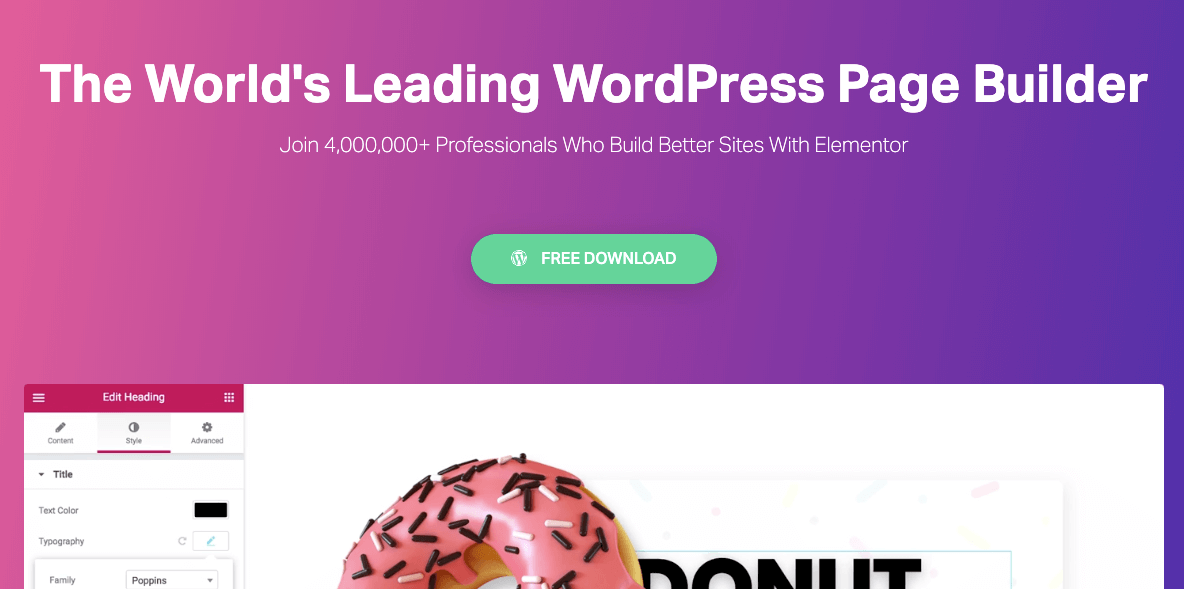
Elementor gives you the complete flexibility to create endless designs for your websites. Your imagination is only the limit. You can build websites faster than before with this drag-and-drop visual design interface.
Most importantly, no need to switch the tab to see the changes. You can perform live design and inline editing directly from the front end of your site. And view the exact look of the site right from there.
Moreover, it supports a ton of widgets that cover all the elements commonly used in websites. You will get many advanced website attributes here, including advanced accordions, Image Carousel, sliders, testimonials, toggle, icons, social media, and so on.
Nevertheless, you will find plenty of third-party addons for Elementor. These powerful add-ons extend the features of Elementor with versatile design capabilities. Elementor also includes an AI website builder that helps you generate text, images, and layouts instantly.
With its AI tools, you can design faster and bring creative ideas to life effortlessly.
Key features:
- Front-end visual editor to design sites
- Manage every aspect of your site from one place
- Build sites with a fast loading speed
- Suitable for all device size
- Easy to build a multilingual site using translation plugins like WPML and Polylang
- Seamless integration with popular marketing tools
- A helpful and supportive community
Price: Elementor is available for free but you can extend the features with a premium subscription plan. Pick the suitable one from 3-different plans, starting at $49 for a single site license.
If you are new to Elementor- Check this easy beginner’s guide to start your journey with this amazing page builder in WordPress.
Beaver Builder: User-friendly WordPress Page Builder
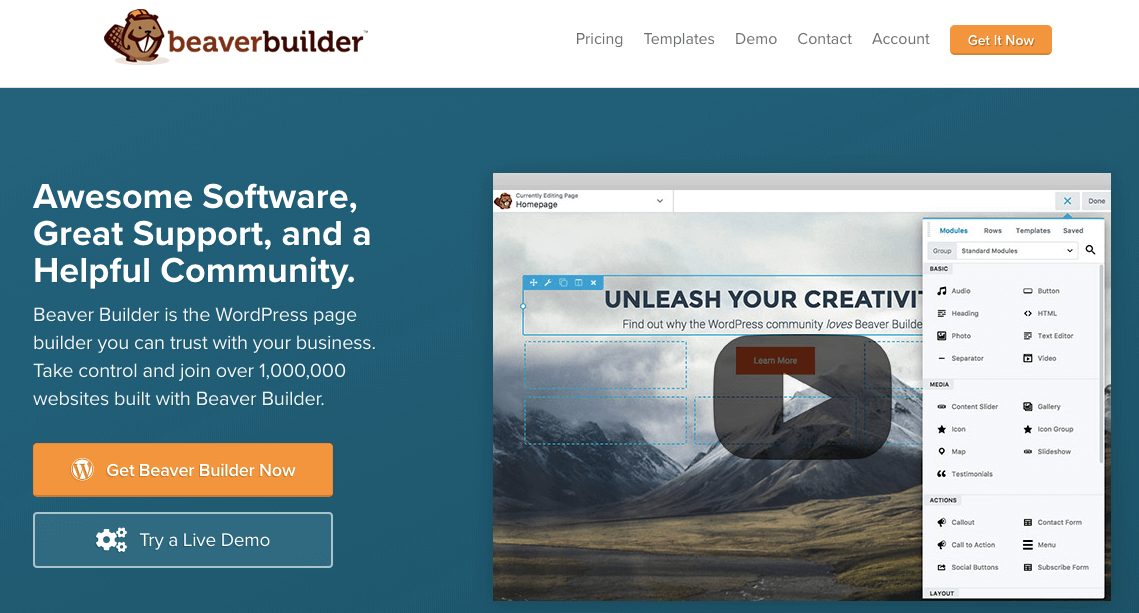
Beaver Builder allows you to build a professional site as easily as pie. You can design anything and edit it instantly using this drag-and-drop interface. And it gives you the complete freedom to change every tiny element of your site.
This page builder lets you add almost all types of attributes to your site, including sliders, buttons, media files, carousels, backgrounds, content blocks, and many more.
Key features:
- Supports 30+ pre-made templates
- Works great with the Gutenberg editor
- Allow the use of custom CSS classes and IDs
- Compatible with other WordPress widgets and shortcodes
- Lightweight and semantic markup for maximum performance
Price: Beaver Builder offers a free version, as well as premium plans starting from $99 for unlimited sites.
Divi- Complete Website Builder with 100+ Demos
With Divi, you can build highly functional sites easily using its user-friendly modules and extensions. Divi Supreme plugin comes with an intuitive interface that works smoothly with the Divi theme builder. So, you will get a familiar design environment with additional elements to the design layout.
It supports 46 content modules. You can drag and drop these modules anywhere in your design. Moreover, you can arrange them in 3 section types and 20-row types. Then customize each element using its advanced design settings. After developing a layout, you can save it for further use.
Key features:
- Divi Supreme lite has 18 free Divi Custom Modules
- Divi Supreme pro comes with 30+ premium modules
- Supports both back- and front-end editing for any page
- Easy to export a layout from one Divi site to another
- Comes with fully customizable elements that support custom CSS
Price: The Divi Builder is a premium plugin starting from $89 per year.
If you want to explore more AI website builders, you can check out the detailed comparisons and reviews available on Cybernews.
WPBakery Page Builder- Most Popular WordPress Website Builder
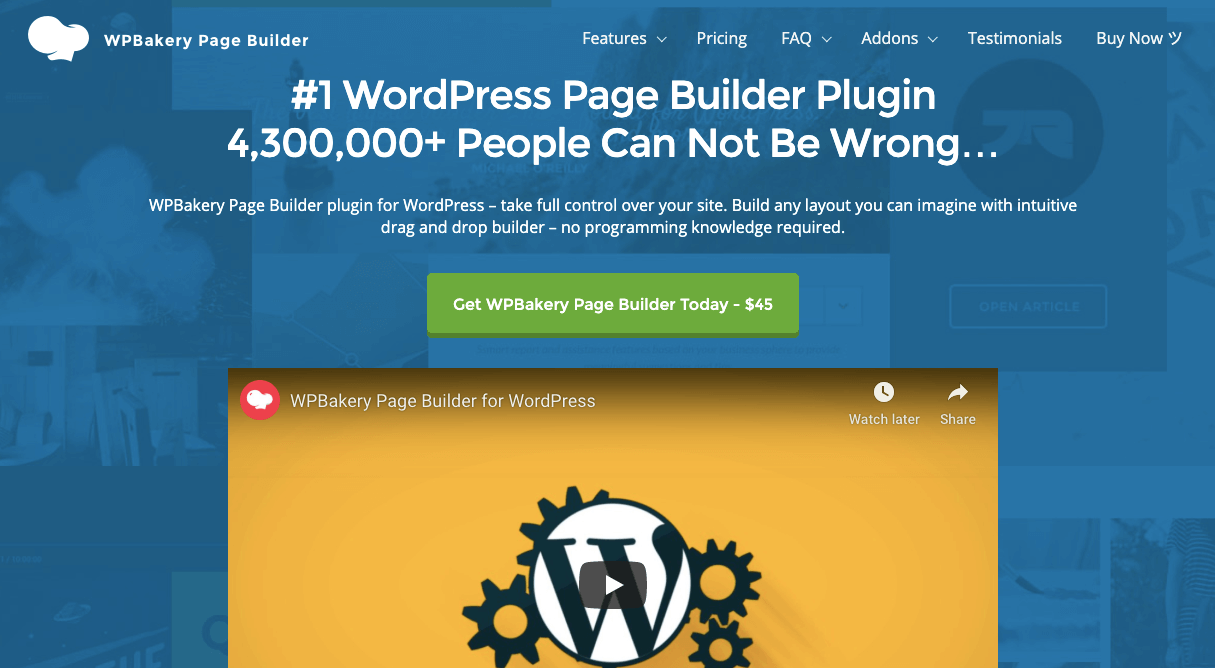
WPBakery Page Builder plugin gives you full control over your site. Without having any prior programming knowledge, you can build any design that you can imagine. Simply drag, drop and go live in less than a day.
Build responsive sites that can work seamlessly on all devices. It comes with both frontend and backend editors. So, you can manage your content quickly and easily at the same time.
Key features:
- Compatible with working with WooCommerce and Yoast SEO
- Works seamlessly with popular translation plugins
- Pre-built ready-to-use content elements
- Rich ready-made template library
- Both user and developer-friendly
- The advanced grid builder comes with 40+ predefined styles
Price: Starting at $46 for a single-site license.
Themify Builder- Best Frontend Edit Mode
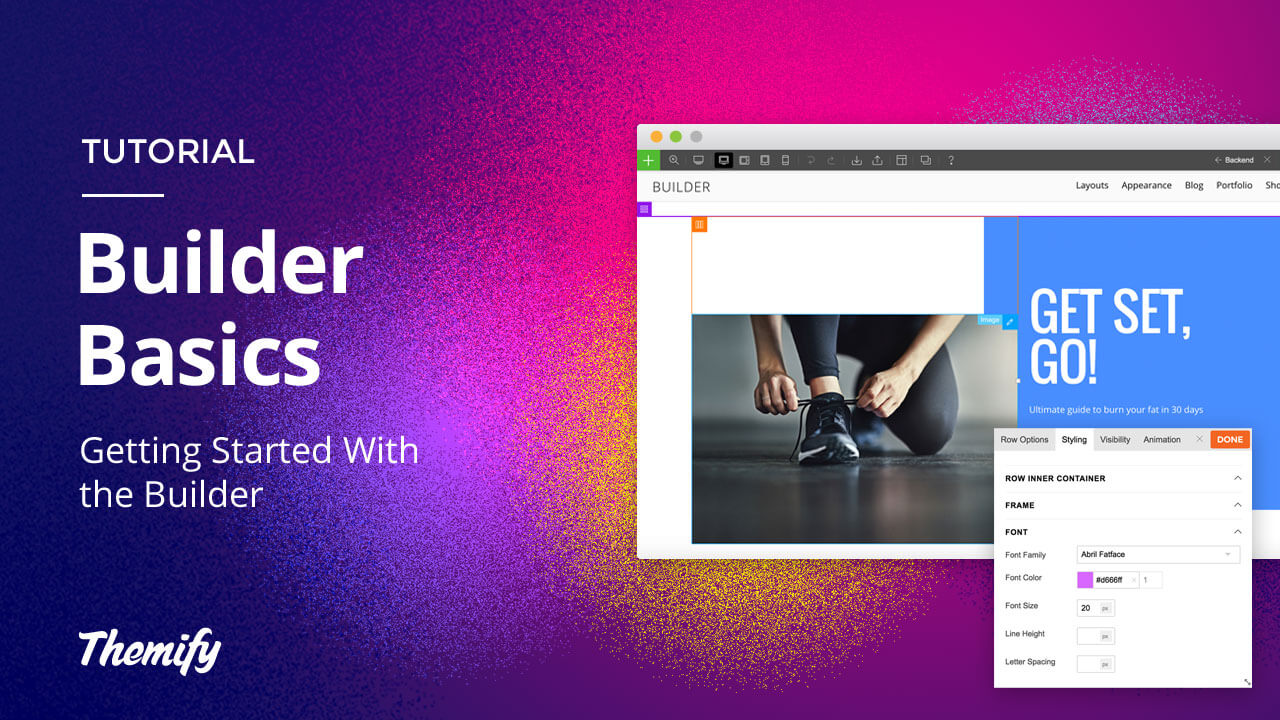
Like other page builders, Themify also provides you with a drag and drop interface to create any design easily. It supports 60+ prebuilt layouts and 60+ animation effects that you can work with. So, you can build any site from scratch in minutes.
This builder is SEO friendly, translatable, and supports multi-site networks. Furthermore, it works smoothly with other popular plugins like WooCommerce, SEO Yoast, Disqus, MailChimp, Jetpack, WPML, and Contact Form 7. In addition, you will get complete control over whether a module or row is visible on a specific device or not.
Key features:
- Process page faster
- Quick undo/redo option
- Compact backend Builder editing
- Intuitive page designer and builder for WordPress
- Supports its own cache system that reduces the server resources
- Easily copy-paste any module or row from one computer to another
Price: The core plugin is free. Spend $39 for the builder addon bundle.
SiteOrigin Page Builder- Best Free WordPress Website Builder
SiteOrigin Page Builder is one of the most popular page creation plugins for WordPress. It allows you to create responsive column-based content, using the widgets you know and love.
It comes with an intuitive interface that looks similar to WordPress itself. So you can easily adapt to the design process of this builder. It’s easy to learn and build responsive content in no time.
Key features:
- Supports advanced row builder
- Works perfectly with all WordPress themes
- Roll forward or back through your changes
- Available in 17 languages
- Comes with new features and exciting enhancements regularly
Price: Free
Thrive Architect- Best Landing Page Builder for WordPress
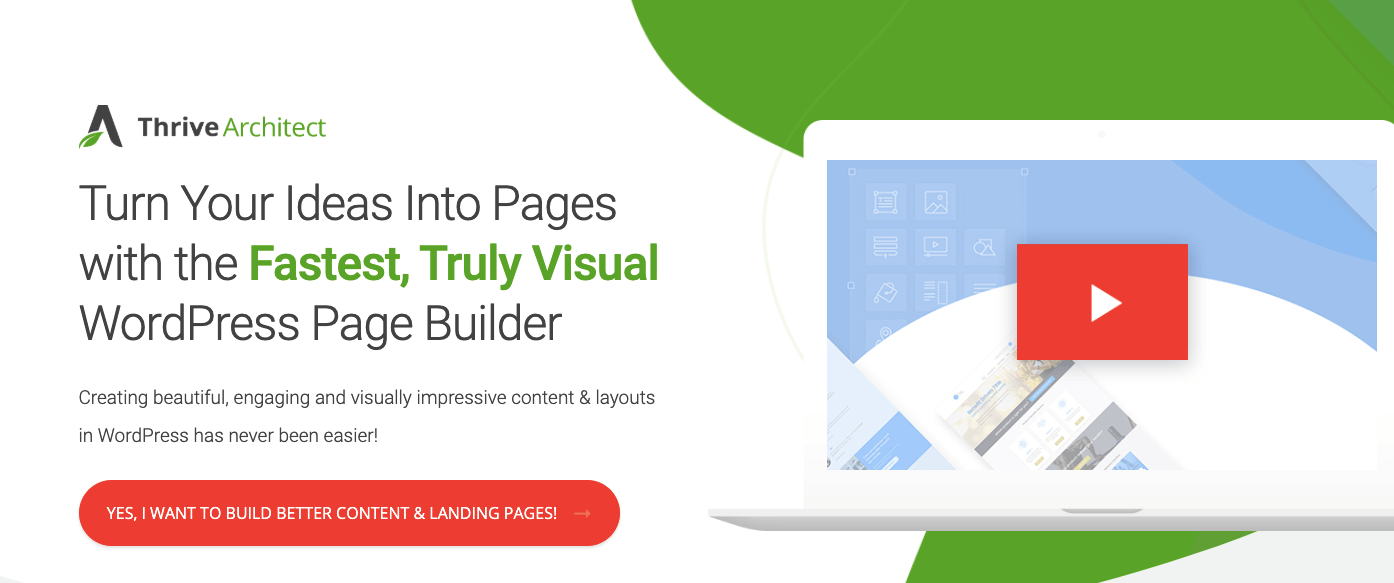
Thrive Architect is specially designed for conversion-focused websites. Portrait your imagination on your site with this fast and truly visible WordPress Page Builder. This plugin is developed by the same developer team of Thrive Themes. They also build conversion-oriented WordPress themes and plugins.
With Thrive Architect, you can quickly create an alluring homepage, service page, product layout, sales page, blog posts, or anything you want for your site.
Key features:
- Instant drag & drop editing
- Pre-built conversion elements
- Ultra-flexible column layouts
- Advanced design layout and hover effects
- Supports dynamic animations and actions
- 325 beautifully designed and engaging landing page templates
Price: Starts at $67 for a single site license or $19 per month for Thrive membership.
Brizy Builder- Intuitive & Clutter-Free WordPress Builder
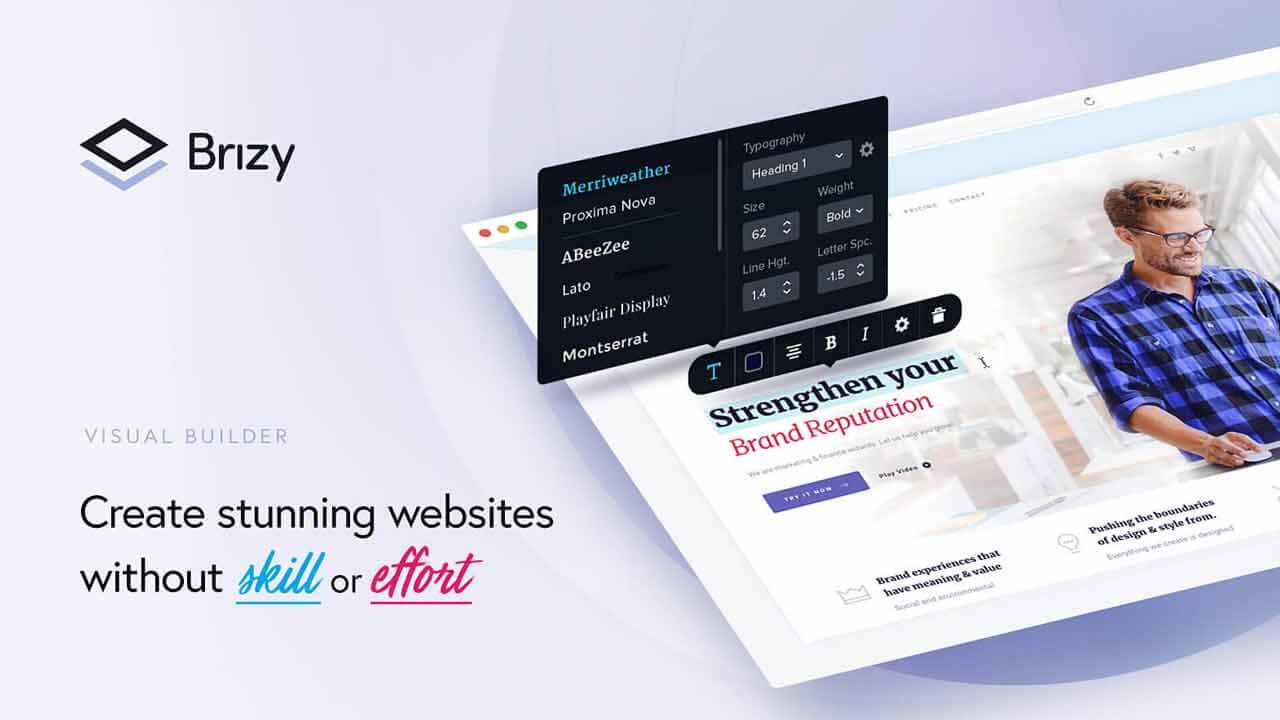
This user-friendly website builder enhanced the design experience for its users. It is a React-based tool that provides powerful features to build a fully functional WordPress website. Speed up your design workflow with their smart content tools.
Brizy is built on React, the open-source JavaScript library which is developed by Facebook. It is known as the go-to technology for UI. In the free version, you can use the integrated forms, sliders, and tabs to create an intuitive front-end design.
Key features:
- Offers 400+ pre-made designs
- Includes free tools to add pop-ups, blocks, pages, etc.
- Support undo/redo functionality
- Create shadows and animations in minutes
- Insert any YouTube or Vimeo videos as a loopable background to any block
Price: It offers a free version. The premium subscription starts at $49/ year for 3 sites.
Visual Composer- Fast and Easy Website Builder for WordPress
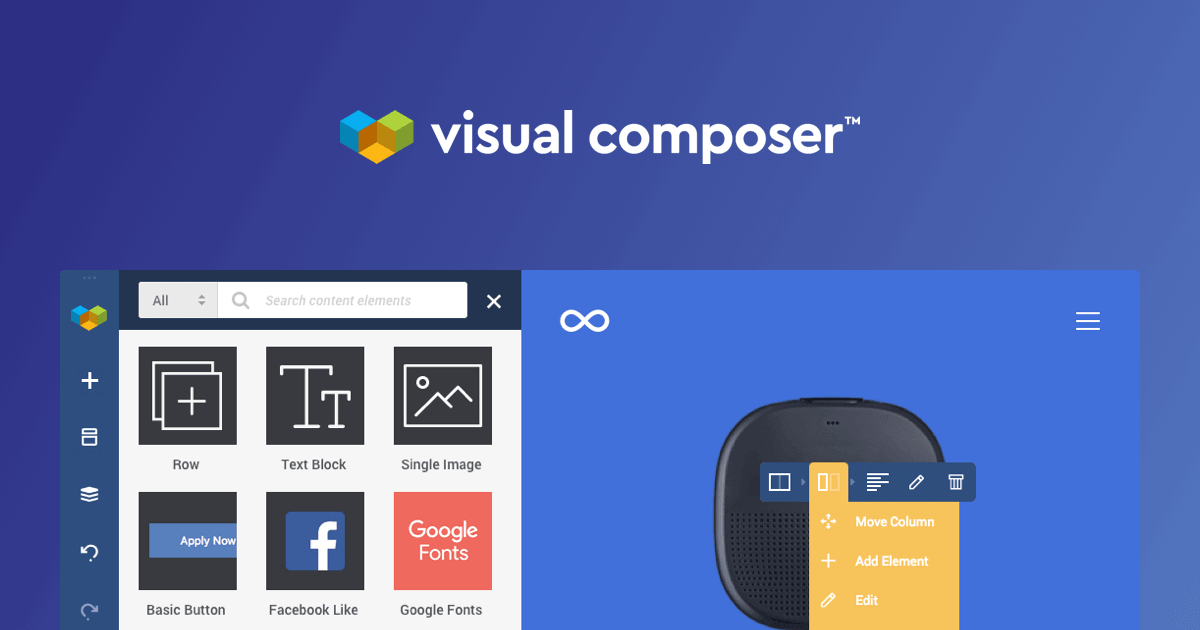
You can build amazing websites faster with the Visual Composer website builder. It has an intuitive drag & drop editor. And you can create a professional WordPress site using powerful tools and assets. Visual Composer Hub supports 250+ Templates and Elements, Add-ons, Header, Footer builder, and more.
However, you can create grid layouts on your site using flexible rows and columns. Add stylish backgrounds to your design, including parallax, gradient, slideshow, carousel, zoom in/out, video, etc.
Key features:
- Rich library of assets
- Endless customization options
- Friendly online community
- Compatible with other popular plugins
- Easy-to-use drag-and-drop website builder
- Exclusive elements, templates, and extensions
- Works seamlessly with all WordPress themes
Price: Starting from $59/yr for a single website.
Oxygen- The Ultimate Visual Site Builder for WordPress
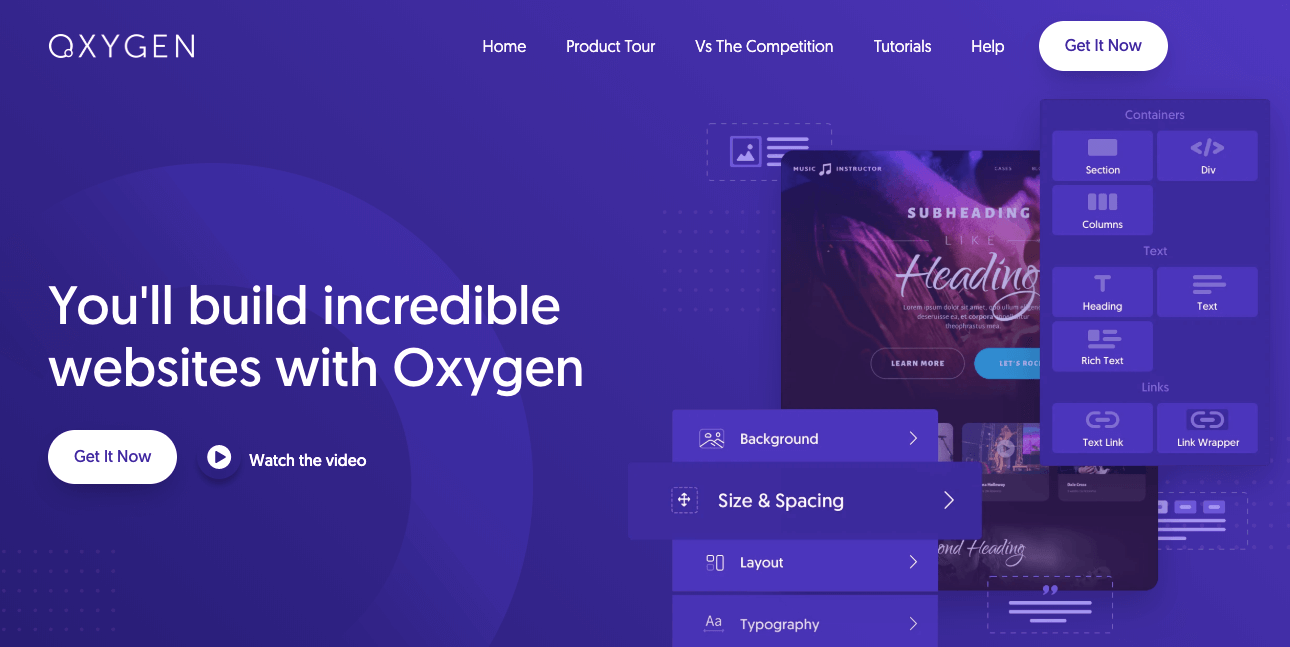
Oxygen WordPress website builder allows you to edit every tiny aspect of your site visually. Also, it lets you design your WooCommerce site with ease. Within a short time period, this page builder creates hype in the town. Its easy-to-understand interface and useful features make it popular among users.
Key features:
- Edit colors from one place
- Both developers and user-friendly
- Offers flexible builder elements
- Create sticky and overlay headers visually
- Compatible with other popular page builders
Price: Starts at $99.
Get the Best WordPress Page Builder Plugin to Build Your Site
All the WordPress page builder plugins we mentioned above have unique features and powerful attributes. You can create stunning sites using these tools. And you don’t need any prior expertise for that. However, these drag and drop plugins make the developer’s hands more powerful. Now they can build sites more efficiently, like a flash. So, it becomes easy to make more money in less time.
No more disjointed experiences, now you can create everything visually right in front of your eyes. WordPress Page Builder gives you endless customization options with ease. Create anything you want, viewing live with a simple motion of your cursor.
Still confused or need some more assistance to choose the right platform for you? Don’t hesitate to share your views with us in the comment section below.


![Black Friday and Cyber Monday are around the corner, and people are waiting for these festivals to grab the best product deals. That is why giving an attractive look to your website during this festive season is very necessary. But, creating a whole new landing page might be difficult in a short period of time. Don't worry. By using Happy Elementor Addons Black Friday and Cyber Monday Landing Page templates, you can easily develop a whole new landing page in a few minutes. In this today's blog, we are going to show how to boost your website design using HappyAddons templates during this festival season. Before that, we'll talk a bit about these two festivals and why they are important to online business communities. What are Black Friday and Cyber Monday? Black Friday is the immediate following of the famous Thanksgiving day. This is when people start shopping to celebrate the Christmas festival. Since the late 1980s, retail sales on this day have constantly been suppressing the past volumes. See the graph below. Source: Salecycle.com The first Monday following Thanksgiving day each year is called Cyber Monday. It was first introduced in 2005 by the USA National Retail Federation to encourage people to buy online. Though this festival originated in the USA, it is celebrated globally today. See the stats below. Source: Salecycle.com It indicates customers' buying behavior around this day is growing up over time. Many customers today keep a budget to buy products on these two days. So, why won’t you prepare a Cyber Monday landing page if you have an online store? Importance of Designing Landing Pages for Black Friday and Cyber Monday Festival Having a well-design website is one of the major checklists if you are running an online business. Most importantly, you have to make sure that your website remains up-to-date to boost your sales. That is why you need to redesign your website or make a new landing page during the Black Friday and Cyber Monday festivals. Because most online product & service-based businesses promote special deals during these two festivals. Here are some remarkable ways dedicated landing pages during these festivals can positively impact the performance of your online business. Boosts your product salesIncreases conversion rateOpportunity to collect potential email leadsGrabs users' attention toward your siteReduces bounce rateIncreases website visitors. Elementor Black Friday New Seasonal Kit is Already Here! Source: Elementor To make this Black Friday more enjoyable, Elementor has launched a New Seasonal Kit that includes landing pages, sections, pop-ups, and vector assets. All these design elements are made by the Elementor team so that one can easily use them on their website to ensure more sales and conversions. New Elementor Black Friday Seasonal Kit offers: 3 Landing pages6 Sections 6 Popups A collection of stickers & animations You can only get these ready-made Black Friday landing pages and sections if you have Installed Elementor Pro on your site. However, if you are looking for templates that are outside of the box, you can go with Happy Addons, the fastest Elementor Addons on the market. It's very easy to use, flexible and has tons of advanced features and widgets that can ease your website design journey. Also, you'll get several festival landing page templates & blocks. Moreover, you can use free Black Friday and Cyber Monday design blocks and templates to decorate your site. Most importantly, these templates and blocks are easy to customize and can be used for multiple purposes. Now let's see how you can use the Happy Addons templates to design your website according to the Black Friday theme. Pre-Requisites to Use HappyAddons Templates to Design Black Friday and Cyber Monday Landing Pages You must have the following plugins installed on your site to get access to the HappyAddons Template library. Make sure you’ve installed and activated the Happy Addons Free & Premium version of your website. Elementor (Free)Happy Addons (Free)Happy Addons Pro If you are new to Elementor, check this Step By Step Guide For Beginners. If you want to explore the readymade templates of HappyAddons before installing these plugins, you may visit by clicking on the button below. Check out Happy Addons Templates How to Design Black Friday Landing Page on Your Website Once you have the plugins (mentioned above) installed, your website is ready to follow the tutorial guide explained in this section. Get ready now! Step 1: Open a New Page with Elementor Create a new page or open the existing page with Elementor. Next, you have to select the Elementor Canvas option.Unless you select Elementor Canvas, you may watch the header, footer, and unnecessary other texts on the page. These might be irritating to you.Once you open the page with Elementor Canvas, your page will be completely clean. Watch the video below on how to do it. Step 02: Go to HappyAddons Library Click on the HappyAddons Library Icon. It will open up a modal popup. Here you'll find numerous stunning premade Blocks and Pages created by the Happy Addons team. Kindly explore them to create a list of your favorite items. Step 03: Import a HappyAddons Black Friday Template Go to the Page tab on the modal popup.Select Black Friday from the left-side filter option.You will several good-looking templates on your screen.Take your cursor on the one you like and hit on the INSERT button. Wait for a while to finish the installation process. You will get the template on your screen with editable sections and options. Step 04: Set the Black Friday Campaign Deadline A deadline creates a sense of urgency in customers' minds. So, better if you add a deadline section on the page to show your Black Friday deals. The good thing is that if you select the template as we did, you will automatically get a deadline or countdown option. You have to customize it as you want. Step 05: Show Image Carousel Slider on Your Black Friday Landing Page Using the Image Carousel, you can slide show demonstrating discounts on your product categories. Drag and drop the Image Carousel widget on any landing page section. Next, from the Elementor panel, you can add photos and text to the widget. Do it accordingly. Thus, you can add more sections and options on the landing page. Hope you can do it yourself. Step 06: Make the Black Friday Landing Page Mobile Responsive Making a web page mobile responsive with Elementor is super easy. You'll get the mobile responsive option on the Elementor footer section. Clicking on it will open up the option to view your landing page on different device screens. We have explained the process in the video below. Note: Don't delete any widget or section while customizing your landing page for any particular device. Because if you delete a widget or section on any device screen, it will also be applied on other devices. However, you may change their position or alignment or hide them. It won't make any impact on other devices. Step 07: Final Preview of Our Landing Page Here is the final interface of our Elementor Black Friday landing page that we've designed using the Happy Addons' ready-made Template. Get Happy Addons to Add a Black Friday Theme Landing Page on Your Website How to Design Cyber Monday Landing Page on Your Website You will require the same prerequisites (Elementor and HappyAddons Plugins) to design the Cyber Monday landing page on your website. Hope you have them ready on your website. Now, let's get into the tutorial part. Step 01: Import a Cyber Monday Readymade Landing Page Template Go to the HappyAddons Template library.Choose the Cyber Monday template you like.Click on the INSERT button. Wait for a while to finish the installation process. You'll get a page design like the following image below. Step 02: Edit Different Sections of the Page In the first tutorial, you saw the deadline/countdown option was already embedded in the template. But this template doesn't have it. So, you can bring it to your page? Very simple. Create a new section by clicking on the plus icon.Type Countdown on the Elementor search bar.Drag and drop the widget on the section. Customize the Countdown section from the Content and Style tabs of the Elementor panel. Using the Heading widget, we have added the FLASH DEALS text next to the countdown to make it more meaningful. Thus, you can use other exciting widgets on the template to make your landing page super gorgeous. Step 03: Promote Products on the Landing Page Promotional landing pages usually include a section to showcase some hot-selling products to generate instant sales. Using the Image and Button widgets, we have created this section under the FLASH DEALS.You may customize it more as you wish. Step 04: Make it Mobile Responsive We already showed you the process in the first tutorial on making a mobile web landing page responsive. Hope you can do it here as well, following the same guideline. Click on the Responsive Mode icon and do the rest yourself. Bonus: Black Friday and Cyber Monday Landing Page Design Key Considerations Whenever you design a landing page, you need to consider why you need to design this page and what elements they should keep on the page. Because if you are not adding all the necessary features to your page, it will not serve its purpose. This is why you need to focus on a few things before designing your Black Friday landing page. Here are some points you must consider in designing Black Friday and Cyber Monday landing pages. Add Black Friday textSet deals deadlineShow your best-discounted productsAdd coupon code Focus on responsive page designMake your page visually appealingImprove your page user experience or page structureSet a proper website navigation FAQ on Black Friday and Cyber Monday Landing Page Design Now, we'll answer some common questions on Black Friday and Cyber Monday Landing page designs commonly found online. How much does it cost to design a landing page?The cost of designing a landing page varies depending on the complexity of the design, the level of customization required, and whom to hire for the page. A simple landing page can be designed for as little as $25, while a more complex design with multiple customizations can cost upwards of $2,00.However, if you have Elementor and HappyAddons installed, you can design unlimited landing pages at a minimal cost. But like any other tool, you must have a kind of enterprise on them. As they are drag-and-drop builders and their numerous tutorials and documentation are available, they won't take you more than a month to be used to. Check out some wonderful YouTube tutorials on these two plugins. Hope you will enjoy them.How many hours does it take to design a landing page?It mainly depends on the level of design complexity and your web design skill. However, both in Elementor and HappyAddons, you will get countless readymade templates and block sections. You can design a beautiful landing page in 3-5 hours by making a proper combination of them.Can I design Black Friday and Cyber Monday Landing pages with Elementor and HappyAddons free versions?Surely, you can design Black Friday and Cyber Monday Landing pages with Elementor and HappyAddons free versions. But only with the pro versions, you can't add too many exciting features to your pages. For example, free versions will give you access to only a limited number of readymade templates.If you are just a beginner-level designer, free versions are enough. But if you are a professional designer or have a web designing agency, pro versions are a must. Are You Ready To Design Your Black Friday and Cyber Monday Landing Page? Customers look forward to this kind of occasion to buy their favorite products at a minimum price. Naturally, they are drawn to websites that look good and give a festive vibe. That is why adding a Black Friday and Cyber Monday landing page during the festival season will give you an extra edge over the competitors. The above guide shows how to design your Elementor Black Friday Landing page using the Happy Addons' Black Friday Templates and how it can help boost your holiday sales. So if you have any queries regarding this blog, you can comment on us in the below box. If you like this post, then share it on your social channel. Don't forget to subscribe to our newsletter. Also, follow our Facebook and Twitter channels for regular updates. Subscribe to our newsletter Get latest news & updates on Elementor [yikes-mailchimp form="1"] ":36560} /--](https://happyaddons.com/wp-content/uploads/2021/11/How-to-Design-Black-Friday-and-Cyber-Monday-Landing-Page-300x188.png)

12 Responses
Maybe I have some doubt about a few of the products on your list but the maximum of them are great. But I completely agree with the points you have considered to make the list of WordPress Builder.
Hello Howell,
Thanks for your comment. You can surely share your doubt with us.
Have a great day.
I have used a couple of them which have proven very effective. But some of them don’t even give a trial version before a complete purchase.
Actually, we work on the basis of the client’s recommendation. I like the quick readable features you put in the content
Hello Molly,
It’s my pleasure that you find this blog helpful. Yeah, you are right not all companies offer a demo version. We tried to make the reviews elaborate so readers can get a big picture of the products.
Thanks for being with us. Cheers 🙂
Excellent post. I had been looking for something
different completely,
but stumbled on your blog. I am glad I did. Many thanks for sharing
useful information. Many thanks and all the best.
Hello,
It’s my pleasure that you find this blog useful. Thanks for being with us. Cheers ?
I definitely agree with your assessment of Beaver Builder as the most “User-friendly” option. I made the switch from Divi specifically because I wanted to prioritize page speed for a recent photography client. After rebuilding their site with Beaver, I noticed a significant drop in load times since it doesn’t bloat the code with unnecessary scripts like other heavy drag-and-drop builders do. It’s a solid choice if you care about performance alongside design.
Thanks for your Comment.
I completely agree with the article’s emphasis on performance when choosing a page builder—something I’ve learned the hard way. As someone who runs a design-focused site, I used to prioritize flashy features over speed, only to see bounce rates skyrocket. I switched to a minimal setup for some of my client projects, and the improvements in load time and SEO ranking were noticeable within weeks. It’s a reminder that a clean, fast site often matters more than endless visual options.
That’s a really solid real-world point.
A lot of people go through the same shift—choosing features first, then realizing performance takes a hit later. Your experience with bounce rate and SEO improvements clearly shows why a lighter setup often wins in the long run.
Thanks for sharing this. It adds strong practical value to the discussion.
Hi, thank you for sharing such an informative article. I really enjoyed reading it.