







Web design and development is one of the most demanding career paths for today’s tech industry. Increasing salaries and versatile job opportunities make this field competitive with a great scope for growth.
If you have that passion and mind of creativity, you can also take this challenge as a profession. Although, you don’t need a computer science degree or expensive software for being a developer.
You will get thousands of online courses and video tutorials floating on the web. But too many options can get you puzzled sometimes and lead to a wrong decision.
To help you out, we’ve reviewed the best online web design courses you can start with. We’ve listed both free and paid courses covering different programming languages and techniques.
Quick jump to the course if you know your best suit-
- Coursera
- edX
- LinkedIn Learning
- Skillshare
- Udacity
- Udemy
- freeCodeCamp
- OpenClassrooms Course
- TreeHouse
- Frontend Masters
1. Coursera: A Platform of The Best Online Web Design Courses
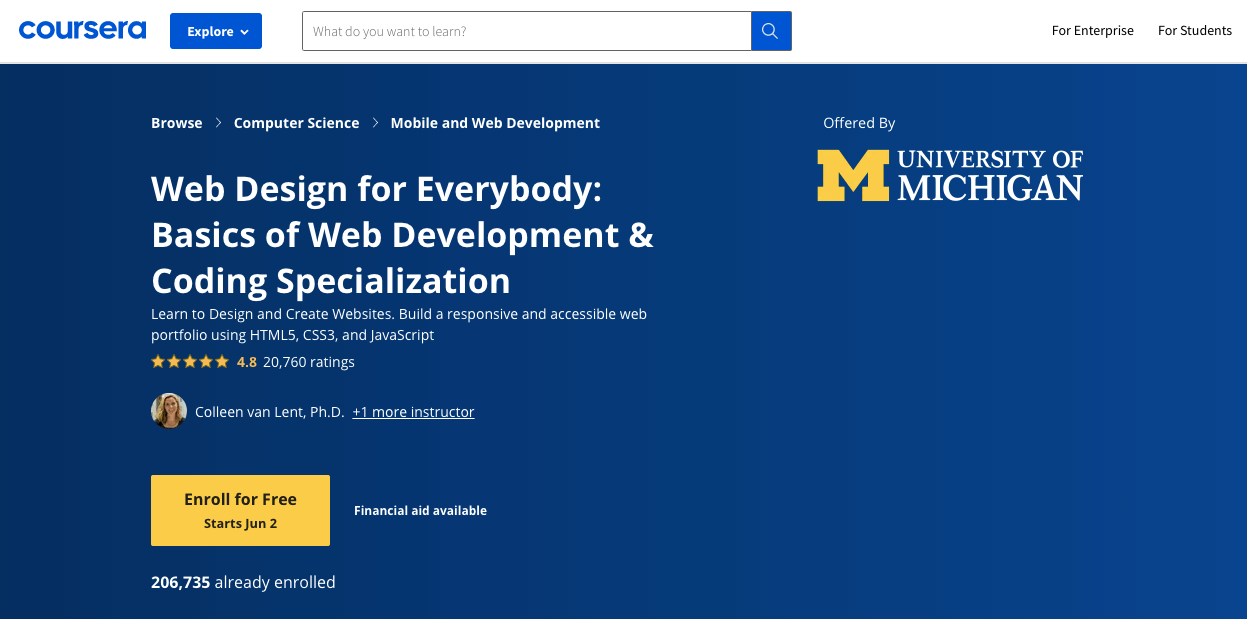
“Web Design for Everybody” is one of the most popular web development courses from Coursera. Here, you can learn everything from scratch. Coursera runs this course in partnership with the University of Michigan.
It covers the basics of HTML, CSS, and JavaScript to create a responsive website. There are five sub-courses under the main course. You’ll find all the lectures in great detail, with video lectures of more than 100 hours. Moreover, they provide related assignments after a couple of lessons.
So students can identify the areas and skills they need to develop. More than 1.2 lakh students have enrolled in this course so far. Almost every one ends with positive feedback.
What You Will Learn:
- Write syntactically correct HTML5 and CSS3
- Create interactive web experiences with JavaScript
- Use the Document Object Model (DOM) to modify pages
- Scale your website across all devices
- Develop a professional-quality web portfolio
- Basics of web accessibility
Skill level: Beginners
Length: Approx. 6 months to complete (3 hours/week)
Price: Free to audit course. Buy a $49/month membership to get the certificate.
2. edX: W3CX Frontend Developer Program
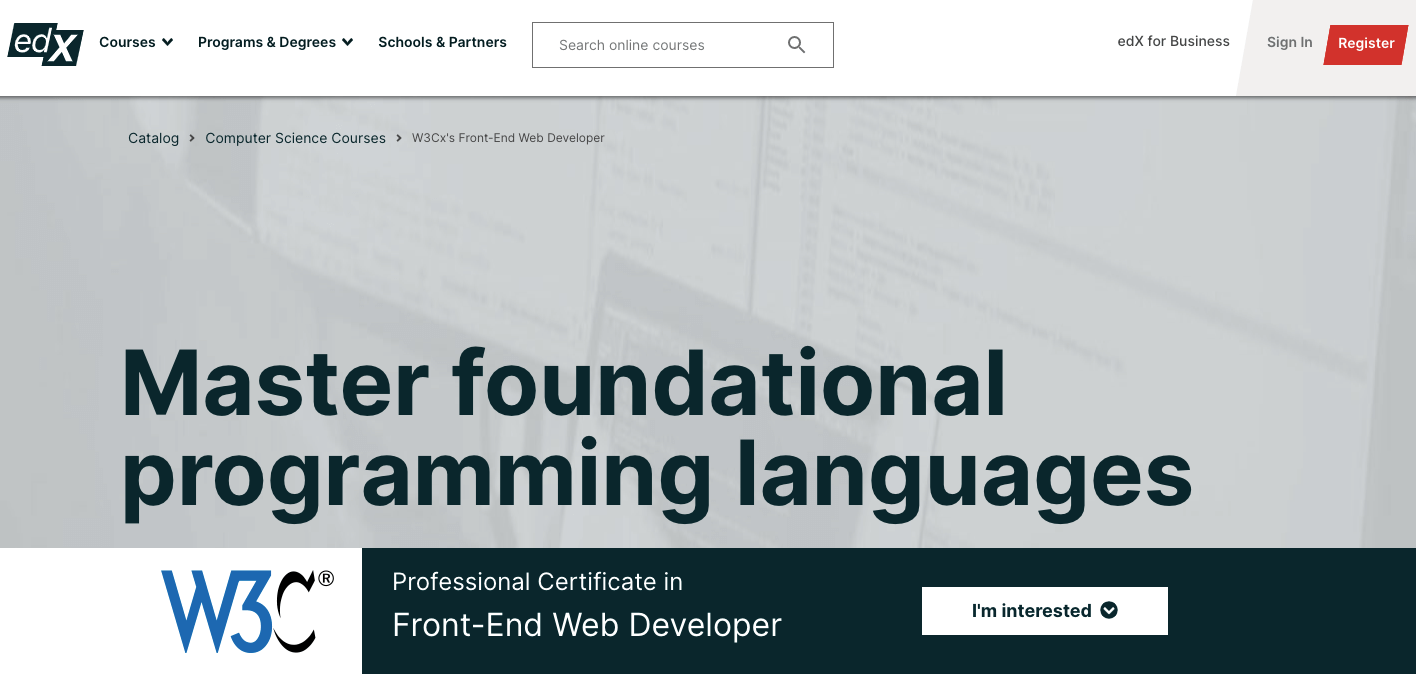
edX offers this program for absolutely new users. It is designed by the W3C (World Wide Web Consortium)- known as the creator of Web standards. They create the course in a manner that students can build a strong base on core languages.
This course includes five classified programs to expertize you in HTML5, CSS, and JavaScript for frontend development. Each course will also provide proper examples related to the lesson. Therefore, you can easily practice and test your growth in coding.
Experienced instructors will show you every process step-by-step. In turn, you’ll be able to adopt all client-side web development techniques and build creative web designs.
What You Will Learn:
- Modern web standards for website development
- Use HTML5 APIs like timed text track & device orientation
- Draw and animate fun Web graphics and play audio & video elements
- CSS best practices to design websites
- Basics of JavaScript to build interactive web apps
- Importance of web accessibility and globalization
Skill level: Beginners
Length: 7 months (5-7 hours per week)
Price: $895.50 for the full program to get the certificate.
3. LinkedIn Learning: Introduction to Web Design and Development
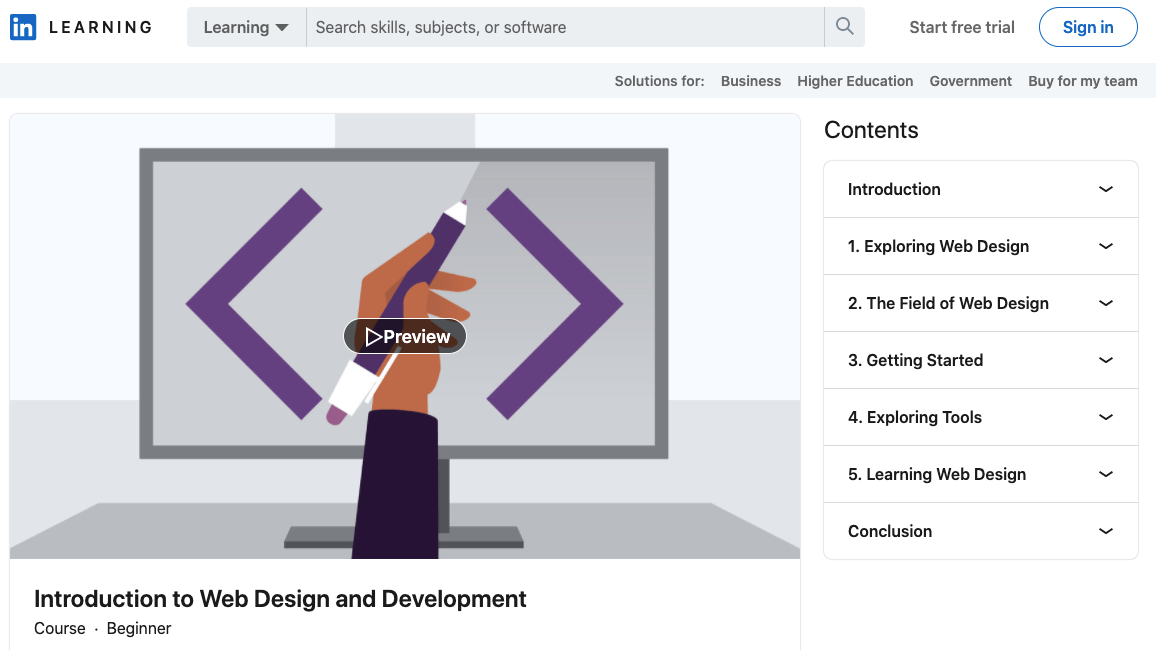
James Williamson outlines this course for new web learners. Here, you’ll get all the basic concepts, tools, and learning paths of website design. Along with the academic knowledge, he also describes the responsibilities of a web designer.
Moreover, he guides his students to set up their career paths in this competitive field. Instead of the introduction and conclusion parts, this program has five individual sub-courses. Each course has several lessons describing different topics of web development.
Along the path, James talks to five renowned designers and developers. They’ve shared some ideas of unique tools and techniques for being successful in this field.
What You Will Learn:
- Basics of HTML, CSS, and JavaScript
- Web design software and content management systems
- Develop frameworks
- Web standards and accessibility
- Responsive web design
- Build a career in web development
Skill level: Beginners
Length: 3-4 hours
Price: It’s a subscription based platform comes with a 1-month free trial
HTML Vs WordPress – What’s The Best Way To Build Your Website
4. Skillshare: Responsive Web Design Essentials – HTML5 CSS3 Bootstrap
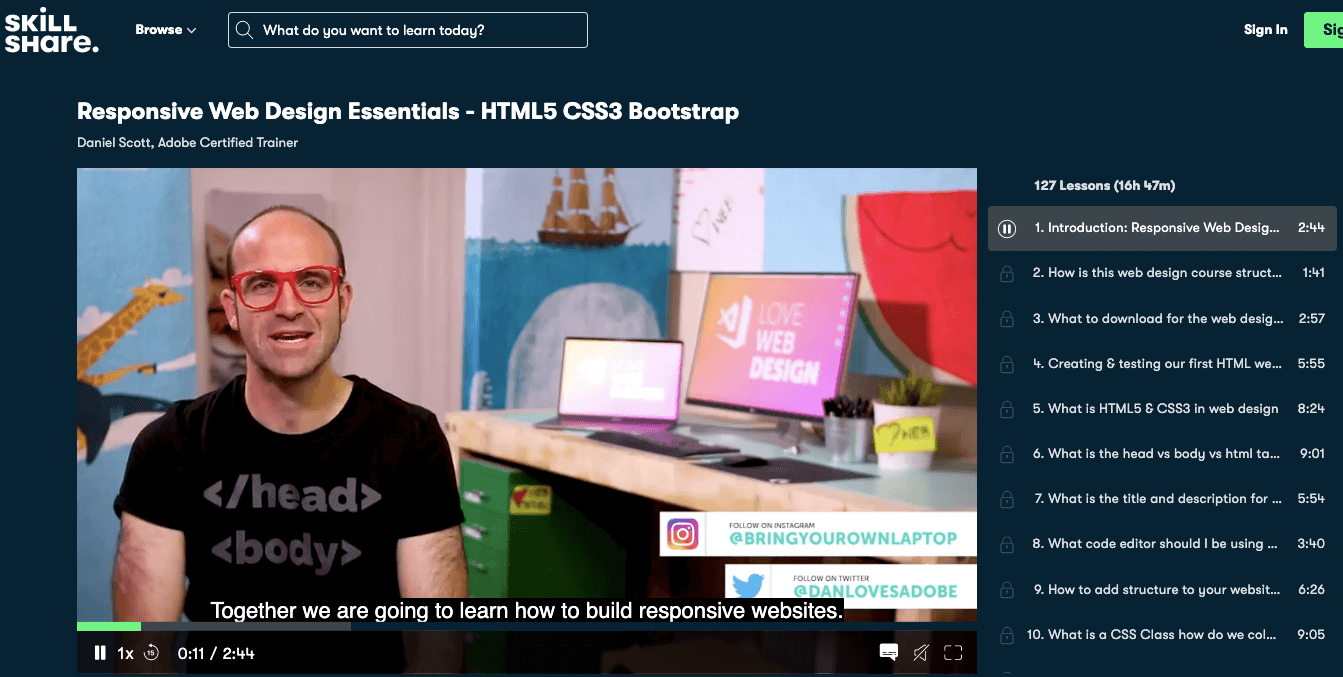
Here, you’ll get Daniel Scott as your mentor. He guides you on how to build a responsive website step-by-step. There are 127 lessons in total. Through these video tutorials, he develops four different types of websites.
It includes- a simple restaurant website, an advanced booking website, a responsive portfolio site, a bootstrap website for his prototype yogurt company.
Most amazingly, he covers everything from designing your first webpage to upload the site on the internet. Also, he assigns fun projects to his students. So they can practice what they’ve learned. Around 7,890 students completed this course to date.
What You Will Learn:
- How to work with HTML5, CSS3, Bootstrap, Flexbox, etc.
- Fundamentals of JavaScript and jQuery
- Work with responsive images & icons
- Create forms and choose quick fonts for your website
- Setup your own domain name & hosting
Skill level: Beginners
Length: 16 hours 47 minutes
Price: Provides a subscription based membership

5. Udacity: Best Online Web Design Courses for Frontend Developers
Front End Web Developer Nanodegree– this program teaches students how to build a variety of websites and web applications. This course will teach you exactly how to use modern CSS techniques.
Such as Flexbox and CSS Grid to create responsive websites. After graduating, you’ll be able to develop interactive websites using JavaScript and HTML.
This course is the perfect match for advanced web learners. It requires basic knowledge of HTML, CSS, and JavaScript. Perhaps, having a good command of other object-oriented programming languages may also help you.
What You Will Learn:
- Latest web APIs
- Create Webpack, and Service Worker
- Connect a web application to back-end server data using JavaScript
- Reduce work redundancy using Webpack & other workflow tools
Skill level: Advanced
Estimated Time: 4 Months (at 5-10 hrs/week)
Price: $1356 one-time payment for 4-month access, or $399/month
6. Udemy: Web Designing for Beginners: Real-world Coding in HTML & CSS
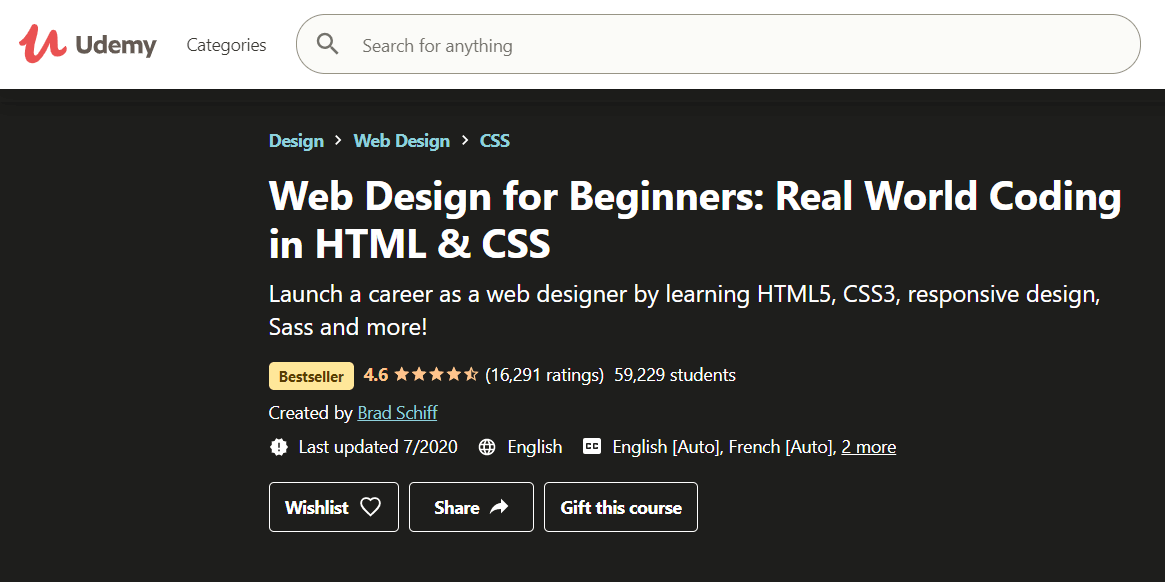
Udemy is a popular marketplace for teaching that connects students all over the world. Here, you’ll find courses that start from the beginner level and end up with the most recent design courses.
“Web Designing for Beginners: Real-world Coding in HTML & CSS” is one of the popular courses from Udemy. This course will teach you how to create and manage a professional website in a simple manner.
No prior experience is required to enroll in the course. Thus, it is designed especially for the newbies. You will also learn how to push your website using the free GitHub Pages service so that people can see your work.
What You Will Learn:
- Basic of HTML and CSS
- Modern website layout
- Device responsive design
- Add Effects and animation in website with CSS3
- Familiar with the common web design vocabulary
Skill level: Beginners
Length: 10h 54 minutes (71 lectures, 22 sections)
Price: $119.99
You may also like: Sell Digital Courses Online with Dokan & WooCommerce for Free
7. freeCodeCamp: Introduction To Responsive Web Design – HTML & CSS Tutorial
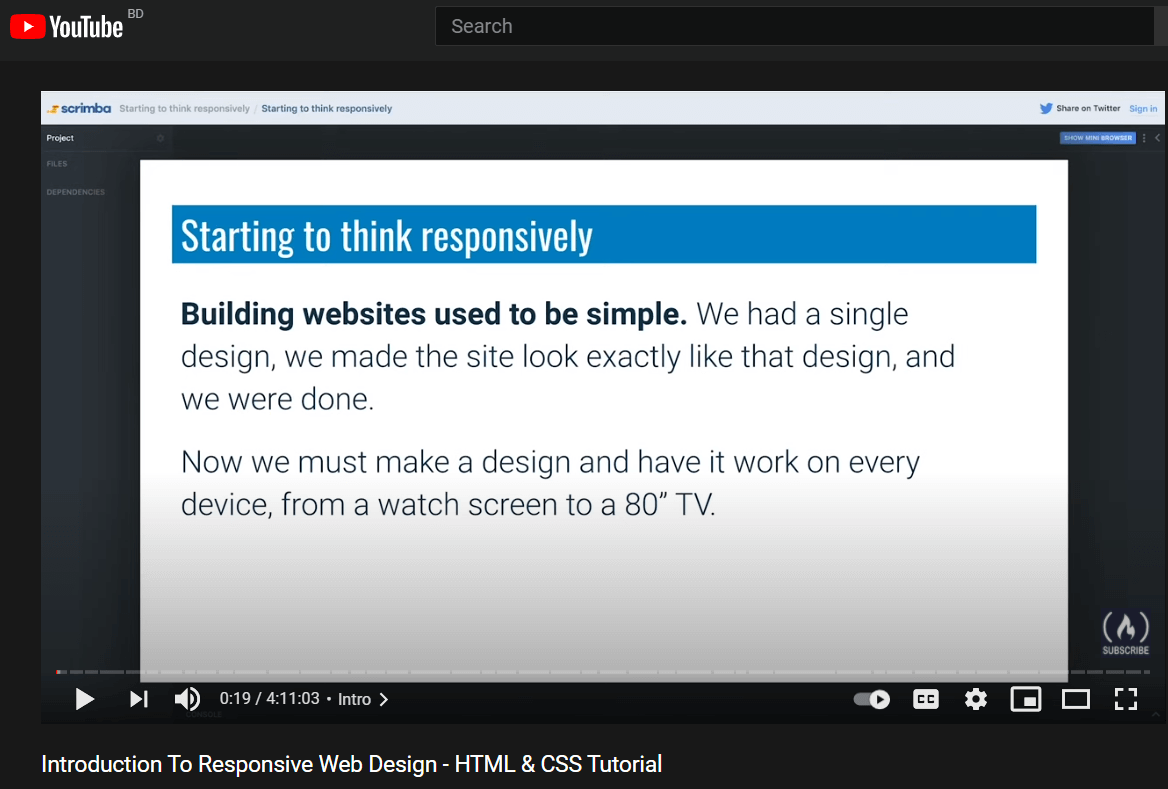
freeCodeCamp released this introductory course on their YouTube channel in 2019. This 4-hour tutorial describes the core concepts of website responsiveness and shows the process to build a professional-level responsive website step-by-step.
You will learn the basics of HTML5, CSS, responsive design in hand. Also, be able to create a single and 3-page responsive website by completing this tutorial.
What You Will Learn:
- CSS Basics and Flexbox
- Responsive texts
- Media queries
- Em vs px vs rems
- Animation and transition
- Design best practice and CSS Grid Layouts
- Responsive containers & navigation
Skill level: Beginners
Length: 4 Hour 11 minutes
Price: Free in YouTube
8. OpenClassrooms Course: Build Your First Web Pages With HTML and CSS
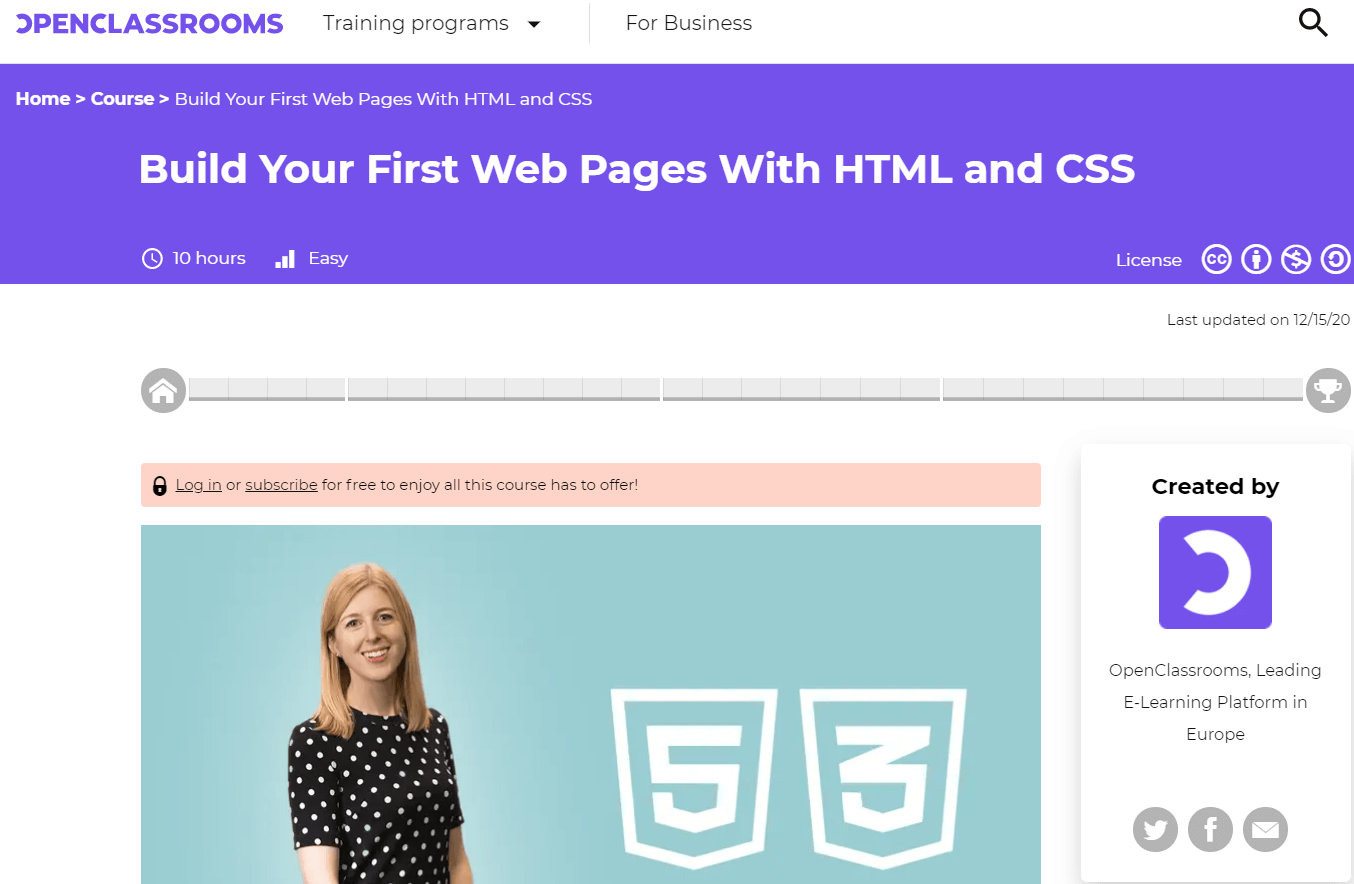
OpenClassrooms launched its free introductory course on HTML5 and CSS3 for beginners. Here you’ll get all the details about HTML elements related to web development. It might be the best place to start the journey of web design who really wants to be glued in the industry.
What You Will Learn:
- Design (HTML5) and Styling (CSS3) basics
- Use correct CSS syntax
- Page structure and SEO
- Image optimization
- Color theory
- Skilled web designing concepts (Inline, Block, Fonts, etc.)
Skill level: Newbies
Length: 10 hours
Price: Basic course is free. If you want a certificate buy the membership for $20/month.
9. TreeHouse: Web Design Track
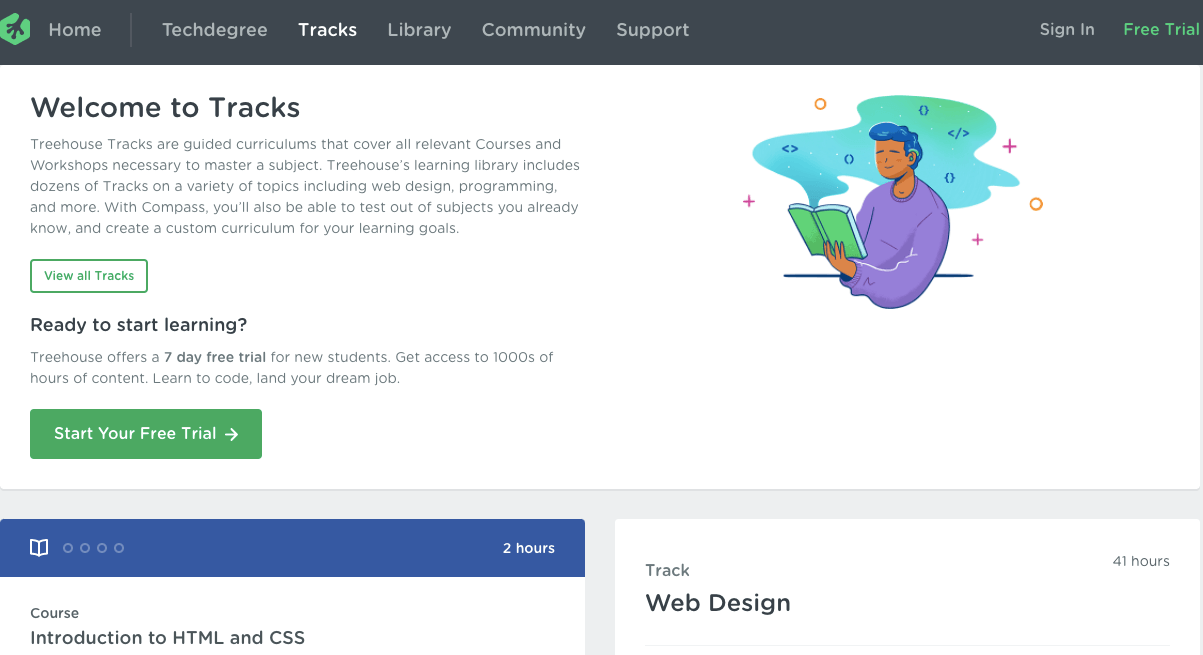
This fundamental web design course describes the basic principles of design such as branding, color theory, and typography. The course elements are suitable for both designers and programmers.
The web design track includes video and interactive lessons on HTML, CSS, Bootstrap, and other web design basics. From coding to in-browser work and animation, you’ll learn everything to start your web design career.
What You Will Learn:
- CSS Grid Layout
- HTML tables & form
- Web font
- SVG Basics
- Flexbox
- Bootstrap 4
- Wireframing
- CSS animations
Skill level: Intermediate to advance
Length: 40 hours
Price: $25/month for courses and $49/month for courses plus. You’ll get the certificate only under the $199/month Techdegree programs.
10. Frontend Masters- CSS Grids and Flexbox for Responsive Web Design
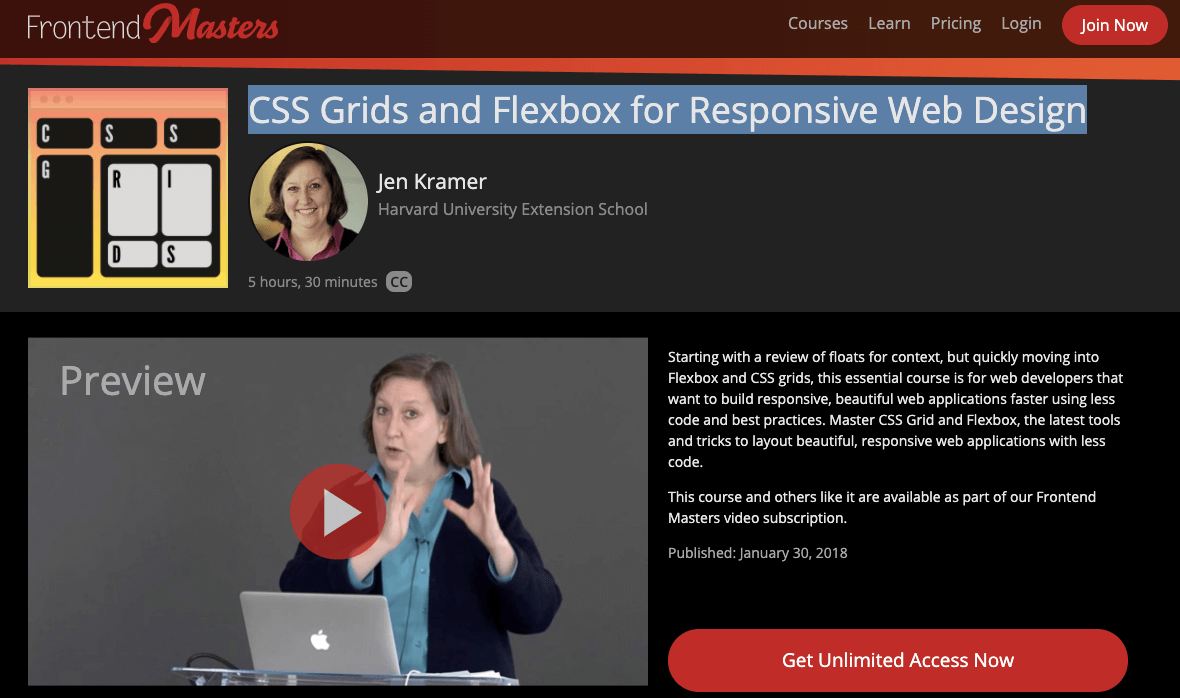
Frontend Masters course is full of exciting techniques that will definitely upgrade your design skills. Here you’ll learn the advanced techniques of CSS and how to make responsive websites. This course also builds your expertise in creating responsive web applications using simple codes.
What You Will Learn:
- Basics of Responsive Design
- CSS Float, Flexbox, Grid
- Image Optimization
Skill level: Beginners
Length: 5 hour 33 minutes
Price: $39/month
These are the best online web design courses to perceive a secured career opportunity in this industry.
How To Create An Online Course Website In WordPress Using Elementor (Tutorial & Pre-Planning Guide)
Get into The Best Online Web Design Courses & Build a Successful Career
In order to establish a strong online presence, most businesses now rely on web developers. This dependency keeps developers in high demand. And this trend is unlikely to change anytime soon.
If you also want to start your career as a web developer, first start learning the fundamental languages. Then, strengthen your experience in one area so you can establish your unique position in this competitive world.
However, having a strong command of different programming tools enables you to write optimized codes to make a website fully functional.
Now, it’s time to hear about your experience. Which is the best course for learning web development?

![Black Friday and Cyber Monday are around the corner, and people are waiting for these festivals to grab the best product deals. That is why giving an attractive look to your website during this festive season is very necessary. But, creating a whole new landing page might be difficult in a short period of time. Don't worry. By using Happy Elementor Addons Black Friday and Cyber Monday Landing Page templates, you can easily develop a whole new landing page in a few minutes. In this today's blog, we are going to show how to boost your website design using HappyAddons templates during this festival season. Before that, we'll talk a bit about these two festivals and why they are important to online business communities. What are Black Friday and Cyber Monday? Black Friday is the immediate following of the famous Thanksgiving day. This is when people start shopping to celebrate the Christmas festival. Since the late 1980s, retail sales on this day have constantly been suppressing the past volumes. See the graph below. Source: Salecycle.com The first Monday following Thanksgiving day each year is called Cyber Monday. It was first introduced in 2005 by the USA National Retail Federation to encourage people to buy online. Though this festival originated in the USA, it is celebrated globally today. See the stats below. Source: Salecycle.com It indicates customers' buying behavior around this day is growing up over time. Many customers today keep a budget to buy products on these two days. So, why won’t you prepare a Cyber Monday landing page if you have an online store? Importance of Designing Landing Pages for Black Friday and Cyber Monday Festival Having a well-design website is one of the major checklists if you are running an online business. Most importantly, you have to make sure that your website remains up-to-date to boost your sales. That is why you need to redesign your website or make a new landing page during the Black Friday and Cyber Monday festivals. Because most online product & service-based businesses promote special deals during these two festivals. Here are some remarkable ways dedicated landing pages during these festivals can positively impact the performance of your online business. Boosts your product salesIncreases conversion rateOpportunity to collect potential email leadsGrabs users' attention toward your siteReduces bounce rateIncreases website visitors. Elementor Black Friday New Seasonal Kit is Already Here! Source: Elementor To make this Black Friday more enjoyable, Elementor has launched a New Seasonal Kit that includes landing pages, sections, pop-ups, and vector assets. All these design elements are made by the Elementor team so that one can easily use them on their website to ensure more sales and conversions. New Elementor Black Friday Seasonal Kit offers: 3 Landing pages6 Sections 6 Popups A collection of stickers & animations You can only get these ready-made Black Friday landing pages and sections if you have Installed Elementor Pro on your site. However, if you are looking for templates that are outside of the box, you can go with Happy Addons, the fastest Elementor Addons on the market. It's very easy to use, flexible and has tons of advanced features and widgets that can ease your website design journey. Also, you'll get several festival landing page templates & blocks. Moreover, you can use free Black Friday and Cyber Monday design blocks and templates to decorate your site. Most importantly, these templates and blocks are easy to customize and can be used for multiple purposes. Now let's see how you can use the Happy Addons templates to design your website according to the Black Friday theme. Pre-Requisites to Use HappyAddons Templates to Design Black Friday and Cyber Monday Landing Pages You must have the following plugins installed on your site to get access to the HappyAddons Template library. Make sure you’ve installed and activated the Happy Addons Free & Premium version of your website. Elementor (Free)Happy Addons (Free)Happy Addons Pro If you are new to Elementor, check this Step By Step Guide For Beginners. If you want to explore the readymade templates of HappyAddons before installing these plugins, you may visit by clicking on the button below. Check out Happy Addons Templates How to Design Black Friday Landing Page on Your Website Once you have the plugins (mentioned above) installed, your website is ready to follow the tutorial guide explained in this section. Get ready now! Step 1: Open a New Page with Elementor Create a new page or open the existing page with Elementor. Next, you have to select the Elementor Canvas option.Unless you select Elementor Canvas, you may watch the header, footer, and unnecessary other texts on the page. These might be irritating to you.Once you open the page with Elementor Canvas, your page will be completely clean. Watch the video below on how to do it. Step 02: Go to HappyAddons Library Click on the HappyAddons Library Icon. It will open up a modal popup. Here you'll find numerous stunning premade Blocks and Pages created by the Happy Addons team. Kindly explore them to create a list of your favorite items. Step 03: Import a HappyAddons Black Friday Template Go to the Page tab on the modal popup.Select Black Friday from the left-side filter option.You will several good-looking templates on your screen.Take your cursor on the one you like and hit on the INSERT button. Wait for a while to finish the installation process. You will get the template on your screen with editable sections and options. Step 04: Set the Black Friday Campaign Deadline A deadline creates a sense of urgency in customers' minds. So, better if you add a deadline section on the page to show your Black Friday deals. The good thing is that if you select the template as we did, you will automatically get a deadline or countdown option. You have to customize it as you want. Step 05: Show Image Carousel Slider on Your Black Friday Landing Page Using the Image Carousel, you can slide show demonstrating discounts on your product categories. Drag and drop the Image Carousel widget on any landing page section. Next, from the Elementor panel, you can add photos and text to the widget. Do it accordingly. Thus, you can add more sections and options on the landing page. Hope you can do it yourself. Step 06: Make the Black Friday Landing Page Mobile Responsive Making a web page mobile responsive with Elementor is super easy. You'll get the mobile responsive option on the Elementor footer section. Clicking on it will open up the option to view your landing page on different device screens. We have explained the process in the video below. Note: Don't delete any widget or section while customizing your landing page for any particular device. Because if you delete a widget or section on any device screen, it will also be applied on other devices. However, you may change their position or alignment or hide them. It won't make any impact on other devices. Step 07: Final Preview of Our Landing Page Here is the final interface of our Elementor Black Friday landing page that we've designed using the Happy Addons' ready-made Template. Get Happy Addons to Add a Black Friday Theme Landing Page on Your Website How to Design Cyber Monday Landing Page on Your Website You will require the same prerequisites (Elementor and HappyAddons Plugins) to design the Cyber Monday landing page on your website. Hope you have them ready on your website. Now, let's get into the tutorial part. Step 01: Import a Cyber Monday Readymade Landing Page Template Go to the HappyAddons Template library.Choose the Cyber Monday template you like.Click on the INSERT button. Wait for a while to finish the installation process. You'll get a page design like the following image below. Step 02: Edit Different Sections of the Page In the first tutorial, you saw the deadline/countdown option was already embedded in the template. But this template doesn't have it. So, you can bring it to your page? Very simple. Create a new section by clicking on the plus icon.Type Countdown on the Elementor search bar.Drag and drop the widget on the section. Customize the Countdown section from the Content and Style tabs of the Elementor panel. Using the Heading widget, we have added the FLASH DEALS text next to the countdown to make it more meaningful. Thus, you can use other exciting widgets on the template to make your landing page super gorgeous. Step 03: Promote Products on the Landing Page Promotional landing pages usually include a section to showcase some hot-selling products to generate instant sales. Using the Image and Button widgets, we have created this section under the FLASH DEALS.You may customize it more as you wish. Step 04: Make it Mobile Responsive We already showed you the process in the first tutorial on making a mobile web landing page responsive. Hope you can do it here as well, following the same guideline. Click on the Responsive Mode icon and do the rest yourself. Bonus: Black Friday and Cyber Monday Landing Page Design Key Considerations Whenever you design a landing page, you need to consider why you need to design this page and what elements they should keep on the page. Because if you are not adding all the necessary features to your page, it will not serve its purpose. This is why you need to focus on a few things before designing your Black Friday landing page. Here are some points you must consider in designing Black Friday and Cyber Monday landing pages. Add Black Friday textSet deals deadlineShow your best-discounted productsAdd coupon code Focus on responsive page designMake your page visually appealingImprove your page user experience or page structureSet a proper website navigation FAQ on Black Friday and Cyber Monday Landing Page Design Now, we'll answer some common questions on Black Friday and Cyber Monday Landing page designs commonly found online. How much does it cost to design a landing page?The cost of designing a landing page varies depending on the complexity of the design, the level of customization required, and whom to hire for the page. A simple landing page can be designed for as little as $25, while a more complex design with multiple customizations can cost upwards of $2,00.However, if you have Elementor and HappyAddons installed, you can design unlimited landing pages at a minimal cost. But like any other tool, you must have a kind of enterprise on them. As they are drag-and-drop builders and their numerous tutorials and documentation are available, they won't take you more than a month to be used to. Check out some wonderful YouTube tutorials on these two plugins. Hope you will enjoy them.How many hours does it take to design a landing page?It mainly depends on the level of design complexity and your web design skill. However, both in Elementor and HappyAddons, you will get countless readymade templates and block sections. You can design a beautiful landing page in 3-5 hours by making a proper combination of them.Can I design Black Friday and Cyber Monday Landing pages with Elementor and HappyAddons free versions?Surely, you can design Black Friday and Cyber Monday Landing pages with Elementor and HappyAddons free versions. But only with the pro versions, you can't add too many exciting features to your pages. For example, free versions will give you access to only a limited number of readymade templates.If you are just a beginner-level designer, free versions are enough. But if you are a professional designer or have a web designing agency, pro versions are a must. Are You Ready To Design Your Black Friday and Cyber Monday Landing Page? Customers look forward to this kind of occasion to buy their favorite products at a minimum price. Naturally, they are drawn to websites that look good and give a festive vibe. That is why adding a Black Friday and Cyber Monday landing page during the festival season will give you an extra edge over the competitors. The above guide shows how to design your Elementor Black Friday Landing page using the Happy Addons' Black Friday Templates and how it can help boost your holiday sales. So if you have any queries regarding this blog, you can comment on us in the below box. If you like this post, then share it on your social channel. Don't forget to subscribe to our newsletter. Also, follow our Facebook and Twitter channels for regular updates. Subscribe to our newsletter Get latest news & updates on Elementor [yikes-mailchimp form="1"] ":36560} /--](https://happyaddons.com/wp-content/uploads/2021/11/How-to-Design-Black-Friday-and-Cyber-Monday-Landing-Page-300x188.png)
