





Gone are the days when people had to code in HTML, CSS, and PHP for hours and days in order to make an attractive website. Elementor made a revolutionary change in the world of website design. Moreover, some extraordinary add-ons have massively boosted Elementor. Addons like HappyAddons is one of the best addons for Elementor.
Happy Elementor Addons is a powerhouse of interactive, super sast and scalable design System
Happyaddons has created a storm in the Elmentor community right after its release. People can’t stop talking about it. Having said that, they have some powerful widgets to extend your design to a new level.
In today’s article, we are going to talk about some of the powerful widgets of Happy Elementor Addons.
Happy Addons: The Best Addons For Elementor
Right after its release, Happy Addons has created a strong buzz. It has over 50+ widgets. As a result, it has got rave reviews from the Elementor community. After that, it now has 10,000+ active installations.
For instance, it has unique features like Preset, Cross-Domain Copy Paste, Floating effect, and many more. This is why it has become your ultimate addons for Elementor.
Let’s look at some of the ultimate widgets of Happy Addons that made website design more intriguing.
- Flip Box
- Logo Carousel
- Timeline
- Review Widget
- Scrolling Image
- Logo Grid
- Team Carousel
- Dual Button
- Business Hour
- List Group
Flip Box
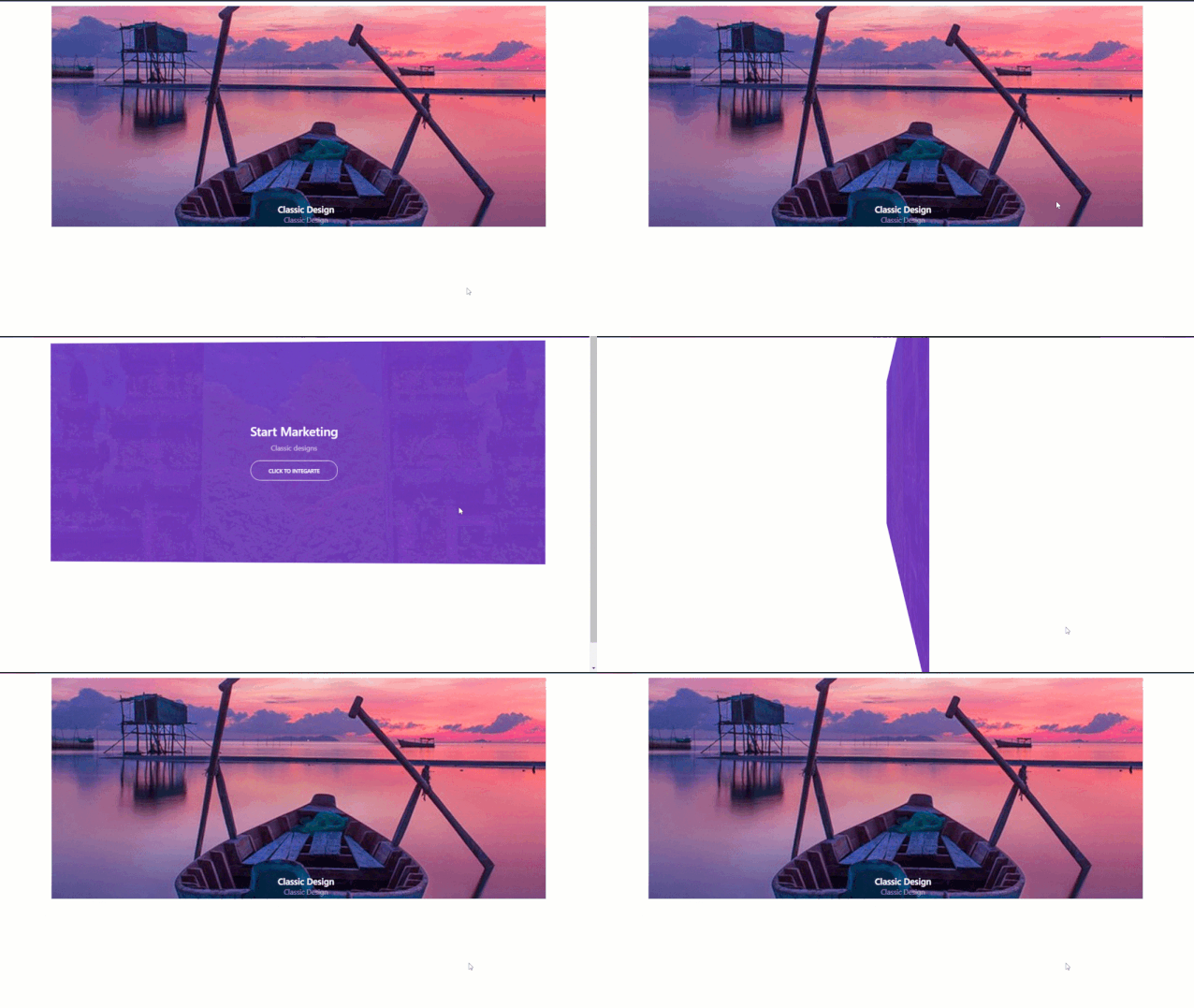
Flip box is a kind widget of Happy Addons. You can create amazing designs for your products and demonstrate them on your websites. And with premade designs, you don’t have to spend much time thinking.
You will get features like,
- 4 types of flip direction
- Options between classic or 3D animation
- Premade designs in Preset
- You can upload an icon or image
- Option to add button on the backside of the flip box
- You can use Happy Effects.
These are only the basic featured features of the flip box. The only limit is your imagination. You can use your imagination to explore the various functionalities of this widget.
Logo Carousel
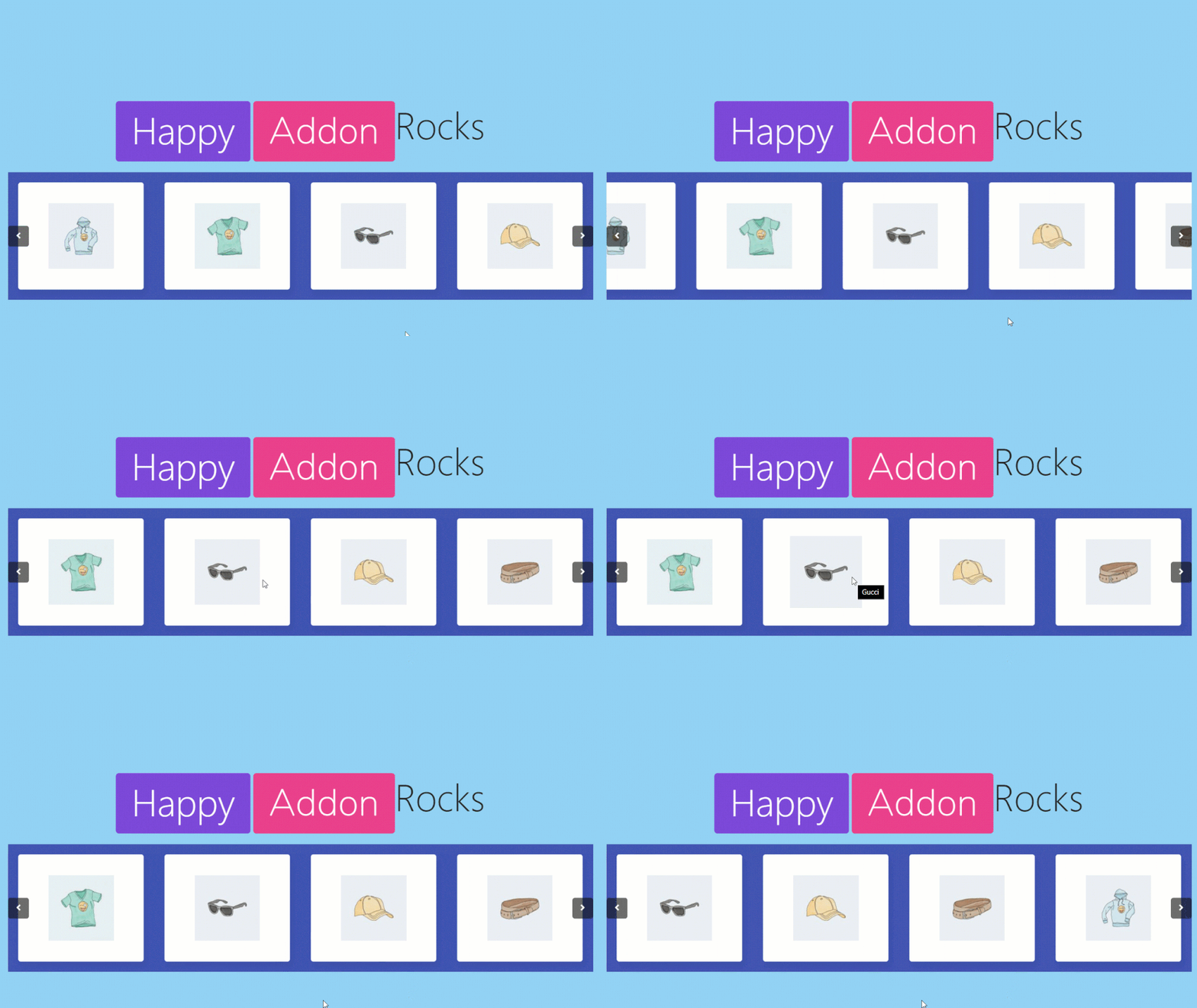
Showcase your logo with the amazing Logo Carousel widget of Happy Addons. The designs will make your website look classy and stand out from the rest.
You will get features like,
- You can add a logo with the brand name
- Different image size
- Autoplay option
- Infinite Loop
- Premade designs in Preset
- And Happy Effects.
This is just the tip of the iceberg. Use your imagination to explore more widget functions and give your website a stylish look.
Timeline
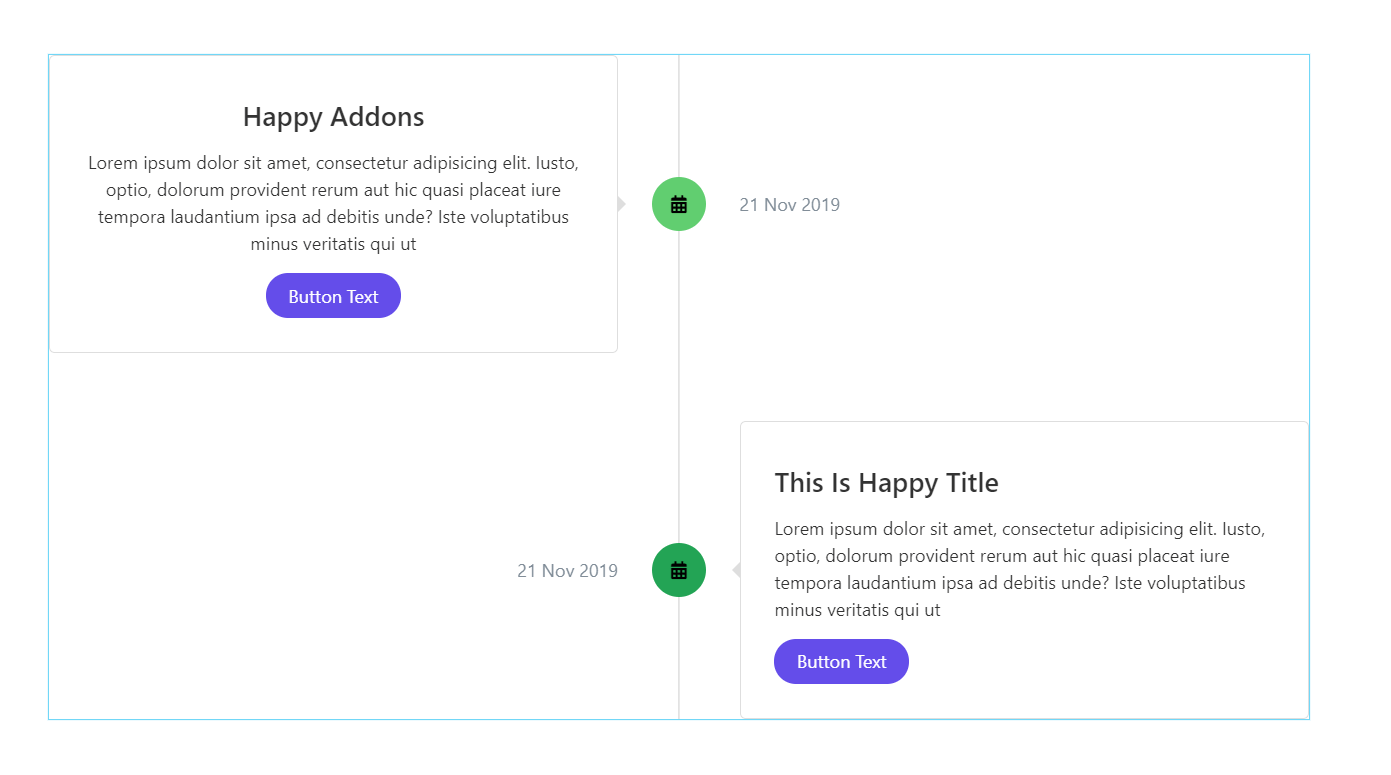
Timeline is another flagship widget of Happy Addons. With this widget, you can easily show your or your company’s journey and make it look sleek and out of the world.
You will get features like,
- Multi-color icons with border outline
- You can upload an image on top of the title
- You can show the time and date of both
- Customized button
- Premade designs in Preset
- Different height, color, and style
You can portray your journey or the origin of your products stylishly with the Timeline widget. Imagination is the limit.
Review Widget
If someone visits your blog or website, they tend to have an opinion. Those opinions should be viewed on your website. Do that stylishly with the Review widget of Happy addons.
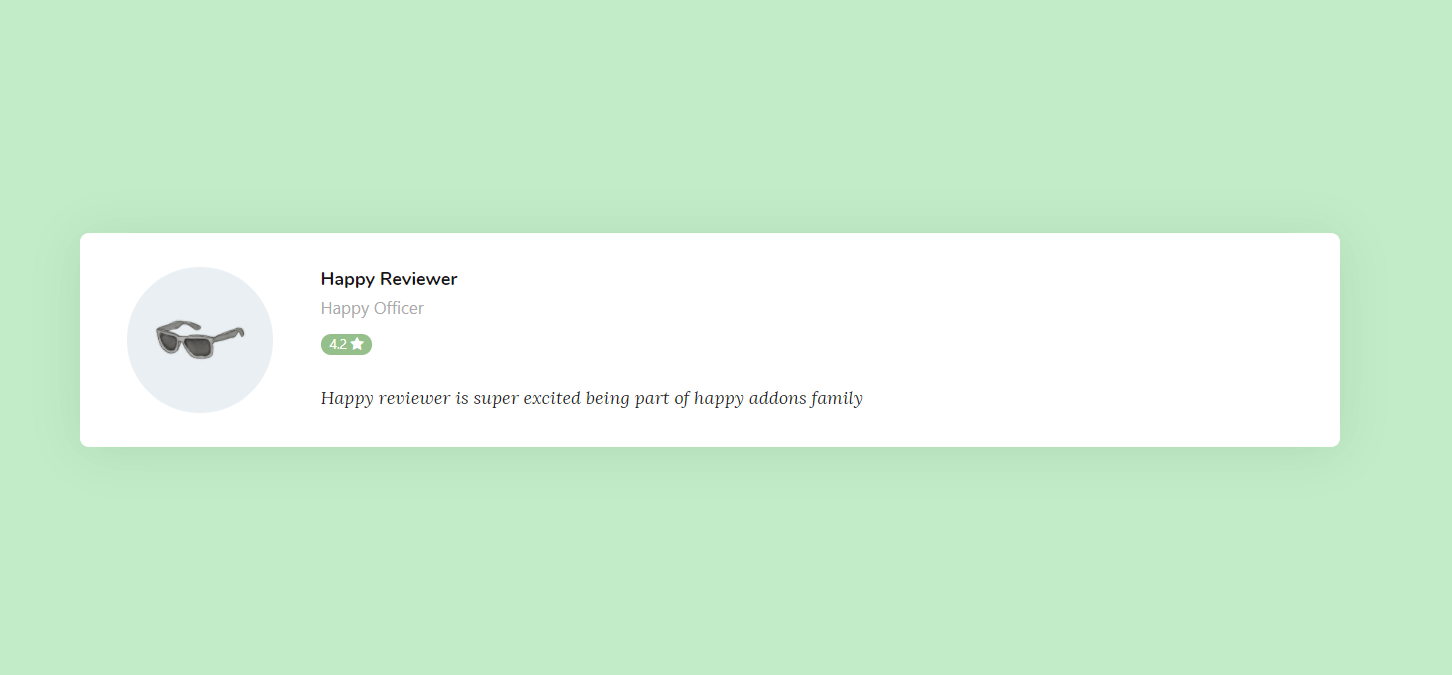
You will get features like,
- Add ratings for the reviewer
- Ratings can be number or stars
- Add an image of the reviewer
- Box shadow feature
- Premade designs in Preset
- Also, you can use Happy Effects.
You can style your website using the Review widget by varying the style elements. Therefore, you can see why Happy Addons is the go-to addon for the Elementor plugin.
Scrolling Image
Scrolling Image widget gives you more options to view your products with more class. You can use this widget to make your products more attractive and eye-catching.
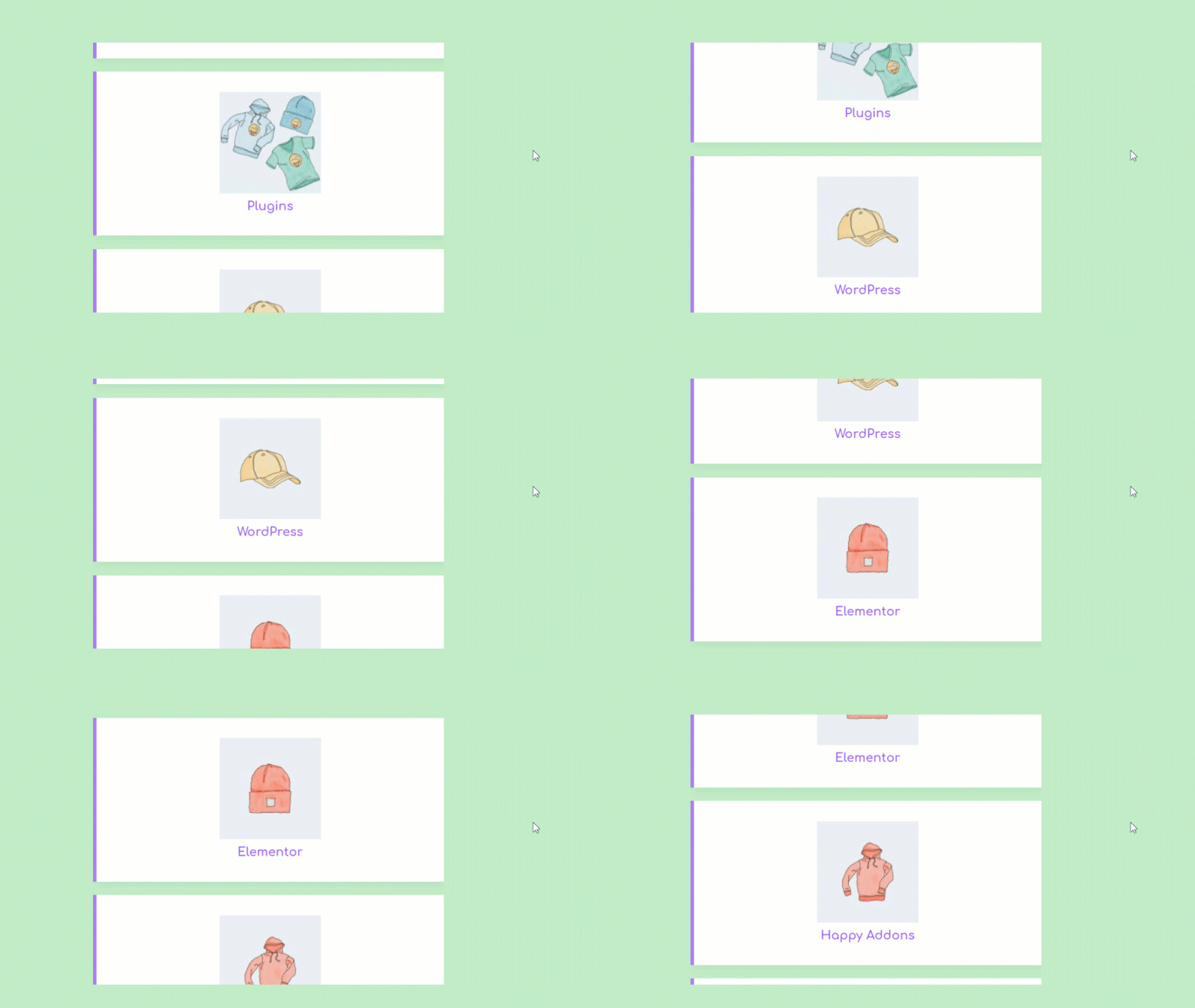
You can get features like,
- Adding unlimited images
- Different slide style
- Slide speed to your liking
- Readymade designs
No, that’s not all. You can expand your design by editing the style section. You can add Happy Effects floating effects to your design.
Logo Grid
Earlier, we discussed ‘Logo Carousel’ well, Happy Addons has another logo widget Logo Grid. What is different? You can add more diversity to your website using this widget. Also, this widget is not animated.
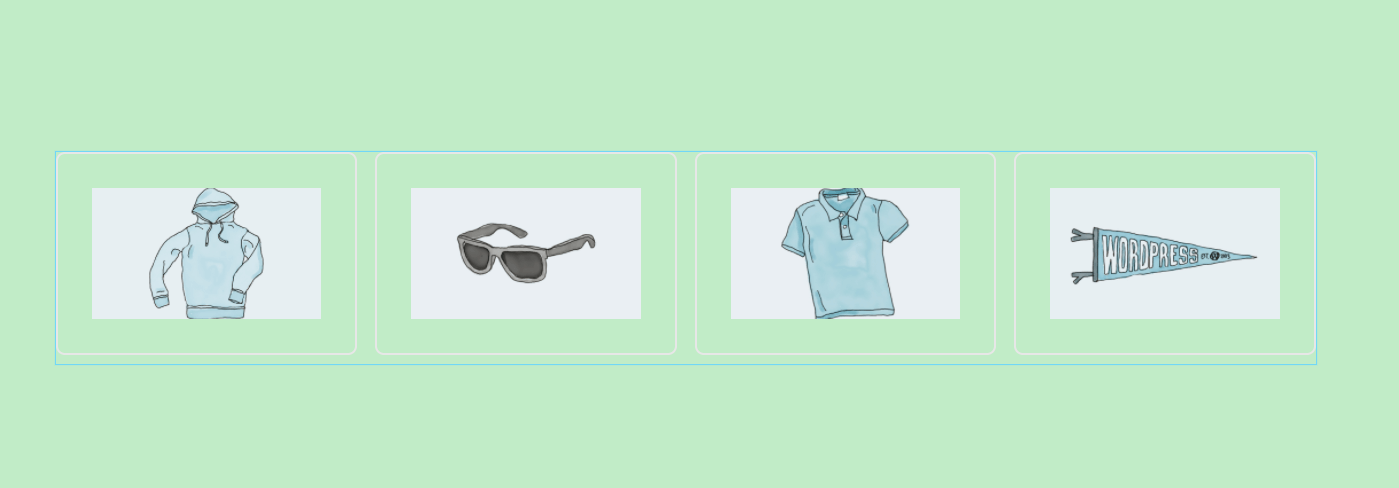
You can also have features like,
- Add a different brand name for different products
- Different grid layouts
- Add different background-color
- Preset option is available for this widget.
You can see how much variety is available to you for designing your website using the widgets of Happy Addons.
Team Carousel
With the Team Carousel widget of Happy Addons, you can showcase your team members to the world with more class and style.
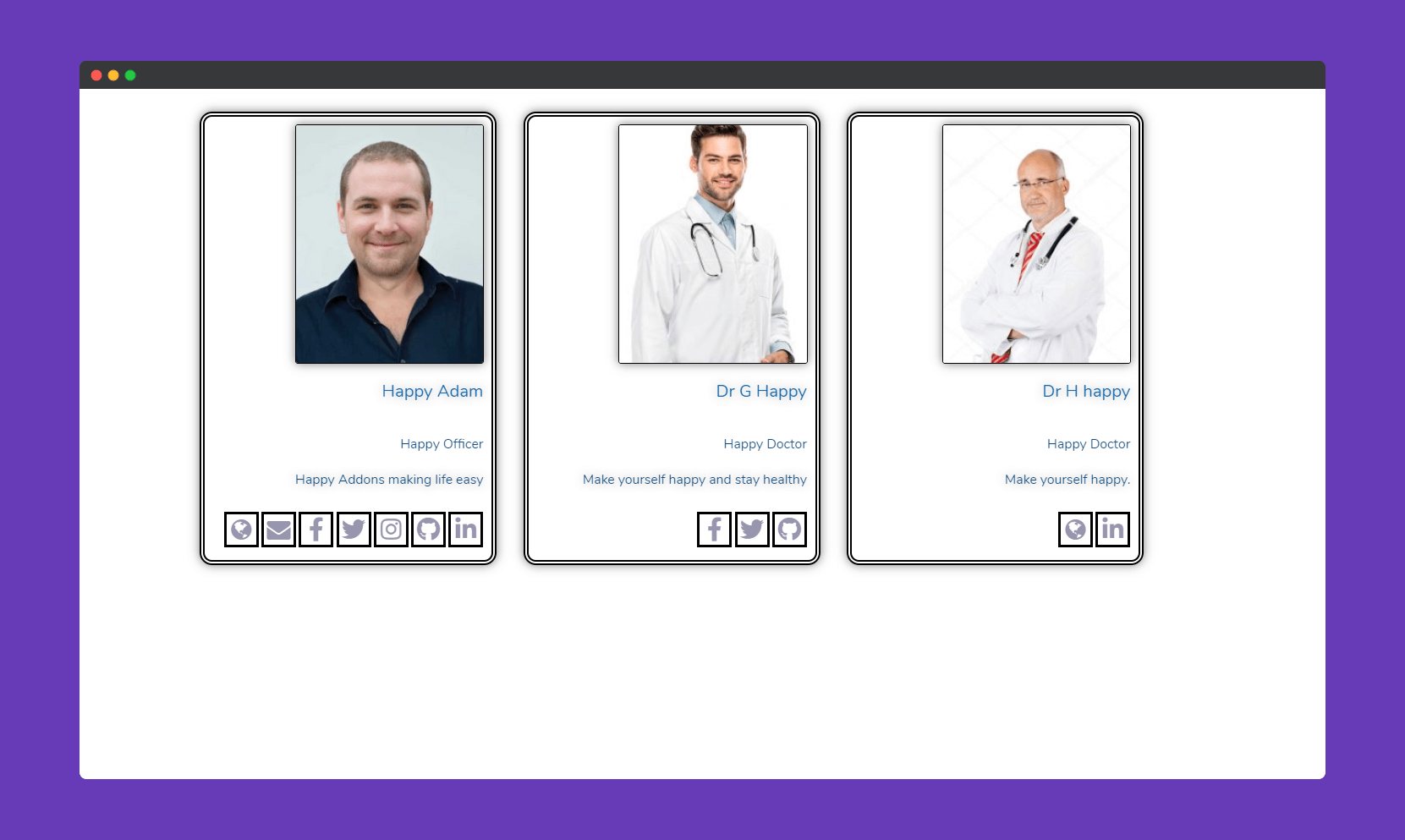
You will get features like,
- You can add animation
- A feature like an infinite loop
- Autoplay option
- Readymade designs
- Happy Effects.
As you can see why HappyAddons is the ultimate addons for the Elementor Pro plugin. You can customize your website to your imagination.
Dual Button
A button is important to attract readers and also to create links attractively. With the Happy Addons Dual Button widget, you can easily create stylish and classy buttons for your website.
You have features like,
- Upload an icon or text as a connector
- Layout options between stack and queue
- SVG Image Header
- You can add Box shadow
- Preset
As you can see, you have all the tools you need to design a perfect website suited to your topic and business.
Business Hour
If you are selling your products, people need to buy them. And to buy your products they need to know when you are open for business. With the Business Hour widget of Happy Addons, you can view the timing of your business on your website with more class.
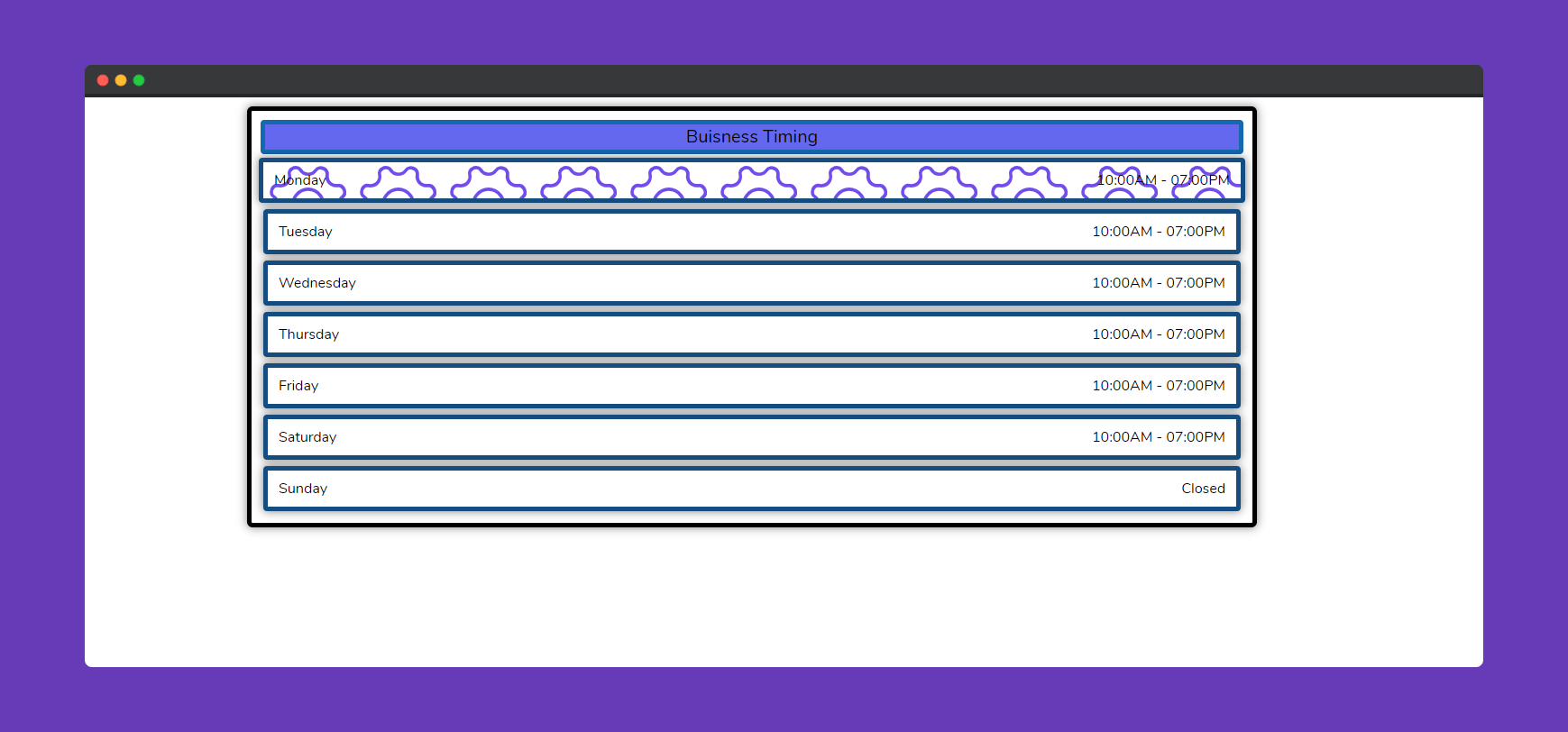
Features available to you,
- Individual Style for everyday
- Gradient background
- Options to align everything
- Typography for title
- Preset.
You can showcase your working hours to your users with style and attract more users to your website using this widget of Happy Addons
10. List Group
Whether you have various products or software, you can list them with more style and customization using the List Group widget of Happy Addons.
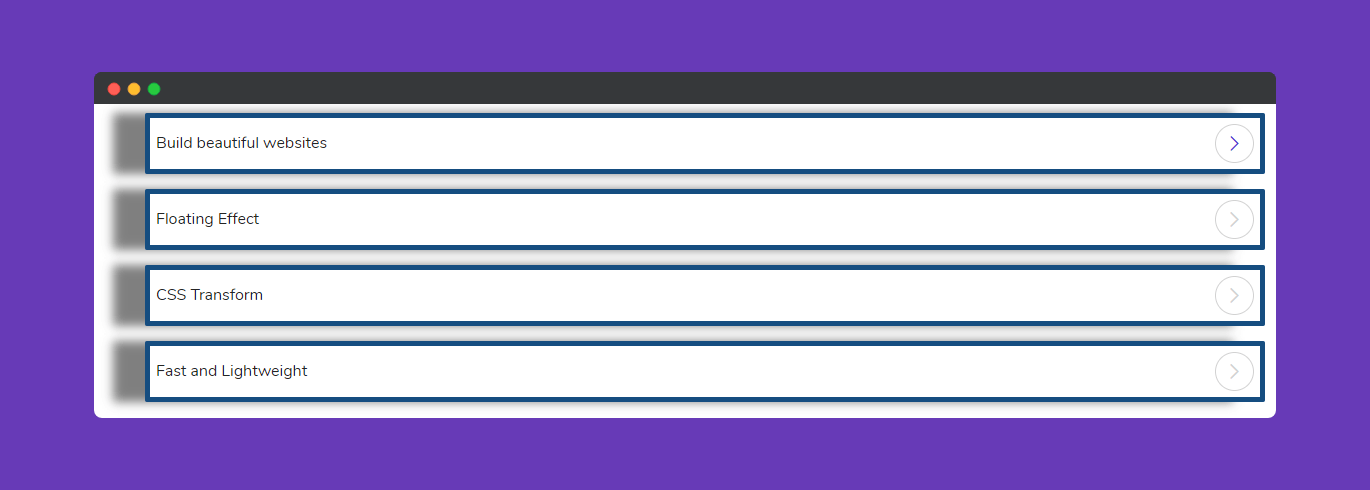
You will find features like,
- You can upload icon, number, image
- SVG Image Header
- Custom look
- Comfy and compact list mode
- Preset
You can see that Happy Addons is the ultimate go-to addon of the Elementor plugin. You can create a full-fledged website using these unique widgets.
Giving A Try to The Best Addons for Elementor
Happy Addons is the ultimate widget library of Elementor that will take website design to the next level. With over 10000+ active installations in less than one month, it has become the go-to addon for users.
It has over 40+ free and premium widgets and features like presets cross-domain copy-paste, and column order that have created quite a storm in the Elementor community.
So what are you waiting for? Grab Happy Addon and start creating a beautiful website for yourself and your company.


![Black Friday and Cyber Monday are around the corner, and people are waiting for these festivals to grab the best product deals. That is why giving an attractive look to your website during this festive season is very necessary. But, creating a whole new landing page might be difficult in a short period of time. Don't worry. By using Happy Elementor Addons Black Friday and Cyber Monday Landing Page templates, you can easily develop a whole new landing page in a few minutes. In this today's blog, we are going to show how to boost your website design using HappyAddons templates during this festival season. Before that, we'll talk a bit about these two festivals and why they are important to online business communities. What are Black Friday and Cyber Monday? Black Friday is the immediate following of the famous Thanksgiving day. This is when people start shopping to celebrate the Christmas festival. Since the late 1980s, retail sales on this day have constantly been suppressing the past volumes. See the graph below. Source: Salecycle.com The first Monday following Thanksgiving day each year is called Cyber Monday. It was first introduced in 2005 by the USA National Retail Federation to encourage people to buy online. Though this festival originated in the USA, it is celebrated globally today. See the stats below. Source: Salecycle.com It indicates customers' buying behavior around this day is growing up over time. Many customers today keep a budget to buy products on these two days. So, why won’t you prepare a Cyber Monday landing page if you have an online store? Importance of Designing Landing Pages for Black Friday and Cyber Monday Festival Having a well-design website is one of the major checklists if you are running an online business. Most importantly, you have to make sure that your website remains up-to-date to boost your sales. That is why you need to redesign your website or make a new landing page during the Black Friday and Cyber Monday festivals. Because most online product & service-based businesses promote special deals during these two festivals. Here are some remarkable ways dedicated landing pages during these festivals can positively impact the performance of your online business. Boosts your product salesIncreases conversion rateOpportunity to collect potential email leadsGrabs users' attention toward your siteReduces bounce rateIncreases website visitors. Elementor Black Friday New Seasonal Kit is Already Here! Source: Elementor To make this Black Friday more enjoyable, Elementor has launched a New Seasonal Kit that includes landing pages, sections, pop-ups, and vector assets. All these design elements are made by the Elementor team so that one can easily use them on their website to ensure more sales and conversions. New Elementor Black Friday Seasonal Kit offers: 3 Landing pages6 Sections 6 Popups A collection of stickers & animations You can only get these ready-made Black Friday landing pages and sections if you have Installed Elementor Pro on your site. However, if you are looking for templates that are outside of the box, you can go with Happy Addons, the fastest Elementor Addons on the market. It's very easy to use, flexible and has tons of advanced features and widgets that can ease your website design journey. Also, you'll get several festival landing page templates & blocks. Moreover, you can use free Black Friday and Cyber Monday design blocks and templates to decorate your site. Most importantly, these templates and blocks are easy to customize and can be used for multiple purposes. Now let's see how you can use the Happy Addons templates to design your website according to the Black Friday theme. Pre-Requisites to Use HappyAddons Templates to Design Black Friday and Cyber Monday Landing Pages You must have the following plugins installed on your site to get access to the HappyAddons Template library. Make sure you’ve installed and activated the Happy Addons Free & Premium version of your website. Elementor (Free)Happy Addons (Free)Happy Addons Pro If you are new to Elementor, check this Step By Step Guide For Beginners. If you want to explore the readymade templates of HappyAddons before installing these plugins, you may visit by clicking on the button below. Check out Happy Addons Templates How to Design Black Friday Landing Page on Your Website Once you have the plugins (mentioned above) installed, your website is ready to follow the tutorial guide explained in this section. Get ready now! Step 1: Open a New Page with Elementor Create a new page or open the existing page with Elementor. Next, you have to select the Elementor Canvas option.Unless you select Elementor Canvas, you may watch the header, footer, and unnecessary other texts on the page. These might be irritating to you.Once you open the page with Elementor Canvas, your page will be completely clean. Watch the video below on how to do it. Step 02: Go to HappyAddons Library Click on the HappyAddons Library Icon. It will open up a modal popup. Here you'll find numerous stunning premade Blocks and Pages created by the Happy Addons team. Kindly explore them to create a list of your favorite items. Step 03: Import a HappyAddons Black Friday Template Go to the Page tab on the modal popup.Select Black Friday from the left-side filter option.You will several good-looking templates on your screen.Take your cursor on the one you like and hit on the INSERT button. Wait for a while to finish the installation process. You will get the template on your screen with editable sections and options. Step 04: Set the Black Friday Campaign Deadline A deadline creates a sense of urgency in customers' minds. So, better if you add a deadline section on the page to show your Black Friday deals. The good thing is that if you select the template as we did, you will automatically get a deadline or countdown option. You have to customize it as you want. Step 05: Show Image Carousel Slider on Your Black Friday Landing Page Using the Image Carousel, you can slide show demonstrating discounts on your product categories. Drag and drop the Image Carousel widget on any landing page section. Next, from the Elementor panel, you can add photos and text to the widget. Do it accordingly. Thus, you can add more sections and options on the landing page. Hope you can do it yourself. Step 06: Make the Black Friday Landing Page Mobile Responsive Making a web page mobile responsive with Elementor is super easy. You'll get the mobile responsive option on the Elementor footer section. Clicking on it will open up the option to view your landing page on different device screens. We have explained the process in the video below. Note: Don't delete any widget or section while customizing your landing page for any particular device. Because if you delete a widget or section on any device screen, it will also be applied on other devices. However, you may change their position or alignment or hide them. It won't make any impact on other devices. Step 07: Final Preview of Our Landing Page Here is the final interface of our Elementor Black Friday landing page that we've designed using the Happy Addons' ready-made Template. Get Happy Addons to Add a Black Friday Theme Landing Page on Your Website How to Design Cyber Monday Landing Page on Your Website You will require the same prerequisites (Elementor and HappyAddons Plugins) to design the Cyber Monday landing page on your website. Hope you have them ready on your website. Now, let's get into the tutorial part. Step 01: Import a Cyber Monday Readymade Landing Page Template Go to the HappyAddons Template library.Choose the Cyber Monday template you like.Click on the INSERT button. Wait for a while to finish the installation process. You'll get a page design like the following image below. Step 02: Edit Different Sections of the Page In the first tutorial, you saw the deadline/countdown option was already embedded in the template. But this template doesn't have it. So, you can bring it to your page? Very simple. Create a new section by clicking on the plus icon.Type Countdown on the Elementor search bar.Drag and drop the widget on the section. Customize the Countdown section from the Content and Style tabs of the Elementor panel. Using the Heading widget, we have added the FLASH DEALS text next to the countdown to make it more meaningful. Thus, you can use other exciting widgets on the template to make your landing page super gorgeous. Step 03: Promote Products on the Landing Page Promotional landing pages usually include a section to showcase some hot-selling products to generate instant sales. Using the Image and Button widgets, we have created this section under the FLASH DEALS.You may customize it more as you wish. Step 04: Make it Mobile Responsive We already showed you the process in the first tutorial on making a mobile web landing page responsive. Hope you can do it here as well, following the same guideline. Click on the Responsive Mode icon and do the rest yourself. Bonus: Black Friday and Cyber Monday Landing Page Design Key Considerations Whenever you design a landing page, you need to consider why you need to design this page and what elements they should keep on the page. Because if you are not adding all the necessary features to your page, it will not serve its purpose. This is why you need to focus on a few things before designing your Black Friday landing page. Here are some points you must consider in designing Black Friday and Cyber Monday landing pages. Add Black Friday textSet deals deadlineShow your best-discounted productsAdd coupon code Focus on responsive page designMake your page visually appealingImprove your page user experience or page structureSet a proper website navigation FAQ on Black Friday and Cyber Monday Landing Page Design Now, we'll answer some common questions on Black Friday and Cyber Monday Landing page designs commonly found online. How much does it cost to design a landing page?The cost of designing a landing page varies depending on the complexity of the design, the level of customization required, and whom to hire for the page. A simple landing page can be designed for as little as $25, while a more complex design with multiple customizations can cost upwards of $2,00.However, if you have Elementor and HappyAddons installed, you can design unlimited landing pages at a minimal cost. But like any other tool, you must have a kind of enterprise on them. As they are drag-and-drop builders and their numerous tutorials and documentation are available, they won't take you more than a month to be used to. Check out some wonderful YouTube tutorials on these two plugins. Hope you will enjoy them.How many hours does it take to design a landing page?It mainly depends on the level of design complexity and your web design skill. However, both in Elementor and HappyAddons, you will get countless readymade templates and block sections. You can design a beautiful landing page in 3-5 hours by making a proper combination of them.Can I design Black Friday and Cyber Monday Landing pages with Elementor and HappyAddons free versions?Surely, you can design Black Friday and Cyber Monday Landing pages with Elementor and HappyAddons free versions. But only with the pro versions, you can't add too many exciting features to your pages. For example, free versions will give you access to only a limited number of readymade templates.If you are just a beginner-level designer, free versions are enough. But if you are a professional designer or have a web designing agency, pro versions are a must. Are You Ready To Design Your Black Friday and Cyber Monday Landing Page? Customers look forward to this kind of occasion to buy their favorite products at a minimum price. Naturally, they are drawn to websites that look good and give a festive vibe. That is why adding a Black Friday and Cyber Monday landing page during the festival season will give you an extra edge over the competitors. The above guide shows how to design your Elementor Black Friday Landing page using the Happy Addons' Black Friday Templates and how it can help boost your holiday sales. So if you have any queries regarding this blog, you can comment on us in the below box. If you like this post, then share it on your social channel. Don't forget to subscribe to our newsletter. Also, follow our Facebook and Twitter channels for regular updates. Subscribe to our newsletter Get latest news & updates on Elementor [yikes-mailchimp form="1"] ":36560} /--](https://happyaddons.com/wp-content/uploads/2021/11/How-to-Design-Black-Friday-and-Cyber-Monday-Landing-Page-300x188.png)
2 Responses