







Surviving for a small business in a tough time like the outbreak of Covid-19 is really challenging. Because small businesses or startups have to maintain the right budget at the right place. And, falling the conversion rate abruptly like what happens during tough times makes them vulnerable.
Don’t be afraid of the tough times. Instead, take some proper steps so that you can too survive even tougher situations. Proper steps like applying social media marketing can rescue you for sure.
These days, your business needs to be on social media. It’s now the main way you’ll speak to your audience. It’s also a way of building your brand, nurturing your relationship with your audience.
Today, in this blog post, we are going to learn some social media marketing tips for small businesses so that we can apply them on our business too. But before that let me show you why it is important. Keep reading!
Why Social Media Marketing is so Important for Small Businesses
As you know marketing through social media is one of the most versatile and cost-effective strategies that small businesses can use to reach their target audience and boost eCommerce sales over time.
Using social media marketing tips, we can be benefited in many ways, such as:
- Traffic: According to Statista, 70% of the U.S. population has at least one social media profile. And by 2025, the number of worldwide social media users is expected to reach about 4.5 billion people. With so many consumers using social media daily, this presents a great opportunity for small business owners who want to reach their online audience.
- Brand Recognition: It helps you to improve visibility and thus increase recognition for your brand. Your business social media profiles present new opportunities to share your content and really present your brand’s voice and personality.
- Cost-Effective: It helps you to cut marketing costs without sacrificing results. Most of your social media results will come from investing time in creating and publishing content as well as having conversations with your fans and followers.
- Search Engine Ranking: Do you know that search engines may be using your social media presence as a factor in their rankings? Successful brands tend to have a healthy social media presence, so a strong social media presence may act as a signal to search engines that your brand is valuable, credible, and trustworthy.
- Higher Conversion Rate: Social media has a higher lead-to-close rate than outbound marketing tactics. That could be because every post you make and each interaction you have on your social media channels is an opportunity to convert an interested lead into a happy customer.
15 Proven Social Media Marketing Tips for Small Businesses
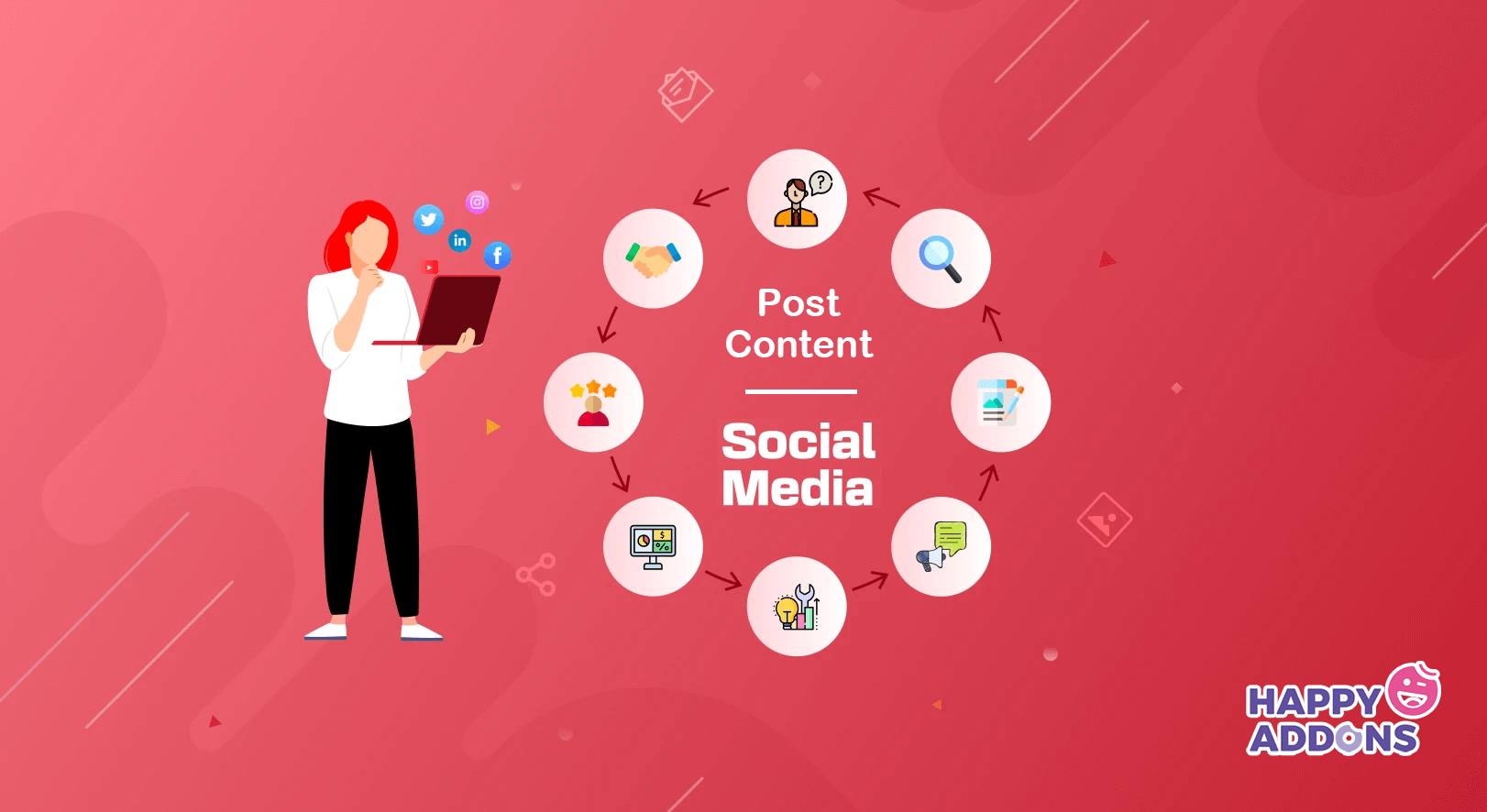
We have listed 15 social media marketing tips for your business through our years of experience. Here we have shared the same social media marketing tips we follow whenever we need to. So, at first, let’s go through the list, and later on, we will explain each of the points’ properties.
- Research Your Buyer Personas & Audience
- Create Profiles on Multiple Platforms
- Post Content on a Daily Basis
- Spy on Your Competitors
- Optimize Visual Content with Links
- Attract Leads with Facebook Offers
- Use #Hashtags to Increase Your Reach
- Give Visitors Reasons to Follow You
- Form Relationship with Social Influencers
- Broadcast Live Video Streams
- Ask Your Audience Anything
- Listen to Your Customers
- Become the Wikipedia of Your Industry
- Identify Your Outcomes
- Analyze Past Content to Improve Posts
Remember, following and applying these tips won’t get your result overnight. As it’s a slow and steady process. So, you need to stick with this plan and get better output for your business.
1. Research Your Buyer Personas & Audience
The first step to creating a social media marketing strategy is to determine who your buyer personas and audience are so you can target their needs and interests appropriately. To do this, think about the people you’re trying to reach, why, and how you would classify them as a group.
For example, if your company sells beauty products items, you might classify your target audience as millennials who like to have stylish and trendy beauty products.
By considering your buyer personas and audience, you’ll then be able to determine what content will attract the type followers and customers you hope to gain and how you can create engaging content to keep your followers interested.
2. Create Profiles on Multiple Platforms
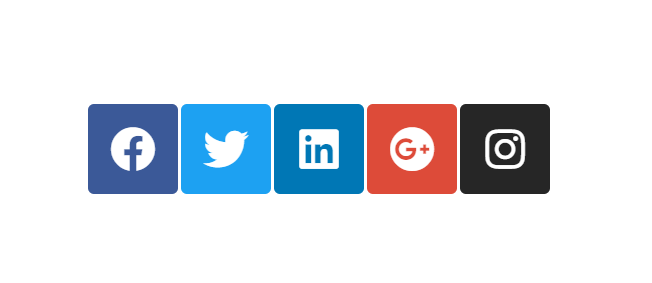
Facebook is not the only option for social media marketing. Many of us, after launching a startup, create a Facebook page, and don’t bother with other social media like Twitter, Reddit, Instagram, LinkedIn, and a few more.
If you have a Facebook page for your business, that’s great. You’re headed in the right direction. But Facebook alone won’t be enough to maximize your reach. You need to establish a presence on as many social platforms as possible.
According to the Clutch social media survey, less than half of small businesses use Instagram, YouTube, and Twitter to market their brands. Furthermore, less than one-third of owners are taking advantage of LinkedIn and Snapchat.
After creating a profile on all the channels listed above, it’s important to get a YouTube channel. The video content you upload to YouTube will be easy to repost on your other social media accounts.
3. Post Content on a Daily Basis
Now that you have a social media profile on multiple platforms, you’ve got to make sure those accounts are active.
If someone stumbles upon one of your pages and the most recent post was from three weeks ago, they aren’t going to follow you. What’s the point of following a brand that doesn’t post content?
Furthermore, think about all the people already following your business page. These people won’t just navigate to that page on their own to see what you’re up to. You need to post new content that will appear on their homepages and timelines.
A study shows that just over half of small businesses post on a daily basis.
This is your opportunity to stand out from your competitors. If your competition is only posting once a week or just a handful of times per month, it will be easier for you to make a lasting impression on your followers by posting daily.
4. Spy on Your Competitors
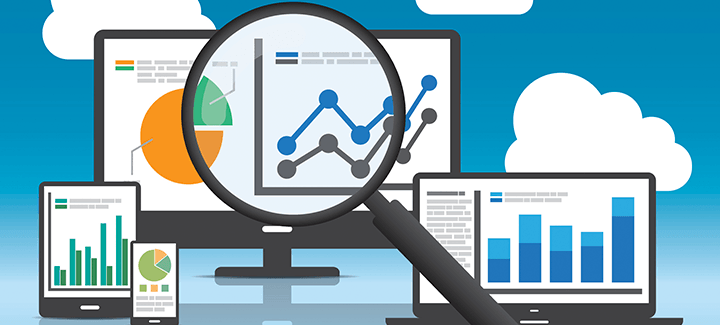
How do you know what tactics will successfully reel in your target audience? Check out what similar businesses with the same customer bases are doing. Of course, it’s a no-brainer to keep tabs on competitors that are doing well on social media. But they aren’t the only ones you should be spying on.
You can also learn much from companies like yours that are struggling in this area. Using your expanding knowledge of social media best practices and what you learn from your strongest rivals, you can pinpoint what not to do.
5. Optimize Visual Content with Links
Visual content can act as a “gateway” to more valuable content. When planning visual content to post on social platforms, think in terms of how it can drive traffic back to your website, products, and services.
For example, when we post any visual content on our Happy Addons Community, we usually provide a link there. So that we can get healthy traffic on our site. And if any of the readers want to know more, he can easily find us using that link.
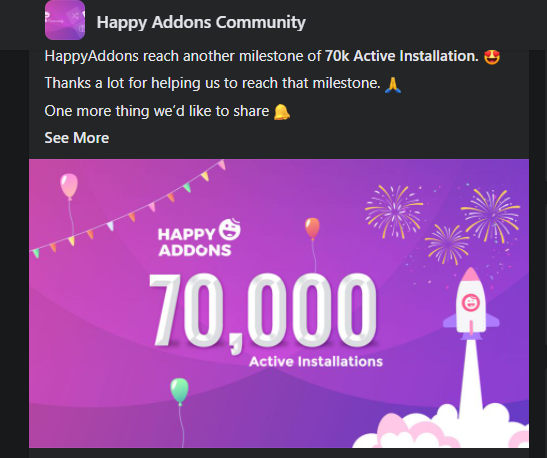
You can also link a short video back to your website from your YouTube Account or from your Instagram profile link and make sure you provide expanded content around the video. It will also help you to get traffic on your site.
6. Attract Leads with Facebook Offers
If you’re looking for a new way to attract quality leads using social media, try Facebook Offers.
Facebook Offers are a type of Facebook ad, but they work a bit differently than a traditional Facebook Ad. You can set them up directly from your Facebook Page (no need to go into the Ads dashboard) and they can be created for offline and online businesses.
Offers are promoted in the news feed (as opposed to being placed in the right-hand column on Facebook where you usually see marketplace ads).
When a user clicks on your Offer in the news feed, Facebook sends that user an email to their personal email account outside of Facebook. That means that your Offer is not only seen on Facebook but now you are getting into the email boxes of interested prospects.
When prospects open their email, they will see a link to your website or an opt-in page (wherever you choose to send people to claim your offer).
7. Use #Hashtags to Increase Your Reach
The hashtag is a powerful way that can connect a group of like-minded individuals through social media. It’s a simple way to greatly increase your reach.
Using a hashtag is free, so why wouldn’t you want to use it?
Tweets that include 1–2 hashtags are 55% more likely to get retweeted.
Tweet
It’s important to keep in mind more hashtags don’t translate into more engagement. Too many hashtags will devalue the strength of your message and it’ll get lost quickly.
You can find the relevant hashtags by using Twitter’s “Trending” page. This will show you the highest-ranking and most used hashtags at any given time.
8. Give Visitors Reasons to Follow You
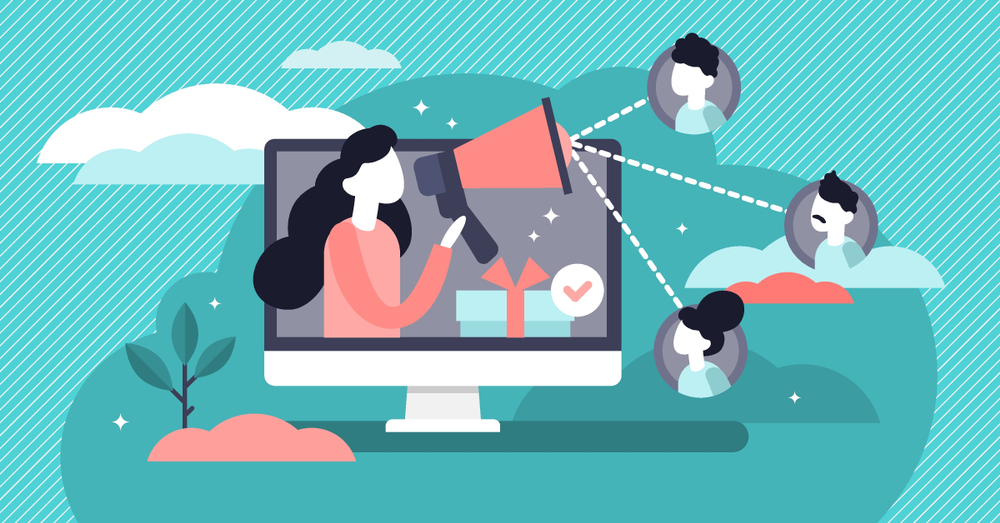
In order to have a successful social media marketing strategy for your small business, you need to have lots of followers. Otherwise, nobody is going to see your content.
Once you’re able to grow your social following, it will be easier for you to convert your followers into customers. That’s because consumers are more likely to buy from brands they follow on social media.
They will follow you if you maintain things like,
- top-notch products or services
- exclusive promotions
- entertaining content
- discount or sale-off offer
So make sure your content is worth following. As you’ve seen, getting more followers will ultimately increase your chances of driving more sales.
9. Form Relationships with Social Influencers

When people think of social influencers, they think of celebrities and athletes. But partnering with a celebrity probably won’t fit within the marketing budget of a small business.
So, try partnering with influencers not with celebrities to increase your product credibility.
This type of influencer may not have millions of followers, but you can get them to post content about your brand for a few hundred dollars. You may even be able to get away with offering just offering them free products in exchange for a post about your brand.
This strategy is effective because influencers have stronger engagement metrics with their followers. That’s because they are just regular people.
10. Broadcast Live Video Streams
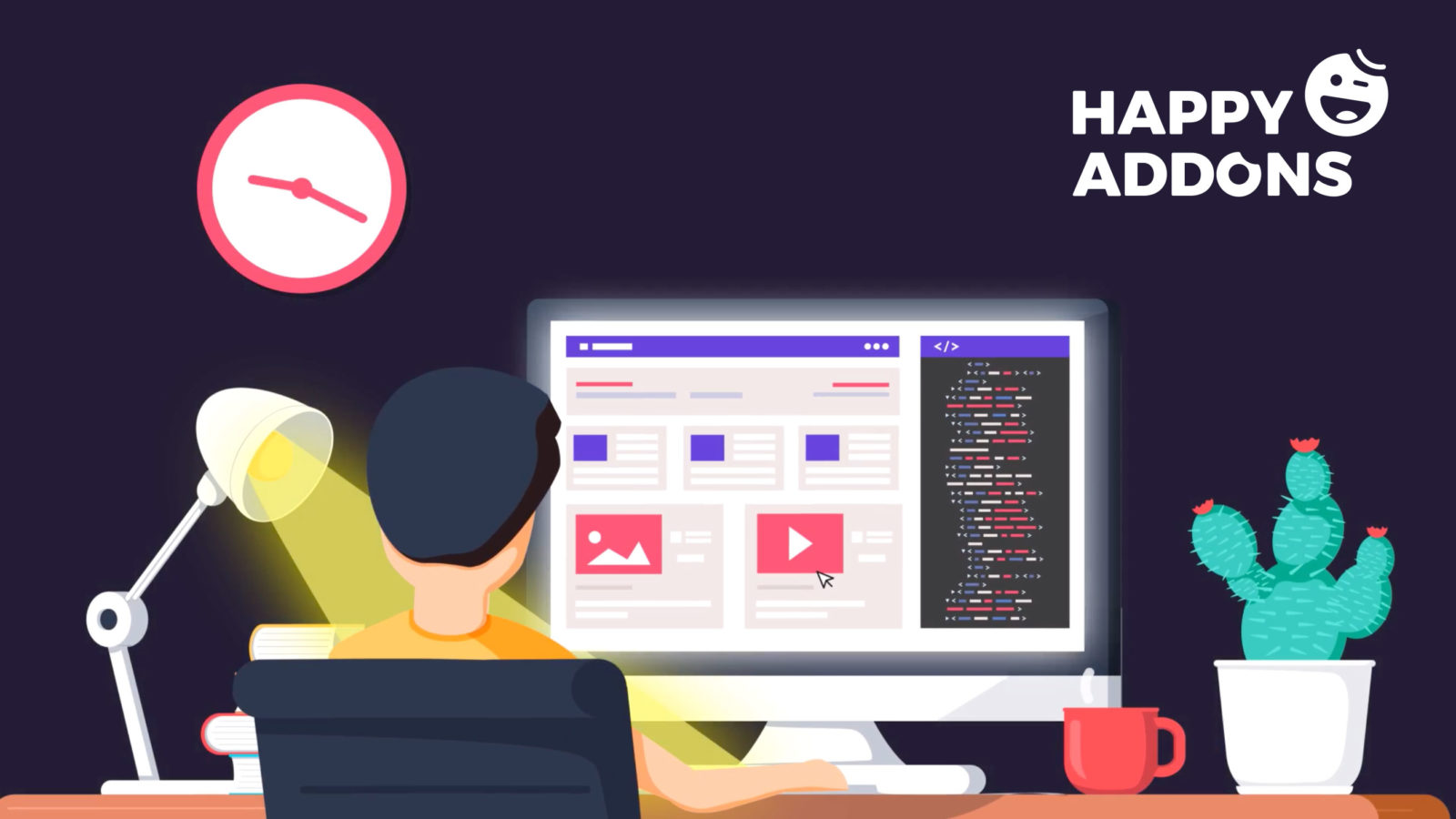
Small businesses can get benefit from broadcasting live video content on social media platforms. Facebook, YouTube, and Instagram all have options to do this.
Basically, your live stream will boost your engagement metrics. It will also give you a more authentic interaction with your audience. Live video is also a great distribution method for product demonstrations, events, or Q&A sessions.
Your live audience will be able to comment on your stream in real-time. Make sure you acknowledge those comments and respond to your followers.
11. Ask Your Audience Anything
Asking your audience can be a good way to increase engagement. Because when you ask your audience something, you give them permission to speak. When it comes to social media, you want to do two things: engage and get people involved.
Once you’ve enabled others to speak by asking, you’ll learn a lot about your business; what’s working, what’s not, and where to go from here. At the same time, you’ll learn a lot about your audience; who they are, what they like, dislike, and their language.
12. Listen to Your Customers
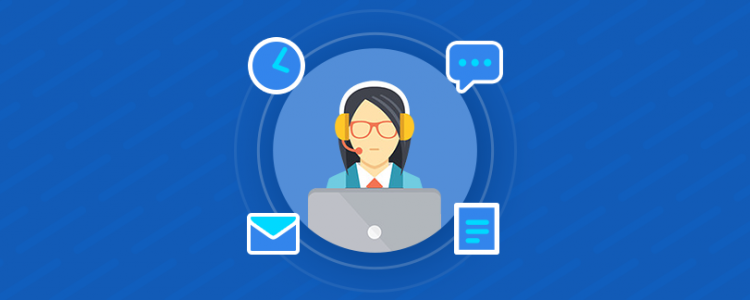
Customers now expect companies to handle their requests through social media.
A strong investment in customer service can build meaningful relationships between your company and your customers. And with social media, the challenge of customer service remains as demanding as it had before.
Social media allows for immediate interaction and customer feedback. Businesses can also respond to their customers right away. With nearly half of U.S. customers using social media to ask questions about products or services. So, having a social media customer service strategy is extremely important.
13. Become the Wikipedia of Your Industry
Nowadays, we’ve all grown incredibly impatient online. In other words, if we go to a business’s website, and we can’t find what we’re looking for, it bothers us. We get frustrated quickly.
The same thing happens when any of our audience ask a question on comment or chatbox, they expect a fast answer. So, educate yourself enough to engage with your audience when they comment on your social media messages.
Make sure they feel that there is a person behind the brand. Ensuring they don’t feel like they’re talking to a robot will give them a better perception of your company and make them feel more like valued customers. And, ask open-ended questions, then let the audience reply to get them actively involved.
14. Identify Your Outcomes
When we talk about the best thing to do in social media marketing for any given business, we have to begin with what that business is trying to achieve: “desired outcomes.”
After approaching all these tips whether it brings fruitful benefits or not. This should be a pinned question to check if you need to update your approaches or go with the same flow. So, always keep an eye on your output from the efforts.
15. Analyze Past Content to Improve Posts
You need to gradually improve the quality of your article and should head to a real-life data-driven post. For that reason, you will be in need of proper insights from your social posts. You can use social media to gather this information. Both Facebook and Twitter allow you to view all your posts’ reach and insights.
To view the insights on your Facebook page, simply go to the page that you are the admin of, and they will be next to your cover photo. Twitter will have the option to view the insights of every tweet you post at the bottom of each tweet.
Bonus: How to Measure Content Marketing Performance

Content marketing metrics are data related to the success of your posts and your impact on your audience and customers on various platforms.
Here are 10 of the most important metrics for you to track:
- Engagement: This includes clicks, comments, likes, and replies on your social media posts.
- Reach: The number of people who have seen any content associated with your page or profile is your reach.
- Followers: This is the number of people you have on your profile who have clicked your “Follow” button and see your content in their feeds regularly.
- Impressions: This is the number of times a post from your profile or page is seen, whether or not your audience members click on it. This is often what happens when someone is scrolling through their newsfeed, but not clicking on anything.
- Video views: On Facebook, Snapchat, Instagram, or any other social channel with video capabilities, this is the number of views each gets.
- Profile visits: The number of people who have opened your social media page is your number of profile visits.
- Mentions: This is the number of times your profile has been mentioned by audience members in their posts.
- Tags: This is when your audience adds the name of your company’s profile or your hashtag to another post.
- Reposts: This is when a member of your audience posts a piece of your content on their profile.
- Shares: These are the posts your followers and audience take from your profile and share with their network.
Plan & Start Implementing Your Social Media Marketing Strategy Right Now
Now, we have learned all the social media marketing tips for small businesses. It’s time to apply them on your business too. Don’t be ended up with just applying them on your business. But, make sure, you are checking the output from the campaign, and keep updating your content as well as plan.
If you are planning to work on these social media marketing tips, don’t forget to let us know through the comment box below so that we can assist you while facing any problem. Good luck!

![Black Friday and Cyber Monday are around the corner, and people are waiting for these festivals to grab the best product deals. That is why giving an attractive look to your website during this festive season is very necessary. But, creating a whole new landing page might be difficult in a short period of time. Don't worry. By using Happy Elementor Addons Black Friday and Cyber Monday Landing Page templates, you can easily develop a whole new landing page in a few minutes. In this today's blog, we are going to show how to boost your website design using HappyAddons templates during this festival season. Before that, we'll talk a bit about these two festivals and why they are important to online business communities. What are Black Friday and Cyber Monday? Black Friday is the immediate following of the famous Thanksgiving day. This is when people start shopping to celebrate the Christmas festival. Since the late 1980s, retail sales on this day have constantly been suppressing the past volumes. See the graph below. Source: Salecycle.com The first Monday following Thanksgiving day each year is called Cyber Monday. It was first introduced in 2005 by the USA National Retail Federation to encourage people to buy online. Though this festival originated in the USA, it is celebrated globally today. See the stats below. Source: Salecycle.com It indicates customers' buying behavior around this day is growing up over time. Many customers today keep a budget to buy products on these two days. So, why won’t you prepare a Cyber Monday landing page if you have an online store? Importance of Designing Landing Pages for Black Friday and Cyber Monday Festival Having a well-design website is one of the major checklists if you are running an online business. Most importantly, you have to make sure that your website remains up-to-date to boost your sales. That is why you need to redesign your website or make a new landing page during the Black Friday and Cyber Monday festivals. Because most online product & service-based businesses promote special deals during these two festivals. Here are some remarkable ways dedicated landing pages during these festivals can positively impact the performance of your online business. Boosts your product salesIncreases conversion rateOpportunity to collect potential email leadsGrabs users' attention toward your siteReduces bounce rateIncreases website visitors. Elementor Black Friday New Seasonal Kit is Already Here! Source: Elementor To make this Black Friday more enjoyable, Elementor has launched a New Seasonal Kit that includes landing pages, sections, pop-ups, and vector assets. All these design elements are made by the Elementor team so that one can easily use them on their website to ensure more sales and conversions. New Elementor Black Friday Seasonal Kit offers: 3 Landing pages6 Sections 6 Popups A collection of stickers & animations You can only get these ready-made Black Friday landing pages and sections if you have Installed Elementor Pro on your site. However, if you are looking for templates that are outside of the box, you can go with Happy Addons, the fastest Elementor Addons on the market. It's very easy to use, flexible and has tons of advanced features and widgets that can ease your website design journey. Also, you'll get several festival landing page templates & blocks. Moreover, you can use free Black Friday and Cyber Monday design blocks and templates to decorate your site. Most importantly, these templates and blocks are easy to customize and can be used for multiple purposes. Now let's see how you can use the Happy Addons templates to design your website according to the Black Friday theme. Pre-Requisites to Use HappyAddons Templates to Design Black Friday and Cyber Monday Landing Pages You must have the following plugins installed on your site to get access to the HappyAddons Template library. Make sure you’ve installed and activated the Happy Addons Free & Premium version of your website. Elementor (Free)Happy Addons (Free)Happy Addons Pro If you are new to Elementor, check this Step By Step Guide For Beginners. If you want to explore the readymade templates of HappyAddons before installing these plugins, you may visit by clicking on the button below. Check out Happy Addons Templates How to Design Black Friday Landing Page on Your Website Once you have the plugins (mentioned above) installed, your website is ready to follow the tutorial guide explained in this section. Get ready now! Step 1: Open a New Page with Elementor Create a new page or open the existing page with Elementor. Next, you have to select the Elementor Canvas option.Unless you select Elementor Canvas, you may watch the header, footer, and unnecessary other texts on the page. These might be irritating to you.Once you open the page with Elementor Canvas, your page will be completely clean. Watch the video below on how to do it. Step 02: Go to HappyAddons Library Click on the HappyAddons Library Icon. It will open up a modal popup. Here you'll find numerous stunning premade Blocks and Pages created by the Happy Addons team. Kindly explore them to create a list of your favorite items. Step 03: Import a HappyAddons Black Friday Template Go to the Page tab on the modal popup.Select Black Friday from the left-side filter option.You will several good-looking templates on your screen.Take your cursor on the one you like and hit on the INSERT button. Wait for a while to finish the installation process. You will get the template on your screen with editable sections and options. Step 04: Set the Black Friday Campaign Deadline A deadline creates a sense of urgency in customers' minds. So, better if you add a deadline section on the page to show your Black Friday deals. The good thing is that if you select the template as we did, you will automatically get a deadline or countdown option. You have to customize it as you want. Step 05: Show Image Carousel Slider on Your Black Friday Landing Page Using the Image Carousel, you can slide show demonstrating discounts on your product categories. Drag and drop the Image Carousel widget on any landing page section. Next, from the Elementor panel, you can add photos and text to the widget. Do it accordingly. Thus, you can add more sections and options on the landing page. Hope you can do it yourself. Step 06: Make the Black Friday Landing Page Mobile Responsive Making a web page mobile responsive with Elementor is super easy. You'll get the mobile responsive option on the Elementor footer section. Clicking on it will open up the option to view your landing page on different device screens. We have explained the process in the video below. Note: Don't delete any widget or section while customizing your landing page for any particular device. Because if you delete a widget or section on any device screen, it will also be applied on other devices. However, you may change their position or alignment or hide them. It won't make any impact on other devices. Step 07: Final Preview of Our Landing Page Here is the final interface of our Elementor Black Friday landing page that we've designed using the Happy Addons' ready-made Template. Get Happy Addons to Add a Black Friday Theme Landing Page on Your Website How to Design Cyber Monday Landing Page on Your Website You will require the same prerequisites (Elementor and HappyAddons Plugins) to design the Cyber Monday landing page on your website. Hope you have them ready on your website. Now, let's get into the tutorial part. Step 01: Import a Cyber Monday Readymade Landing Page Template Go to the HappyAddons Template library.Choose the Cyber Monday template you like.Click on the INSERT button. Wait for a while to finish the installation process. You'll get a page design like the following image below. Step 02: Edit Different Sections of the Page In the first tutorial, you saw the deadline/countdown option was already embedded in the template. But this template doesn't have it. So, you can bring it to your page? Very simple. Create a new section by clicking on the plus icon.Type Countdown on the Elementor search bar.Drag and drop the widget on the section. Customize the Countdown section from the Content and Style tabs of the Elementor panel. Using the Heading widget, we have added the FLASH DEALS text next to the countdown to make it more meaningful. Thus, you can use other exciting widgets on the template to make your landing page super gorgeous. Step 03: Promote Products on the Landing Page Promotional landing pages usually include a section to showcase some hot-selling products to generate instant sales. Using the Image and Button widgets, we have created this section under the FLASH DEALS.You may customize it more as you wish. Step 04: Make it Mobile Responsive We already showed you the process in the first tutorial on making a mobile web landing page responsive. Hope you can do it here as well, following the same guideline. Click on the Responsive Mode icon and do the rest yourself. Bonus: Black Friday and Cyber Monday Landing Page Design Key Considerations Whenever you design a landing page, you need to consider why you need to design this page and what elements they should keep on the page. Because if you are not adding all the necessary features to your page, it will not serve its purpose. This is why you need to focus on a few things before designing your Black Friday landing page. Here are some points you must consider in designing Black Friday and Cyber Monday landing pages. Add Black Friday textSet deals deadlineShow your best-discounted productsAdd coupon code Focus on responsive page designMake your page visually appealingImprove your page user experience or page structureSet a proper website navigation FAQ on Black Friday and Cyber Monday Landing Page Design Now, we'll answer some common questions on Black Friday and Cyber Monday Landing page designs commonly found online. How much does it cost to design a landing page?The cost of designing a landing page varies depending on the complexity of the design, the level of customization required, and whom to hire for the page. A simple landing page can be designed for as little as $25, while a more complex design with multiple customizations can cost upwards of $2,00.However, if you have Elementor and HappyAddons installed, you can design unlimited landing pages at a minimal cost. But like any other tool, you must have a kind of enterprise on them. As they are drag-and-drop builders and their numerous tutorials and documentation are available, they won't take you more than a month to be used to. Check out some wonderful YouTube tutorials on these two plugins. Hope you will enjoy them.How many hours does it take to design a landing page?It mainly depends on the level of design complexity and your web design skill. However, both in Elementor and HappyAddons, you will get countless readymade templates and block sections. You can design a beautiful landing page in 3-5 hours by making a proper combination of them.Can I design Black Friday and Cyber Monday Landing pages with Elementor and HappyAddons free versions?Surely, you can design Black Friday and Cyber Monday Landing pages with Elementor and HappyAddons free versions. But only with the pro versions, you can't add too many exciting features to your pages. For example, free versions will give you access to only a limited number of readymade templates.If you are just a beginner-level designer, free versions are enough. But if you are a professional designer or have a web designing agency, pro versions are a must. Are You Ready To Design Your Black Friday and Cyber Monday Landing Page? Customers look forward to this kind of occasion to buy their favorite products at a minimum price. Naturally, they are drawn to websites that look good and give a festive vibe. That is why adding a Black Friday and Cyber Monday landing page during the festival season will give you an extra edge over the competitors. The above guide shows how to design your Elementor Black Friday Landing page using the Happy Addons' Black Friday Templates and how it can help boost your holiday sales. So if you have any queries regarding this blog, you can comment on us in the below box. If you like this post, then share it on your social channel. Don't forget to subscribe to our newsletter. Also, follow our Facebook and Twitter channels for regular updates. Subscribe to our newsletter Get latest news & updates on Elementor [yikes-mailchimp form="1"] ":36560} /--](https://happyaddons.com/wp-content/uploads/2021/11/How-to-Design-Black-Friday-and-Cyber-Monday-Landing-Page-300x188.png)

21 Responses
Thank you for sharing the information!
You are welcome. Stay with us.
Thank you for sharing such valuable and helpful information and knowledge! This gives us more insights and inspiration.
Thanks for your feedback.
Thanks for posting an excellent article. Your site has provided the best information and is useful to all people.
Thanks for your kind words.
These tips mentioned in this article are really important and useful for social media marketing, Thank you.
Thanks for your feedback.
This was a really wonderful post. Thank you for providing such a valuable information.
Thanks SMM for sharing your opinion. Staying with us.
Regards,
Gobinda
Team HappyAddons
This was a really wonderful post. Thank you for providing such valuable information.
Thanks SMM…
Great post! I completely agree with your point about the importance of SMM courses.
Thank you so much! We are happy that you found this article valuable.